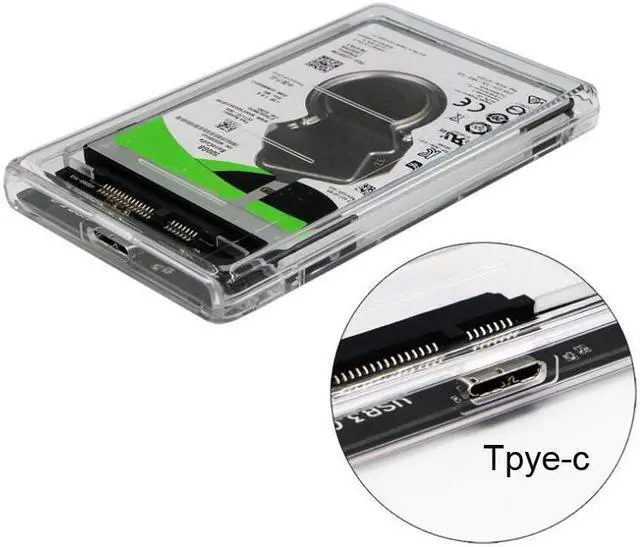
Overview:
2.5" external hard drive enclosure supports 2.5" SATA III to USB 3.1 Gen1 Type-C Hard Drives and Solid State Drives up to 2 TB.
With USB 3.1 Gen 1 Type-C to SATA III interfaces, data transfer rates can reach a maximum of 5Gbps, UASP protocol increases traditional USB 3.0 rates by 20%
Transparent innovative design help you to distinguish which hard drive is inside. Made of high quality crystal clear PC material. Tool-free installation; just plug and play;
LED indicator to inform you when your hard drive is functioning at maximum capability; compatible with Windows, Mac, and Linux.
All products include an 18 month warranty and lifetime technical support. If for any reason you are dissatisfied with your purchase, just let us know and we promise to make it right.
Note:
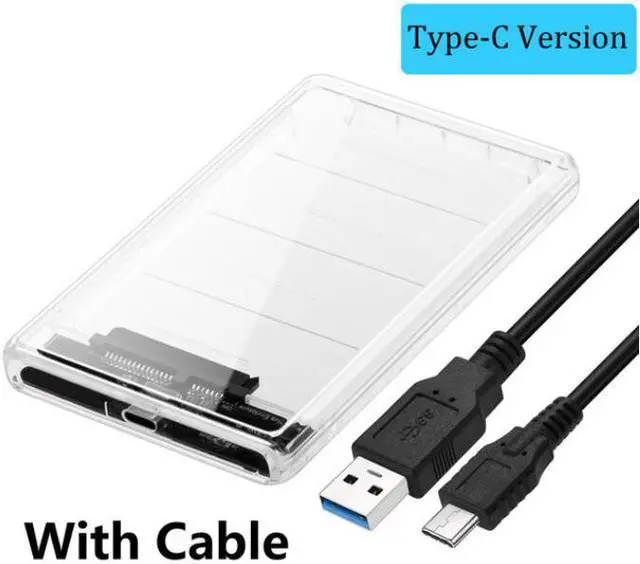
This enclosure ONLY comes with a USB Type C to USB A cable. For using with Mac, pls make sure to use a USB-C to USB-C cable (Not Included).
Features:
UASP protocol increases the speed of transmission, reducing CPU utilization, data delay and waiting time.
Transparent design and exquisite workmanship provide excellent performance.
LED indicator shows the working status of the hard drive at any time.
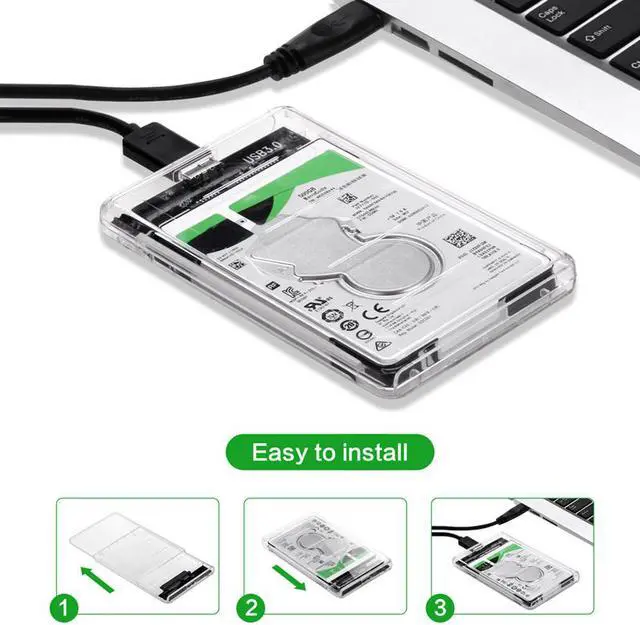
Innovative tool-free design, and slide cover whose rear cover can be removed easily, so you tear down hard drive only 3 seconds.
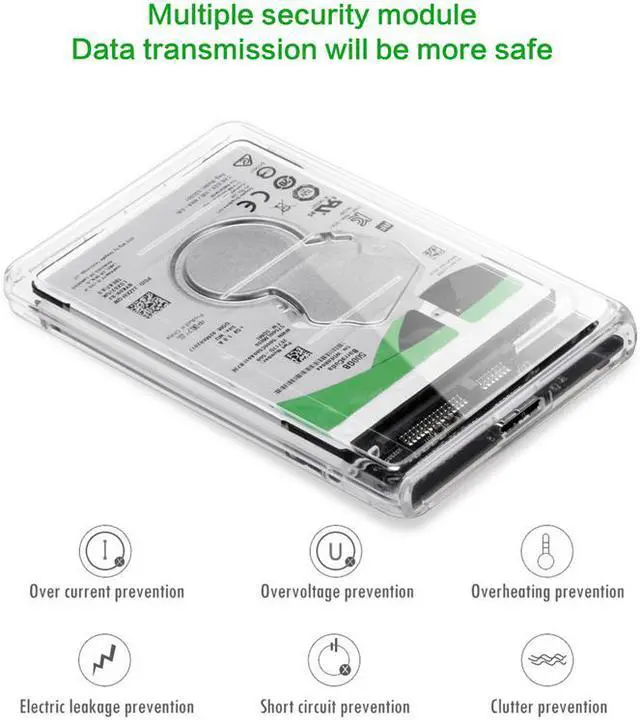
Completely protect your hard drive against over voltage, over current, over heat, short circuit, clutter and leakage to keep your data safe.
USB 3.1 Gen1 Type-C to SATA III hard drive enclosure This SATA III Type-C hard drive enclosure adopts transparent PC material and Type-C To SATA III program, supporting USB 3.1 Gen1 data transfer rates up to 5Gbps, 2TB capacity and UASP protocol, to improve visual effect and transmission performance.
Support UASP protocol New UASP protocol improves transfer speed, reduce the utilization of CPU, data delay and waiting time.
Renew your old hard drives
Put old 2.5 inch hard drive into hard drive enclosure to be your mobile database, renewing old notebook hard drives. Transparent Type-C hard drive enclosure 2.5 inch professional hard drive enclosure, brings amazing Super Speed experience.
What is in the box?
1 x USB 3.1 Gen1 to SATA Hard Drive Enclosure
1 x USB 3.0 Type-A to Type-C Cable
1 x User Manual
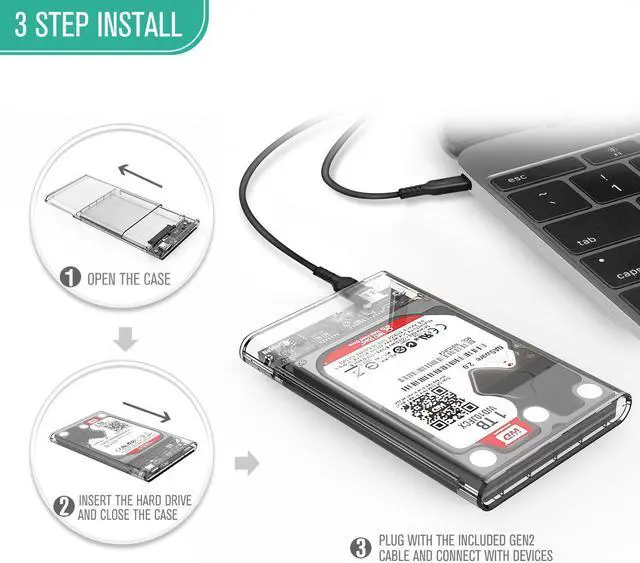
Tool Free Installation HDD Enclosure
Step 1: Pull the back cover
Step 2: Insert HDD/SSD in and push the cover back
Step 3: Connect to computer, Plug and Play Fully Protection External Hard Drive Enclosure Come with PU Bag, protects your SSD and the case from shaking and scratches.
Can't Find Your Hard Disk in Windows?
Enter "Disk Management", find the disk, right-click on it, select "Change Drive Letter and Paths". To change the drive letter, select "Change". To add a drive letter, select "Add". Select the new drive letter, select "OK", then select "Yes" based on the prompt.