• AUD$117.70
  • GST-Inclusive Price
Ships from Hong Kong.
Most customers receive within 7-9 days.
Sold by Zyngear

Shipped by Zyngear

Shop it at NeweggBusiness.

Meet Your Seller

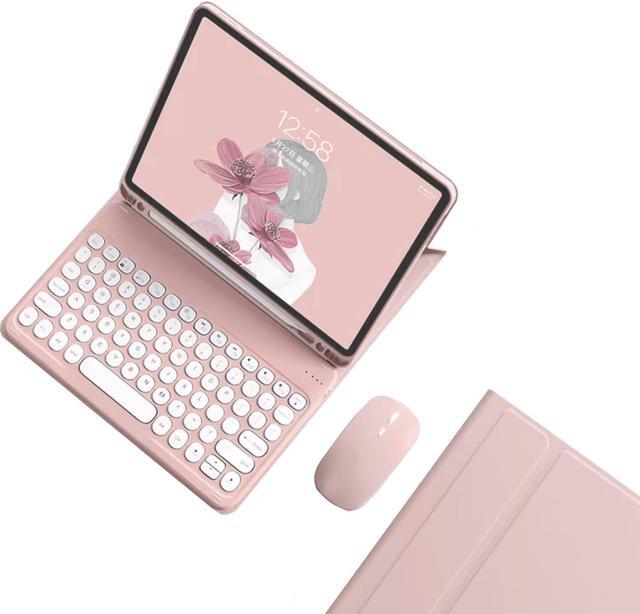
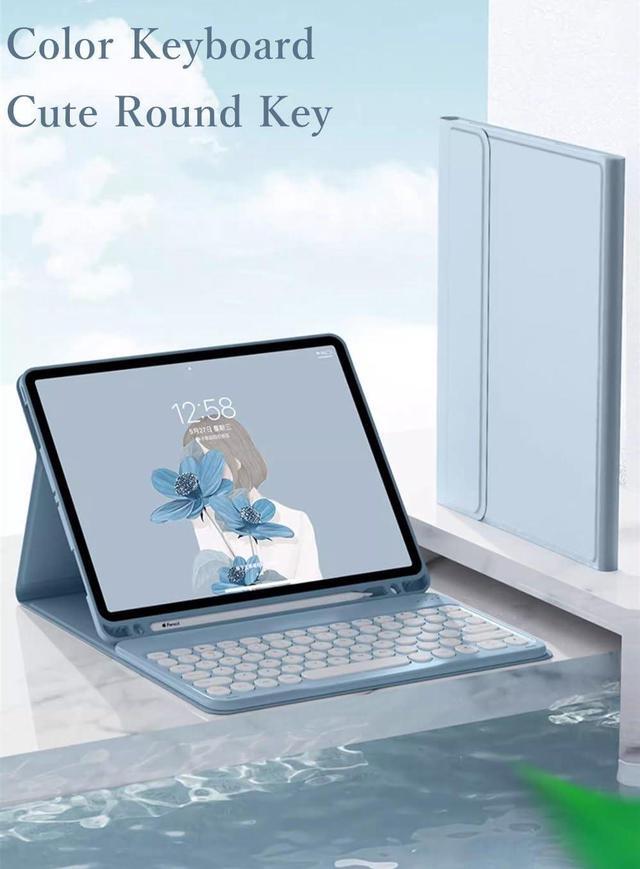
kaidisen Keyboard Case for Galaxy Tab S6 Lite 10.4 inch Case with Keyboard and Bluetooth Mouse, Detachable Candy Color Keyboard Cover Round Key,Pink

  • [(Keyboard Case with Mouse for Galaxy Tab S6 Lite 10.4 Inch)] This color keyboard case mouse is compatible with Galaxy Tab S6 Lite 10.4 inch Model SM-P610/P613/P615/P619 2022/2020 Release Tablet.
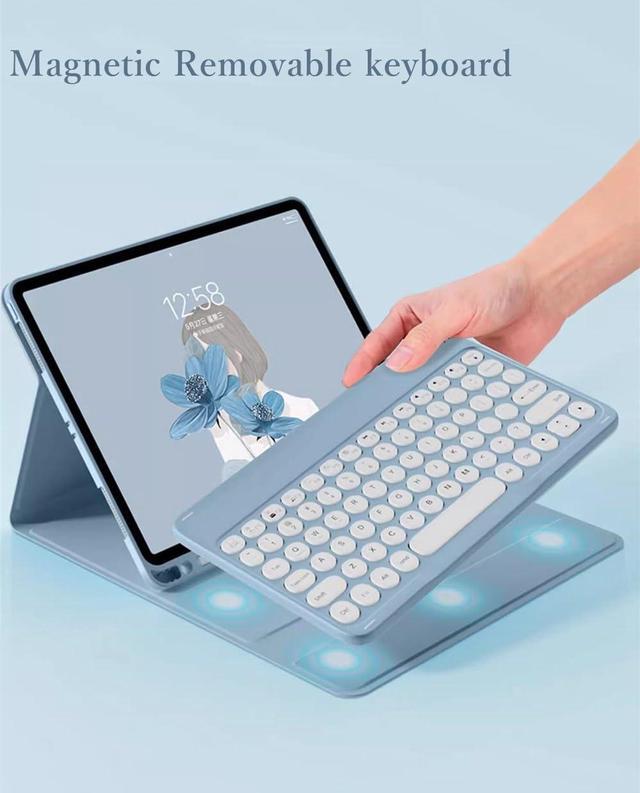
  • [(Round key color keyboard)] Magnetic detachable rechargeable cute round key color keyboard , not only be used for Galaxy tablet, It can also be used for other tablets, phones, and computers with Bluetooth functionality.
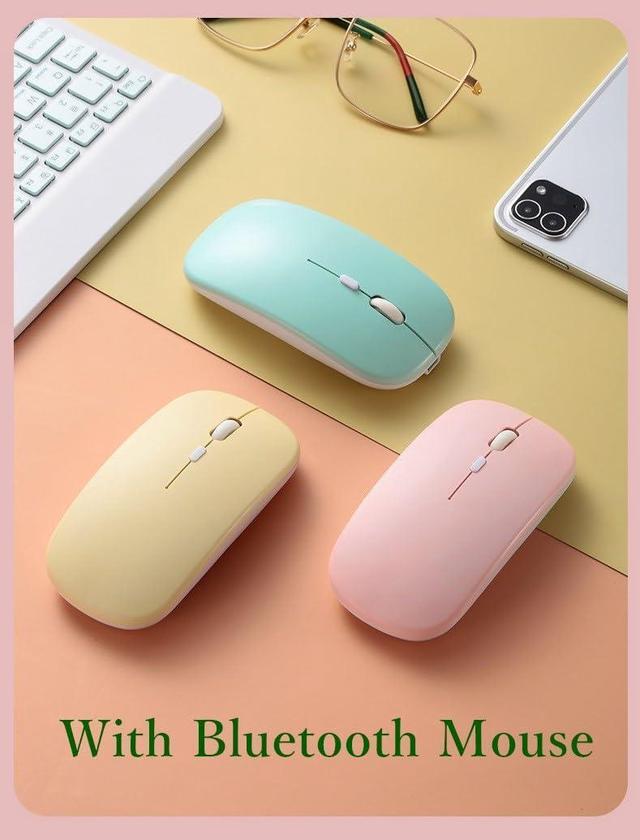
  • [(Bluetooth mouse)] Cute color bluetooth mouse,support Bluetooth connection and 2.4GH wireless connection,The color Bluetooth mouse can be charged, No need to replace the battery,Suitable for various tablets, laptops, and desktop computers.
  • [(Case with S Pen Holder )] :The protective case comes with S pen holder ,which can be used to store S pen
  • [(Cute Design)] Cute lovely colorful keyboard case and mouse set, Make Your Tablet Unique, Suitable for women, girls and students
+
+
Overview
Specs
Reviews
How to connect this keyboard to
Galaxy tablet:
1: turn on the power button on the right side of the keyboard.
(The power indicator will go out after flashing. This is to save power, not fault)
2: Press the "FN" key in the lower left corner of the keyboard, do not release it, and then press the "C" key.
(Note: You need to press FN+C at the same time)
At this time, you can see the Bluetooth indicator flashing,
This turns on the Bluetooth of the keyboard.
3: From the tablet's home screen, tap Settings. Tap on Bluetooth.
Make sure Bluetooth is set to On, then let it search for devices.
Tap on a Bluetooth keyboard, when it appears, to pair.
4: if an authentication (PIN) code appears on the iPad screen,
Enter the number with the keyboard and press"Enter" key.
5: When the connection is complete, the Bluetooth indicator will go out,
6: This is a 32-system keyboard,
If you are using this keyboard on your Galaxy tablet,
Please press "FN" key first, don't release it, then press "Q" key,
This is a system for the Galaxy tablet

Warranty & Returns

Warranty, Returns, And Additional Information

Return Policies*

  • Return for refund within: 30 days
  • Return for replacement within: non-replaceable
  • This item is covered by Zyngear Return Policy
  • *Subject to applicable law
  • Warranty Notice:

    This product does not include manufacturer warranty when purchased or used outside of its designated sales region. By purchasing internationally, you acknowledge that warranty support from the manufacturer will not be available.

Manufacturer Contact Info

LOADING...