All CategoriesAll CategoriesAll Categories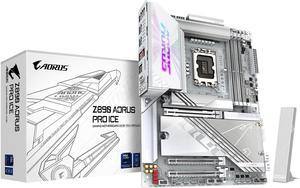




OUT OF STOCK
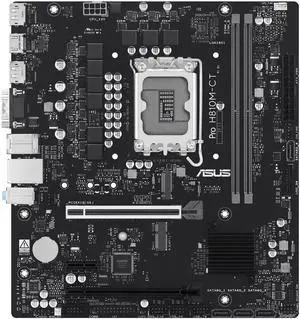
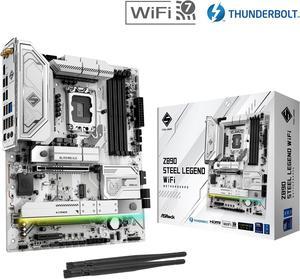
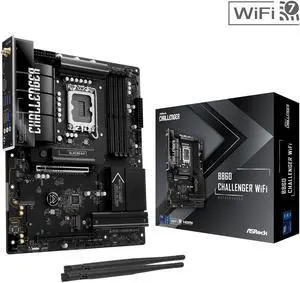
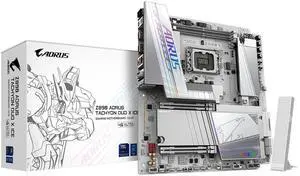
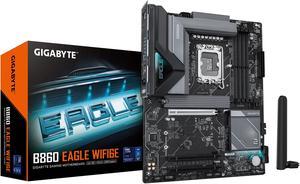
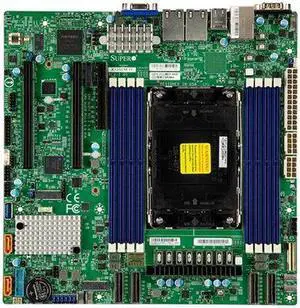
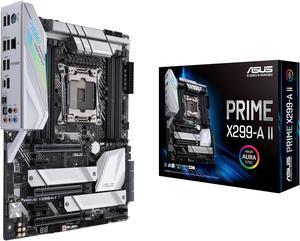
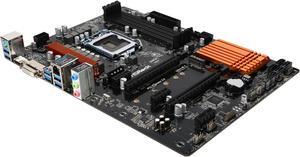
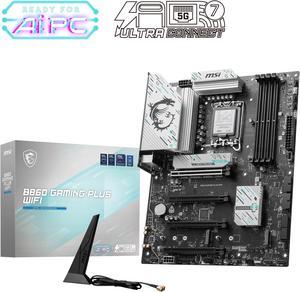
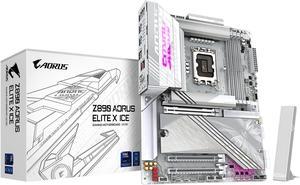
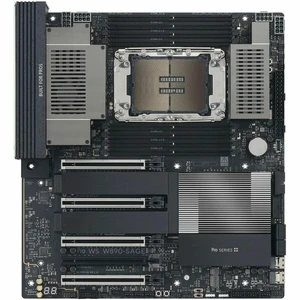
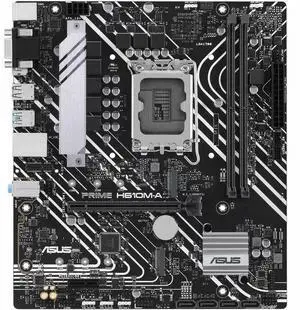
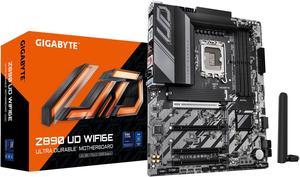
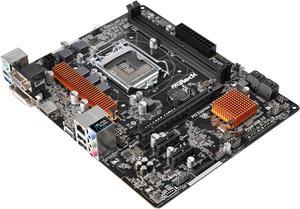
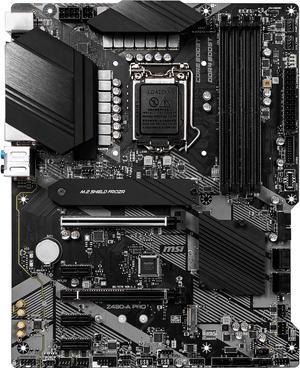
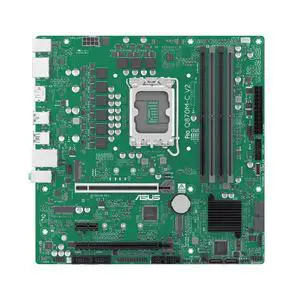
If you plan on using an Intel processor in your PC, you will need to get an Intel motherboard. The motherboard is among the most important components in your PC, because every other component relies on it to operate. The motherboard and its limitations determine what CPUs are compatible with your system, the overclocks they can reach, the speed of your storage, the capacity for expansion, and more.
Motherboards that use an Intel CPU socket and chipset are Intel motherboards. To gauge compatibility with a specific Intel CPU, search by chipset instead of socket, since many sockets see repeat use across multiple generations. Each generation of Intel CPU has a corresponding chipset series to match. For instance, 8th and 9th Gen Intel CPUs use the Intel 300 Series chipset, while 4th Gen Intel CPUs use the Intel 9 Series chipset.
If you are getting a motherboard with support for more than one CPU generation, you may need a BIOs update for the board to function with newer CPUs.
If you have no interest in using Intel processors, get an AMD motherboard instead. These motherboards offer many of the same features and are also manufactured by trusted brands, like ASUS and MSI.
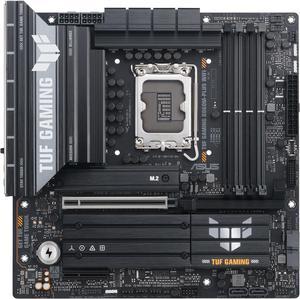
If the motherboard chipset name starts with a Z or an X, you have found a motherboard that enables overclocking compatible Intel CPUs. An overclocking-capable Intel CPU comes with an X or a K at the end of its product name. These features are more common on the high end of Intel CPUs (i5 and upward) and have a higher price tag compared to non-overclockable CPUs to match.
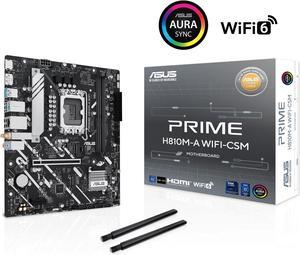
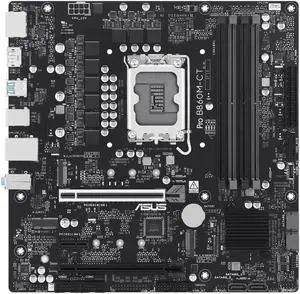
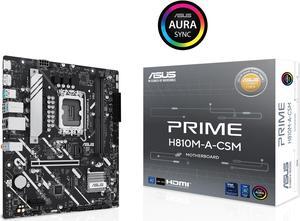
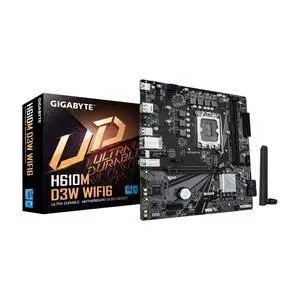
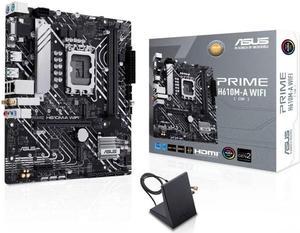
Chipsets that start with a B or an H are incapable of overclocking but do have unique benefits. B-series motherboards offer basic compatibility and expansion for budget users. H- series motherboards offer no overclocking but often do add other features for consumers, including built-in Wi-Fi and Bluetooth.
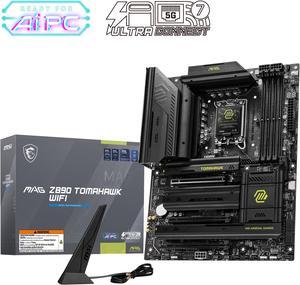
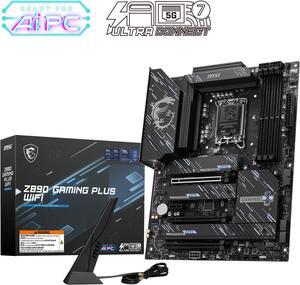
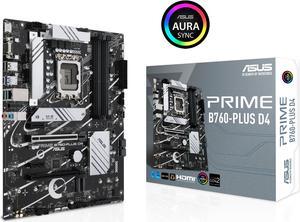
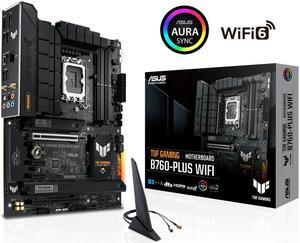
The standard motherboard size is ATX, which is built to match the size of Mid and Full Tower PC cases. ATX motherboards may offer five or more PCI Express/M.2 slots. ATX motherboards are ideal for those who want the most expansion possible without opting for something like an Extended ATX Server Motherboard.
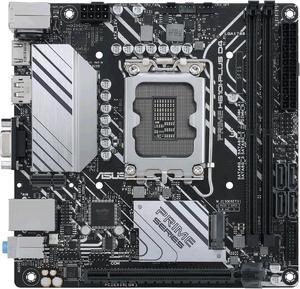
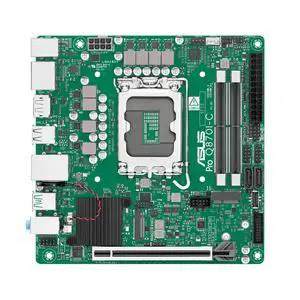
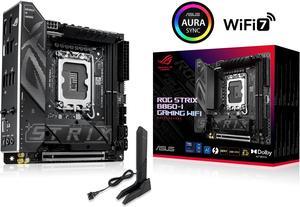
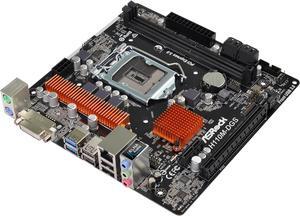
Mini ITX motherboards are the smallest standard motherboard size, and cut down expansion slots to just one full-size PCI Express x16 slot. If an M.2 slot is present, it will be above this slot or on the rear of the motherboard. This is ideal for those who want to build in a smaller chassis and only have need for one expansion card, like a graphics card. Higher-end Mini ITX motherboards will compensate for fewer expansion slots by having features like Wi-Fi and Bluetooth built into the motherboard.
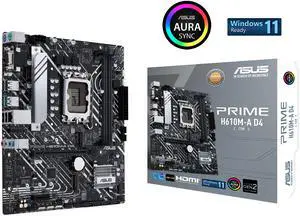
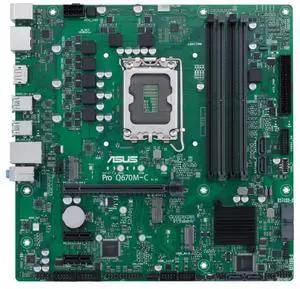
Micro ATX motherboards fall just between Mini ITX and Micro ATX, with up to 4 PCI Express/M.2 expansion slots. Use a Micro ATX motherboard for a smaller size without losing out on too much expansion capacity.