
Your Browsing History
Quick View
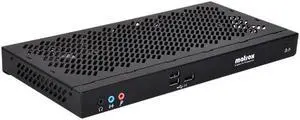
Matrox Extio XTO2EX-F2408F KVM Extender
- Type: KVM Extender
- Video Resolution: 2560 x 1600
- Model #: XTO2EX-F2408F
- ¥529,899 –
- ¥41,556 Shipping
Quick View
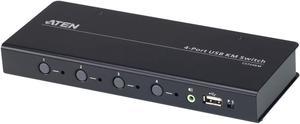
ATEN 4-port USB Boundless KM Switch
- Type: KM Switchbox
- Computer Connections: 4 Ports
- Dimensions: Height:1" x Width:7.9" x Depth:3.2"
- Weight: 1.10 lb
- Model #: CS724KM
- ¥81,082 –
- ¥9,563 Shipping

Quick View
32PORT 2USER DOMINION KX III
- Type: Consumer Electronics
- Parts: 2 Year
- Labor: 2 Year
- Model #: DKX3-232
- ¥1,100,478 –
- ¥37,066 Shipping
Quick View
Raritan Dominion KX III DKX3-132 KVM Switchbox
- Brand: Raritan
- Type: KVM Switchbox
- Model #:
- ¥1,147,385 –
- ¥6,763 Shipping
Quick View
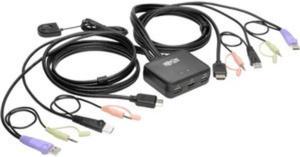
Tripp Lite 2-Port KVM Switch w/ HDMI USB Audio Cables Peripheral Sharing (B032-HUA2)
- Type: KVM Switchbox
- Computer Connections: 2 Ports
- Video Resolution: 1920 x 1200
- Weight: 1.15
- Model #: B032-HUA2
- ¥22,294 –
- More options from ¥21,742 - ¥22,294
- ¥14,424 Shipping
Quick View
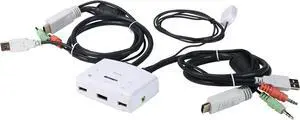
TRENDnet 2-Port HDMI KVM Switch, Control 2 Computers With One Set Of Console Controls, Full HD 1080P, HDMI And 3.5 mm Analog Audio, Monitor Switch, Windows And Mac KVM Switch Software, White, TK-215I
- Type: KVM Switchbox
- Computer Connections: Keyboard/mouse: USB 2.0 type A Monitor: HDMI 1.3 (19-pin) Speaker jack: 3.5 mm Microphone jack: 3.5 mm
- Video Resolution: 1920 x 1080 @ 60 Hz
- Console Connectors: Keyboard: USB Mouse: USB Monitor: HDMI 1.3 (19-pin) Speaker jack: 3.5 mm Microphone jack: 3.5 mm
- Model #: TK-215i
- ¥18,483 –
- ¥14,424 Shipping
Quick View
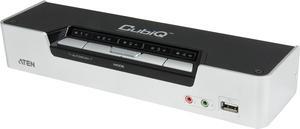
ATEN CS1794 KVM
- Type: HDMI
- Computer Connections: 4 Ports
- Monitor Connections: 1 Port
- Video Resolution: 1080p DVI-D(Single Link) 1920 x 1200
- Model #: CS1794
- ¥49,333 –
- More options from ¥45,908 - ¥49,333
- ¥31,735 Shipping

Quick View
Tripp Lite NetDirector 8-Port 1U Rack-Mount KVM Switch
- Type: KVM Switchbox
- Computer Connections: 8 Ports
- Video Resolution: 2048 x 1536
- Weight: 7.05
- Model #: B022-U08
- ¥89,761 –
- ¥44,719 Shipping
Quick View
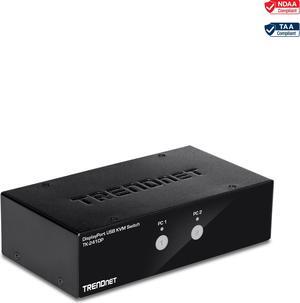
TRENDnet 2-Port DisplayPort KVM Switch, DisplayPort 1.2 KVM, Connect And Control Two Computers, Supports 4K UHD Resolution, 3840 x 2160 at 60Hz, 2-Port USB 2.0 Hub, , Black, TK-241DP
- Type: KVM Switch
- Weight: 3.19
- Model #: TK-241DP
- ¥32,696 –
- More options from ¥29,026 - ¥32,696
- ¥18,752 Shipping
Quick View
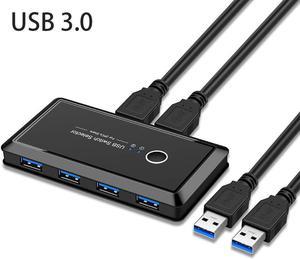
USB 3.0 Switcher Selector 2 Computers Sharing 4 USB Devices KVM Switch Hub Adapter for Keyboard Mouse Printer Scanner U-Disk, Hard Drives, Headsets, KVM Console Box Compatible with Mac/Windows/Linux
- Type: USB
- Computer Connections: 4 Ports
- PC Selection: Push Buttons
- Dimensions: 118x56x16mm
- Model #: DZ-KVM-001
- ¥4,820 –
- Free Shipping
Quick View
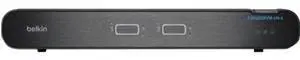
Belkin Universal 2nd Gen Secure KVM Switch 2-Port Dual Head w/CAC - F1DN202KVM-UN-4
- Brand: BELKIN
- Type: KVM Switchbox
- Model #: F1DN202KVM-UN-4
- ¥179,481 –
- ¥31,735 Shipping
Quick View
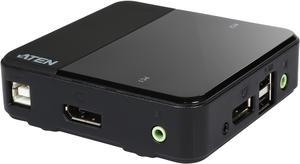
ATEN CS782DP 2-Port UHD 4K USB DisplayPort KVM Switch - allows to access two 4K-enabled computers from a single USB keyboard, USB mouse, and DisplayPort video console
- Type: DisplayPort, USB
- Computer Connections: 2 Ports
- Video Resolution: 4K UHD (3840 x 2160 @ 60Hz)
- PC Selection: Hotkey, Mouse, Remote Port Selector
- Model #: CS782DP
- ¥29,474 –
- ¥14,424 Shipping
Quick View
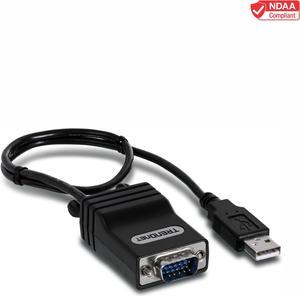
TRENDnet CAT5 USB Server Interface Module, Connects CAT5 KVM Switch, Cat5/CAT5e/CAT6, VGA, USB Port, Windows/Linux/Mac, TK-CAT5U
- Type: KVM Extender
- Video Resolution: 1600 x 1200
- PC Connectors: Interface: 10/100 Mbps Ethernet port (networked to CAT5 KVM switch) USB 2.0 male connector (Keyboard/Mouse connection to computer) VGA male connector (VGA connection to computer)
- Monitors Supported: UXGA
- Model #: TK-CAT5U
- ¥8,349 –
- ¥10,096 Shipping
Quick View
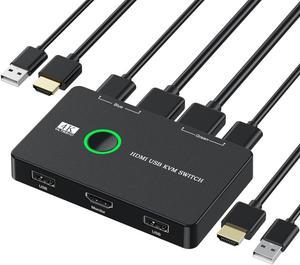
KVM Switch HDMI 2 Port Box,CORN USB and HDMI Switch for 2 Computers Share Keyboard Mouse Printer and one HD Monitor,Support UHD 4K@60Hz,with 2 USB Cable and 2 HDMI Cable
- Type: HDMI, USB
- Model #: DZ-KVM-004
- ¥5,546 –
- Free Shipping
Quick View
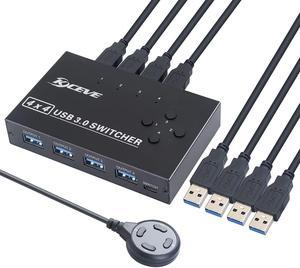
KCEVE USB 3.0 Switch, USB Switch Selector 4 Computer Sharing 4 USB Devices KVM Switcher Box for Share Printer, Scanner, Mouse, Keyboard, Compatible with Mac/Windows/Linux, with 4 Pack USB 3.0 Cables
- Type: DVI
- Model #: C5-KCEVE-B092YSB89D
- ¥9,797 –
- Free Shipping
Quick View
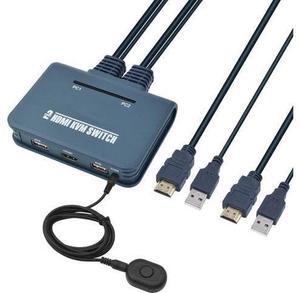
CORN HDMI KVM Switch 2 Port with Cables, Selector Switcher for 2 Computers Share One Monitor, Keyboard, Mouse and USB Peripheral Support 4k×2K@30hz Resolution
- Type: USB
- Model #: C5-JideTech-B07QM6ND7R
- ¥11,018 –
- Free Shipping
Quick View
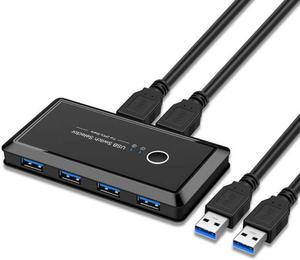
USB Sharing Switch for 2 Computers Sharing 4 USB 3.0 Ports, KVM Switches Adapter Hub for PC, Printer, U-disk, Mouse, Keyboard with One Button Swapping and 2 USB3.0 Cable, Black
- Type: USB
- Computer Connections: 4 Ports
- PC Selection: Push Buttons
- Dimensions: 118x56x16mm
- Model #: SHM109
- ¥3,723 –
- More options from ¥3,723 - ¥4,614
- Free Shipping
Quick View
Evangelion EVA 01 Keycaps, 140 PBT Keycaps for Mechanical Keyboard, Suitable for Cherry original Switches
- Type: EVA 01
- Model #: Keycaps-036-EVA
- ¥10,956 –
- Free Shipping
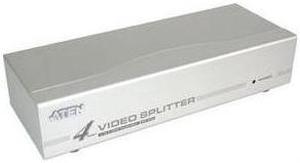
Quick View
ATEN VS94A 4-Port Video Splitter
- Type: D-Sub
- Computer Connections: 1 Port
- Monitor Connections: 4 Ports
- Video Resolution: 1920 x 1440
- Model #: VS94A
- ¥9,416 –
- ¥18,752 Shipping
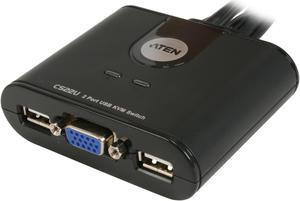
Quick View
ATEN CS22U 2-Port USB Cable KVM Switch
- Type: D-Sub, USB
- Computer Connections: 2 Ports
- Monitor Connections: 1 Port
- Video Resolution: 2048 x 1536
- Model #: CS22U
- ¥6,865 –
- ¥14,424 Shipping
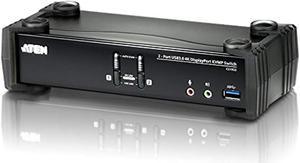
Quick View
ATEN CS1922 2-Port USB 3.0 4K DisplayPort KVMP Switch
- Type: USB
- Video Resolution: 4096 x 2160 @ 60Hz
- PC Selection: Hotkey, Pushbutton, Mouse
- PC Connectors: 2 x USB3.1 Gen1 Type B Female (Blue) 2 x DisplayPort Female (Black) 2 x Mini Stereo Jack Female (Green) 2 x Mini Stereo Jack Female (Pink)
- Model #: CS1922
- ¥39,461 –
- More options from ¥36,868 - ¥41,966
- ¥27,407 Shipping
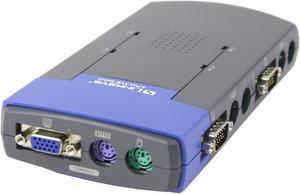
Quick View
LINKSYS ProConnect PS2KVM4 4-Port KVM Switch
- Type: D-Sub
- Computer Connections: 4 Ports
- Monitor Connections: 1 Port
- Video Resolution: 1920 x 1440
- Model #: PS2KVM4
- ¥7,331 –
- ¥14,424 Shipping
Quick View
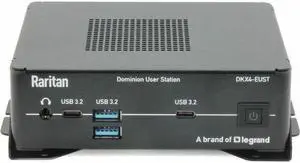
Raritan Enhanced User Station - 4 Computer(s) - 4K - 4096 x 2160 - 60 Hz - 2 x Network (RJ-45) - 6 x USB - 1 x HDMI - Rack-mountable, Desktop - 1 x DisplayPort
- Model #: DKX4-EUST
- ¥522,817 –
- ¥23,080 Shipping
Quick View
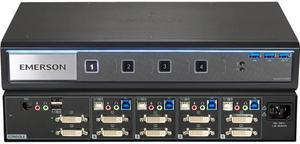
Avocent SV340-001 4-port desktop KVM, dual head DVI-I (dual-link), front panel USB 3.0, audio
- Type: DVI, USB
- Computer Connections: 4 Ports
- Monitor Connections: 4 Ports
- Video Resolution: UHD 4K - 3840X2160 pixels @ 30 Hz (via DVI to HDMI cable) DVI dual-link - 2560X1600 pixels @ 60 Hz (via DVI cable) VGA - 2048X1536 pixels
- Model #: SV340-001
- ¥130,091 –
- Free Shipping

Quick View
Vertiv Cybex SC800 Secure Desktop KVM| 4 Port Single-Head| DisplayPort| TAA
- Type: DisplayPort, USB
- Computer Connections: 4 Ports
- Monitor Connections: 4 Ports
- Video Resolution: UHD 4K resolutions up to 3840x2160 @ 30 Hz
- Model #: SC840D-001
- ¥183,129 –
- More options from ¥87,481 - ¥183,129
- Free Shipping
Quick View
Vertiv AV108-400 AV100 8-Port 2048x1536 Desktop Basic KVM Switch
- Type: DisplayPort, USB
- Model #: AV108-400
- ¥81,295 –
- Free Shipping
Quick View
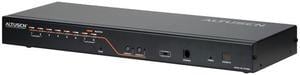
ATEN KH2508A 8 Port 2 User CAT5 KVM Switch -TAA Compliance
- Type: D-Sub, USB, PS/2
- Computer Connections: 8 Ports
- Monitor Connections: 2 Ports
- Video Resolution: 1600 x 1200
- Model #: KH2508A
- ¥135,857 –
- Free Shipping
Quick View
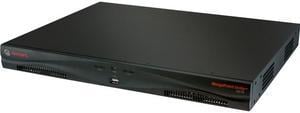
Avocent MPU2016DAC-001 MergePoint Unity MPU2016DAC Digital KVM Switch
- Type: RJ-45
- Computer Connections: 16 Ports
- Monitor Connections: 1 Port
- Video Resolution: 1280 x 1024 @ 75 Hz
- Model #: MPU2016DAC-001
- ¥522,574 –
- Free Shipping
Quick View
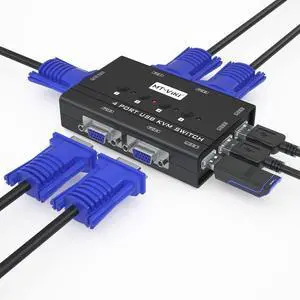
KVM Switch VGA, 4 Port KVM Switch for 4 Computers Share One Monitor Keyboard Mouse Printer, 3 USB 2.0 Hub, Included 4 VGA KVM Cables
- Brand: TRENDnet
- Type: USB
- Computer Connections: USB 2.0
- Monitor Connections: 4 Ports
- Model #: 399309523505
- ¥9,161 –
- Free Shipping
Quick View
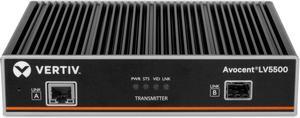
Vertiv Avocent LV5500T-400 High-Performance KVM Extender Transmitter (LV5500T-400)
- Brand: Vertiv
- Series: LV5500
- Type: Single head KVM (keyboard, video, mouse) extender
- Video Resolution: 4096x2160 @ 60Hz
- Model #: LV5500T-400
- ¥225,560 –
- More options from ¥220,513 - ¥225,560
- Free Shipping

Quick View
2 Ports HDMI DP KVM Switch, Dual Monitor HDMI + DisplayPort 4K @60Hz, 2-Port HDMI Display Port KVM Switch for 2 Computers 2 Monitors with USB 2.0 HUB and Cables
- Type: HDMI
- Computer Connections: 2 Port - HDMI + DIsplayport
- Monitor Connections: 2 Ports
- Video Resolution: 3840 x 2160
- Model #: B02#Q1637_B
- ¥34,469 –
- Free Shipping
Quick View
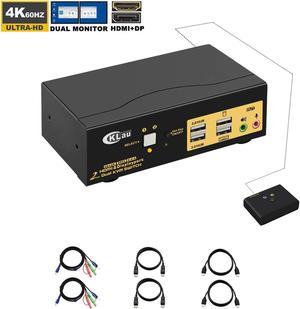
CKLau Dual Monitors HDMI Displayport KVM Switches 2 Port 4K@60Hz HDMI + Displayport Dual Monitor KVM Switch with Audio, USB 2.0 Hub and Cables Support HDMI 2.0, HDCP 2.2, HDR 10
- Type: HDMI, Display
- Computer Connections: 2 Port HDMI+Display
- Model #: Y2#Q1637_B
- ¥32,519 –
- Free Shipping

Quick View
SATO R29219000 Sato S8408-Ex (203Dpi) 203 Dpi Printhead
- Model #: R29219000
- ¥71,141 –
- Free Shipping
Quick View
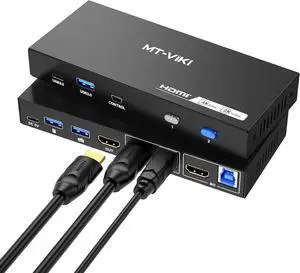
MT-VIKI USB 3.0 KVM Switch HDMI, (3 USB-A+ 1 USB-C), 4K@60Hz/2K@144Hz KVM Switcher, 2 Computers 1 Monitor KVM with 4 USB 3.0 Port
- Model #: TOLJB0DPZXR69N
- ¥15,314 –
- Free Shipping
- KVM Switches
KVM Switches
Suppose you have more than one computer in the same room but you do not have enough room for a second monitor. Or you have a laptop and want to use it with your home computer's keyboard, mouse and monitor, without changing your current setup. The answer lies in a handy device called a KVM switch.
KVM stands for keyboard, video, mouse. The keyboard, video, and mouse set collectively is called a "console." KVM switches allow you to connect a console to more than one computer. You simply connect your console cables to the output jacks of the switch and connect the switch to the connections on your computer that the keyboard mouse and monitor would normally be plugged into. It's that simple.
KVM Switches Let You Switch between Consoles
To switch consoles, you just push a button on the switch and it allows you to use the other console. KVM switches save you money because you won't have to purchase separate keyboards, mice, and monitors for each computer you use. It makes it very easy when one person uses more than one computer at work, for example. They are also useful for server farms with one staff person accessing each computer periodically, one at a time.
When buying KVM switches, it is important to fully understand your needs before you buy anything. Make sure the switch you choose will support your monitor refresh rates and resolution so that the signals are not degraded.