
Your Browsing History
Quick View
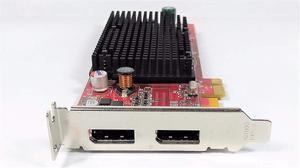
ATI FireMV 2260 Graphics Card ATi FireMV 2260 - 256MB DDR2 SDRAM - PCI Express x1
- Model #: U904082098927G
- ¥28,113 –
- ¥44,890 Shipping
Quick View
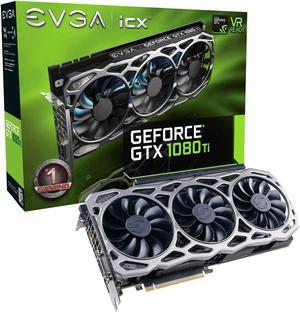
EVGA GeForce GTX 1080 Ti FTW3 Gaming, 11GB GDDR5X, iCX Technology - 9 Thermal Sensors & RGB LED G/P/M, 3X Async Fan Control, Optimized Airflow Design Graphics Card 11G-P4-6696-KR (Renewed)
- Model #: 11G-P4-6696-KR-cr
- ¥207,816 –
- ¥44,908 Shipping
Quick View

- Model #: S907384916487W
- ¥9,967 –
- ¥20,092 Shipping
Quick View

- ¥19,580 –
- ¥44,890 Shipping
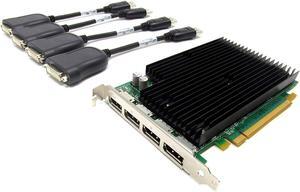
Quick View
- ¥30,745 –
- ¥44,890 Shipping
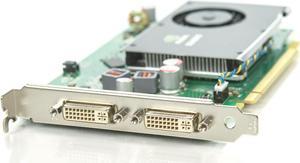
Quick View
PNY NVIDIA Quadro FX 380 256MB DDR3 PCIe x16 Dual DVI Video Card VCQFX380-PCIE-T - OEM
- Model #: 0GDDR300
- ¥25,154 –
- ¥42,994 Shipping
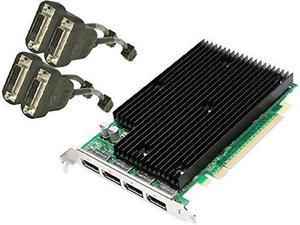
Quick View

- Model #: T913555990538M
- ¥30,745 –
- ¥44,890 Shipping
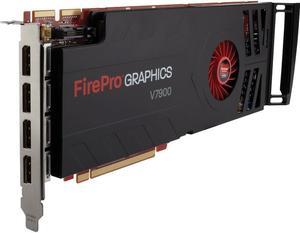
Quick View
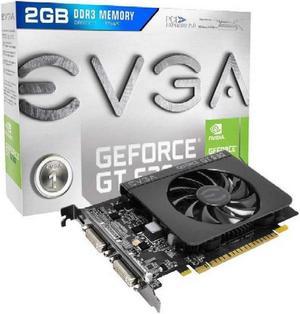
Evga Geforce Gt 630 Graphic Card - 810 Mhz Core - 2 Gb Ddr3 Sdram - Pci Express 2.0 - 1400 Mhz Memory Clock - Directx 11.0, Opengl 4.2 - Hdmi - Dvi
- Model #: Z909874676796Q
- ¥40,444 –
- ¥44,890 Shipping
Quick View

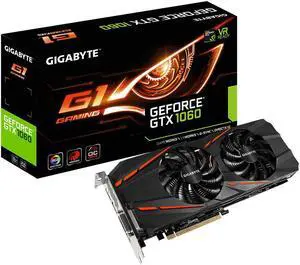
- Part Number: GV-N1060G1GAM-3GD R2
- Color: Black
- Model #: GV-N1060G1 GAMING-3G
- ¥101,934 –
- ¥41,930 Shipping
Quick View
- ¥12,010 –
- ¥19,982 Shipping
Quick View
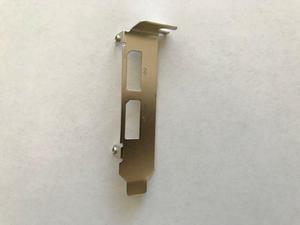
LOW-PROFILE BRACKET FOR NVIDIA QUADRO NVS 310 VIDEO CARD
- Model #: AP#283126390483_0
- ¥3,547 –
- ¥8,723 Shipping
Quick View
- ¥30,745 –
- ¥44,890 Shipping
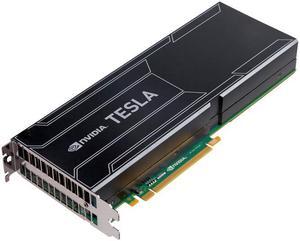
Quick View
Tesla K10 8GB GDDR5 PCI-E x16 2.0 Graphics Card
- Model #: TCSK10M-R2L-PB
- ¥37,649 –
- ¥45,144 Shipping
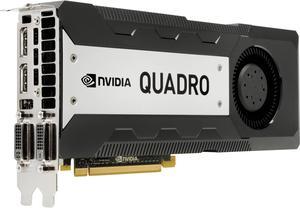
Quick View
- Model #: 713382-001
- ¥187,922 –
- ¥43,798 Shipping
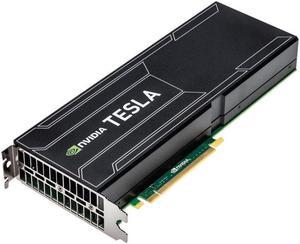
Quick View
Tesla K40 12GB GDDR5 PCI-E 3.0 Graphics Card
- Model #: TCSK40M-PB
- ¥161,452 –
- ¥43,092 Shipping
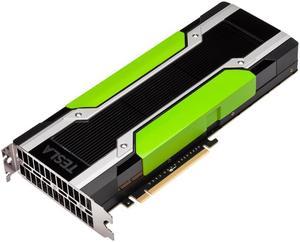
Quick View
Tesla M40 12GB GDDR5 PCI-E x16 3.0 Graphics Card
- Model #: TCSM40M-PB
- ¥185,785 –
- ¥42,343 Shipping
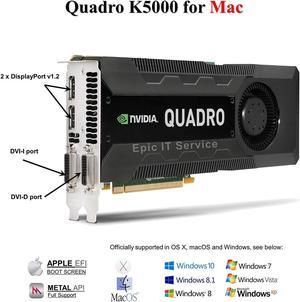
Quick View
- Model #: F902491065066N
- ¥131,364 –
- ¥46,889 Shipping
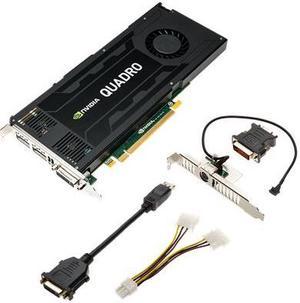
Quick View
PNY VCQK4200-PB NVIDIA Quadro K4200 4GB Video Card
- Model #: 3536403343842
- ¥81,048 –
- ¥44,241 Shipping
Quick View
- Model #: I909632950250J
- ¥340,825 –
- ¥46,889 Shipping
Quick View
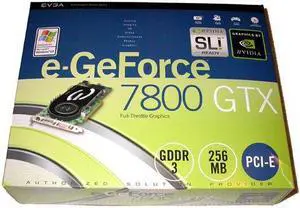
evga 256-P2-N525 The EVGA e-GeForce 7800 GTX looks just like NVIDIA's GeForce 7800 GTX
- Model #: 256 P2 N525
- ¥47,843 –
- ¥39,784 Shipping
Quick View
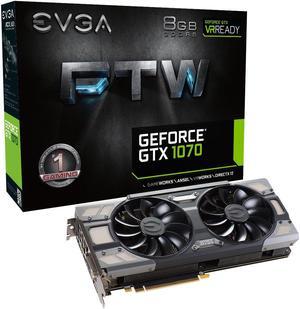
EVGA GeForce GTX 1070 FTW GAMING ACX 3.0, 08G-P4-6276-KR, 8GB GDDR5, RGB LED, 10CM FAN, 10 Power Phases, Double BIOS, DX
- Model #: K910811955911W
- ¥121,500 –
- ¥46,889 Shipping
![Dell NVIDIA Quadro P6000 24GB (4 DP, DL-DVI-D), Kit [PN: 490-BDNO]](https://c1.neweggimages.com/productimage/nb300/V2Y2_1_202002091042121275.jpg "Dell NVIDIA Quadro P6000 24GB (4 DP, DL-DVI-D), Kit [PN: 490-BDNO]")
Quick View
- ¥576,183 –
- ¥2,500,000 Shipping
Quick View

- Model #: 900-5G413-0100-000 F
- ¥364,103 –
- ¥49,804 Shipping
Quick View
- ¥132,187 –
- ¥44,908 Shipping
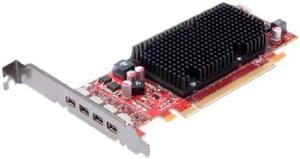
Quick View
ATI DDR3 4X Mini-DisplayPort Low Profile PCI-Express Video Card 100-505610
- Model #: D903209584770C
- ¥36,663 –
- ¥44,890 Shipping
Quick View
- Model #: Y915315087137W
- ¥38,307 –
- ¥44,890 Shipping
Quick View
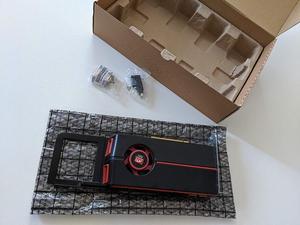
ATI Genuine Apple Radeon HD 5770 1GB Video Card Mac Pro Desktop 102C0160200
- Model #: K918014401136Z
- ¥50,638 –
- ¥44,890 Shipping
Quick View
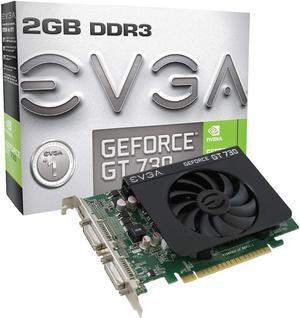
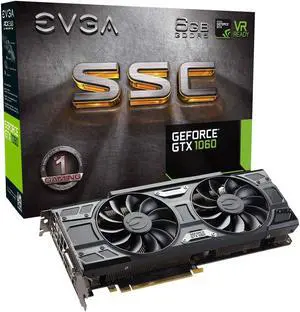
EVGA GeForce GTX 1060 6GB SSC GAMING ACX 3.0, 6GB GDDR5, LED, DX12 OSD Support (PXOC) Graphics Card 06G-P4-6267-KR (Renewed)
- Model #: 06G-P4-6267-KR-cr
- ¥113,279 –
- ¥44,908 Shipping
Quick View
- ¥30,416 –
- ¥44,890 Shipping
Quick View
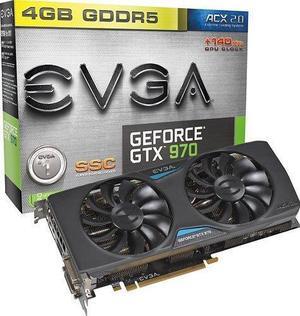
EVGA - GeForce GTX 970 4GB GDDR5 PCI Express 3.0 Graphics Card - Black
- Model #: L914703907576D
- ¥88,617 –
- ¥44,890 Shipping
Quick View
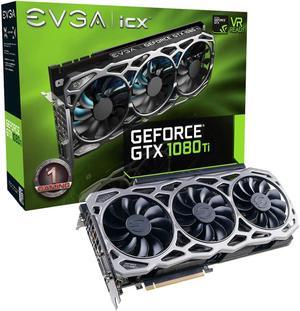
EVGA GeForce GTX 1080 Ti FTW3, 11GB GDDR5X, iCX Technology 9 Thermal Sensors & RGB LED Graphics Card 11G-P4-6796-KR
- Model #: 11G-P4-6796-KR
- ¥207,816 –
- ¥44,908 Shipping
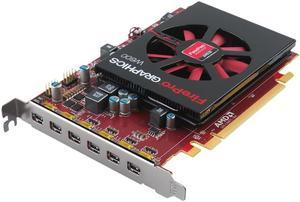
Quick View
ATI PCI Express Video Graphics Cards (100-505968)
- Model #: G919507178153Q
- ¥73,492 –
- ¥44,890 Shipping
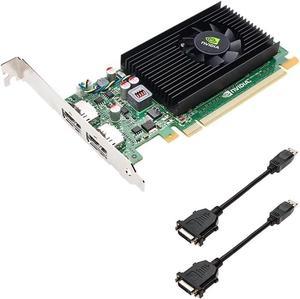
Quick View
- ¥12,010 –
- ¥19,982 Shipping
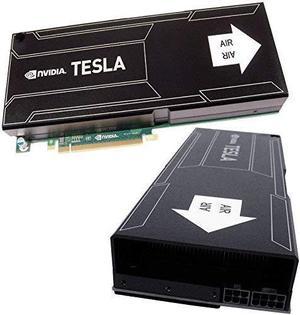
Quick View
- ¥37,649 –
- ¥44,890 Shipping
Video card accessories help you to make the most out of your GPU. SLI and Crossfire bridges allow for adding two or more graphics cards to your computer, boosting its video performance. If you don't feel like opening your PC to add a new GPU, you can use external graphics card enclosures. VGA adapters let you connect your new GPU to older monitors.
GPU Bridges Use Multiple Graphics Cards, Improving the Performance of Your Gaming PC
A GPU bridge lets you install multiple workstation graphics cards at the same time to boost the performance of your gaming PC. This boost will improve your gaming experience with higher frame rates and better graphics. There are two technologies to make multiple GPUs work together: scalable link interface (SLI) and Crossfire. The first one works with graphics cards from Nvidia®, while the latter works with GPUs from AMD.
External Graphics Cards Enclosures Let You Add a Desktop GPU to Your Laptop
Opening your computer and installing multiple GPUs requires not only time and know-how, but also enough space in the case of the computer. Therefore, it may not be the best solution for smaller laptops. Luckily, external graphics card (eGPU) enclosures allow connecting a desktop video card to a laptop. These graphics card accessories can hold and provide power to one or multiple GPUs. Most models connect to the PC via a Thunderbolt connection, and to the video cards with a PCI connection. eGPU enclosures also feature fans to cool down the GPU. Be sure you know what kind of VGS cooling system is in the build.
Expansion Slots Allow Additional Graphics Cards
To install a new graphics card on your PC, you need an expansion slot on your motherboard. The most common expansion slots used for video cards are the PCI ones. They allow the GPU to bypass the CPU, improving the overall performance of the computer. AGP slots provide more bandwidth than PCI, resulting in better graphics. PCI Express expansion slots use a newer standard that offers faster data transfer rates and even better performance. With PCI Express, it's also possible to connect two video cards to your motherboard. Most modern graphics cards are compatible with PCI Express, while the older ones are more likely to have PCI or AGP connectors.
HDMI®, DVI and VGA Cables Connect Your GPU to the Monitor
Most graphics cards use HDMI, DVI or VGA cables to communicate with the monitor. HDMI is the most recent standard, and it can carry high-quality audio and video signals. The DVI standard only transmits digital video signals, so you'll need a separate cable for audio. VGA is the oldest standard, and it only supports analog signals. Some gaming video cards support the DisplayPort™ connection standard, which offers excellent video quality like the HDMI standard. If you need to connect an older monitor to a new video card, you can use a VGA adapter. VGA splitters, instead, allow connecting the GPU to two different monitors for gaming or productivity.