All CategoriesAll CategoriesAll Categories
OUT OF STOCK
OUT OF STOCK
OUT OF STOCK
OUT OF STOCK
OUT OF STOCK
OUT OF STOCK
OUT OF STOCK
OUT OF STOCK
OUT OF STOCK
OUT OF STOCK
OUT OF STOCK
OUT OF STOCK
OUT OF STOCK
OUT OF STOCK
OUT OF STOCK
OUT OF STOCK
OUT OF STOCK
OUT OF STOCK
OUT OF STOCK
OUT OF STOCK
OUT OF STOCK
OUT OF STOCK
OUT OF STOCK
OUT OF STOCK
OUT OF STOCK
OUT OF STOCK
OUT OF STOCK
OUT OF STOCK
OUT OF STOCK
OUT OF STOCK
OUT OF STOCK
OUT OF STOCK
OUT OF STOCK
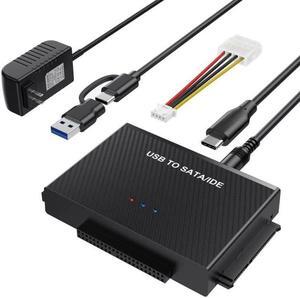
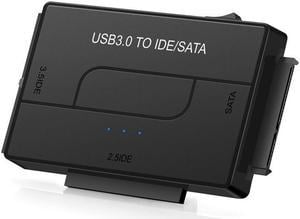
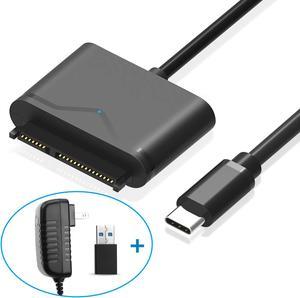
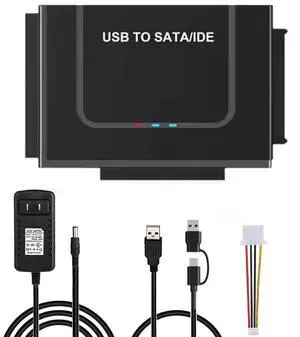
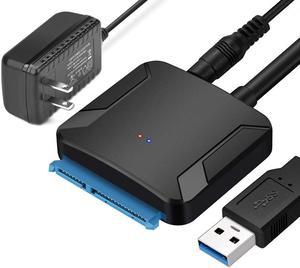
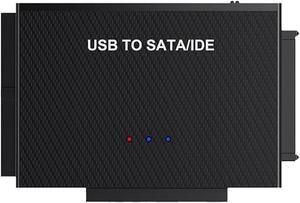
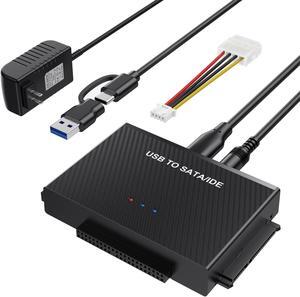
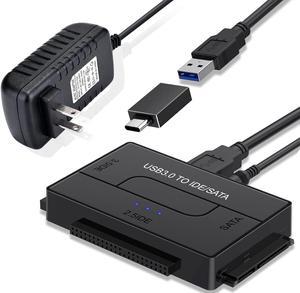
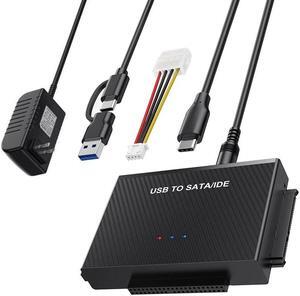
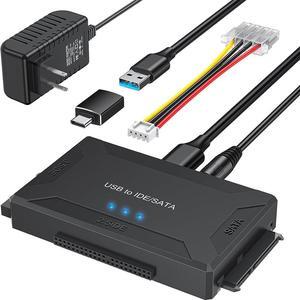
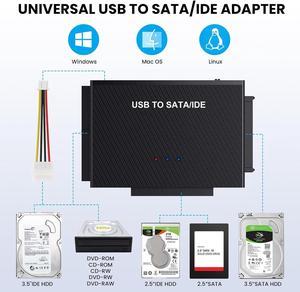
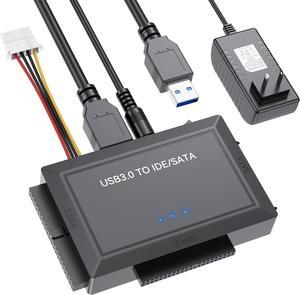
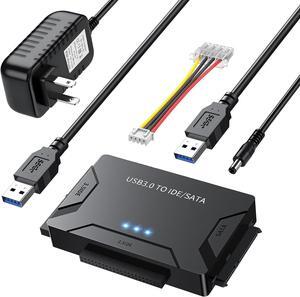
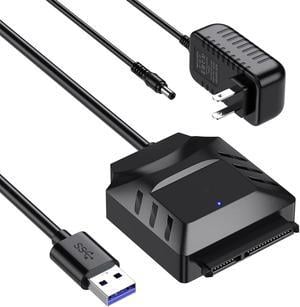
If you need to pull files off an old hard drive or troubleshoot a broken drive in an older machine, it's probably time to look for a new hard drive adapter. Upgrading equipment often demands using devices that use different power standards, so you could need a SATA to Molex power adapter on hand. A SATA cable can run power to optical drives like a hard drive or a DVD-ROM. Hard drive adapters also make it easier to power up an old drive using another computer as a power source.
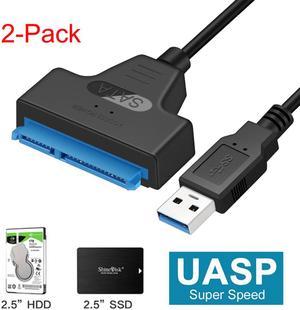
Swapping out a motherboard can be a time-consuming task and a hard drive failure is nearly catastrophic. As soon as you're aware that the drive is about to fail, there's still time to transfer files to a functioning device. That task often demands a hard drive adapter. Also, when you upgrade to a new solid-state drive, or SSD, it's easier to mirror your old drive on the new drive. You will almost always need a hard drive adapter, especially if the old drive is inside of an older PC or laptop. When you transfer files from a PC to a Mac environment, a hard drive adapter may be an essential requirement.
SATA became a de facto standard interface for many common interfaces because it's a faster and more efficient way to respond to the computing needs of more powerful computers. SATA also grew in popularity because it provides drives staggered and therefore more stable access to a computer's power supply. If you have files backed up on an old hard drive or you are switching out a drive in a PC, an adapter allows you to power the old Molex drive from a SATA power source. SATA also allows for what's commonly called "hot swapping," or replacing a drive or a board without powering down the device. Check out other modular adapters for more cable output and input standards.
Before the SATA standard was developed, Molex was a common power standard found in almost every computer. Molex was most frequently used with drives and readers like CD-ROM discs and DVD drives. It is easy to identify a Molex cable due to its common 4-pin design. To convert data from a Molex drive or to power a Molex drive using a 15-pin SATA power adapter source, you need a 4-pin Molex adapter. Check out other data adapters if you need one for serial cable and data port outputs.
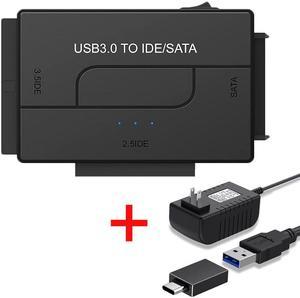
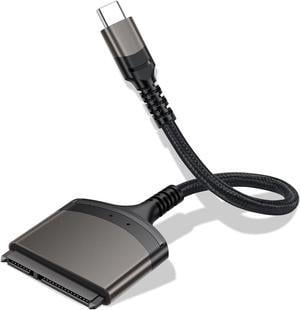
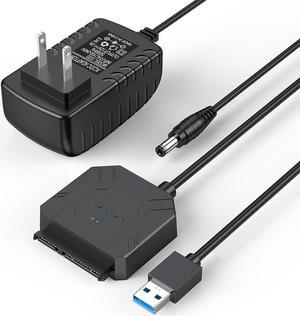
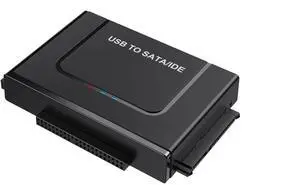
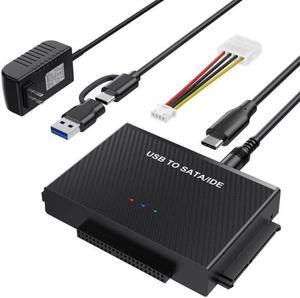
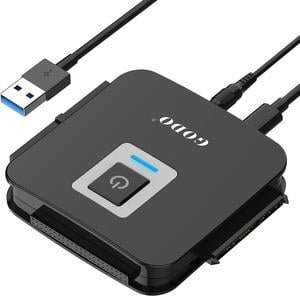
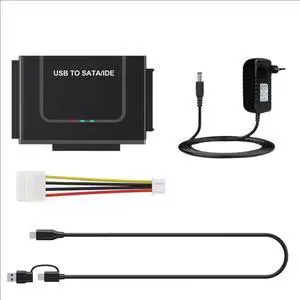
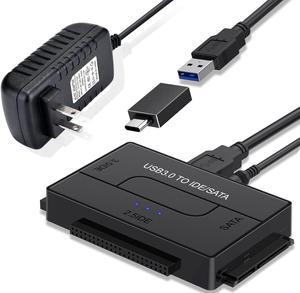
If you have a functioning hard drive and need to pull any large files from it without installing it back into a PC, that task probably requires using a SATA USB adapter to move those files to an external hard drive. A popular use for a 4-pin Molex adapter is for powering up case fans and Molex-standard power supplies. Other data converters allow you to connect various devices to chargers and monitors, including game consoles, mobile devices and laptops.