
Your Browsing History
SHOP BY CPU Socket Type
Quick View

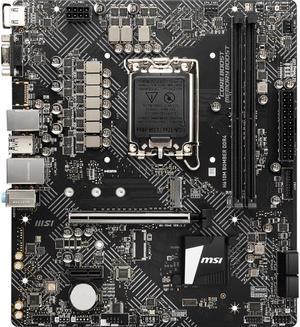
- Model #: MSI H610M BOMBER DDR4 1700 3200(MAX) 1x
- ₩344,756 –
- Free Shipping
Quick View
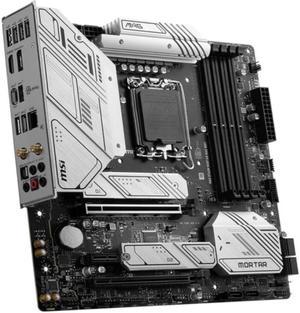
- Model #: BEMSI MAG B760M MORTAR MAX WIFI D5
- ₩767,665 –
- Free Shipping
Quick View
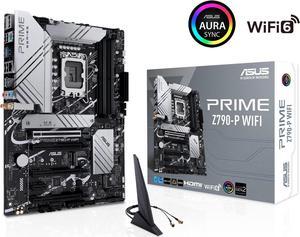
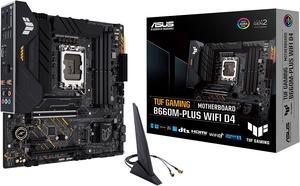
ASUS TUF GAMING B660M-PLUS WIFI D4 LGA 1700 (Intel 12th & 13th Gen) mATX Gaming Motherboard (PCIe 5.0, DDR4, 10+1 DrMOS, 2xPCIe 4.0 M.2 Slots, WiFi 6, 2.5 Gb LAN, Front USB 3.2 Gen 1 Type-C)
- Model #: TUF GAMING B660M-PLUS WIFI D4
- ₩575,268 –
- Free Shipping
Quick View

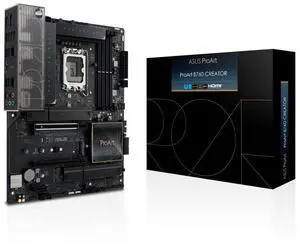
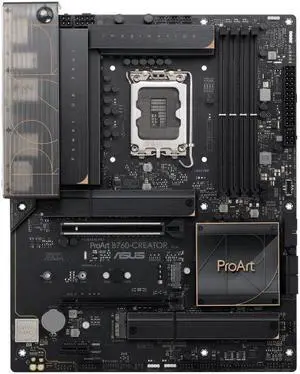
- Model #: ProArt B760-CREATOR
- ₩729,551 –
- Free Shipping
Quick View
- ₩344,756 –
- Free Shipping
Quick View
- ₩260,101 –
- Free Shipping
Quick View
- ₩729,551 –
- Free Shipping
Quick View
- ₩1,108,135 –
- Free Shipping
Quick View

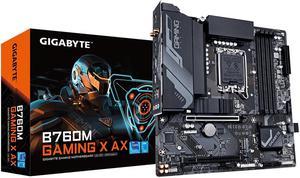
- Model #: BE GIGABYTE B760M GAMING X AX DDR5
- ₩1,108,135 –
- Free Shipping
Quick View
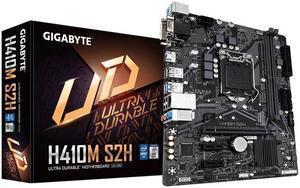
GIGABYTE H410M S2H LGA 1200 Intel H410 Micro-ATX Motherboard with M.2, SATA 6Gb/s, USB 3.2 Gen 1
- Model #: H410M S2H
- ₩223,372 –
- Free Shipping
Quick View
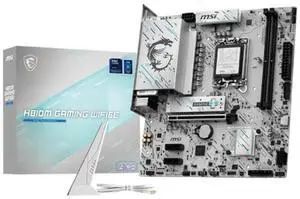
- Model #: H810M GAMING WIFI6E DDR5
- ₩690,706 –
- Free Shipping
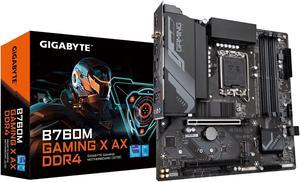
Quick View
- Model #: BE GIGABYTE B760M GAMING X DDR4
- ₩923,138 –
- Free Shipping
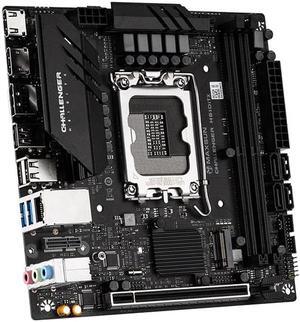
Quick View
MAXSUN H610 ITX Motherboard ,H610/ Intel LGA 1700/ ITX/ DDR4/ M.2/ PCIe 4.0/ USB 3.2 Gen1/ 2.5GbE LAN/HDMI, DP,CNVi Wireless Network card Interface
- Model #: H610 ITX
- ₩286,652 –
- Free Shipping
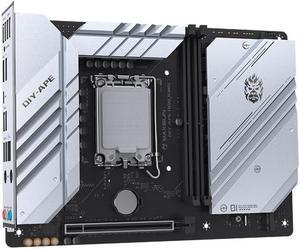
Quick View
MAXSUN DIY-APE H610-KING Back-Connector YTX Motherboard, Hidden Connector Design, LGA1700 for Intel 13th/12th Processor, DDR4
- Model #: DIY-APE H610-KING
- ₩344,371 –
- Free Shipping
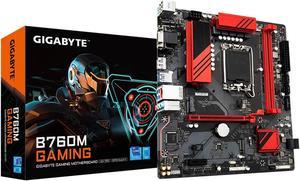
Quick View
- Model #: B760M GAMING DDR5
- ₩383,130 –
- More options from ₩317,498 - ₩383,130
- Free Shipping
Quick View
- ₩376,906 –
- Free Shipping
Quick View
- ₩323,997 –
- Free Shipping
Quick View
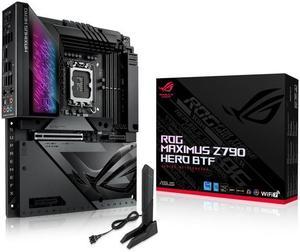
- Model #: 1.ROG MAXIMUS Z790 HERO BTF
- ₩2,575,107 –
- Free Shipping
Quick View
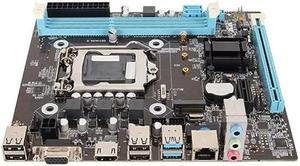
H81 Motherboard MATX, for Intel LGA 1150, Supports Core I3 i5 i7, for Xeon E3 V3,for G Processors, Dual Channel DDR3 (1600MHz), 1 X PCIe X16, NVMe NGFF, SATA 6Gb s
- Model #: 9555372226677
- ₩176,601 –
- Free Shipping
Quick View
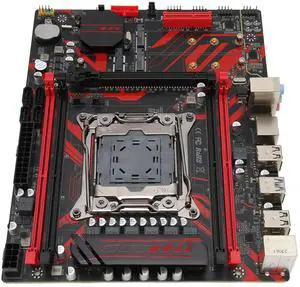
Cuifati X99 LGA 2011 V3 Gaming Motherboard,Micro ATX Motherboard with RTL8111G Gigabit LAN Card 4 Channel DDR4 M.2 Slots
- Model #: 9158154872958
- ₩240,072 –
- Free Shipping
Quick View
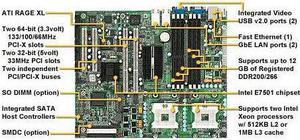
Tyan S2735G3NR-8M Dual Xeon socket 604 motherboard, Intel E7501 server chipse
- Model #: 4d2-275616000264161
- ₩571,785 –
- Free Shipping
Quick View
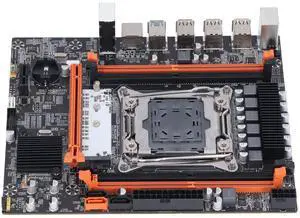
LGA 2011-3 DDR4 Motherboard - Supports for Intel H81, DDR4 2666/2400/2133MHz, 1x PCIe x16 & X1, USB 3.0, USB2.0, SATA, RJ45, NVME M.2 PC Mainboard for Desktop
- Model #: 9435761152988
- ₩276,629 –
- Free Shipping
Quick View
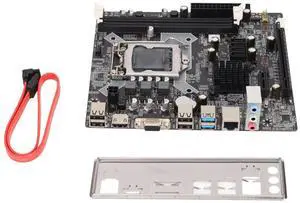
Gaming Motherboard DDR3 H81 Computer Motherboard LGA 1150 for Core 4/5 Generations, DDR3 Channel, VGA/DVI/HDML/RJ45
- Model #: 9435761160839
- ₩213,137 –
- Free Shipping
Quick View
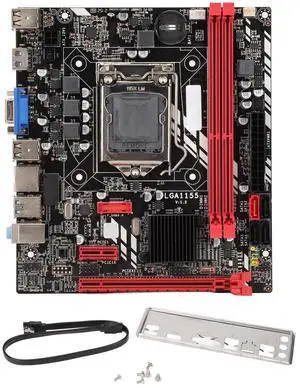
DDR3 Motherboard, for Corei7, i5, i3 (for LGA1155) Computer Mainboard PCIE8X SATA3.0 SATA2.0x3 Supports ALC6625.1 Channel PC Motherboard
- Model #: 9435761160945
- ₩168,886 –
- Free Shipping
Quick View
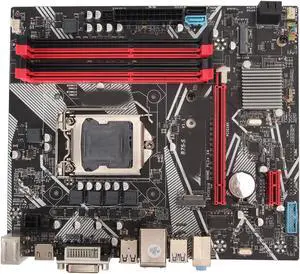
ATX Motherboard 64GB DDR3 LGA1155 Computer Motherboard with SATA3.0, 4 USB3.0, 6 USB2.0, Gigabit NIC, PCIEX16 Graphics Card Slot
- Model #: 364480789047
- ₩305,507 –
- Free Shipping
Quick View
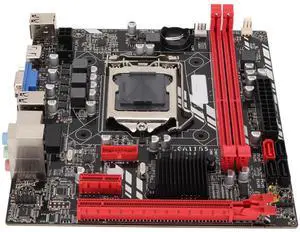
Cuifati Desktop Gaming Motherboard, B75M LGA1155 ATX DDR3 with SATA3.0/SATA2.0, DDR3x2, VGA + HDMI, Network Card, for Core i7, i5, i3
- Model #: 9435761160075
- ₩166,962 –
- Free Shipping
Quick View
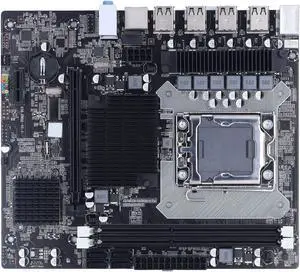
GOWENIC X58 Gaming Motherboard, 2 DDR3 LGA 1366 Pins, Supports ECC Memory, USB2.0, SATA Port PCB, For Desktop, Computer Accessories
- Model #: 324589304930
- ₩178,525 –
- Free Shipping
Quick View
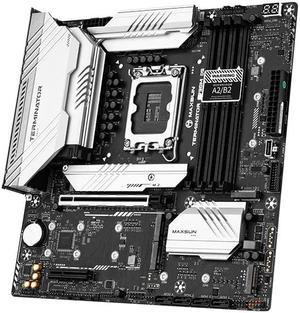
MAXSUN MS-Terminator Z790M D5 Gaming PC Motherboard, (M-ATX, CPU type thirteen generation Core, CPU slot LGA 1700, DDR5, PCIe 5.0 x16, RTL8125 2.5GBE network card
, 5 × M.2 Interface)
- Model #: MAXSUN MS-Terminator Z790M D5
- ₩536,769 –
- Free Shipping
Quick View
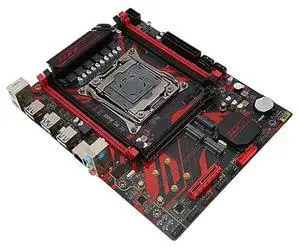
Zunate X99 LGA 2011 V3 Motherboard with 4 DDR4 Slots, M.2 Slots, LAN Card, Multiple Expansion Slots, Supports Core i7 and E5 V3 V4 Series Processors
- Model #: 374158482309
- ₩272,781 –
- Free Shipping
Quick View
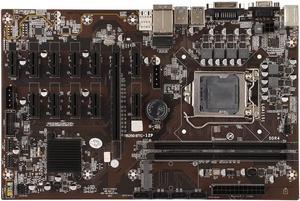
B250 BTC 12P Mining Mainboard, Gaming Motherboard Supports LGA 1151 2xDDR4 DIMM Maximum 16G, 12 GPU Slots, VGA M.2, 4 x SATA3.0
- Model #: 954628755401
- ₩354,184 –
- More options from ₩354,184 - ₩470,776
- Free Shipping
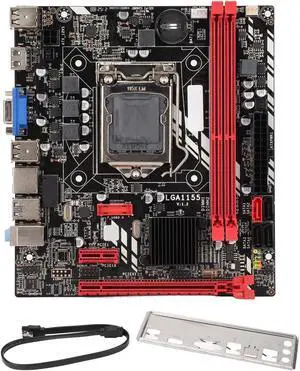
Quick View
DDR3 Motherboard B75M 16G Memory with VGA, Support for Core I7 I5 I3, Interface
- Model #: 324589304992
- ₩213,156 –
- Free Shipping
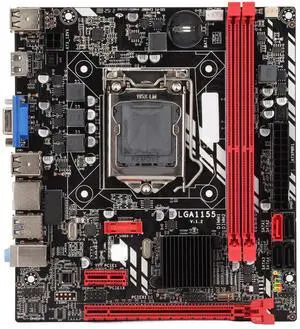
Quick View
GOWENIC B75M MATX DDR3 Motherboard for Core i7 i5 i3 LGA1155, Digital HD VGA Output
- Model #: 9158154878806
- ₩176,581 –
- Free Shipping
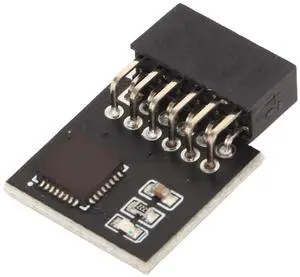
Quick View
TPM 2.0 Module 12Pin, SPI 12Pin TPM Module for Motherboard DDR4 Memory, Stable TPM Module System Components, TPM2.0 Module Motherboard
- Model #: 124184230326
- ₩81,557 –
- Free Shipping
If you plan on using an Intel processor in your PC, you will need to get an Intel motherboard. The motherboard is among the most important components in your PC, because every other component relies on it to operate. The motherboard and its limitations determine what CPUs are compatible with your system, the overclocks they can reach, the speed of your storage, the capacity for expansion, and more.
Intel Motherboards Are Optimized For Intel Processors
Motherboards that use an Intel CPU socket and chipset are Intel motherboards. To gauge compatibility with a specific Intel CPU, search by chipset instead of socket, since many sockets see repeat use across multiple generations. Each generation of Intel CPU has a corresponding chipset series to match. For instance, 8th and 9th Gen Intel CPUs use the Intel 300 Series chipset, while 4th Gen Intel CPUs use the Intel 9 Series chipset.
If you are getting a motherboard with support for more than one CPU generation, you may need a BIOs update for the board to function with newer CPUs.
If you have no interest in using Intel processors, get an AMD motherboard instead. These motherboards offer many of the same features and are also manufactured by trusted brands, like ASUS and MSI.
Z- and X-Series Chipsets Unlock Overclocking Capabilities
If the motherboard chipset name starts with a Z or an X, you have found a motherboard that enables overclocking compatible Intel CPUs. An overclocking-capable Intel CPU comes with an X or a K at the end of its product name. These features are more common on the high end of Intel CPUs (i5 and upward) and have a higher price tag compared to non-overclockable CPUs to match.
B- and H-Series Chipsets and Intel Motherboards Offer Key Features at a Budget-Friendy Price
Chipsets that start with a B or an H are incapable of overclocking but do have unique benefits. B-series motherboards offer basic compatibility and expansion for budget users. H- series motherboards offer no overclocking but often do add other features for consumers, including built-in Wi-Fi and Bluetooth.
ATX Motherboards Offer The Most Room For Expansion
The standard motherboard size is ATX, which is built to match the size of Mid and Full Tower PC cases. ATX motherboards may offer five or more PCI Express/M.2 slots. ATX motherboards are ideal for those who want the most expansion possible without opting for something like an Extended ATX Server Motherboard.
Mini ITX Motherboards Provide The Smallest Size For The Smallest Systems
Mini ITX motherboards are the smallest standard motherboard size, and cut down expansion slots to just one full-size PCI Express x16 slot. If an M.2 slot is present, it will be above this slot or on the rear of the motherboard. This is ideal for those who want to build in a smaller chassis and only have need for one expansion card, like a graphics card. Higher-end Mini ITX motherboards will compensate for fewer expansion slots by having features like Wi-Fi and Bluetooth built into the motherboard.
Micro ATX Motherboards Strike A Balance Between Mini ITX and ATX
Micro ATX motherboards fall just between Mini ITX and Micro ATX, with up to 4 PCI Express/M.2 expansion slots. Use a Micro ATX motherboard for a smaller size without losing out on too much expansion capacity.