Quick View
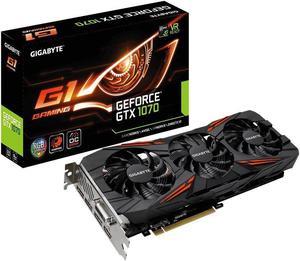
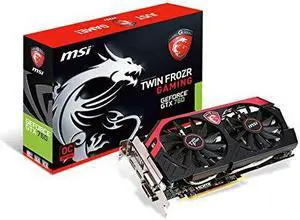
Technology GV-N1070G1 GAMING-8GD REV2.0 Nvidia Geforce Gtx 1070 G1 Gaming 8gb Gddr5 Dvi/hdmi/3 displayports Pci-express Video Card shipping from US
- Specifications: 8GB
- Model #: 6A00349590380
- ₩1,186,571 –
- ₩407,083 Shipping

Quick View
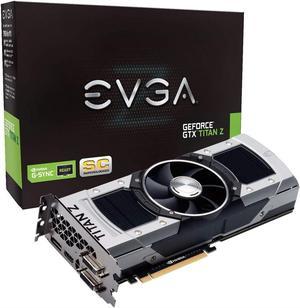
EVGA GeForce GTX TITAN Z Superclocked 12GB GDDR5 768bit PCI-E Graphic Card (12G-P4-3992-KR)
- Model #: C919973116871Z
- ₩3,127,795 –
- ₩459,329 Shipping

Quick View
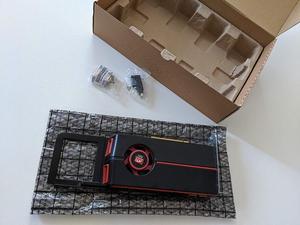
ATI Genuine Apple Radeon HD 5770 1GB Video Card Mac Pro Desktop 102C0160200
- Model #: K918014401136Z
- ₩494,538 –
- ₩459,329 Shipping

Quick View
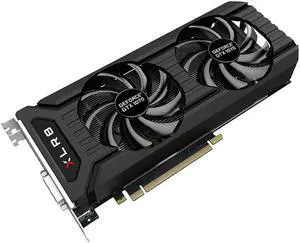
8GB PNY GeForce GTX 1070 XLR8 DVI HDMI 3x DisplayPort Overclocked PCI Express x16 VCGGTX10708XPB-OC-BB Graphics Card
- Model #: VCGGTX10708XPB-OC-BB
- ₩1,186,571 –
- ₩422,136 Shipping

Quick View
- ₩3,314,049 –
- ₩459,329 Shipping

Quick View
- ₩1,660,235 –
- ₩439,927 Shipping

Quick View
ATI PCI-Express Video Graphic Cards 100-505724
- Model #: H919704894986A
- ₩1,217,077 –
- ₩459,329 Shipping

Quick View
- ₩374,114 –
- ₩414,800 Shipping

Quick View
- ₩478,481 –
- ₩459,329 Shipping

Quick View
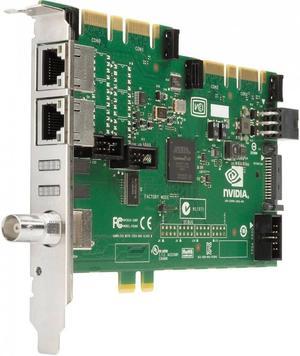
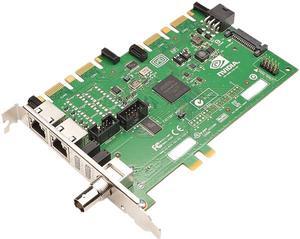
PNY QUADRO SYNC BOARD QUADRO PASCCAL
- Model #: VCQPQUADROSYNC2
- ₩1,807,954 –
- ₩407,083 Shipping

Quick View
- ₩653,496 –
- ₩459,329 Shipping

Quick View
PNY NVIDIA Quadro G-Sync add-on Interface Board
- Part Number: VCQKQUADROSYNC-PB
- Model #: VCQKQUADROSYNC-PB
- ₩1,807,954 –
- ₩454,745 Shipping

Quick View
- ₩2,220,605 –
- ₩439,927 Shipping

Quick View
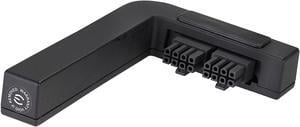
EVGA PowerLink, Support ALL NVIDIA Founders Edition & ALL EVGA GeForce RTX 2080 Ti / 2080 / GTX 1080 Ti / 1080 / 1070 Ti / 1070 / 1060
- Model #: 600-PL-2816-LR
- ₩67,270 –
- ₩91,649 Shipping

Quick View
- ₩872,172 –
- ₩209,502 Shipping

Quick View
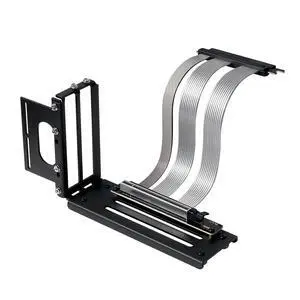
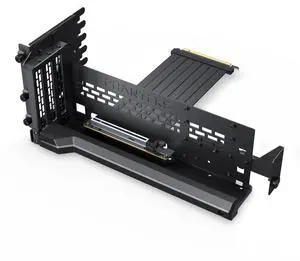
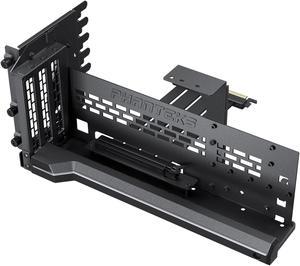
Phanteks Premium Gen5 Vertical GPU Bracket, PCIex16 Gen5, D-RGB Lighting, 220mm, Black
- Brand: Phanteks
- Color: Black
- Specifications: Dimension (WxHxD) 347x146x141 mm / 13.66 x 5.75 x 5.55 inches Material Powder coated steel, ABS plastic Chassis Support Chassis with 7 open PCI slot area PCIe generation PCIex16 Gen5.0 GPU thickness support unrestricted GPU length support 365mm GPU tilt angle support Vertical, tilt 15 to 30 degrees LED lighting D-RGB LED Strip, 15 LED chips LED max power draw 0.20A
- Model #: PH-PGPUKT5.0_DBK01
- ₩196,842 –
- Free Shipping

Quick View
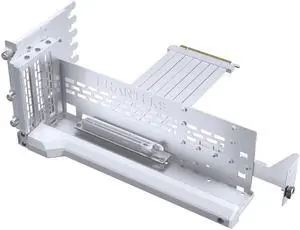
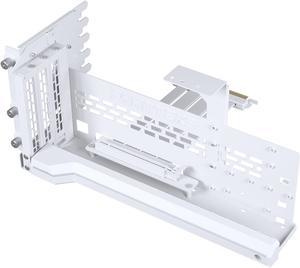
Phanteks Premium Gen5 Vertical GPU Bracket, PCIex16 Gen5, D-RGB Lighting, 220mm, White.
- Brand: Phanteks
- Specifications: Dimension (WxHxD) 347x146x141 mm / 13.66 x 5.75 x 5.55 inches Material Powder coated steel, ABS plastic Chassis Support Chassis with 7 open PCI slot area PCIe generation PCIex16 Gen5.0 GPU thickness support unrestricted GPU length support 365mm GPU tilt angle support Vertical, tilt 15 to 30 degrees LED lighting D-RGB LED Strip, 15 LED chips LED max power draw 0.20A
- Model #: PH-PGPUKT5.0_DWT01
- ₩220,476 –
- More options from ₩196,577 - ₩220,476
- Free Shipping

Quick View
Phanteks Premium GEN4 Vertical GPU Bracket, DRGB Lighting, Adjustable tilt position 15 to 30 degrees, White
- Color: White
- Specifications: Material: Powder coated steel Chassis support: Chassis with open PCI slot design Application: Vertical GPU placement, tilt possible between 15-30 degrees PCI-e generation: PCIe 4.0 PCI Slot Required: 7 GPU Thickness Support: unrestricted GPU Length Support: 365mm Integrated Lighting: D-RGB LED strip, 15 LED chips LED Strip Power Draw: 0.20A
- Model #: PH-PGPUKT4.0_DWT01
- ₩220,476 –
- More options from ₩198,378 - ₩220,476
- Free Shipping

Quick View
Phanteks Premium GEN4 Vertical GPU Bracket, DRGB Lighting, Adjustable tilt position 15 to 30 degrees, Black
- Color: Black
- Specifications: Material: Powder coated steel Chassis support: Chassis with open PCI slot design Application: Vertical GPU placement, tilt possible between 15-30 degrees PCI-e generation: PCIe 4.0 PCI Slot Required: 7 GPU Thickness Support: unrestricted GPU Length Support: 365mm Integrated Lighting: D-RGB LED strip, 15 LED chips LED Strip Power Draw: 0.20A
- Model #: PH-PGPUKT4.0_DBK01
- ₩220,476 –
- More options from ₩198,702 - ₩383,186
- Free Shipping

Quick View
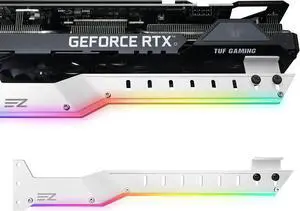
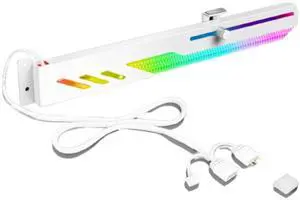
GOWENIC Graphics Card GPU Brace Support, GT8 RGB Graphics Card GPU Holder 5V 3 Pin Color RGB Graphics Card Holder Bracket, for Gaming Work
- Model #: 472744049391
- ₩79,855 –
- Free Shipping

Quick View
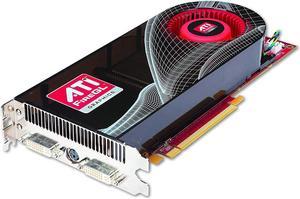
ATI 100-505508 FireGL V7600 512Mb PCI-Express x16 2560 x 1600 400MHz Video Graphic Adapter
- Model #: 100-505508
- ₩232,015 –
- Free Shipping

Quick View
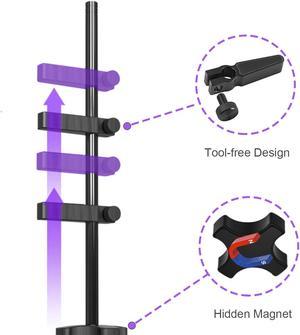
Graphics Card GPU Brace Support Black, Video Card Sag Holder/Holster Bracket,Anodized Aerospace Aluminum, Adjustable for Single/Dual Slot Cards, Universal Graphics Card Stand
- Color: Black
- Model #: MA962-black
- ₩39,062 –
- Free Shipping

Quick View
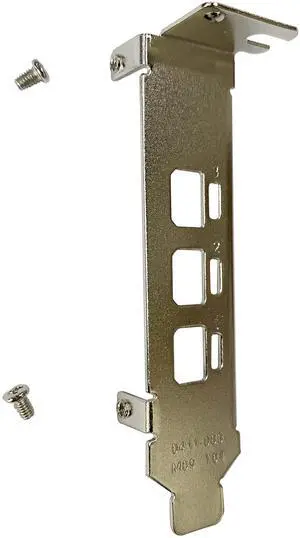
BestParts New Generic Low Profile Short Bracket Replacement for NVIDIA Quadro P400 T400 2G mini DP*3 Port Graphics Card with Screws (5)
- Model #: 652843969992
- ₩85,000 –
- Free Shipping

Quick View
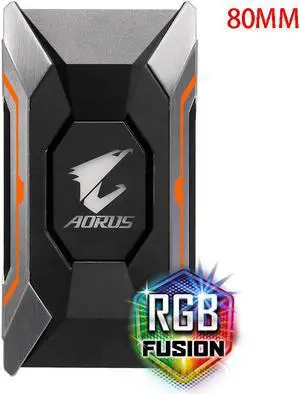
GIGABYTE AORUS N10 SLI HB Bridge RGB Light Supports AORUS Dual Graphics Card Crossfire 80MM
- Color: Silver
- SLI Bridge: 2-Way
- Option: 2 Slot Spacing HB SLI
- Model #: GIGABYTE AORUS 60MM
- ₩85,606 –
- Free Shipping

Quick View
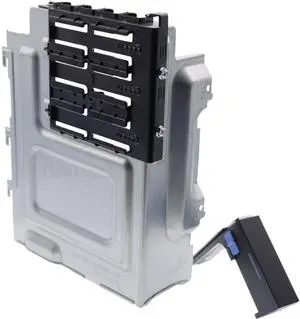
Deal4GO GPU Graphics Card Plate Bracket 1B43TQK00 w/End Holder W2MKY Replacement for Dell Alienware Aurora R16 R15 R14 R13 XPS 8950 8960 Precision 3680 3660
- Model #: 621924991511
- ₩95,668 –
- Free Shipping

Quick View
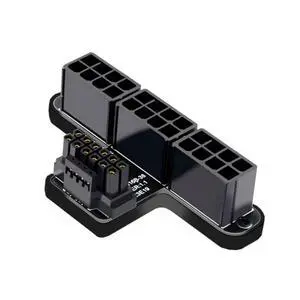
CY Adapter 12VHPWR ATX3.0 PCI-E 5.0 Power Modular to Three ATX 8P Adapter for 4080 5090TI 16Pin 12+4P Graphics Card (Up Angled 90 Degree)
- Model #: 9158154850543
- ₩91,204 –
- Free Shipping

Quick View
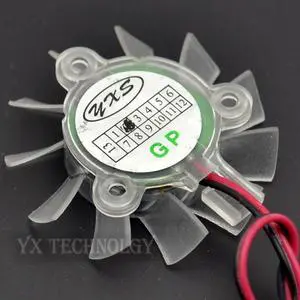
video card fan 5010 Ball graphics card fan 44mm diameter blades Pitch 25mm 2P
- Model #: 40375-Vz037-HkL
- ₩494,365 –
- Free Shipping

Quick View
Refurbished Dell Nvidia Quadro FX 380 256MB 128-bit GDDR3 Dual DVI Video Graphics Card PCI-E 2.0 X16 0R6W83 CN-0R6W83
- Model #: R6W83 _1
- ₩159,531 –
- ₩423,955 Shipping

Quick View
Refurbished IBM/Lenovo Nvidia Quadro K2200 4GB GDDR5 PCIe x16 DVI DP Graphics Video Card 00FC810
- Model #: 00FC810
- ₩467,241 –
- ₩459,329 Shipping
Video card accessories help you to make the most out of your GPU. SLI and Crossfire bridges allow for adding two or more graphics cards to your computer, boosting its video performance. If you don't feel like opening your PC to add a new GPU, you can use external graphics card enclosures. VGA adapters let you connect your new GPU to older monitors.
GPU Bridges Use Multiple Graphics Cards, Improving the Performance of Your Gaming PC
A GPU bridge lets you install multiple workstation graphics cards at the same time to boost the performance of your gaming PC. This boost will improve your gaming experience with higher frame rates and better graphics. There are two technologies to make multiple GPUs work together: scalable link interface (SLI) and Crossfire. The first one works with graphics cards from Nvidia®, while the latter works with GPUs from AMD.
External Graphics Cards Enclosures Let You Add a Desktop GPU to Your Laptop
Opening your computer and installing multiple GPUs requires not only time and know-how, but also enough space in the case of the computer. Therefore, it may not be the best solution for smaller laptops. Luckily, external graphics card (eGPU) enclosures allow connecting a desktop video card to a laptop. These graphics card accessories can hold and provide power to one or multiple GPUs. Most models connect to the PC via a Thunderbolt connection, and to the video cards with a PCI connection. eGPU enclosures also feature fans to cool down the GPU. Be sure you know what kind of VGS cooling system is in the build.
Expansion Slots Allow Additional Graphics Cards
To install a new graphics card on your PC, you need an expansion slot on your motherboard. The most common expansion slots used for video cards are the PCI ones. They allow the GPU to bypass the CPU, improving the overall performance of the computer. AGP slots provide more bandwidth than PCI, resulting in better graphics. PCI Express expansion slots use a newer standard that offers faster data transfer rates and even better performance. With PCI Express, it's also possible to connect two video cards to your motherboard. Most modern graphics cards are compatible with PCI Express, while the older ones are more likely to have PCI or AGP connectors.
HDMI®, DVI and VGA Cables Connect Your GPU to the Monitor
Most graphics cards use HDMI, DVI or VGA cables to communicate with the monitor. HDMI is the most recent standard, and it can carry high-quality audio and video signals. The DVI standard only transmits digital video signals, so you'll need a separate cable for audio. VGA is the oldest standard, and it only supports analog signals. Some gaming video cards support the DisplayPort™ connection standard, which offers excellent video quality like the HDMI standard. If you need to connect an older monitor to a new video card, you can use a VGA adapter. VGA splitters, instead, allow connecting the GPU to two different monitors for gaming or productivity.