
Your Browsing History
₩84,638
VAT-Inclusive Price
Ships from Hong Kong.
Most customers receive within 10-17 days.

Meet Your Seller

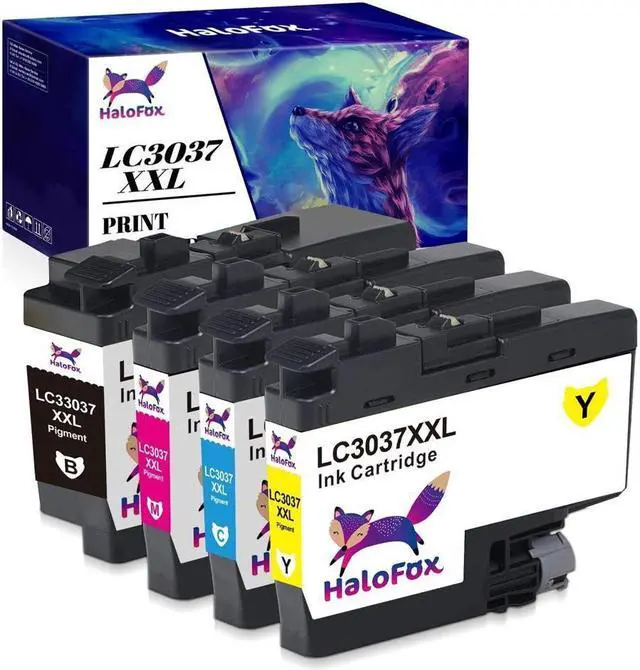
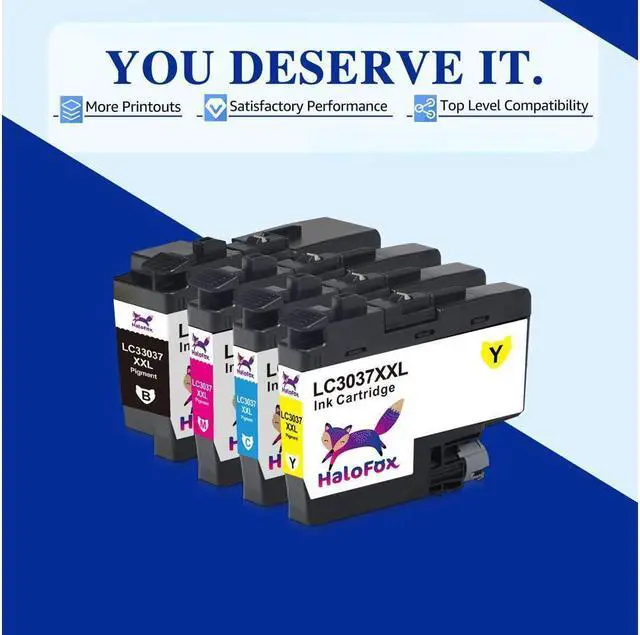




4Pcs LC3037 XXL Ink Premium For Brother MFC-J5845DW MFC-J5945DW MFCJ6545DW/XL
- Package Include: 1x Black / 1x Cyan / 1x Magenta / 1x Yellow
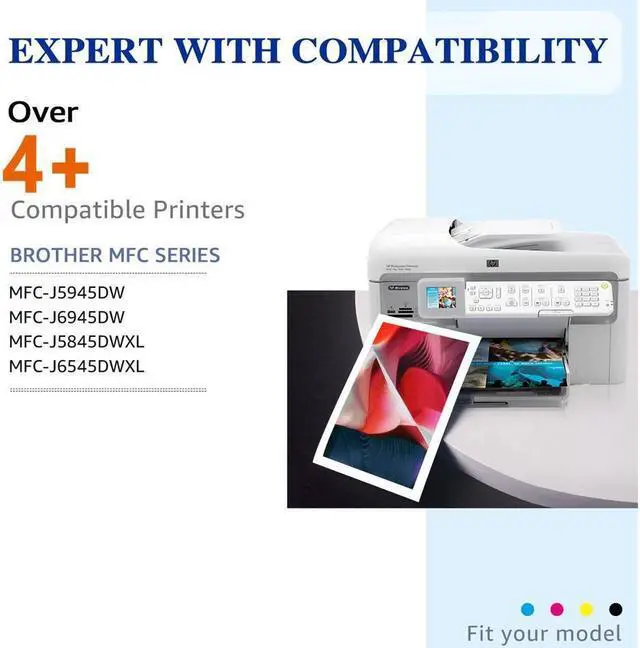
- Compatible for Printers Listed Below:
- For Brother MFC-J5845DW/XL MFC-J6545DW/XL
- For Brother MFC-J5945DW MFC-J6945DW
- Page Yield: Up to 3000 pages per Black ink / 1500 pages per Color ink
- Installation guides:
- Step 1: Upside down the cartridge and peel off the yellow seal tape.
- Step 2: Insert the cartridge into corresponding slot until it click into the place.
- Note: Do Not Touch The Chip.
- Tips:
- 1. Please wear gloves to prevent from getting ink on your hand.
- 2. Please clean the printing head before printing.
- 3. These are NON-genuine ink cartridges. Your printer may display an ink alert message such as Non-Original cartridges. Simply press Yes, Continue, Accept or OK to dismiss the prompt.
+
+
Overview
Specs
Reviews
Package Include: 1x Black / 1x Cyan / 1x Magenta / 1x Yellow
Compatible for Printers Listed Below:
For Brother MFC-J5845DW/XL MFC-J6545DW/XL
For Brother MFC-J5945DW MFC-J6945DW
Page Yield: Up to 3000 pages per Black ink / 1500 pages per Color ink
Installation guides:
Step 1: Upside down the cartridge and peel off the yellow seal tape.
Step 2: Insert the cartridge into corresponding slot until it click into the place.
Note: Do Not Touch The Chip.
Tips:
1. Please wear gloves to prevent from getting ink on your hand.
2. Please clean the printing head before printing.
3. These are NON-genuine ink cartridges. Your printer may display an ink alert message such as Non-Original cartridges. Simply press Yes, Continue, Accept or OK to dismiss the prompt.
Compatible for Printers Listed Below:
For Brother MFC-J5845DW/XL MFC-J6545DW/XL
For Brother MFC-J5945DW MFC-J6945DW
Page Yield: Up to 3000 pages per Black ink / 1500 pages per Color ink
Installation guides:
Step 1: Upside down the cartridge and peel off the yellow seal tape.
Step 2: Insert the cartridge into corresponding slot until it click into the place.
Note: Do Not Touch The Chip.
Tips:
1. Please wear gloves to prevent from getting ink on your hand.
2. Please clean the printing head before printing.
3. These are NON-genuine ink cartridges. Your printer may display an ink alert message such as Non-Original cartridges. Simply press Yes, Continue, Accept or OK to dismiss the prompt.
Warranty & Returns
Warranty, Returns, And Additional Information
Return Policies*
- Return for refund within: 30 days
- Return for replacement within: non-replaceable
- This item is covered by SuZhouLiYuanLiXinBaiHuo Return Policy
- *Subject to applicable law
Warranty Notice:
This product does not include manufacturer warranty when purchased or used outside of its designated sales region. By purchasing internationally, you acknowledge that warranty support from the manufacturer will not be available.
Manufacturer Contact Info
- For a directory of all our manufacturers, please click below.
- Manufacturers Directory
LOADING...