Feature:
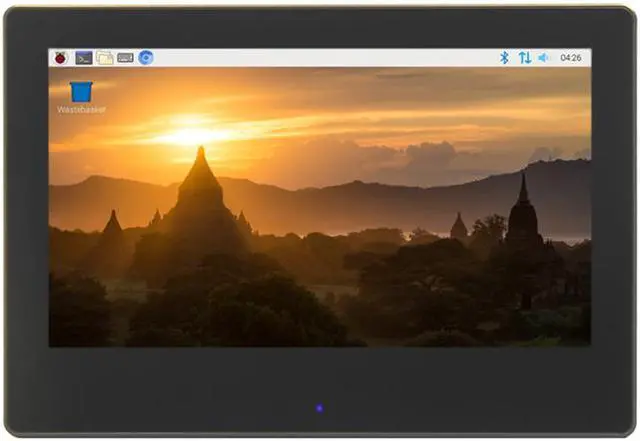
- IPS full Angle display
1.The viewing Angle is large
2.true color
3.Dynamic picture quality is excellent
4.Energy saving and environmental protection
- 1024X600 hd vision
1.Resolution for hd 1024X600 dot matrix
2.It is more delicate than 800X480 ordinary screen
- Tempered glass touch panel
1.Hardness up to 6H, more durable and more scratch resistant
- Built-in sound system
1.Built - in power amplifier circuit
2.Built-in stereo dual speaker system, in the display while dancing with the music
- Front key dimming + breathing lamp
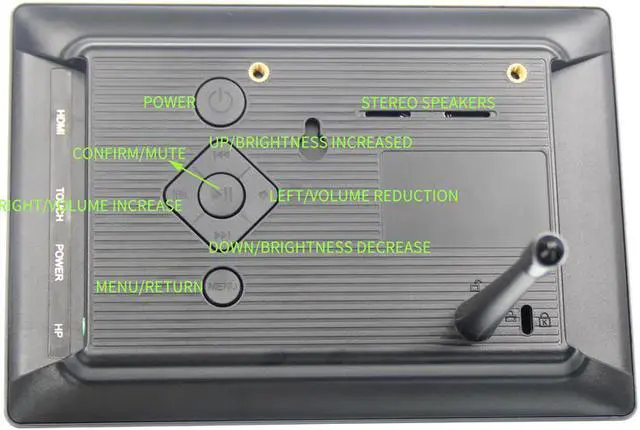
1.The front panel has a set of hidden touch buttons to support one-button adjustment of backlight brightness
2.The front panel is equipped with a breathing lamp to indicate the working status
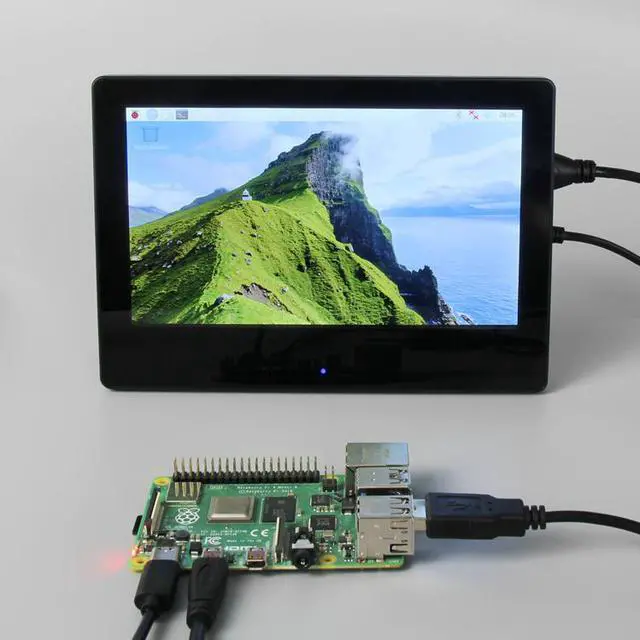
- Used as a mini PC monitor
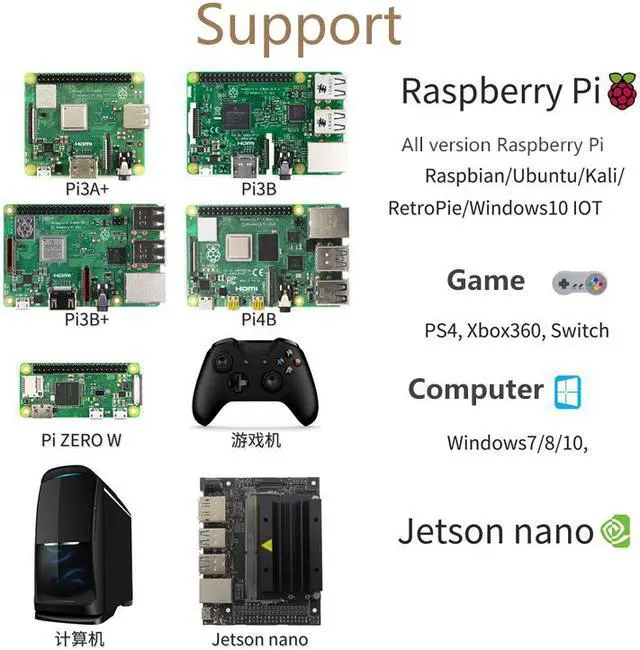
1.Support raspberry pie, Banana Pi, BB Black and other mainstream development board
2.Support Raspbian, Kali Linux, ubuntu and other mainstream systems, single touch plug and play without driver.
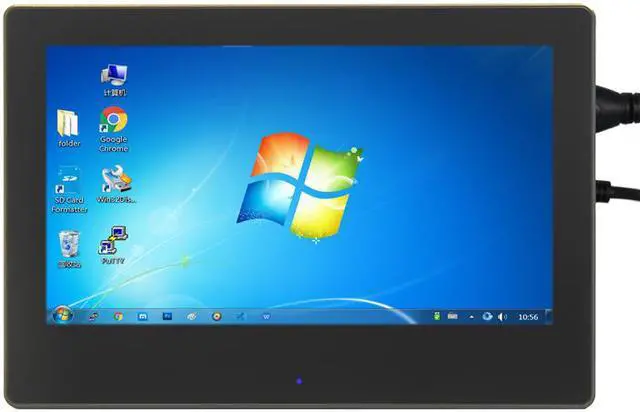
- Used as a computer display
1.Support win10/win8/win7 system, support five-point touch plug and play driver
Working with Raspberry Pi:
1. Download the latest Raspbian image from the official directory and follow the official tutorial steps to install the system.
2. Open the config.txt file in the root directory of Micro SD card and add the following code at the end of the file, save and exit the Micro SD card:
hdmi_force_edid_audio=1
max_usb_current=1
hdmi_force_hotplug=1
config_hdmi_boost=7
hdmi_group=2
hdmi_mode=87
hdmi_drive=2
display_rotate=0
hdmi_cvt 1024 600 60 6 0 0 0
3.Insert Micro SD card, connect the 7inch HDMI Display (S) to Raspberry Pi , connect the power to boot.
Work as HDMI touch monitor
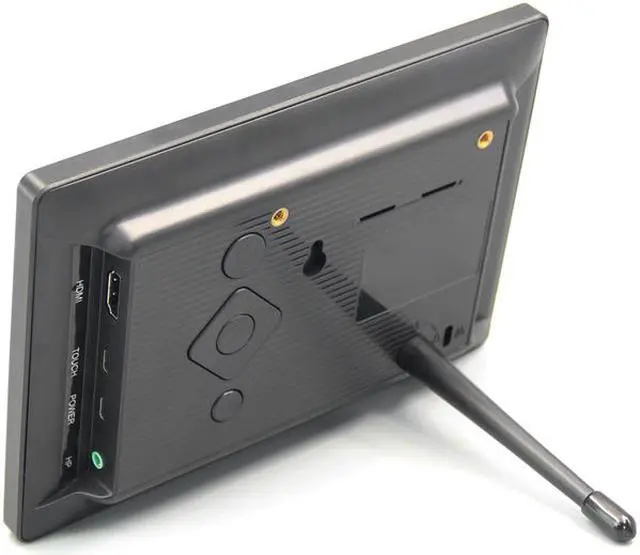
This product can be used as the HDMI touch monitor of Windows computer, only need to connect HDMI interface and TOUCH interface, can normally display and support up to five points touch.