• In Stock
  • Sold by Newegg
Brands
Show More
Type
Show More
Computer Connections
Show More
Monitor Connections
Video Resolution
Show More
PC Selection
Sold by
All Top Brands
Availability
Current Promotion
Useful Links
Customer Ratings
Sort By:
View:
Aomoproing Original 10.8 Inch For GPD Pocket 3 Mini Laptop RS 232 DB9 Modular
Quick View
  •  
  • MXN$1,010.97 
  • Free Shipping
Original 10.8 Inch For GPD Pocket 3 Mini Laptop RS 232 DB9 Modular
Quick View
  •  
  • MXN$1,010.97 
  • Free Shipping
VGA splitter 1/4 splitter 1/4 video splitter 1 in 4 out 450M CKL-104A
Quick View
  •  
  • MXN$1,508.30 
  • Free Shipping
Raspberry Pi 4 Model B (4GB)
Quick View
Raspberry Pi 4 Model B (4GB)
  • Model #: 904465464851
98IPR
Quick View
98IPR
  • Type: KVM Switch
  • Model #: C2404KVMblv003
Tripp Lite DisplayPort USB Server Interface w/Virtual Media & CAC B064 KVMs
Quick View
Tripp Lite DisplayPort USB Server Interface w/Virtual Media & CAC B064 KVMs
  • Type: DisplayPort, USB
  • Package Contents: B055-001-UDP NetDirector DisplayPort USB Server Interface Unit
  • Model #: B055-001-UDP
KVM EXT VGA USB2.0 CAT SA
Quick View
KVM EXT VGA USB2.0 CAT SA

OUT OF STOCK

  • Type: KVM Console/Extender
  • Computer Connections: 1 Port
  • Monitor Connections: 1 Port
  • Video Resolution: 1920 x 1440
  • Model #: ACU5051A
  •  
  • MXN$14,594.61 
  • MXN$2,226.22 Shipping
Aten 8-Port USB HDMI KVM Switch
Quick View
Aten 8-Port USB HDMI KVM Switch

OUT OF STOCK

  • Type: KM Switchbox
  • Computer Connections: 8 Ports
  • Video Resolution: 1920 x 1200
  • AutoScan Interval: 1 Second
  • Model #: CS1798
  • KVM Switches

KVM Switches

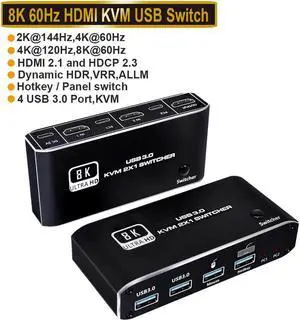
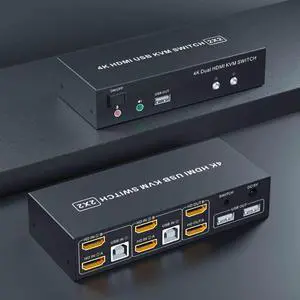
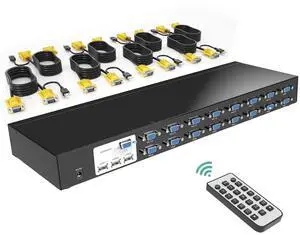
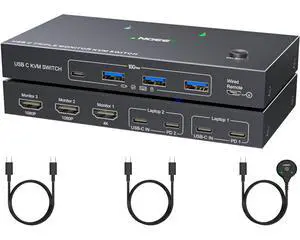
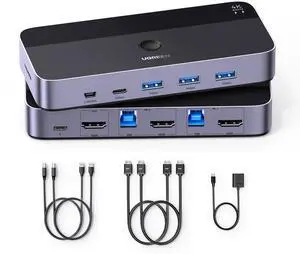
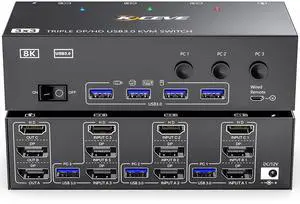
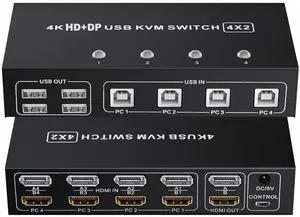
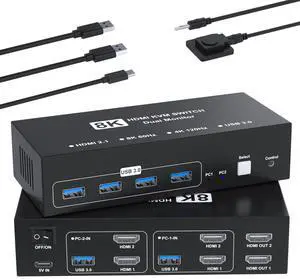
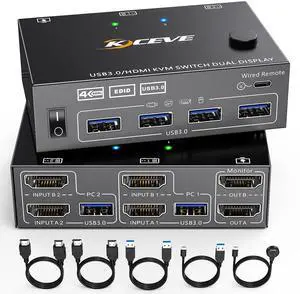
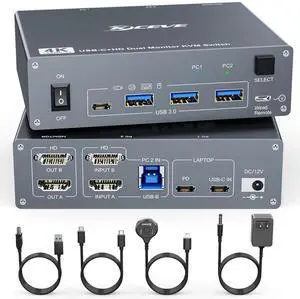
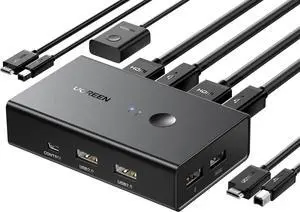
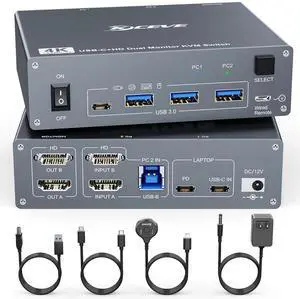
Suppose you have more than one computer in the same room but you do not have enough room for a second monitor. Or you have a laptop and want to use it with your home computer's keyboard, mouse and monitor, without changing your current setup. The answer lies in a handy device called a KVM switch.

KVM stands for keyboard, video, mouse. The keyboard, video, and mouse set collectively is called a "console." KVM switches allow you to connect a console to more than one computer. You simply connect your console cables to the output jacks of the switch and connect the switch to the connections on your computer that the keyboard mouse and monitor would normally be plugged into. It's that simple.

KVM Switches Let You Switch between Consoles

To switch consoles, you just push a button on the switch and it allows you to use the other console. KVM switches save you money because you won't have to purchase separate keyboards, mice, and monitors for each computer you use. It makes it very easy when one person uses more than one computer at work, for example. They are also useful for server farms with one staff person accessing each computer periodically, one at a time.

When buying KVM switches, it is important to fully understand your needs before you buy anything. Make sure the switch you choose will support your monitor refresh rates and resolution so that the signals are not degraded.