• $7.99
  • $9.99
  • Save: $2.00 (20%)
  • Free 30-day Returns
  • Sold by Direct from manufacturerLenovo
    Top Rated
    4.5 (1,128 seller ratings)

    Shipped by Direct from manufacturerLenovo

    Price alert

    Best Sellers

    Hot Seller
    4.1 (2,369 total ratings)
    • $17.87
    • + FREE SHIPPING
    Hot Seller
    4.5 (9,031 total ratings)
    • $19.50
    Top Rated
    4.4 (8,593 total ratings)
    • $23.81
    • + FREE SHIPPING
    Shop it at NeweggBusiness.

    Meet Your Seller

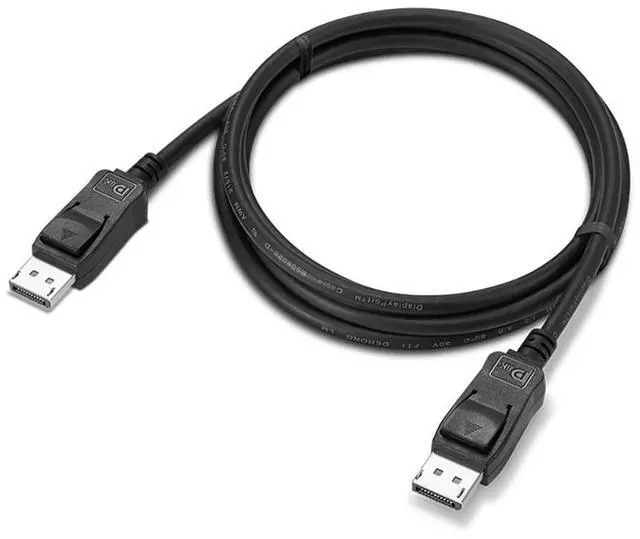
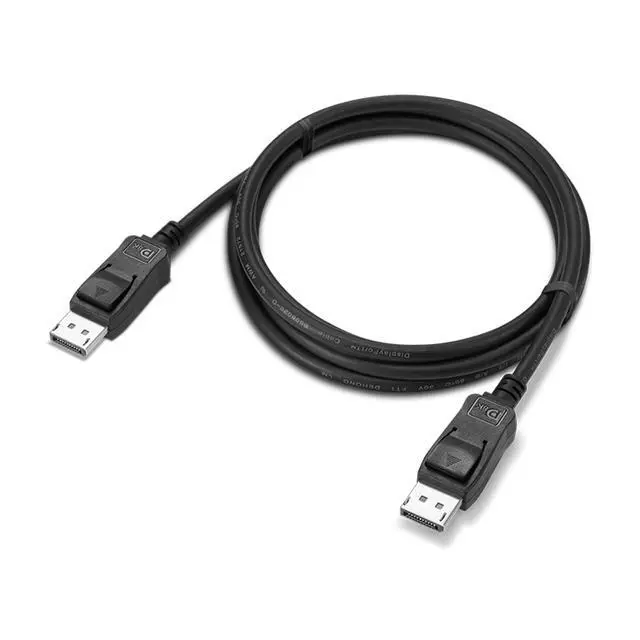
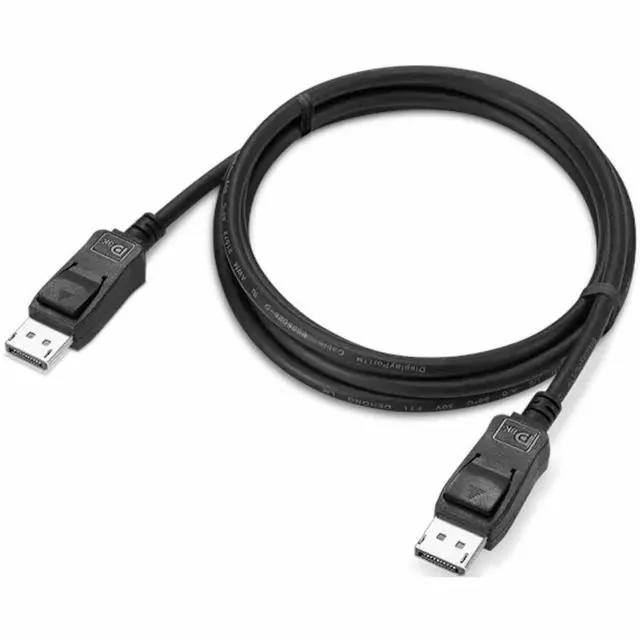
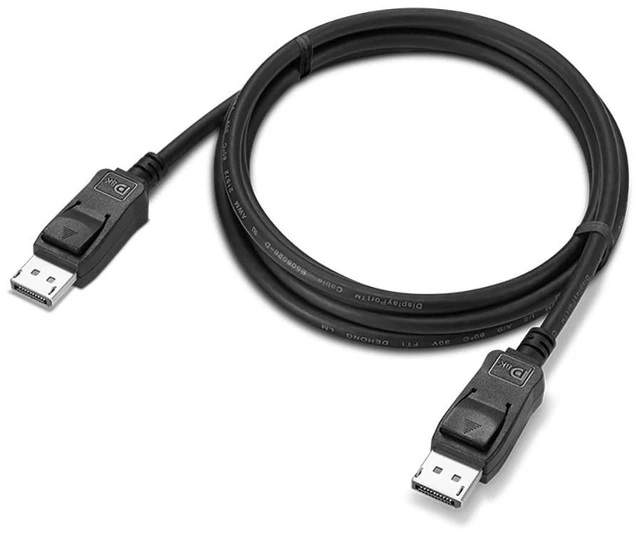
    Lenovo DisplayPort to DisplayPort 1.4 Cable 1.8m

    • HIGH-RESOLUTION SUPPORT - Experience stunning visuals with 8K@60Hz resolution, delivering unparalleled clarity and detail for your professional and entertainment needs.
    • FUTURE-PROOF BANDWIDTH - Benefit from a robust 32.4 Gbps transfer speed, ensuring smooth, uncompressed video and audio transmission for advanced display technologies.
    • RELIABLE SIGNAL INTEGRITY - Utilize the DisplayPort 1.4 standard for stable and consistent connectivity, minimizing signal loss and maximizing performance.
    • OPTIMAL LENGTH OPTIONS - The 5.9' (1.8m) cable provides ample reach for various setups, offering flexibility without compromising signal quality.
    +
    +
    Overview
    Specs
    Reviews

    Any questions? Ask CelesteSM will help you find out quickly.

    DisplayPort is a next-generation technology that delivers high bandwidth, pure digital audio video signals from your PC to your display. Lenovo DisplayPort to DisplayPort 1.4 cable 1.8 m conforms to DisplayPort 1.4 specification, and offers a royalty free full digital audio video support in the same cable with 1.8 m ( 70.8 in) length and 0.2 kg ( 0.44 lb) weight. Supporting a maximum bandwidth of 32.4 Gbps, Lenovo DisplayPort to DisplayPort 1.4 cable 1.8 m enables support for next generation multimedia applications with superior fidelity and 3D support, higher resolution of up to 8K 60Hz displays, if devices support DSC.

    Warranty & Returns

    Warranty, Returns, And Additional Information

    Warranty

    • Please contact the Seller directly for warranty information. Warranty information may also be found on the Manufacturer's website.
    • Read full details
    • CONTACT

    Return Policies

    • Return for refund within: 30 days
    • Return for replacement within: 30 days
    • This item is covered by Lenovo Return Policy

    Manufacturer Contact Info

    LOADING...
    LOADING...

    The Lenovo DisplayPort 1.4 cable (model 4X91U92142) connects DisplayPort-equipped computers to displays and supports up to 8K at 60Hz, making it suitable for professionals and home users who want high-resolution video and audio over one cable.

    Recommended For

    • Desktop PC users connecting a DisplayPort graphics-card output directly to a DisplayPort monitor, with 1.8 m of reach suited to a typical desk setup.
    • Users replacing or matching Lenovo cable 4X91U92142 for a DisplayPort-to-DisplayPort connection without needing a different connector type.
    • People connecting compatible DisplayPort 1.4 equipment who want a cable specified for high-resolution video, including the product listing’s stated support for up to 8K at 60 Hz; the source and display must also support the desired mode.

    Real-World Use Scenarios

    • A PC gamer connects a graphics card to a DisplayPort gaming monitor to use its supported high-refresh mode; the actual resolution and refresh rate depend on the graphics card and monitor as well as the cable.
    • Someone setting up a home-office or workstation monitor connects a desktop or compatible dock’s full-size DisplayPort output to the monitor, sending video and audio over one cable when the display supports audio.
    • A video editor or designer connects a computer to a high-resolution monitor for a larger workspace and detailed previews; the display’s resolution, color features, and refresh rate still depend on the computer and monitor.
    • A user adding a second screen to a desktop connects each DisplayPort monitor to a separate graphics-card output, making it practical to keep work or chat visible on one screen while using the other; the graphics card must support the chosen displays.
    • A user with a compatible DisplayPort-equipped dock connects the dock to an external monitor for a workstation setup; this cable carries the display connection, but it does not provide USB-C docking, laptop charging, or extra ports.