
Your Browsing History
Quick View
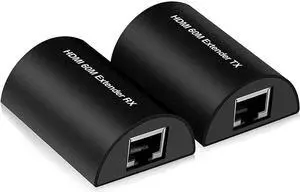
60m HDMI Extender Full HD 1080P HDMI Ethernet Extender Over Single Cat 5e/6/7 Cable Audio Video Extension for PC Laptop Ps5 HDTV
- Type: HDMI
- Model #: LJX-HDMI-A1275
- NZ$211.60 –
- Free Shipping
Quick View
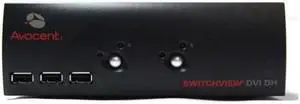
Avocent 2SVDVI30BND1-001 2-Port SwitchView USB Dual-Head DVI 3 SW KVM Switch (NOB)
- Type: Accessories
- Model #: 2SVDVI30BND1-001 .
- NZ$1,020.05 –
- Free Shipping

Quick View
Avocent MPU2016DAC-G01 16-Port 1280x1024 Digital KVM Switch (NOB)
- Type: Accessories
- Model #: MPU2016DAC-G01 .
- NZ$4,727.65 –
- Free Shipping
Quick View
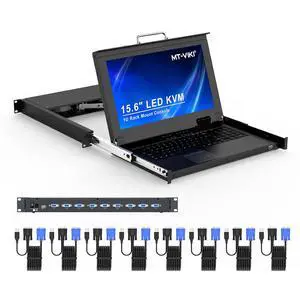
Rack Mount KVM w/15.6" LCD Monitor, 8 Port VGA KVM Switch, 1080@60Hz 1U Integrated Monitor Keyboard, Fits 18.9" to 31.5" Deep Racks (480-800mm), Included 8 Cables for Server Room, Data Center
- Model #: C731-001-LHXJU014-810
- NZ$3,701.85 –
- Free Shipping
Quick View
Avocent MPU4032-001 32-Ports 1-U Rack Mountable KVM Switch (NOB)
- Type: D-Sub, USB, PS/2
- Model #: MPU4032-001 .
- NZ$11,896.75 –
- Free Shipping
Quick View
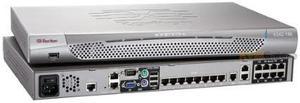
Raritan DKSX2-188 Dominion 8-Port 1U Rack-Mountable KVM Switch (NOB)
- Type: Accessories
- Model #: DKSX2-188 .
- NZ$4,430.95 –
- Free Shipping
Quick View
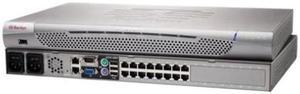
Raritan DKX2-216 Dominion KX II 16-Port 1600x1200 Rack Mountable KVM Switch (NOB)
- Type: Accessories
- Model #: DKX2-216 .
- NZ$8,928.60 –
- Free Shipping
Quick View
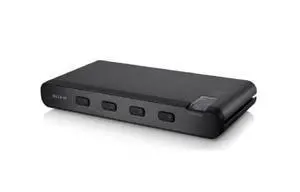
Belkin F1DN104B 4-Port 2560x1600 Advanced Secure DVI-I KVM Switch (NOB)
- Model #: F1DN104B..
- NZ$1,198.30 –
- Free Shipping
Quick View
Tripp Lite B002-DP1A4-N4 2560 × 1600 4-Port Secure KVM Switch (NOB)
- Model #: B002-DP1A4-N4.
- NZ$2,454.10 –
- Free Shipping
Quick View
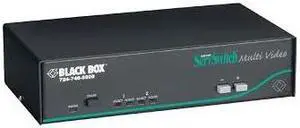
Black Box SW0802A-R2 ServSwitch 8-Port Multi Video KVM Switch
- Model #: SW0802A-R2
- NZ$2,750.80 –
- Free Shipping
Quick View
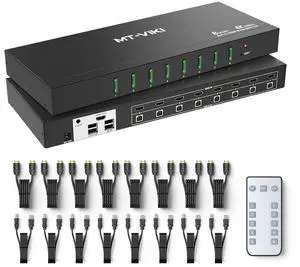
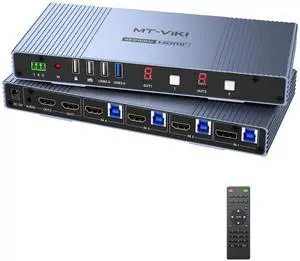
MT-VIKI Seamless 4x2 HDMI Matrix KVM Switch, HDMI+DP KVM Switch for 4 Computers 2 Monitors, 4K@60Hz/2K@144Hz, 3.5mm Audio Ouput, Support Mouse Switching+ Hotkey
- Model #: 9391048921114
- NZ$600.30 –
- Free Shipping
Quick View
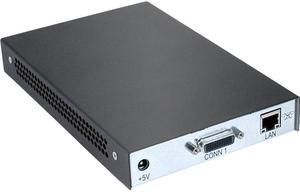
Avocent HMIQDHDD-001 transmitter/computer interface module for HMX2050-001; dual DVI-D video, monitor/USB/audio extender
- Type: RJ-45
- Computer Connections: 1 Port
- Monitor Connections: 1 Port
- Video Resolution: 1920 x 1200 @ 60 Hz
- Model #: HMIQDHDD-001
- NZ$2,034.35 –
- Free Shipping
Quick View
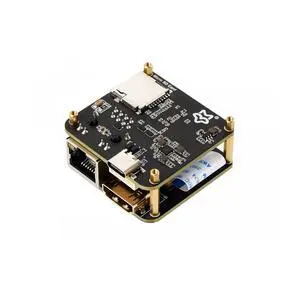
Luckfox PicoKVM Lightweight IP KVM Remote Management Tool, Supports 1920 × 1080@60fps HDMI Video Input and HID Signal Output for Device Control (Basic Kit,1 Piece)
- Model #: C731-001-LHXJU014-877
- NZ$437.00 –
- Free Shipping
Quick View
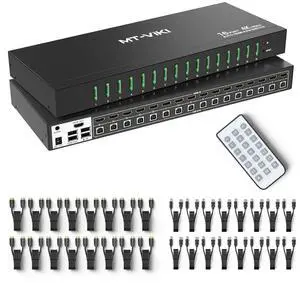
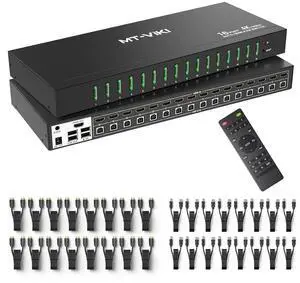
16 Port KVM Switch HDMI 4K@60Hz w/Remote, Support Keyboard Hotkey Switch 1U Rack Mount KVM HDMI with 3.5mm Audio, 16 Pack Cables Included (Industrial Grade)
- Model #: C731-001-LHXJU014-841
- NZ$2,553.00 –
- Free Shipping
Quick View
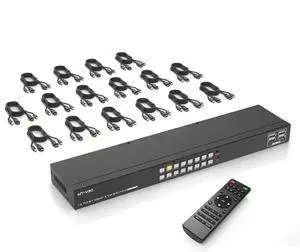
4K 16 Port KVM Switch HDMI, 4K@30Hz Rack Mount KVM Console w/16 Cables + 4 USB 2.0 Devices + Remote, Support EDID Storage, HDMI 1.4, HDCP 1.4 for 16 Computers/Servers, Fit 1U 19'' Rack
- Model #: C731-001-LHXJU014-807
- NZ$1,722.70 –
- Free Shipping
Quick View
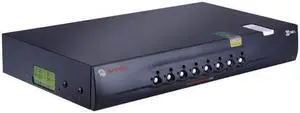
Avocent SC780-001 Switchview SC780 8-Ports Dual Monitor Secure DVI KVM Switch-(NOB)
- Model #: SC780-001 .
- NZ$1,761.80 –
- Free Shipping
Quick View
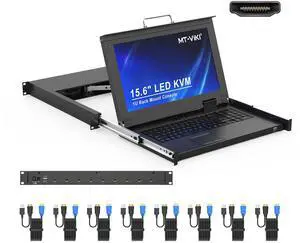
MT-VIKI 8 Port KVM Console HDMI, 1U Rack Mount KVM Console w/15.6'' LCD Monitor, 1080P Short Depth Integrated Touchpad+Keyboard+Drawer+8 Cables, Support OSD/Hotkey
- Model #: 677658648054
- NZ$2,451.80 –
- Free Shipping
Quick View
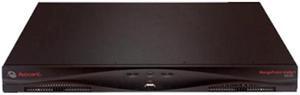
Avocent MPU2016-001 MergePoint Unity MPU2016 Digital KVM Switch
- Type: RJ-45
- Computer Connections: 16 Ports
- Monitor Connections: 3 Ports
- Video Resolution: 1280 x 1024 @ 75 Hz
- Model #: MPU2016-001
- NZ$7,074.80 –
- Free Shipping
Quick View
Avocent LRA185KMM-001 Local Rack Access 18.5-Inch USB 1U LCD KVM Console-(NOB)
- Model #: LRA185KMM-001 .
- NZ$2,379.35 –
- Free Shipping
Quick View
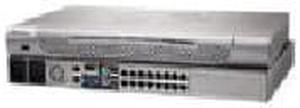
Raritan DKX2-416 Dominion 1600 x 1200 16-Ports 1U Rack-Mountable KVM Switch (NOB)
- Type: D-Sub, USB, PS/2
- Model #: DKX2-416 .
- NZ$10,535.15 –
- Free Shipping
Quick View
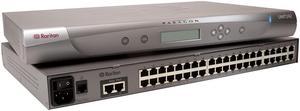
Raritan P2-UMT242 Paragon II 42-Ports 2-Users KVM Switch (NOB)
- Model #: P2-UMT242 .
- NZ$5,347.50 –
- Free Shipping
Quick View
- NZ$189.75 –
- Free Shipping
Quick View
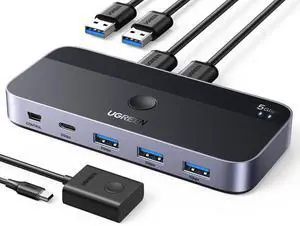
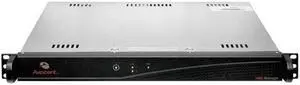
Avocent HMXMGR-001 High-Performance KVM HMX Management Applicance
- Model #: HMXMGR-001
- NZ$5,594.75 –
- Free Shipping
Quick View
- NZ$98.90 –
- Free Shipping
Quick View
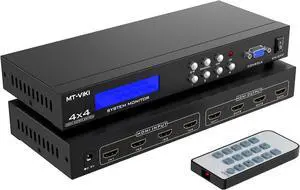
MT-VIKI 4x4 HDMI Matrix 4 in 4 Out 4K@30Hz HDMI Matrix Switcher & Splitter Support 4Kx2K@30HZ, EDID, RS232
- Model #: BZ59-3642
- NZ$462.30 –
- More options from NZ$445.05 - NZ$462.30
- Free Shipping
Quick View
- NZ$98.90 –
- Free Shipping
Quick View
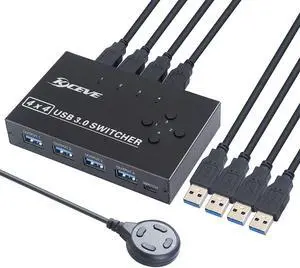
KCEVE USB 3.0 Switch, USB Switcher Selector 4 Computer Sharing 4 USB Devices Printer, Scanner, Mouse, Keyboard, Compatible with Mac/Windows/Linux, with 4 Pack USB 3.0 Cables
- Model #: 990160767434
- NZ$158.70 –
- Free Shipping
Quick View
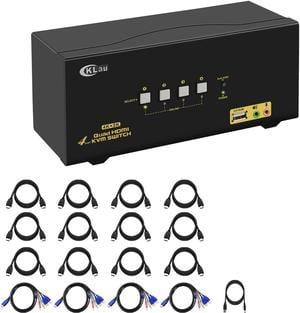
CKLau 4Kx2K@60Hz 4 Port Quad Monitor KVM HDMI Switch with Audio, Microphone, USB 2.0 Hub, Cables for 4 Computers Sharing Single Keyboard, Mouse and 4 Monitors Support HDMI 2.0, EDID
- Type: Accessories
- Model #: PB07RSV2WZP
- NZ$1,293.75 –
- More options from NZ$1,293.75 - NZ$1,596.20
- Free Shipping
Quick View
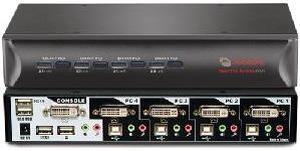
Avocent 2SVDVI10-001 SwitchView DVI 2-port KVM Switch
- Type: DVI, USB
- Computer Connections: 2 Ports
- Monitor Connections: 1 Port
- Video Resolution: 1920 x 1200
- Model #: 2SVDVI10-001
- NZ$541.65 –
- Free Shipping
Quick View
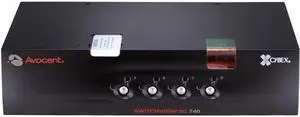
Avocent SC740-001 SwitchView SC740 KVM Switch
- Type: DVI, USB
- Computer Connections: 4 Ports
- Monitor Connections: 2 Ports
- Video Resolution: 2560 x 1600
- Model #: SC740-001
- NZ$2,454.10 –
- Free Shipping
- KVM Switches
KVM Switches
Suppose you have more than one computer in the same room but you do not have enough room for a second monitor. Or you have a laptop and want to use it with your home computer's keyboard, mouse and monitor, without changing your current setup. The answer lies in a handy device called a KVM switch.
KVM stands for keyboard, video, mouse. The keyboard, video, and mouse set collectively is called a "console." KVM switches allow you to connect a console to more than one computer. You simply connect your console cables to the output jacks of the switch and connect the switch to the connections on your computer that the keyboard mouse and monitor would normally be plugged into. It's that simple.
KVM Switches Let You Switch between Consoles
To switch consoles, you just push a button on the switch and it allows you to use the other console. KVM switches save you money because you won't have to purchase separate keyboards, mice, and monitors for each computer you use. It makes it very easy when one person uses more than one computer at work, for example. They are also useful for server farms with one staff person accessing each computer periodically, one at a time.
When buying KVM switches, it is important to fully understand your needs before you buy anything. Make sure the switch you choose will support your monitor refresh rates and resolution so that the signals are not degraded.