
Your Browsing History
Quick View
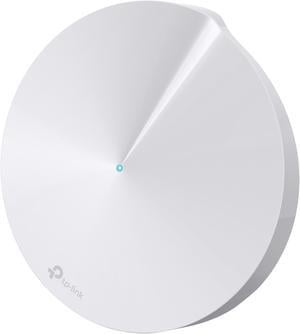
TP-Link Deco M5 AC1300 MU-MIMO Dual-Band Whole Home Wi-Fi System (Single Pack)
- Router & Satellite Counts: 1-Pack (1 Router)
- Covered Area: 1,500 sq. ft.
- LAN Ports: 2 x Gigabit Ethernet per Deco unit
- Other Ports: 1 x USB type C (for power)
- Model #: Deco M5
- NZ$192.05 –
- More options from NZ$171.35 - NZ$192.05
- NZ$126.80 Shipping
Quick View
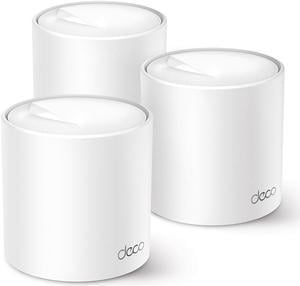
TP-Link Deco X50(3-pack) AX3000 Whole Home Mesh WiFi 6 System White
- Type: Mesh WiFi System
- Router & Satellite Counts: 3-Pack (3 Routers)
- Covered Area: 6,500 sq. ft.
- LAN Ports: 3 x Gigabit Ports *Per Deco Unit Supports WAN/LAN auto-sensing
- Model #: Deco X50(3-pack)
- NZ$547.40 –
- More options from NZ$547.40 - NZ$661.25
- NZ$148.18 Shipping
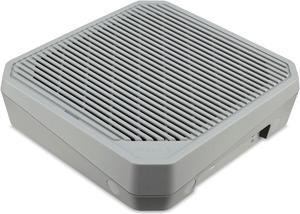
Quick View

- Part Number: FF.G2FTA.002
- Type: Mesh Router
- Router & Satellite Counts: 1-Pack (1 Router)
- Covered Area: 2,500 sq. ft.
- Model #: CONNECT_W6M
- NZ$511.75 –
- More options from NZ$453.10 - NZ$511.75
- NZ$165.19 Shipping
Quick View
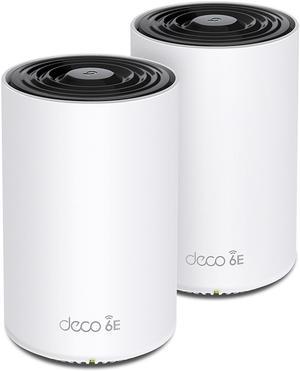
TP-Link Deco AXE5400 Tri-Band WiFi 6E Mesh System (Deco XE75 Pro) - 2.5G WAN/LAN Port, Covers up to 5500 Sq.Ft, Replaces WiFi Router and Extender, AI-Driven Mesh, New 6GHz Band, 2-Pack
- Type: Mesh WiFi System
- Router & Satellite Counts: 2-Pack (2 Routers)
- Covered Area: 3-5 Bedroom Houses
- Wi-Fi Standards: Wi-Fi 6E
- Model #: Deco XE75 Pro(2-pack)
- NZ$840.65 –
- NZ$362.03 Shipping
Quick View
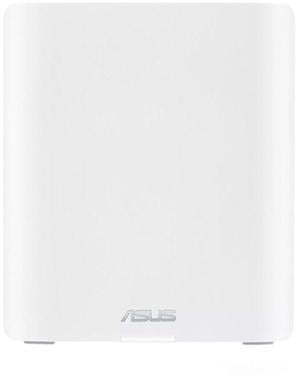
ASUS ZENWIFI Whole Home Wifi White
- Brand: ASUS
- Part Number: BT8 (W-1-PK)
- Color: White
- Type: Mesh Router
- Model #: BT8 (W-1-PK)
- NZ$602.60 –
- More options from NZ$602.60 - NZ$744.05
- NZ$151.00 Shipping
Quick View

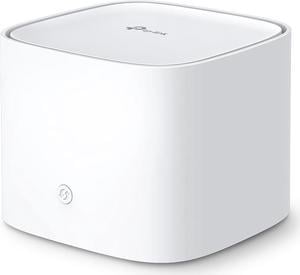
- Type: Mesh Router
- Router & Satellite Counts: 1-Pack (1 Router)
- LAN Ports: 3 x Gigabit Ports *Per Unit 1 Port supports WAN/LAN auto-sensing
- Wi-Fi Standards: Wi-Fi 6
- Model #: HX510(1-pack)
- NZ$221.95 –
- More options from NZ$205.85 - NZ$221.95
- NZ$128.24 Shipping

Quick View
- Type: Mesh Router
- Router & Satellite Counts: 1-Pack (1 Router)
- LAN Ports: 3 x Gigabit Ports *Per Unit 1 Port supports WAN/LAN auto-sensing
- Wi-Fi Standards: Wi-Fi 6
- Model #: HX220(1-pack)
- NZ$190.90 –
- NZ$139.01 Shipping
Quick View
- NZ$135.70 –
- More options from NZ$101.20 - NZ$135.70
- NZ$139.01 Shipping
Quick View
- Model #: DECO X50(1-PACK)_ISP
- NZ$211.60 –
- More options from NZ$175.95 - NZ$211.60
- NZ$151.00 Shipping
Quick View
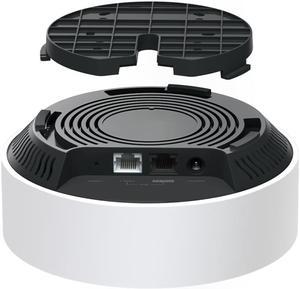
TP-Link Deco AX3000 PoE Mesh WiFi(Deco X50-PoE), Ceiling/Wall-Mountable WiFi 6 Mesh, Replacing WiFi Router, Access Point and Range Extender, PoE-Powered, 2 PoE Ports(1 x 2.5G, 1 x Gigabit), 1-Pack
- Type: Mesh WiFi System
- Package Content: Deco X50-PoE (1-pack) 1× Deco X50-PoE unit 1× RJ45 Ethernet cable 1× Power adapter Ceiling/Wall Mounting Kits Quick Installation Guide
- Model #: Deco X50-PoE(1-pack)
- NZ$342.70 –
- More options from NZ$277.15 - NZ$342.70
- NZ$213.92 Shipping
Quick View
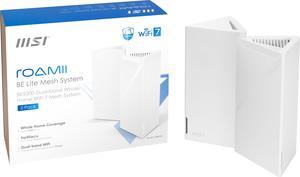
MSI Roamii BE Lite Mesh System - 2 Pack (WiFi 7, BE 5000, Up to 5,800 sq.ft. of Coverage, Supporting 120+ Devices, 2.5Gbps Ethernet Port, MU-MIMO MLO)

- Part Number: 302-8ZD21UU-000
- Type: Mesh WiFi System
- Router & Satellite Counts: 2-Pack (2 Routers)
- Covered Area: 5,800 sq. ft.
- Model #: Roamii BE Lite Mesh System- 2 Pack
- NZ$522.10 –
- NZ$312.66 Shipping
Quick View
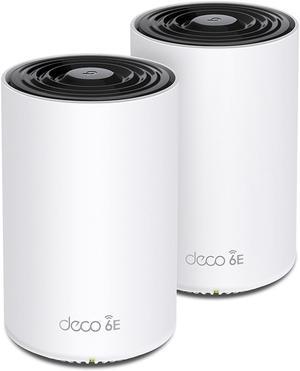
TP-Link Deco AXE5400 Tri-Band WiFi 6E Mesh System(Deco XE75) - Covers up to 5500 Sq.Ft, Replaces WiFi Router and Extender, AI-Driven Mesh, New 6GHz Band, 2-Pack
- Brand: TP-Link
- Part Number: Deco XE75(2-pack)
- Color: Black and White
- Type: Deco XE75(2-pack)
- Model #: DecoXE75(2-pack)
- NZ$710.70 –
- NZ$362.03 Shipping
Quick View
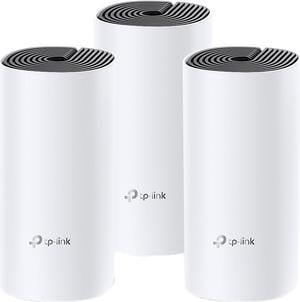
TP-Link Deco M4 (3-Pack) AC1200 Whole Home Mesh Wi-Fi System – Seamless Roaming, Adaptive Routing
- Router & Satellite Counts: 3-Pack (1 Router, 2 Satellites)
- Covered Area: 5,500 sq. ft.
- Other Ports: 2 x Gigabit Ethernet Ports (WAN / LAN auto-sensing) per Deco unit
- Wi-Fi Standards: IEEE 802.11 ac/n/a 5 GHz IEEE 802.11 b/g/n 2.4 GHz
- Model #: Deco M4(3-pack)
- NZ$309.00
- See price in cart
- More options from NZ$295.55 - NZ$336.95
- NZ$263.29 Shipping
Quick View
MSI Roamii BE Lite Mesh System - 1 Pack (WiFi 7, BE 5000, Up to 5,800 sq.ft. of Coverage, Supporting 120+ Devices, 2.5Gbps Ethernet Port, MU-MIMO MLO)
- Part Number: 302-8ZD20UU-000
- Type: Mesh WiFi System
- Router & Satellite Counts: 1-Pack
- Covered Area: 3,000 sq. ft.
- Model #: Roamii BE Lite Mesh System- 1 Pack
- NZ$369.15 –
- NZ$213.92 Shipping
Quick View
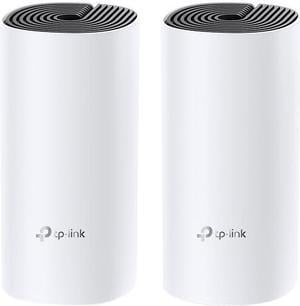
TP-Link NT Deco M4(2-pack) AC1200 Whole Home Mesh Wi-Fi System
- Router & Satellite Counts: 2-Pack (2 Routers)
- Covered Area: 2,800 sq. ft.
- Other Ports: 2 x Gigabit Ethernet Ports (WAN / LAN auto-sensing) per Deco unit
- Wi-Fi Standards: IEEE 802.11 ac/n/a 5 GHz, IEEE 802.11 b/g/n 2.4 GHz
- Model #: DECO M4(2-PACK)
- NZ$253.00 –
- NZ$106.11 Shipping
Quick View

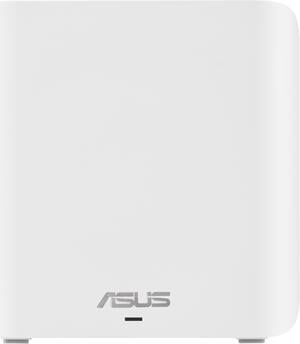
- Brand: ASUS
- Part Number: 90IG0960-MA1C0V
- Type: Mesh WiFi System
- Router & Satellite Counts: 1-Pack
- Model #: BD4 (W-1-PK)
- NZ$372.60 –
- More options from NZ$106.95 - NZ$380.65
- NZ$164.55 Shipping
Quick View
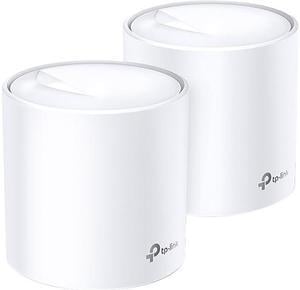
- Type: Mesh WiFi System
- Router & Satellite Counts: 2-Pack (2 Routers)
- Covered Area: 4,500 sq. ft.
- LAN Ports: 3 x Gigabit Ports *Per Deco Unit Supports WAN/LAN auto-sensing
- Model #: Deco X50(2-pack)
- NZ$501.40 –
- NZ$263.29 Shipping
Quick View
Amped Wireless ALLY-0091K-CA Ally Plus Whole Home Smart Wi-Fi System (Kit)
- WAN Ports: 1 x 10/100/1000M WAN; 3 x 10/100/1000M LAN
- Other Ports: Router Port: 1 x USB 3.0 Port Extender Port: 1 x RJ-45 10/100/1000M (LAN)
- Wireless Data Rates: 2.4 GHz 800 Mbps + 5 GHz 1300 Mbps (simultaneous)
- Frequency Band: 2.4 GHz / 5 GHz 802.11a/b/g/n/ac
- Model #: ALLY-0091K-CA
- NZ$172.50 –
- NZ$263.29 Shipping
Quick View
Amped Wireless ALLY- Whole Home Smart Wi-Fi Router (ALLY-R1900-CA)
- WAN Ports: 1 x 10/100/1000M WAN; 3 x 10/100/1000M LAN
- LAN Ports: Extender Port: 1 x RJ-45 10/100/1000M (LAN)
- Other Ports: 1 x USB 3.0 Port
- Wi-Fi Standards: 802.11a/b/g/n/ac
- Model #: ALLY-R1900-CA
- NZ$123.05 –
- NZ$213.92 Shipping
Quick View
- NZ$971.75 –
- NZ$460.77 Shipping
Quick View
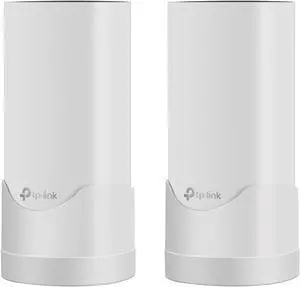
Stanstar Wall Mount Holder for Deco M4 Whole Home Mesh WiFi System, Deco M4 Bracket with Cord Management, Space Saving and Easily Moved(2Pack)
- WAN Ports: 1 x 10/100/1000M WAN; 4 x 10/100/1000M LAN
- Frequency Band: 2.4 GHz / 5 GHz
- Option: Base Router Only
- Model #: M4-02
- NZ$37.95 –
- NZ$7.66 Shipping
Quick View
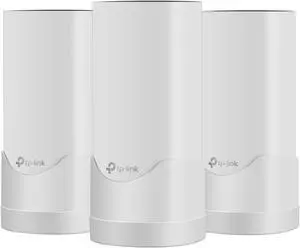
Stanstar Wall Mount Holder for Deco M4 Whole Home Mesh WiFi System, Deco M4 Bracket with Cord Management, Space Saving and Easily Moved (3 Pack)
- WAN Ports: 1 x 10/100/1000M WAN; 4 x 10/100/1000M LAN
- Frequency Band: 2.4 GHz / 5 GHz
- Option: Base Router Only
- Model #: M4-03
- NZ$35.65 –
- NZ$7.66 Shipping
Quick View
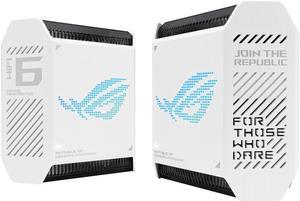
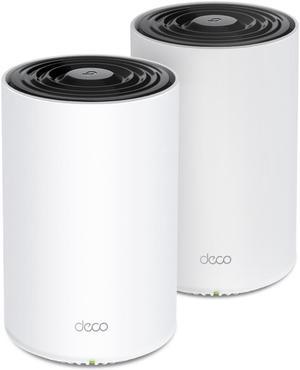
- Model #: GT6 (W-2-PK)/CA
- NZ$1,041.90 –
- NZ$164.55 Shipping
Quick View
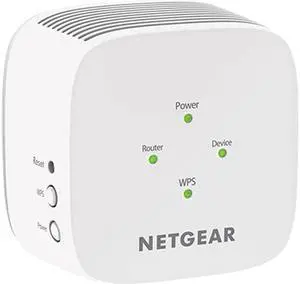
- NZ$799.25 –
- NZ$312.66 Shipping
Quick View

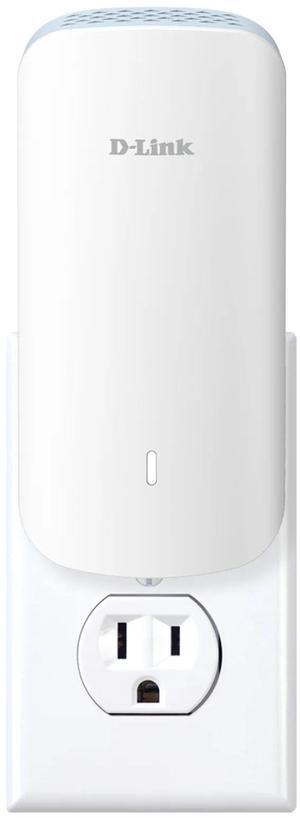
- Type: Range Extender
- Wi-Fi Standards: Wi-Fi 5
- Frequency Band: 2.4 GHz / 5 GHz
- Security: WiFi Protected Access (WPA/WPA2 - PSK) and WEP
- Model #: EX2800-100CNS
- NZ$134.55 –
- NZ$164.55 Shipping
Quick View
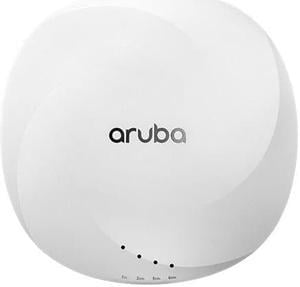
- NZ$239.20 –
- NZ$164.55 Shipping
Quick View

- Type: Computer Accessories
- Model #: R7J38A
- NZ$4,023.85 –
- NZ$312.66 Shipping
Quick View
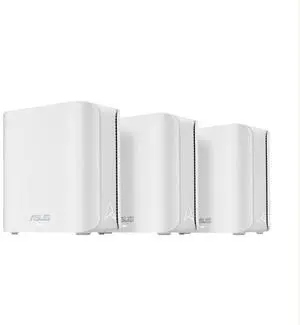
- Brand: ASUS
- Part Number: 90IG0960-MX1C60
- Color: White
- Type: Mesh Router
- Model #: BE3600(W-3-PK)
- NZ$826.85 –
- NZ$312.66 Shipping
Quick View
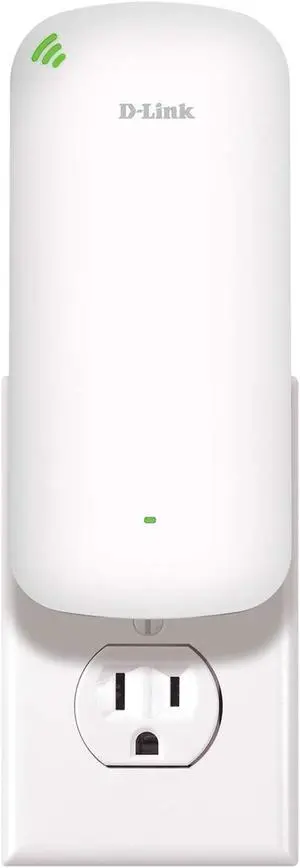
D-Link AX1800 Mesh Wi-Fi 6 Range Extender - Dual Band, MU-MIMO, Mesh, WPA3, Booster, Repeater, Access Point, Extend Wi-Fi in Your Home, Gigabit Port, Easy App Setup, Smart Signal Indicator (DAP-X1870)
- Type: Range Extender
- Router & Satellite Counts: 1-Pack (1 Satellite)
- Covered Area: Greater Coverage
- Wi-Fi Standards: 802.11n, 802.11ax, 802.11a, 802.11g, 802.11ac
- Model #: DAP-X1870
- NZ$326.60 –
- NZ$164.55 Shipping
Quick View
Google GA02434-CA Mesh Router (AC1200) - 3 Pack Snow
- Type: Mesh WiFi System
- Router & Satellite Counts: 3-Pack (1 Router, 2 Satellites)
- Covered Area: Up to 4500 sq. ft., 1500 sq. ft. / point
- Other Ports: Dual Gigabit Ethernet ports Barrel jack power
- Model #: GA02434-CA
- NZ$663.55 –
- NZ$263.29 Shipping
Quick View
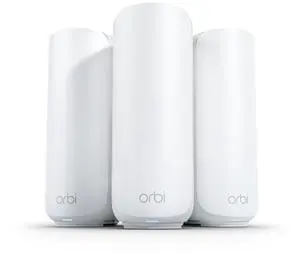
- Brand: Netgear
- Part Number: RBE373-100CNS
- Color: White
- Type: Mesh WiFi System
- Model #: RBE373-100CNS
- NZ$980.95 –
- NZ$658.25 Shipping
Quick View
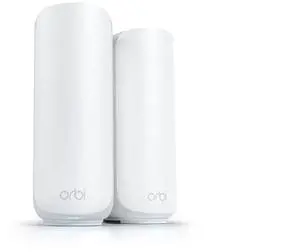
- Brand: Netgear
- Part Number: RBE372-100CNS
- Color: White
- Type: Mesh WiFi System
- Model #: RBE372-100CNS
- NZ$703.80 –
- NZ$658.25 Shipping
Quick View
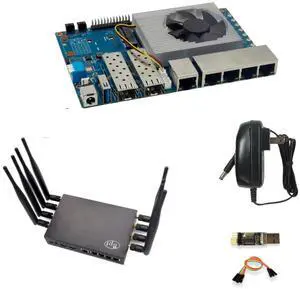
youyeetoo Bananapi BPI-R3 WiFi 6 Router Board with MediaTek MT7986 Chip Dual GbE LAN for IoT Router, VPN Client&Server, OpenWrt Projects (Banana Pi BPI-R3 Router Kits)
- Model #: 515575223322
- NZ$493.35 –
- Free Shipping
Quick View
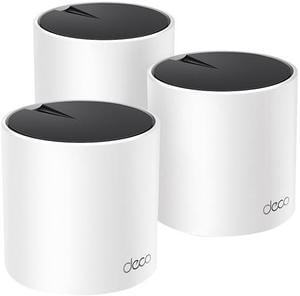
TP-Link AX3000 Whole Home Mesh WiFi 6 System, Dual-Band with Smart Antennas, MU-MIMO, HomeShield Security Deco X55(3-Pack)
- Type: Mesh WiFi System
- Router & Satellite Counts: 3-Pack (3 Routers)
- Covered Area: 6,500 sq. ft.
- Other Ports: 3 x Gigabit Ports *Per Deco Unit Supports WAN/LAN auto-sensing
- Model #: Deco X55(3-Pack)
- NZ$687.70 –
- NZ$245.42 Shipping
- Home WiFi
- Fast WiFi?
- Extending WiFi Range
- Brands
A new generation of smart WiFi systems automate and optimize home networking, especially in larger spaces with heavy network traffic. Learn if a smart WiFi router and wireless access points make sense for your bandwidth and budget needs, and find out whether new technology like 801.11ac, MU-MIMO, and beamforming are worth it for your home network.
The ISP connection and modem is the brawn
A fast connection starts with the Internet Service Provider (ISP) line to your home. Know that a home network is never faster than the Cable, DSL, or Fiber connection you get from the ISP. Cable and DSL connections range from 25-50 MB/s rates for consumer connections. If you’re lucky enough to live where fiber is available, you may see rates upwards of 300 MB/s.
A modem converts the ISP signal into to digital bandwidth that other network components use to communicate with each other. Usually consumers rent modems from the ISP at a monthly rate, and you can save money about a year after you buy a modem on the consumer market. ISPs publish lists of compatible modems on their websites--use this as a reference to buy a modem for yourself.
The WiFi router is the brain
From the modem, the router distributes the signal to different endpoints on the home network. Today, all routers are WiFi routers that combine Ethernet connectivity (LAN ports) with a built in wireless access point (WAP). The wireless access point broadcasts a wireless network connection to endpoints on the home network.
New routers using the latest IEEE 802.11ac specifications, MU-MIMO antenna technology, that are capable of focusing in a wireless signal on specific endpoints--a process called beamforming--make a home network more dynamic and flexible when there are a lot of endpoints accessing the network in a larger home or office.
2.4 GHz and 5 Ghz are the bands
Dual band WiFi routers send out signals across two separate bands (also called spectrums) of radio frequency: one is centered at 2.4 GHz and the other at 5 GHz.
The 2.4 GHz band is used by all sorts of remote control devices--garage door openers, TV remotes, baby monitors, police scanners, et cetera--so it tends to be noisier. Network congestion impedes the connection and access feels slow. Newer laptops, phones, and tablets are built to communicate at the 5 Ghz wavelength to avoid the congestion.
The physically larger 5 GHz wavelength yields a faster data transfer, but the 2.4 GHz spectrum does have advantages. The 5 GHz band has a shorter range in open space, and has a harder time penetrating solid walls, metal doors, water pipes, heaters and aquariums—and is more susceptible to interference from electronic appliances.
Premium-quality Tri-band WiFi routers give users a 2.4 GHz channel and two 5 Ghz channels. A tri-band is advantageous when there are upwards of 15-20 endpoints vying for bandwidth on the WLAN and performance is critical for the end users. The extra 5 Ghz band is like adding a lane on a congested freeway helping everything move along.