All CategoriesAll CategoriesAll Categories
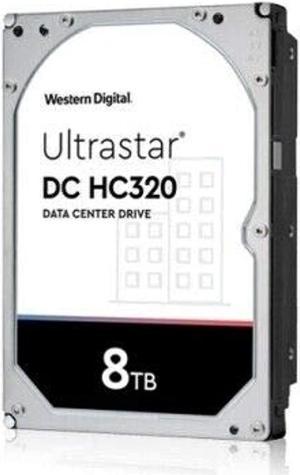
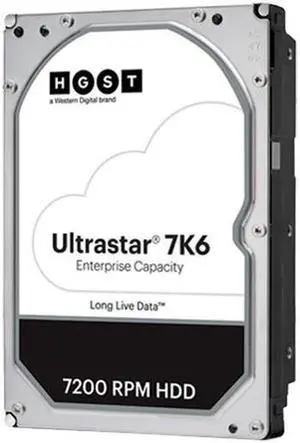


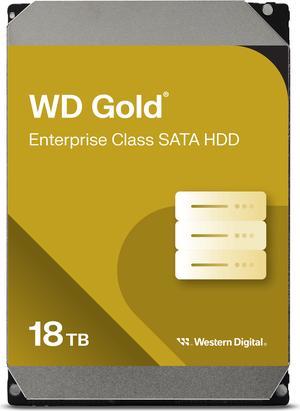
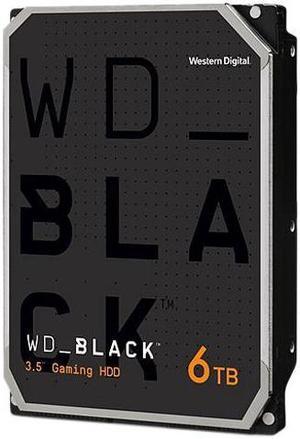
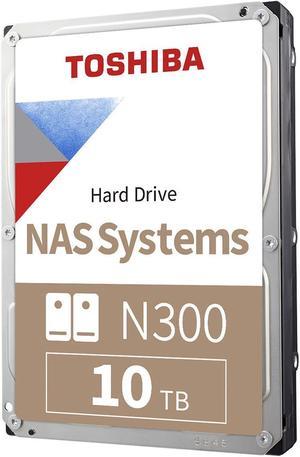
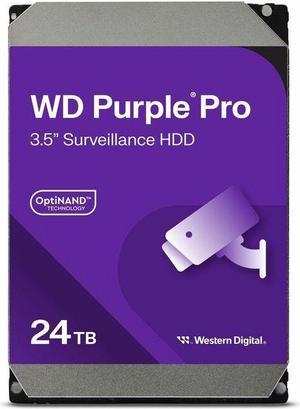
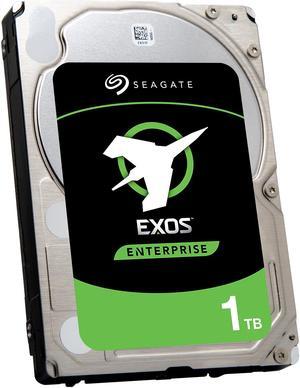

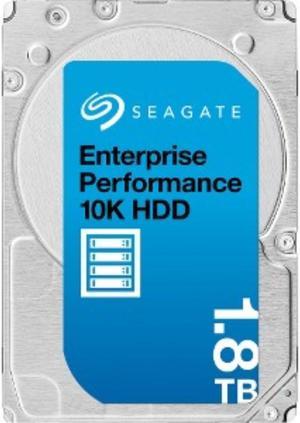
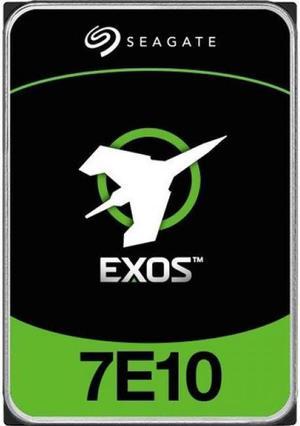
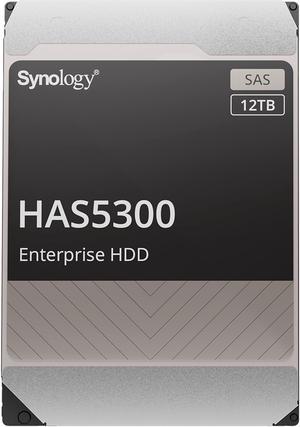
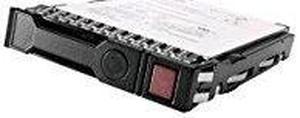
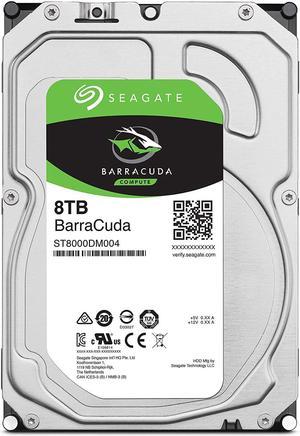
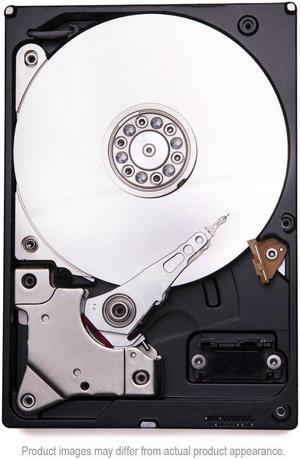
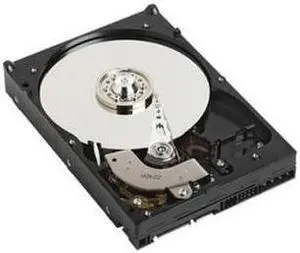
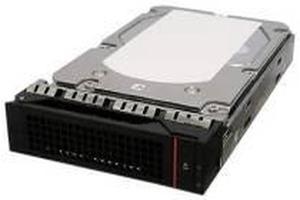

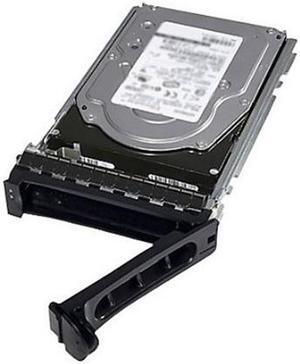
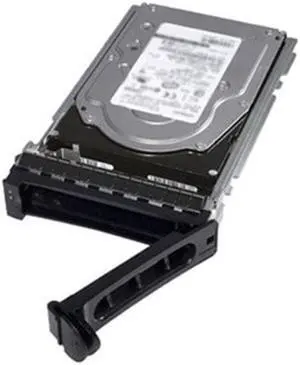
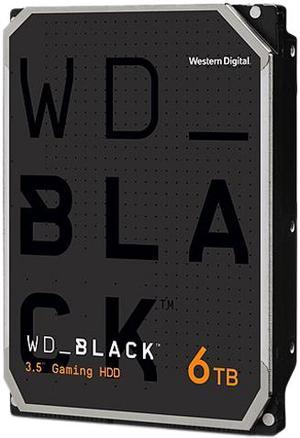
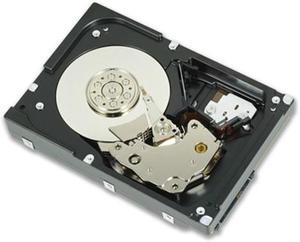
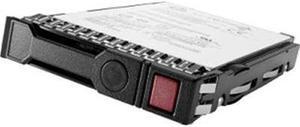
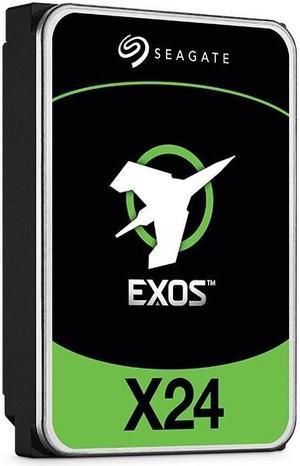
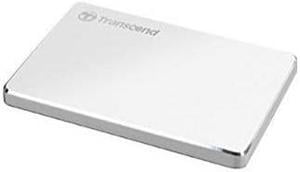
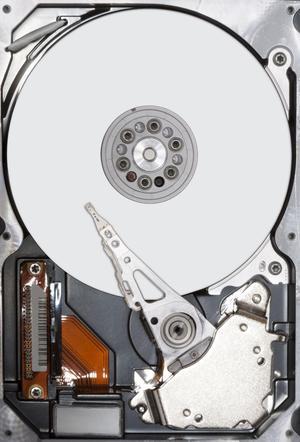
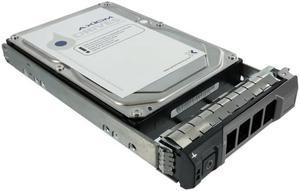
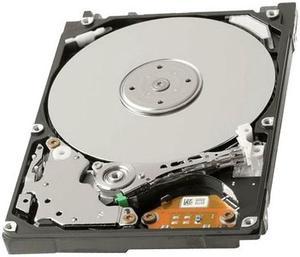
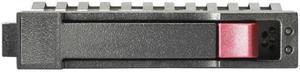
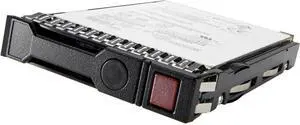
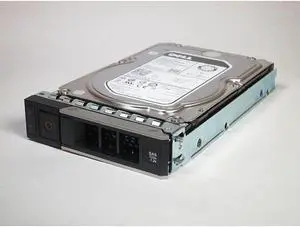
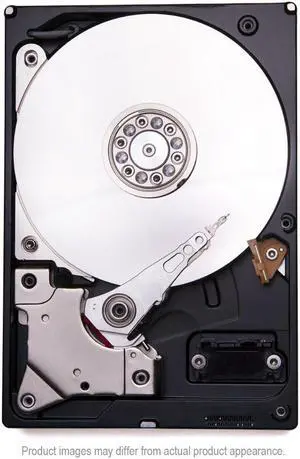
Desktop internal hard drives store operating systems, system files, software and individual files. They can offer anywhere from 500GB of storage up to 8TB or more and come with a variety of interfaces. Although most internal drives are 3.5in., some devices use a smaller 2.5in. form factor. Smaller and larger physical sizes are rare but do exist. Also, consider the speed of the drive. Internal hard drives for desktop computers tend to run at 7,200 revolutions per minute (RPM) but faster read-write speeds minimize waiting time. Hard drives with speeds of up to 15,000 RPM are available. Finally, memory cache is the amount of memory that can be active at any given time. A larger cache is important if you work with multiple large files at once.
You might not be concerned about storage space when you buy a new PC, but the hard drive will fill will with files and software. A new desktop internal hard drive can replace an existing drive that has reached maximum capacity. Alternatively, if your motherboard has a spare bay, you can add a second or additional device to expand storage. An internal HDD for PCs is easy to install, has greater capacity and speed than an external device and comes with multiple storage options.
Every piece of software you install, every song you save, every video you download takes up storage space, which can slow down a computer. A 720p movie takes up approximately 8GB, while a 4k video can consume as much as 100GB of a desktop internal hard drive. Even the Windows 10 operating system requires 15GB. A 500GB hard drive can be useful for storing files while you're on the move before transferring them to a larger drive if you don't have a personal cloud device or portable hard drive. For everyday and ongoing storage, this size drive will quickly fill up. Desktop internal hard drives offer the storage of up to 16TB in some cases, providing plenty of space for software and files.
The most commonly used standards for connecting a desktop internal hard drive to a motherboard are SATA and SAS. Determine the motherboard's interface and ensure that you match this when buying a new drive to ensure compatibility and to avoid having to use an adapter. Check the label off the drive you are replacing or look at the manufacturer guidelines for your motherboard.
The speed the disk platters spin determines how quickly information can be retrieved from the drive. It is common for external hard drives to have a speed of 5,000 RPM because this draws less power and makes minimal noise. Other hard drive designs have a speed of up to 15,000 RPM, depending on the model.