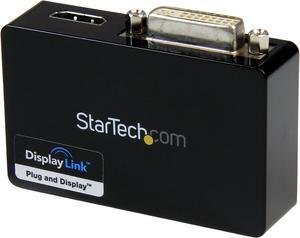
- Color: Black
- Model #: 29474
- ₱3,232.31 –
- More options from ₱1,932.88 - ₱3,232.31
- ₱4,073.52 Shipping

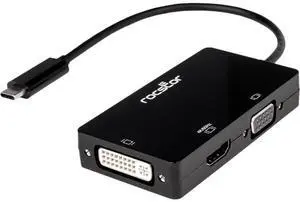
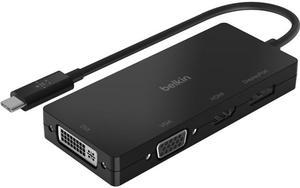
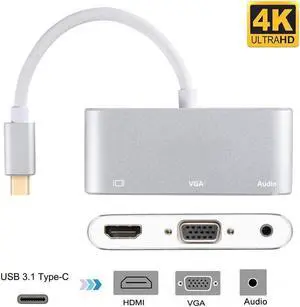
- Type: USB-C to HDMI/VGA 4K Adapter
- Color: White
- Cable Length: 6"
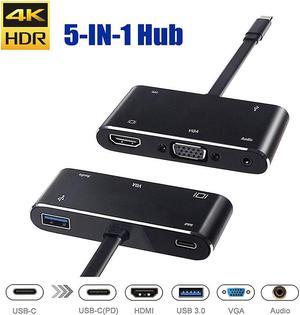
- Specifications: Connector: Connector A - 1 x USB-C male Connector B - 1 x HD15 female / 1 x HDMI female Max Supported Video Resolution: 4K x 2K (3840 X 2160) @30Hz HDMI Specification: 1.4 HDCP Specification: 1.4 USB Specification: USB 3.0 (up to 5 Gbps); USB 3.1 Gen 1 (up to 5 Gbps) Audio Specification: 7.1 channel surround sound via HDMI port Driver Required: No
- Model #: U444-06N-HV4K
- ₱2,754.07 –
- More options from ₱1,651.07 - ₱2,754.07
- ₱4,073.52 Shipping

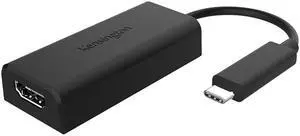
- Type: USB to HDMI Adapters
- Color: White
- Specifications: System Requirements USB-C device that supports USB DisplayPort Alternate Mode HDMI-enabled display
- Thunderbolt 3: Yes
- Model #: U444-06N-H4-C
- ₱3,357.75 –
- ₱4,073.52 Shipping

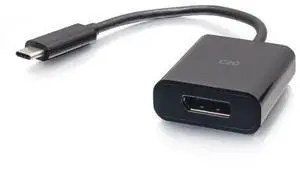
- Type: USB-C to DisplayPort Adapters
- Changer Type: USB-C Male to DisplayPort Male
- Color: Black
- Cable Length: 6 ft.
- Model #: 26902
- ₱4,837.93 –
- More options from ₱3,212.97 - ₱4,837.93
- ₱1,003.14 Shipping

- Type: USB-C to HDMI Adapters
- Changer Type: USB to HDMI
- Color: Black
- Specifications: Ports: 2 Side A - Connector 1: USB C (MALE) Side B - Connector 1: (2) HDMI (FEMALE) Connector Plating: Nickel Displayport Specification: 1.4 HDCP Specification: 2.2 USB Specification: USB 3.2 Gen 2 (Up to 10 Gbps) Driver Required: No MST Support: Yes Multi-Resolution Support: Yes
- Model #: U444-2H-MST4K6
- ₱4,205.59 –
- More options from ₱4,205.59 - ₱7,507.93
- ₱4,073.52 Shipping

- Type: USB to HDMI Adapters
- Specifications: Compatible with Ubuntu 14.04.2 Connector A: USB MINI-B 5-PIN (FEMALE) Connector B: HDMI (FEMALE)
- Weight: 0.35
- Model #: U344-001-HDMI-R
- ₱6,367.19 –
- More options from ₱6,367.19 - ₱7,248.26
- ₱4,073.52 Shipping

- Part Number: 26888
- Type: USB-C to HDMI Adapters
- Changer Type: USB-C Male to HDMI Male
- Color: Black
- Model #: 26888
- ₱5,054.36 –
- More options from ₱2,705.55 - ₱6,802.87
- ₱1,003.14 Shipping

- Color: Black
- Model #: 29471
- ₱3,411.51 –
- More options from ₱3,029.97 - ₱3,411.51
- ₱4,073.52 Shipping

- Color: Black
- Model #: 29482
- ₱4,320.47 –
- More options from ₱2,625.74 - ₱4,320.47
- ₱1,003.14 Shipping

- Part Number: 26901
- Type: USB-C to DisplayPort Adapters
- Changer Type: USB-C Male to DisplayPort Male
- Color: Black
- Model #: 26901
- ₱3,440.63 –
- More options from ₱2,902.50 - ₱3,440.63
- ₱4,073.52 Shipping

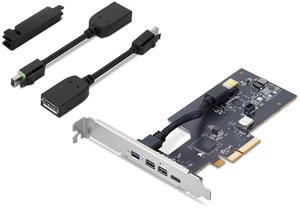
- Part Number: 4X90Q93303
- Color: Black
- Weight: 1.00 lbs
- Model #: 4X90Q93303
- ₱3,654.55 –
- More options from ₱3,654.55 - ₱7,130.39
- ₱4,073.52 Shipping

- Screen Size: 17.3"
- Type: Work / Business
- Model #: 065030889001
- ₱5,036.72 –
- More options from ₱3,597.79 - ₱5,036.72
- ₱1,003.14 Shipping

- Color: Black
- Model #: C2G54459
- ₱3,336.47 –
- More options from ₱2,536.61 - ₱3,336.47
- ₱4,073.52 Shipping

- Model #: B0BPCBP15P-YIXIN
- ₱930.17 –
- Free Shipping

- Model #: B0BKL1YKTR-YIXIN
- ₱850.23 –
- Free Shipping

- Model #: B0CTT1FJL6-YIXIN
- ₱1,061.18 –
- Free Shipping

- Color: Black
- Model #: 65Y65G-768
- ₱1,861.43 –
- Free Shipping

- Type: USB to DisplayPort Adapters
- Model #: B0759HSLP1C3FG
- ₱1,327.57 –
- Free Shipping

- Model #: t3dr
- ₱2,280.75 –
- Free Shipping

- Model #: B0BRCN4FKBUSBAdapter
- ₱1,061.18 –
- Free Shipping

- Model #: B0BVJXN99B-USBAdapter001
- ₱1,495.58 –
- Free Shipping

- Model #: B08LQ2K8RL-USBAdapter001
- ₱1,226.67 –
- Free Shipping

- Model #: 975612036788
- ₱4,157.15 –
- Free Shipping

- Model #: C22J-X-225048
- ₱6,792.82 –
- Free Shipping

- Model #: 541731874077
- ₱3,942.59 –
- Free Shipping

- Model #: B0BRCN4FKBYIXIN
- ₱1,481.79 –
- Free Shipping

- Model #: C1JG-L-330017
- ₱4,579.05 –
- Free Shipping

- Model #: SJB09313819P
- ₱22,917.03 –
- Free Shipping

- Model #: C2N780294028706673
- ₱9,524.76 –
- Free Shipping

- Model #: CLATB0FYC3DH28
- ₱6,478.07 –
- Free Shipping
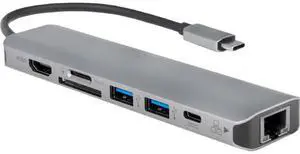
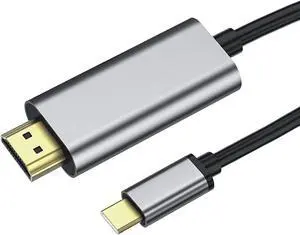
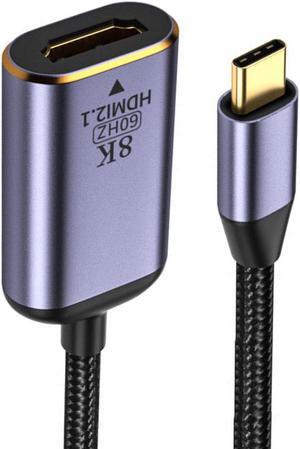
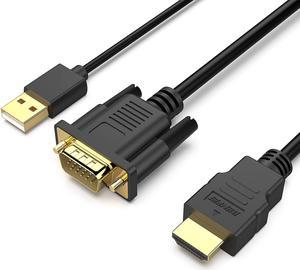
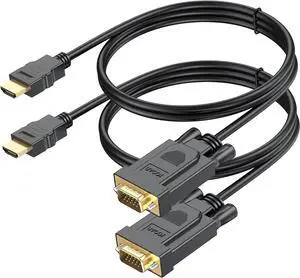
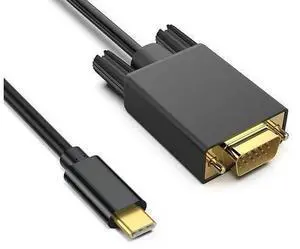
When you need to mirror your display on an additional monitor, and you've used up all of your computer's display ports, a USB display adapter could facilitate that task. USB adapters allow you to connect laptops, Apple® devices and PCs to HD display sources with HDMI inputs, for example. For facilities managers who are trying to maintain a supply budget in their offices or home users wanting to use equipment for as long as possible, display adapters, like USB-to-VGA adapters, help them keep monitors, old drives and video cards in service after display standards evolve.
USB Display Adapters Extend the Life of Dated Equipment
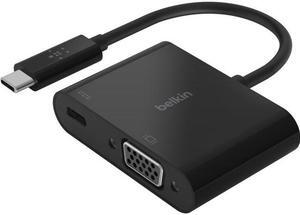
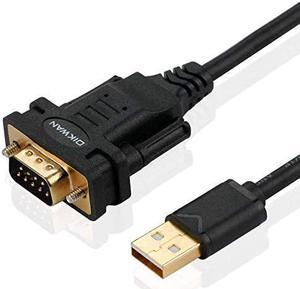
Just because a graphics and audio standard is replaced doesn't mean you have to retire an older piece of equipment, especially if it's still working. If you have a digital projector at home or at the office, you may still be able to connect it to a newer computer with USB outputs with a USB-to-VGA adapter. A perfectly functional computer monitor with a VGA output could still work in some situations if you connect it to a USB-to-VGA adapter. You may also need to confirm whether or not your old equipment is supported by the latest standards for graphics, especially for gaming and video editing.
Applications for USB-to-HDMI Adapters
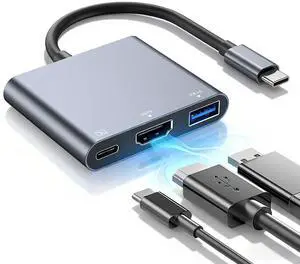
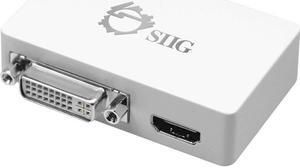
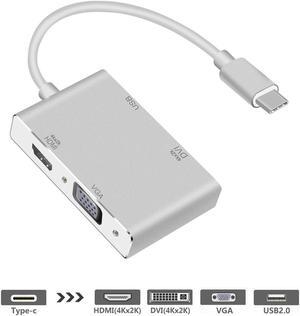
Plugging in a USB-to-HDMI adapter to your tower or laptop provides you with an instant HDMI output, and using the right USB display adapter turns your HDTV into a monitor. If you stream content from a computer or are an MPG enthusiast, you can enjoy all the benefits of the audio and resolution of your full surround sound and home entertainment equipment. Adapters with multiple jacks enable users to connect different outputs, including monitors, to a single source. USB-to-DVI adapters support the same HD video output of HDMI cables, but they don't support sound signals. DVI USB display adapters are still quite useful in office scenarios for hooking up laptops to displays for slide presentations and meeting materials that do not require audio.
USB Display Adapters Support Several Output Standards
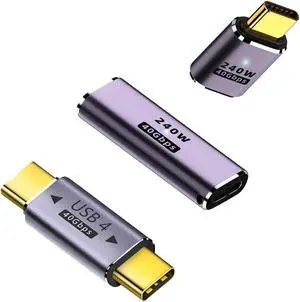
DisplayPort was originally developed to replace VGA. Many consider DisplayPort a modern display protocol and therefore, you can sometimes find it on the back of 4K and HD televisions as an input source. USB to DisplayPort provides the flexibility you need at home or at work, in a professional studio or editing room, for example, to work with whatever HD standard best suits your personal preference. When you need the speed and performance of Thunderbolt and USB 3.0, look for cables and adapters that connect USB 3.0 and Thunderbolt outputs to high-definition monitors and televisions. Note that if you're running a USB 3.0-to-VGA adapter, double-check the specs to make sure the graphics card is supported. Adapters are cost-effective and easy to use, but they have some limitations. In many cases, you may be able to swap out your old card with a newer video card.