
Your Browsing History


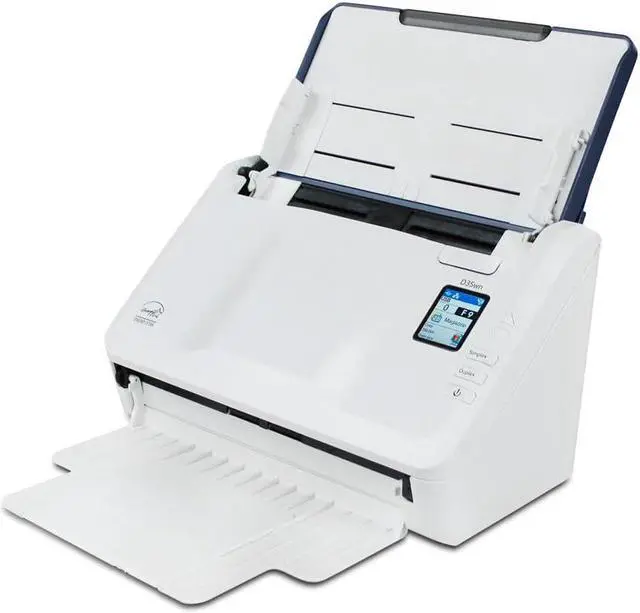
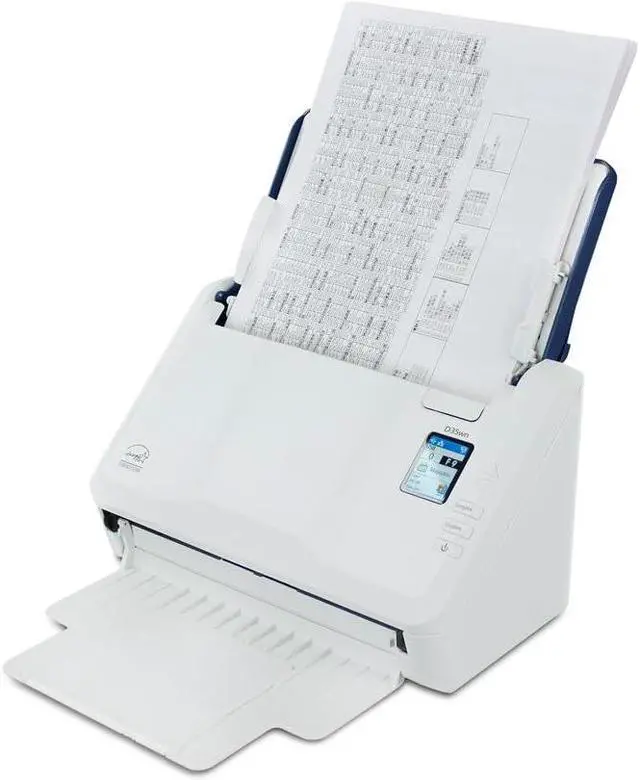
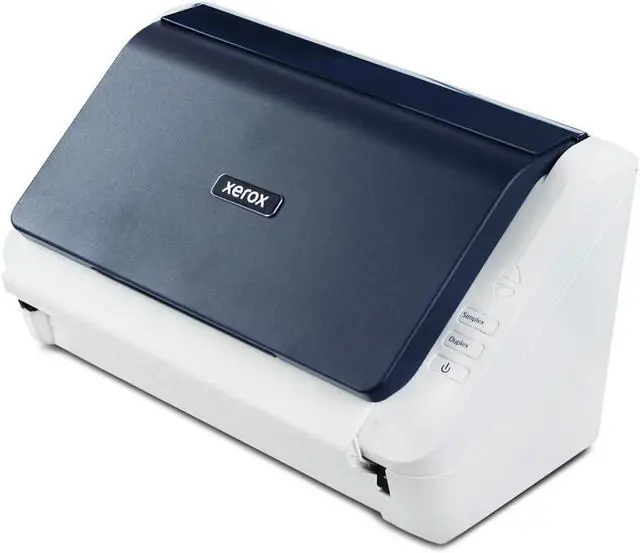
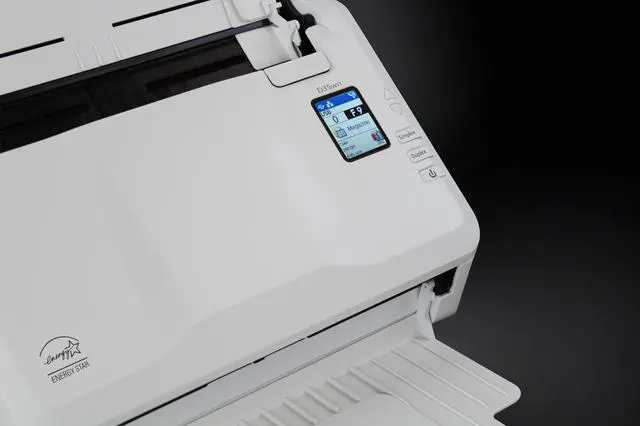



This Xerox D35wn Scanner is the ultimate solution for both home and office document scanning needs. With its sleek design and advanced features you can expect unparalleled performance in terms of speed image quality and connectivity.
1. Unbox the Xerox D35wn Scanner and ensure all components are included.
2. Connect the scanner to your PC or Mac using the provided USB cable or set up a wireless connection via WiFi or LAN.
3. Install the necessary drivers and software from the included CD or download them from the manufacturer's website.
4. Follow the on-screen instructions to complete the installation process and start scanning your documents effortlessly.
Frequently Asked Questions:Q: Can this scanner be used with both PC and Mac computers?
A: Yes the Xerox D35wn Scanner is compatible with both PC and Mac devices offering versatile connectivity options.
Q: Does this scanner support wireless scanning?
A: Yes this scanner features WiFi capabilities allowing you to scan documents wirelessly for added convenience.
Q: Is the Visioneer OneTouch feature user-friendly?
A: Absolutely! The Visioneer OneTouch feature simplifies the scanning process with its intuitive interface making it easy to set up and use personalized scan settings.
Q: Can scanned documents be easily edited and converted using this scanner?
A: Yes with the included ABBYY FineReader PDF software scanned documents can be converted into editable and searchable files offering enhanced flexibility.
Warranty Notice:
This product does not include manufacturer warranty when purchased or used outside of its designated sales region. By purchasing internationally, you acknowledge that warranty support from the manufacturer will not be available.