• QAR114.78
  • VAT-Inclusive Price
Ships from China.
Most customers receive within 7-17 days.
Shop it at NeweggBusiness.

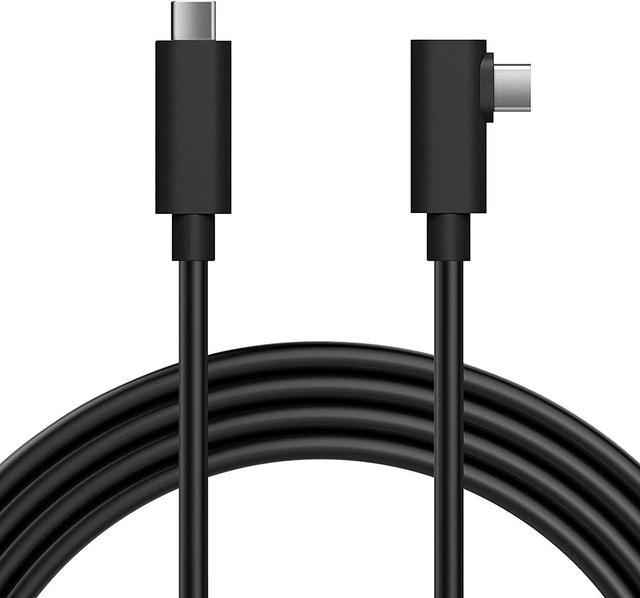
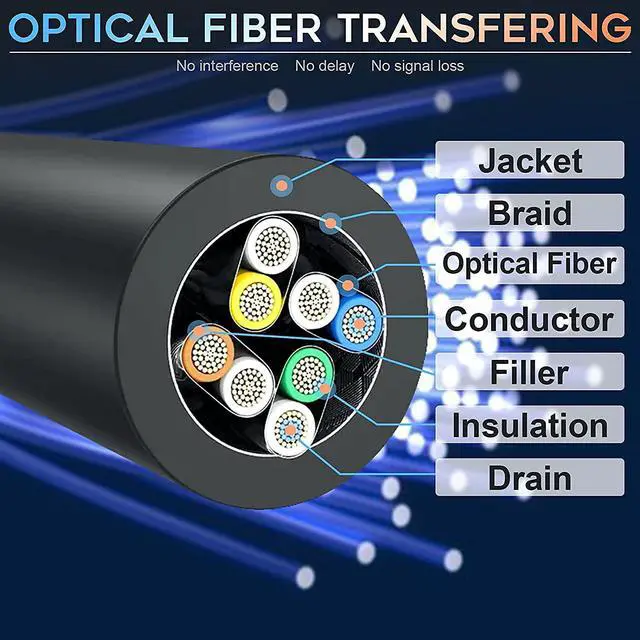
16FT(5M) Active Optical Fiber Cable USB C to USB C Link Cable Compatible for Oculus Quest 2, Oculus Link Quset 2 and Quest Steam VR, USB 3.2 Gen 2 10Gbps Virtual Reality Headset Cable - PC VR

  • Charging while Gaming: This premium active fiber-optical cable will power up your Quest and Quest 2 while gaming for the PV VR.
  • Connect to PC VR: The cable will connect your Quest and Quest 2 to Oculus Rift apps and games through Oculus Link, offering you more PC VR games.
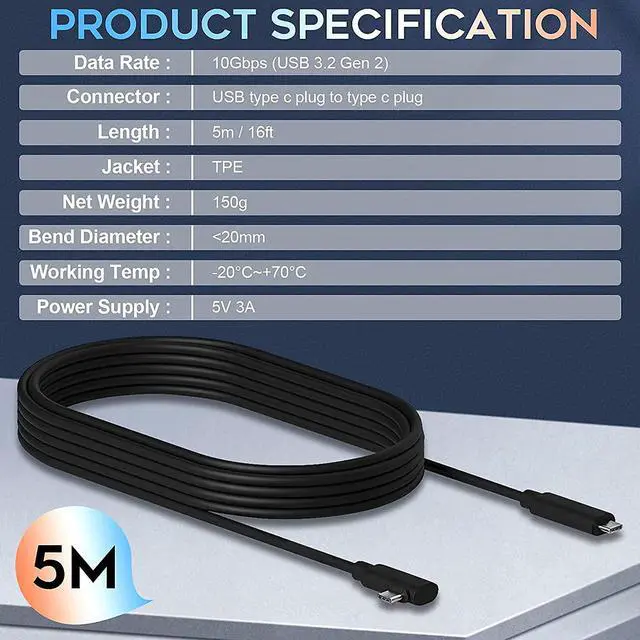
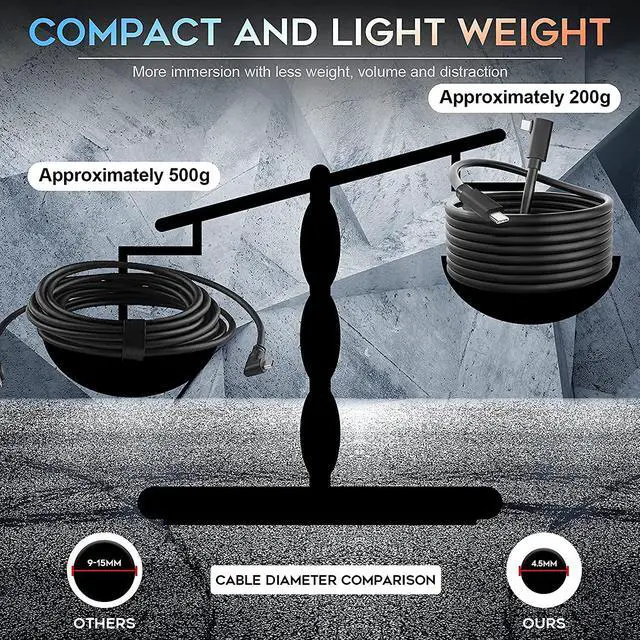
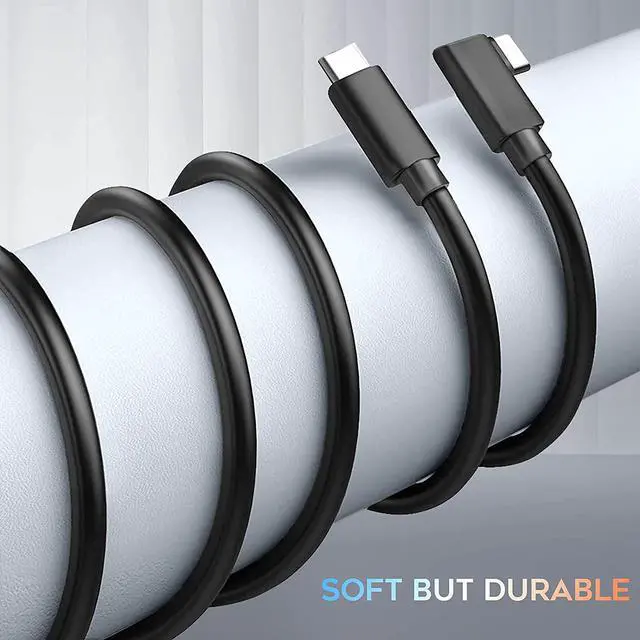
  • Specially designed: Optimal 16FT(5M) length provides you immersive gaming experience with super thin, lightweight, flexible and durable cable.
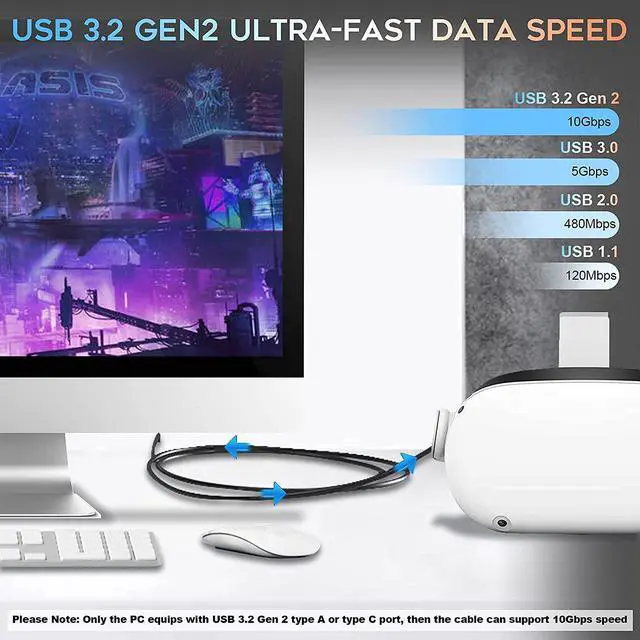
  • Rapid Data Transfer: Active fiber USB-C cable provides full-speed 10 Gbps data transfer for a better gaming experience.
  • USB-C cable: Also can work as a standard USB-C to USB-C cable with 60 W Power Delivery.
+
+
Overview
Specs
Reviews
Features: Connect Easily - The top and bottom of type-C are completely consistent, which means that users do not have to distinguish between the front and the back of USB. Like apple lightning interface, it can be inserted in both directions. Enjoy PC-VR Games - Oculus link connects oculus quest headset to a gaming PC so you can play a wide range of oculus rift apps and games. 90 Degree Connector & Snug Fit - Our charging cable features a 90-degree, right angle connector instead of a straight end connector, allowing you to comfortably view your phone in landscape mode to watch a movie or scroll through media in full screen view. The slim metal connector has a snug and secure fit in your phones charging port, even through a bulky phone case. Stable - The unique spiral shielding layer leads external interference signals into the ground, making data synchronization more stable.
Confirm the following: Your PC meets the recommended specs. Your Oculus software is up to date on both your PC and your Quest. If you're unable to enable
Link Cable: If you don't see Add Quest as the device on the
PC software: log out of the PC software and log back in. If you don't see the Enable Link pop-up on the
PC software: log out of the PC software and log back in. If you don't see the Enable Link option under Settings on
Quest: completely power off the headset and restart.
Package included: 1 x USB C to C Link Cable

Warranty & Returns

Warranty, Returns, And Additional Information

Return Policies*

  • Return for refund within: 30 days
  • Return for replacement within: non-replaceable
  • This item is covered by Shenzhen Qiuyiyue Store Return Policy
  • *Subject to applicable law
  • Warranty Notice:

    This product does not include manufacturer warranty when purchased or used outside of its designated sales region. By purchasing internationally, you acknowledge that warranty support from the manufacturer will not be available.

Manufacturer Contact Info

LOADING...