




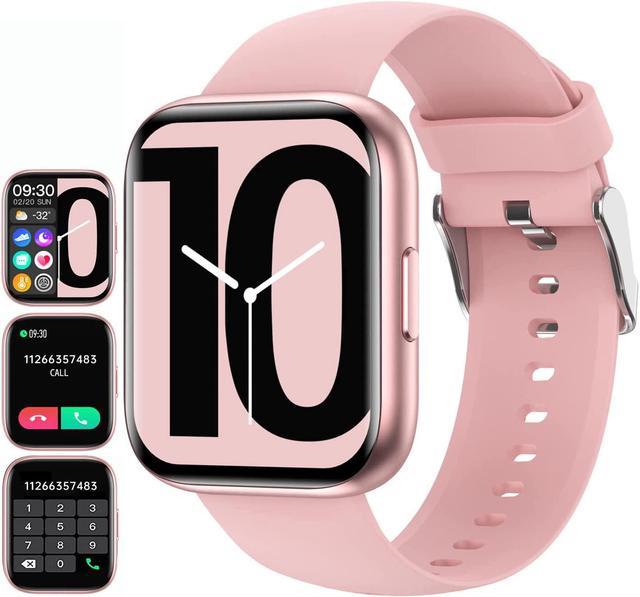
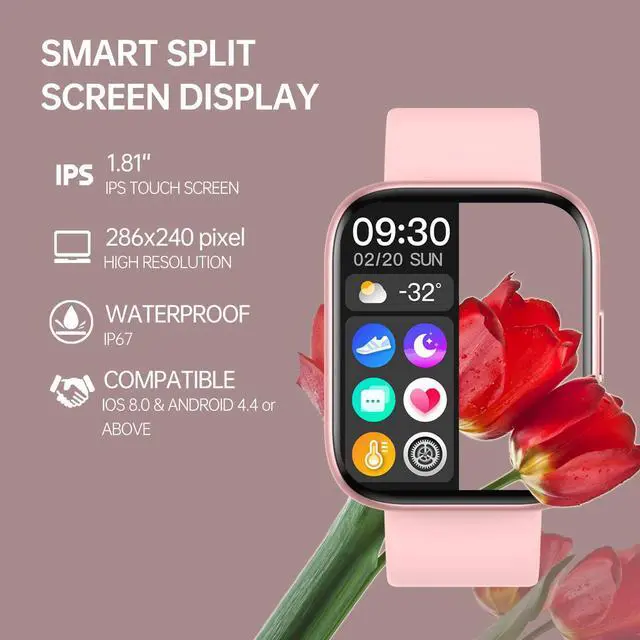
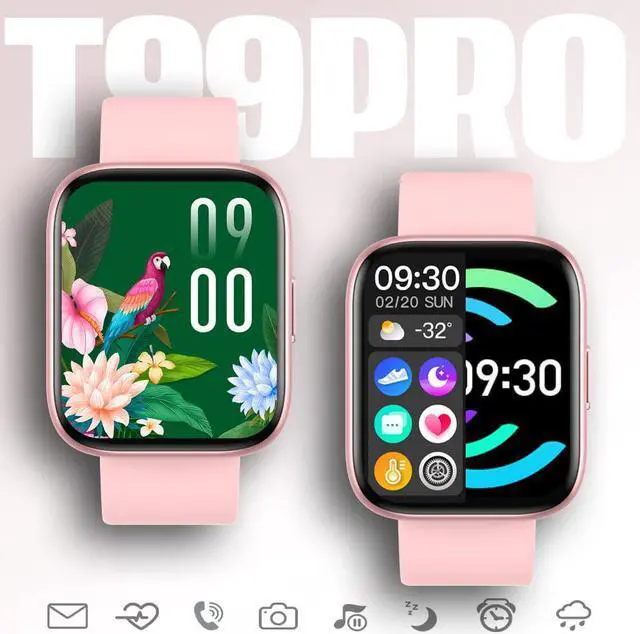
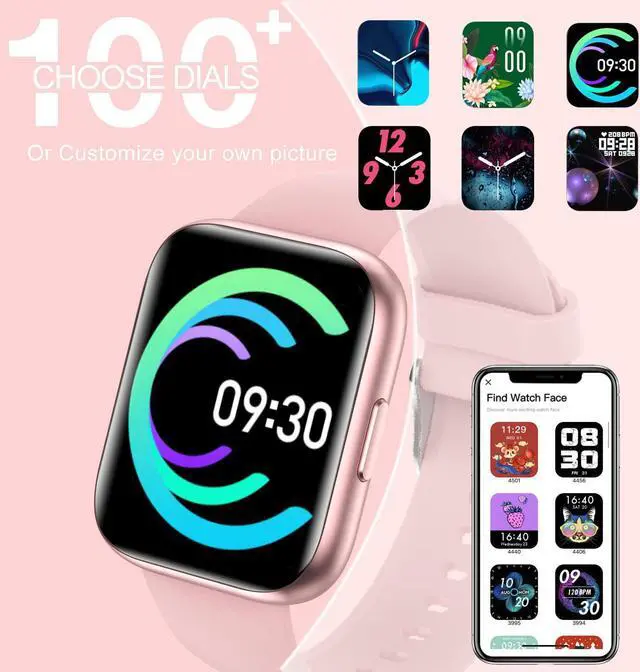


The fitness tracker watch has multiple activity modes, such as walking, running, cycling, basketball, badminton, soccer, skipping rope. Click on the APP to view exercise records. If you choose GPS running, you can also see a map of the workout route by connecting to your phone's GPS.

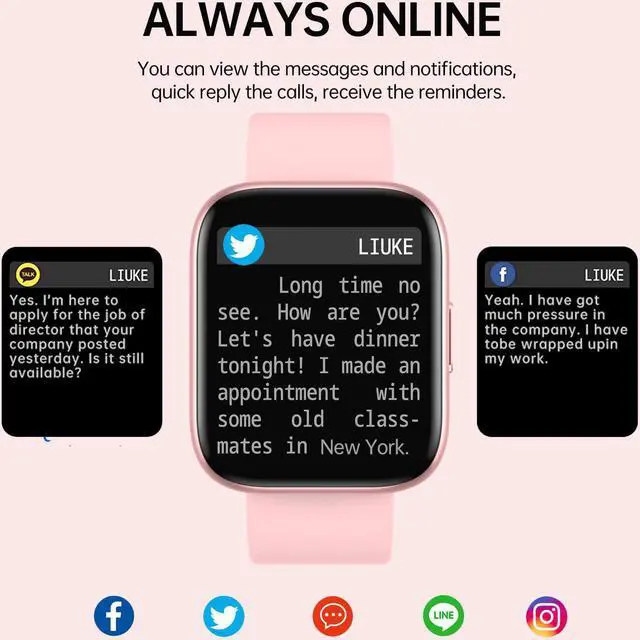
You can receive text messages from your phone and notifications from various apps.
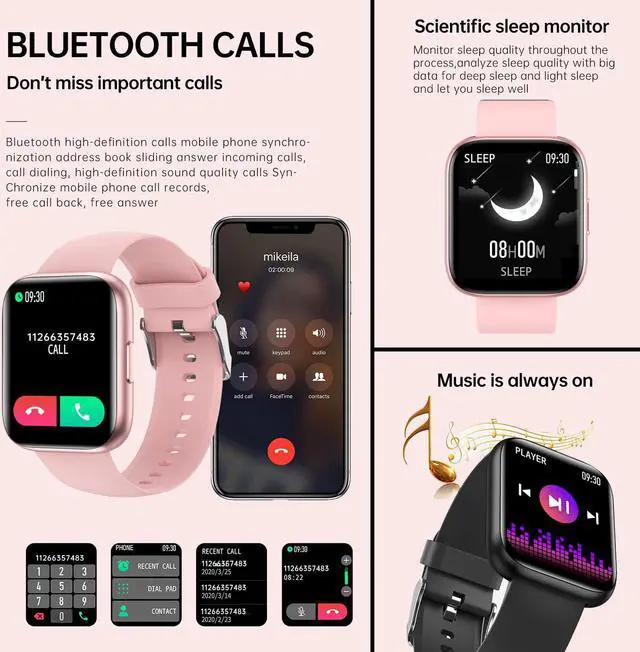
The incoming call reminder feature allows you to reject or answer incoming calls.

Automatically track your sleep and analyze your sleeping quality.
Know how well you've slept each night and limit distractions during sleep.
Keywords: Deep Sleep Time, Light Sleep Time, Awake Hours and Sleep Time

This fitness tracker watch has multiple activity modes, such as walking, running, cycling, basketball, badminton, soccer, skipping rope. Click on the APP to view exercise records. If you choose GPS running, you can also see a map of the workout route by connecting to your phone's GPS.

You can receive text messages from your phone and notifications from various apps.
The incoming call reminder feature allows you to reject or answer incoming calls.

Let you control the music playback of your mobile phone through the fitness watch, allowing you to freely enjoy the world of music. Find "Music control" in the watch and open it, quick and easy control of the music (play / pause, next / previous song) during training.

F & Q:
Q1: What should I do if there is a problem with the smart watch?
A: If you have any product questions, please leave us a message via Newegg email for help.
Q2: How to connect our smartwatch?
A: 1. Please download our app by scanning the QR code in our quick start guide, or download by searching the app Da Fit. (App Store or Google Play)
2. Please make sure your smartphone's Bluetooth is turned on, and open the APP and search for the Bluetooth signal of the smartwatch.
Q3: What should I do if the smartwatches fail to pair again or keeps disconnecting?
A: 1. Please make sure that your smartwatch has Bluetooth enabled and is not paired with other devices.
2. Please restart the phone and reset the watch (Turn on the watch - Click the "settings"- "Reset"), then connect the smartwatch again.
Please note that the maximum Bluetooth distance is 10 meters. If the watch exceeds the distance, it will always be disconnected. This smartwatch is only compatible with smartphones, not for tablets or PC.
Q4: How to receive messages on the fitness watch?
A: Please open the [Device] page of the APP when paired. Then turn on "NOTIFICATIONS", and choose to turn on or off the applications that are allowed to receive notifications. Please note: when you turn on "Do Not Disturb" on your watch or APP, you will not receive call notifications on the watch.
Q5: How to measure heart rate and SpO2?
A: Please make sure that the health watch is worn correctly and your wrist is flat, and keep it still for measurement. Please note: By default, heart rate testing requires manual action. If you want 24-hour automatic monitoring, please set it on the APP.
Q6: How does sleep monitoring work?
A: Sleep monitoring is automatic, and you just need to wear the smartwatch while you sleep.
Q7: What are the functions of the fitness tracker?
A: Features a variety of personalized and practical functions, such as call & message notification (Facebook, Whatsapp, Instagram, Twitter, etc.), breathing control, sedentary reminder, goal achievement reminder, music control, silent alarm clock, timer, calendar, step counter, stopwatch, pedometer and other functions