
Your Browsing History
Quick View
- S$224.15 –
- S$75.16 Shipping
Quick View
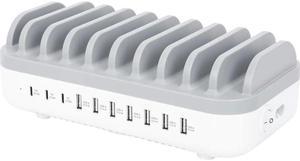
Manhattan 10-Port USB Charging Station - 120 W - 120 W - 120 V AC, 230 V AC Input - 5 V DC/3 A, 9 V DC, 12 V DC Output - White, Gray
- Parts: 3 Year
- Model #: 180856
- S$114.12 –
- S$47.40 Shipping
Quick View
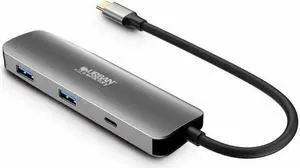
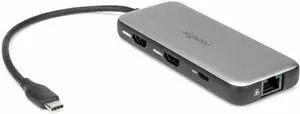
Rocstor Premium USB-C 8-in-1 Dual HDMI Display Portable Dock Multiport Adapter - for Notebook/Desktop PC/Tablet/Monitor - Charging Capability - Memory Card Reader - SD, microSD - USB Type C - 2 Displa
- Parts: 3 Year
- Model #: Y10P030-S1
- S$95.08 –
- S$40.23 Shipping
Quick View
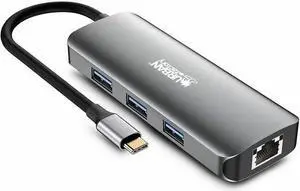
Urban Factory HUBEE Docking Station - for Notebook/Tablet PC/Desktop PC/Smartphone - USB Type C - 4K UHD - 3840 x 2160 - 4 x USB Ports - 3 x USB 3.0 - 3 x USB Type-A Ports - USB Type-A - 1 x USB Type-
- Brand: Urban Factory
- Color: Gray
- Model #: MHC55UF
- S$130.02 –
- S$40.05 Shipping
Quick View
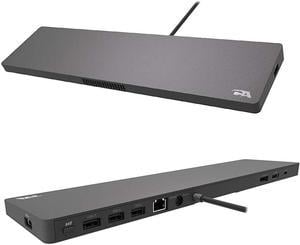
Cyber Acoustics USB-C 4K Universal Essential Docking Station DS-2000
- Parts: 1 Year Limited Warranty
- Labor: 1 Year Limited Warranty
- Model #: DS2000
- S$258.25 –
- More options from S$258.25 - S$279.08
- S$80.86 Shipping
Quick View
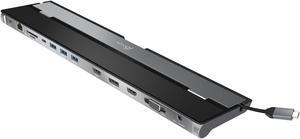
j5create USB-C™ Triple Display Docking Station
- Dimension: 3.24 (W) x 0.92 (H) x 13.78 (D) in., USB-C™ cable length: 1.5 ft/450 mm
- Weight: .66 lb
- Parts: 2 Years
- Labor: 2 Years
- Model #: JCD543
- S$143.10 –
- S$62.96 Shipping
Quick View
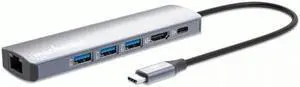
Manhattan 6 in 1 USB C Docking Station Hub ?with 100W Power Delivery, 4k HDMI, 3 USB-A 3.0, 1 Gigabit RJ45 Port - Multiport Adapter for MacBook Air/Pro & Other Type C Devices?3 Yr Mfg Warranty-153
- Brand: MANHATTAN
- Part Number: 153959
- Color: Silver
- Ports Spec: 6
- Model #: 153959
- S$82.12 –
- S$40.33 Shipping
Quick View
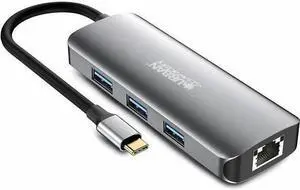
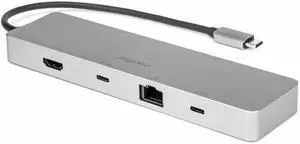
Rocstor Type-C 6-in-1 Dual Displays Portable Dock with Type-C Video - for Desktop PC/Notebook/Tablet/Smartphone/Monitor - Charging Capability - USB Type C - 2 Displays Supported - 8K @ 30Hz - 7680 x 4
- Parts: 3 Year
- Model #: Y10A322-S1
- S$84.08 –
- S$40.19 Shipping
Quick View

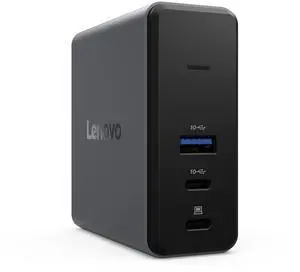
- Part Number: 40BD0065US
- Weight: 1.00 lbs
- Function: Internet Tablet
- Model #: 40BD0065US
- S$130.37 –
- More options from S$130.37 - S$134.99
- S$47.40 Shipping

Quick View
- S$267.53 –
- S$52.76 Shipping
Quick View
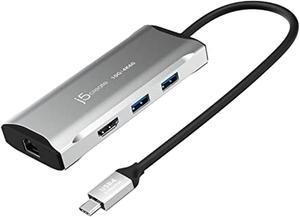
j5create usb c hub - 4k 60hz hdmi, 2 usb-a 10gbps, usb-c 10gbps with pd 100w, ethernet, | multiport adapter for macbook, chromebook, xps, surface pro (jcd392)
- Model #: RNAB09Y8QR3GY
- S$113.11 –
- S$28.71 Shipping
Quick View
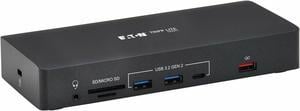
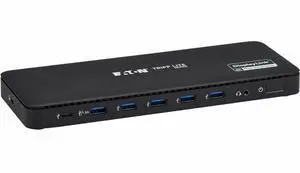
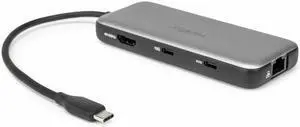
Eaton Tripp Lite Series USB-C Universal Dock Dual Display 4K HDMI and DisplayPort USB 3.2 Gen 1 Hub GbE 100W PD Charging
- Model #: U442-DOCK24DL2A
- S$385.84 –
- S$63.03 Shipping
Quick View
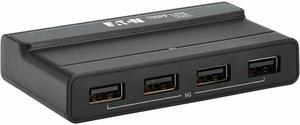
Rocstor Type-C to HDMI/USB-A 10GX2/Type-C data/RJ45/ PD Charging with DP1.4 Alt mode - for Notebook/Desktop PC/Tablet/Monitor - Charging Capability - USB Type C - 4K @ 60Hz - 3840 x 2160 - 4 x USB Por
- Parts: 3 Year
- Model #: Y10A319-S1
- S$63.56 –
- S$40.23 Shipping
Quick View
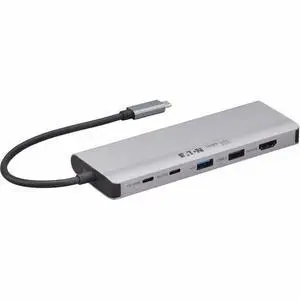
Tripp Lite by Eaton U315-2X4 USB Switch - USB Type C - 640 MB/s - Notebook, Desktop, Printer, Keyboard, Mouse, Flash Drive, Hard Drive - Desktop - 6 USB Port(s)
- Parts: 1 Year
- Model #: U315-2X4
- S$80.78 –
- S$47.78 Shipping
Quick View
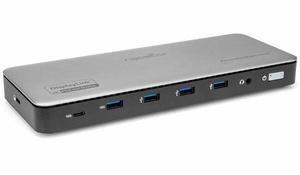
Tripp Lite series U442-DOCK26 Docking Station - for Computer, Digital Video Recorder, Notebook, Monitor, HDTV, Speakerphone, Projector, Tablet, Smartphone, MacBook, TV, ... - Charging Capability - USB
- Color: Gray
- Parts: 1 Year
- Model #: U442-DOCK26
- S$151.86 –
- S$29.01 Shipping
Quick View
Rocstor ThunderConnect RD11 USB-C 13-in-1 Triple Display Docking Station - for Notebook/Desktop PC/Tablet/Monitor - Charging Capability - 134 W - USB4 - 3 Displays Supported - 8K @ 30Hz, 4K @ 60Hz - 7
- Parts: 3 Year
- Model #: Y10P026-S1
- S$263.52 –
- More options from S$263.52 - S$286.19
- S$62.80 Shipping
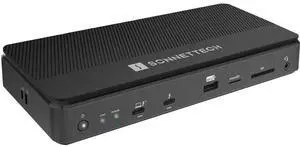
Quick View
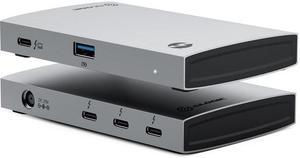
Sonnet Echo 13 Thunderbolt 5 SSD Dock (No Drive) - ECHO-DK13-0TB5
- Brand: Sonnet Technologies
- Model: ECHO-DK13-0TB5
- Part Number: ECHO-DK13-0TB5
- Model #: ECHO-DK13-0TB5
- S$447.17 –
- S$63.47 Shipping
Quick View
- S$75.59 –
- More options from S$75.59 - S$91.76
- S$94.71 Shipping
Quick View
- S$305.74 –
- S$62.93 Shipping
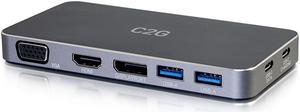
Quick View
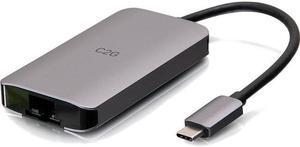
C2G 54439 C2G USB C DUAL DISPLAY DOCK WITH HDMI, DISPLAYPORT, VGA & POWER DELIVERY
- Weight: 0.75
- Parts: 1 Year
- Model #: 54439
- S$84.78 –
- S$65.86 Shipping
Quick View
- S$115.50 –
- S$47.28 Shipping
Quick View
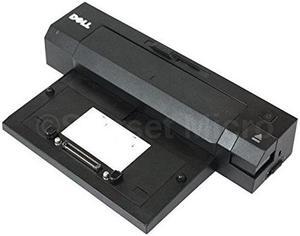
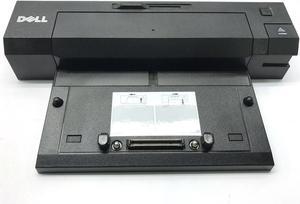
Dell E-Port Plus Port Replicator PR02X Docking Station with USB 3.0 and 240W Adapter
- Parts: 30 DAYS WARRANTY
- Labor: 30 DAYS WARRANTY
- Model #: B00N3IN60W
- S$137.15 –
- S$46.78 Shipping
Quick View
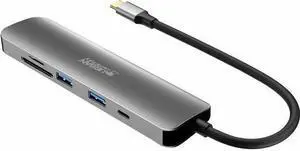
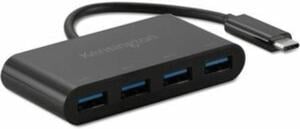
Kensington CH1200 USB-C 10Gbps 4-Port Hub - K33616WW
- Model #: K33616WW
- S$68.69 –
- S$28.82 Shipping

Quick View
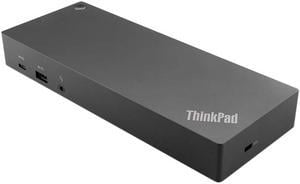
SIIG Triple Hybrid 4K Video Docking Station with PD Charging JUDK0P11S1
- Model #: JUDK0P11S1
- S$399.09 –
- More options from S$396.35 - S$399.09
- S$48.00 Shipping
Quick View
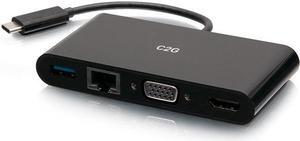
C2G USB C to HDMI, VGA, USB A & RJ45 Adapter - 4K 30Hz - Black - for Notebook/Tablet PC - USB 3.1 Type C - 4K, Full HD - 3840 x 2160, 1920 x 1200 - 1 x USB 3.0 - USB Type-A - USB Type-C - 1 x RJ-4
- Parts: 1 Year
- Model #: C2G29828
- S$90.36 –
- S$47.28 Shipping
Quick View
- S$167.50 –
- More options from S$167.50 - S$412.55
- S$106.40 Shipping
Quick View
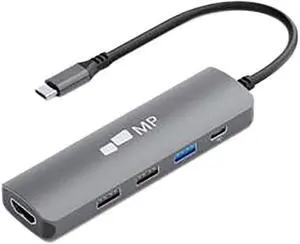
Mobile Pixels 5in1USBCDongle 5 -1 Notebook Dock
- Ports Spec: 1 x HDMI 2 x USB 2.0 1 x USB 3.0 1 x 100W PD
- Model #: 5in1USBCDongle
- S$72.28 –
- S$28.96 Shipping
Quick View

- Model #: 73a-072649000143154
- S$92.86 –
- S$80.89 Shipping
Quick View
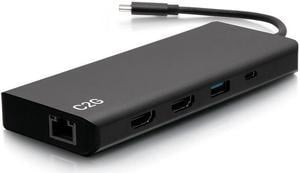
C2G 4K USB C Dual Monitor Dock HDMI Ethernet USB 3.5mm & 60W Power C2G54488
- Ports Spec: 1 x USB-C Male 1 x 3.5mm Female 1 x USB-A Female 1 x USB-C Female 2 x HDMI Female 1 x RJ-45 Female 3 x USB 3.0 A Female
- Parts: 5 Year
- Model #: C2G54488
- S$270.09 –
- S$655.11 Shipping
Quick View
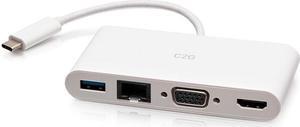
C2G USB C to HDMI, VGA, USB A & RJ45 Adapter - 4K 30Hz - White - for Notebook/Tablet PC - USB 3.1 Type C - 4K, Full HD - 3840 x 2160, 1920 x 1200 - 1 x USB 3.0 - USB Type-A - USB Type-C - 1 x RJ-4
- Parts: 1 Year
- Model #: C2G29829
- S$90.36 –
- S$58.61 Shipping
Universal docking stations neatly house laptops and connected peripherals. They can turn a mobile device, such as a tablet PC, into a capable desktop alternative while stowing away wires, enabling the connection of two or more 4K monitors and allowing you to charge your laptop from a single, convenient location. Some docking stations include ethernet ports, providing a stable wired internet connection, and you can find USB-C docking stations with six or more ports. It allows you to connect external hard drives, speakers, keyboards and monitors to create a desktop environment when you're at home or in the office.
Expand Functionality with a Universal Laptop Dock
Versatile laptops are convenient and portable, and modern incarnations offer a host of ports and connections. Universal docking stations include two or more USB, HDMI, ethernet and other ports. Add peripherals including a keyboard, mouse and monitor to connect to the office printer and home network. Even with extra laptop add on cards, they can lack power and functionality when you are sitting at your desk.
Enjoy Rapid Data Transfer Speeds with Thunderbolt 3 Support
Thunderbolt™ 3 launched in 2011. Its recent iteration provides data transfer speeds of up to 40 Gigabytes per second (Gbps). With support for two 4K monitors, it is easy to multitask while passing 100W of power via external laptop hard drives. Apple was the first company to support the new standards, but ASUS, Dell™, Alienware and HP® are among the companies that have adopted its use. Manufacturers view it as a natural replacement for USB-C connections and it will eventually replace USB-A. If your laptop or tablet supports Thunderbolt 3, look for a compatible universal laptop dock to extend the technology's benefits to all of your devices. If your laptop only has USB-C, a docking station with Thunderbolt capability will not upgrade your device.Connect Two Monitors with a Dual Display Docking Station
A dual display docking station enables the connection of two monitors. Some docking stations allow third and additional monitors. If you require 4K HD displays, which are becoming increasingly important in design and development work, ensure that the dock offers support for this resolution. A dock might be able to connect to a single 4K monitor or two HD monitors, for example, but will not work with two UHD displays. You should also ensure that you have the appropriate HDMI cables, especially if you will be using the monitors for gaming.
Keep Your Desk Clutter-Free
Using a laptop as a desktop replacement means connecting multiple devices. This, in turn, means multiple wires. Universal docking stations act as a central hub. Some, especially device or manufacturer specific models, offer dedicated physical space for speakers and monitors as well as the laptop itself. The universal laptop dock allows you to stow away wires and cables so that you can keep a tidy and clutter-free desktop.