
Your Browsing History
S$75.81
GST-Inclusive Price
Ships from China.
Most customers receive within 7-17 days.

Meet Your Seller

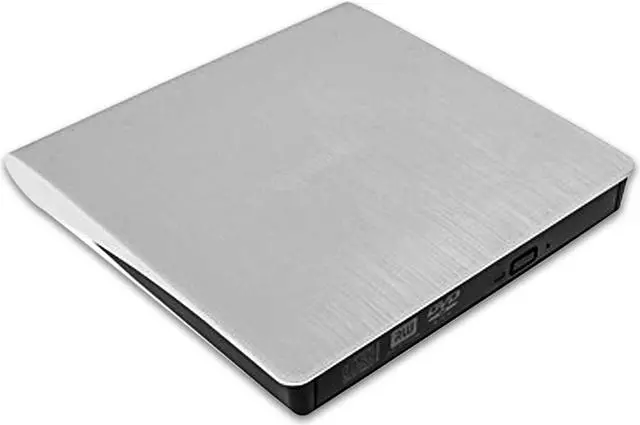
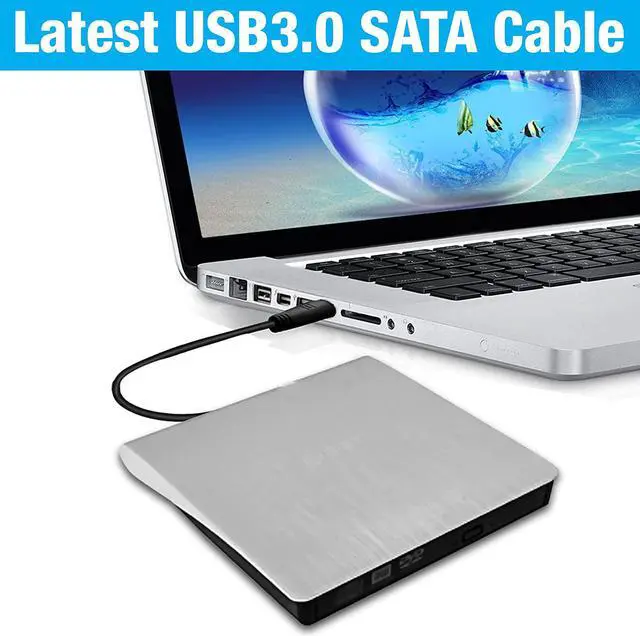
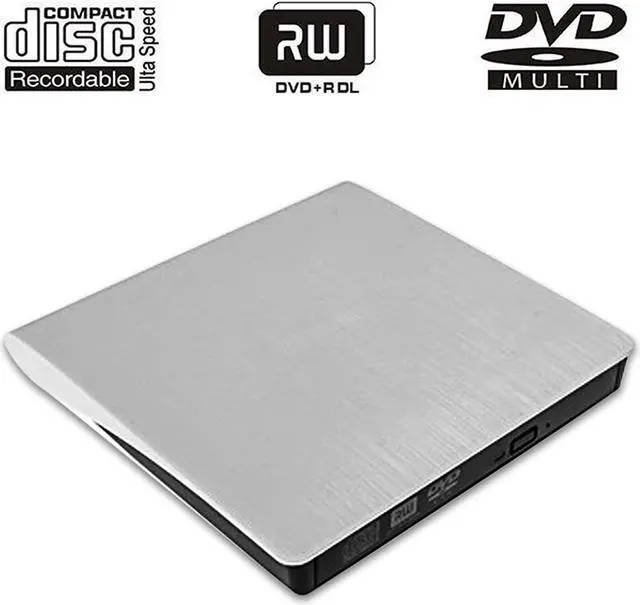
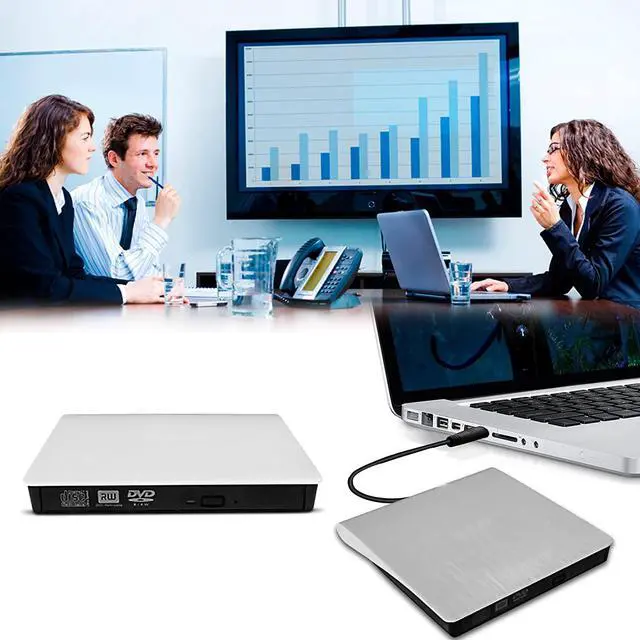
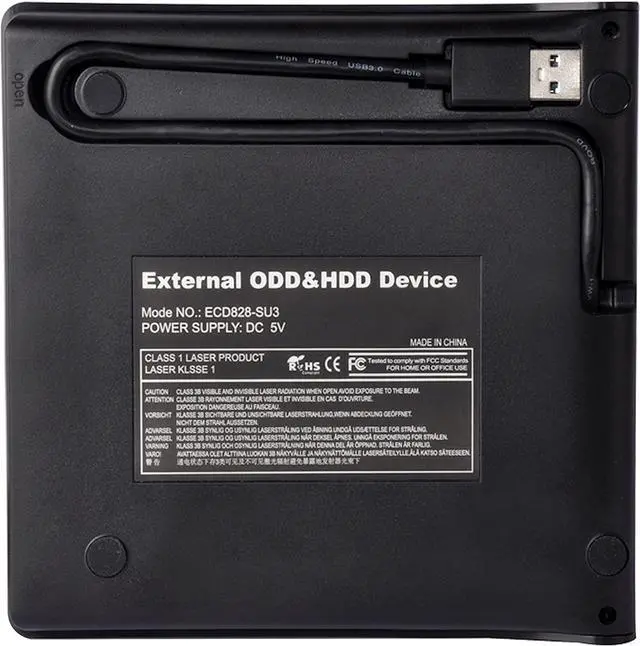
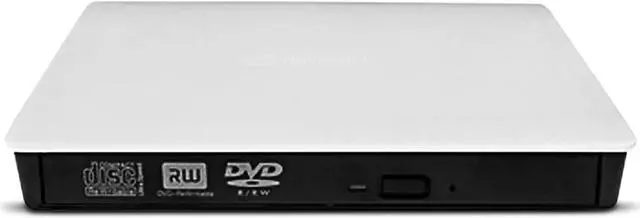


External DVD Drive By Novapolt USB 3.0 High Speed Ultra Slim Portable External CD Drive CD DVD RW/DVD CD ROM Drive/Writer/Rewriter/USB CD Burner Ideal For Laptops, Desktops and Notebooks
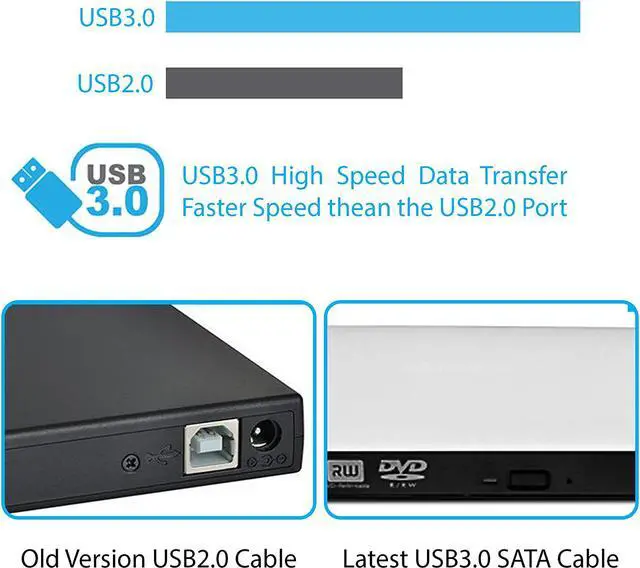
- ?USB3. 0 High Speed Technology? - External CD Drive comes with standard USB3.0 high speed interface, provide more faster and stable data transfer speed. Embedded cable design made it easy for storage, you can take it anywhere with slim, lightweight, compact, portable size. Also compatible with USB 2. 0
- ?Strong Compability for Almost Systems? - USB CD DVD external drive is suitable for Windows XP/Vista/7/8/10, all versions of Mac OS. It is specially designed compatible for Apple HP Dell Lenovo and others, Ultrabook, netbook, laptop and desktop without drive hardware. Note: for the desktops, Please connect the device to the USB
- ?Plug and play? - External CD/DVD drive for laptop is powered by the USB B/Type C. No driver and external power needed. Just plug it into your USB port and the DVD driver will be detected. Usb 3. 0 DVD driver is a perfect companion for computers without the internal Drive. You can burn files, install software and create a backup CD. This CD DVD - RW burner
+
+
Overview
Specs
Reviews
With this external drive you can record cd’s, watch DVD movies, create backup discs, burn files to a dvd and cd disc (dvd burning software not included).
Specifications:
Interface: USB3.0, 2.0
Support CD specifications: 4.72inch
Product dimensions: 5.25*5.25*0.52inch
Read: DVD-ROM: 8x, CD-ROM: 24x
Burn: DVD-R,DVD+R 8X;DVD-RW 4X;CD-R 24x
Support Systems: Windows 98/SE/ME/2000/XP/Vista/Win 7/Win 8/Mac OS System
Writing Speed:
CD-R:Max.24X
CD-RW:16X
DVD-R:Max.8X
DVD-RDL:Max.4X
DVD-RW:Max.6X
DVD + R:Max.8X
DVD +R DL:Max.4X
DVD +RW:Max.8X
DVD-RAM:3X-5XPCAV(8GB)
Instructions for use:
1. This product is a data line interface properly to USB port of the computer, the computer display lower corner should opera device icon.
2. Click on the desktop, open the "my computer", in "the mobile storage device should display the drive icon".
3. Click on this icon button, select the "pop" in the tray into the appropriate disk read. 4. Do not place the drive close to any magnetic object.
5. To ensure normal running, please place the drive on flat desktop, do not place the drive under any pressure.
Package Includes:
1 x External DVD/CD drive
1 x User Manual
NOTE: Customer’s using Windows 10 are advised to Install VLC Media player to Play DVD and CD.
Specifications:
Interface: USB3.0, 2.0
Support CD specifications: 4.72inch
Product dimensions: 5.25*5.25*0.52inch
Read: DVD-ROM: 8x, CD-ROM: 24x
Burn: DVD-R,DVD+R 8X;DVD-RW 4X;CD-R 24x
Support Systems: Windows 98/SE/ME/2000/XP/Vista/Win 7/Win 8/Mac OS System
Writing Speed:
CD-R:Max.24X
CD-RW:16X
DVD-R:Max.8X
DVD-RDL:Max.4X
DVD-RW:Max.6X
DVD + R:Max.8X
DVD +R DL:Max.4X
DVD +RW:Max.8X
DVD-RAM:3X-5XPCAV(8GB)
Instructions for use:
1. This product is a data line interface properly to USB port of the computer, the computer display lower corner should opera device icon.
2. Click on the desktop, open the "my computer", in "the mobile storage device should display the drive icon".
3. Click on this icon button, select the "pop" in the tray into the appropriate disk read. 4. Do not place the drive close to any magnetic object.
5. To ensure normal running, please place the drive on flat desktop, do not place the drive under any pressure.
Package Includes:
1 x External DVD/CD drive
1 x User Manual
NOTE: Customer’s using Windows 10 are advised to Install VLC Media player to Play DVD and CD.
Warranty & Returns
Warranty, Returns, And Additional Information
Return Policies*
- Return for refund within: 30 days
- Return for replacement within: non-replaceable
- This item is covered by Tulibao-US Return Policy
- *Subject to applicable law
Warranty Notice:
This product does not include manufacturer warranty when purchased or used outside of its designated sales region. By purchasing internationally, you acknowledge that warranty support from the manufacturer will not be available.
Manufacturer Contact Info
- For a directory of all our manufacturers, please click below.
- Manufacturers Directory
LOADING...