




Does Everything You Need!
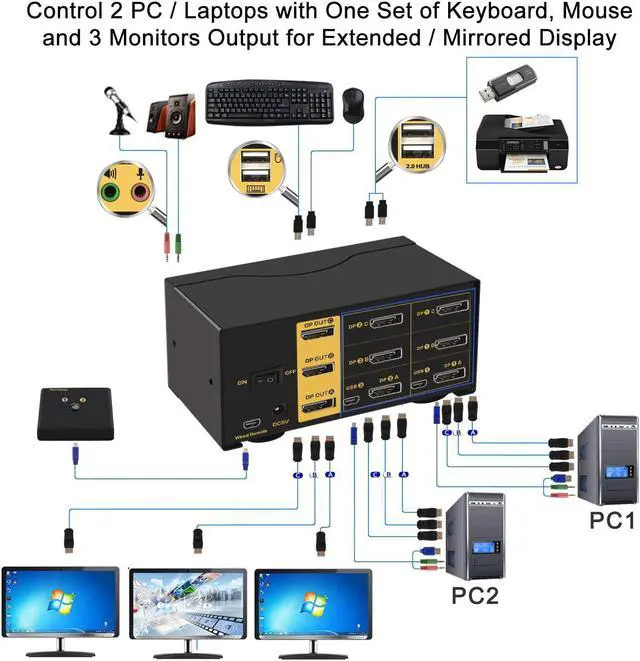
· 2 computers / laptops share one set of keyboard, mouse and 3 monitors
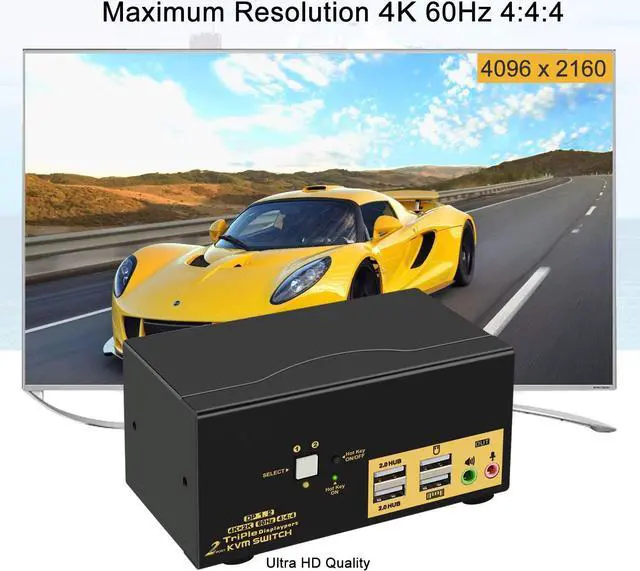
· 3 monitors output support up to 4K@60Hz for extended, mirrored or spliced display
· Support wired or wireless keyboard and mouse with USB pass-through technology
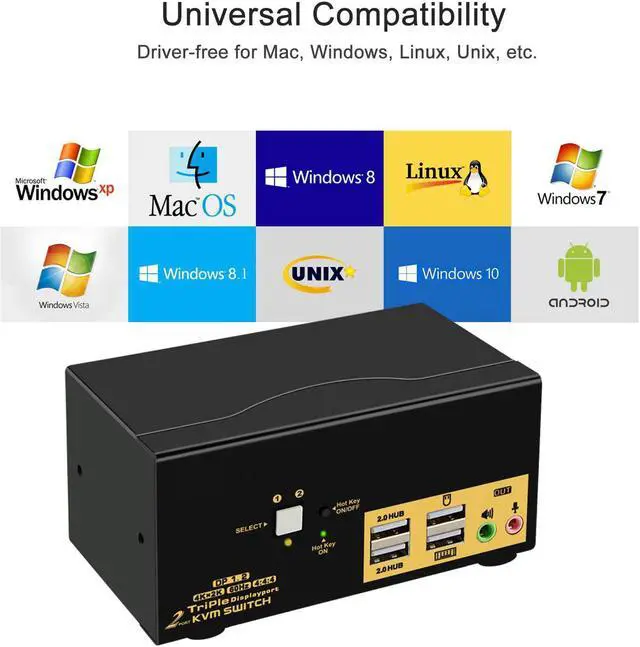
· Cross support most major OS including Windows, Linux, Mac and more
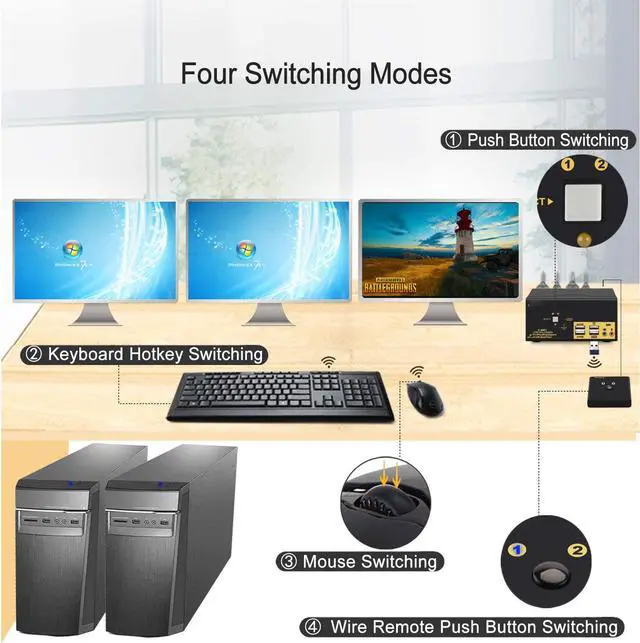
· Maultiple switching modes: Hotkey, mouse click, button switch, auto scan and wired remote
· With extra USB 2.0 HUB and audio support
· Include all cables except cable for monitor

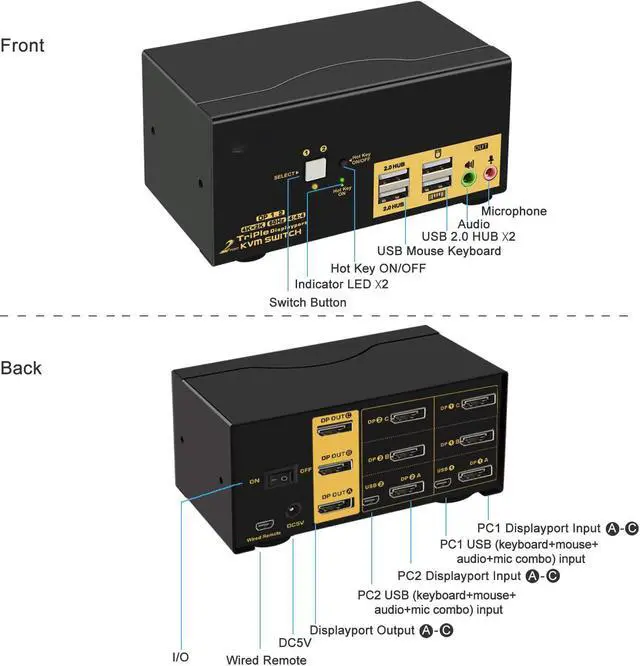
- Make sure to connect the USB + Audio cable from each computer to correspondent mini USB ports on the kvm switch so keyboard, mouse, USB devices and audio devices will work correctly.
- The USB ports with keyboard and mouse icon are dedicated for hotkeys. The other 2 USB 2.0 HUB ports does not support hotkeys. If you need to use the wired remoter, please turn off the hotkey then the dedicated USB keyboard and mouse port will become standard USB 2.0 ports as well.

1. Each computer / laptop needs 3 video connections to correspondent DP IN A, IN B and IN C ports on the KVM switch using DP cables included.
2. Reliable adapters are needed but not included for non-DP video outputs. Please be aware of the adapters needed for your setup before order.
3. Avoid using adapters on both monitor and computer simultaneously for a same video flow.
What You Need for Real 4K Quality
1. Resolution is subject to adapters if any;
2. make sure to use reliable adpaters with buil-in chips if needed, simple cable conversion is not recommended;
3. This kvm switch does not support monitors with refresh rate higher than 60Hz;
4. Current DP chips do not support memory function, so the display location may change after rebooting or switching.
Package included:
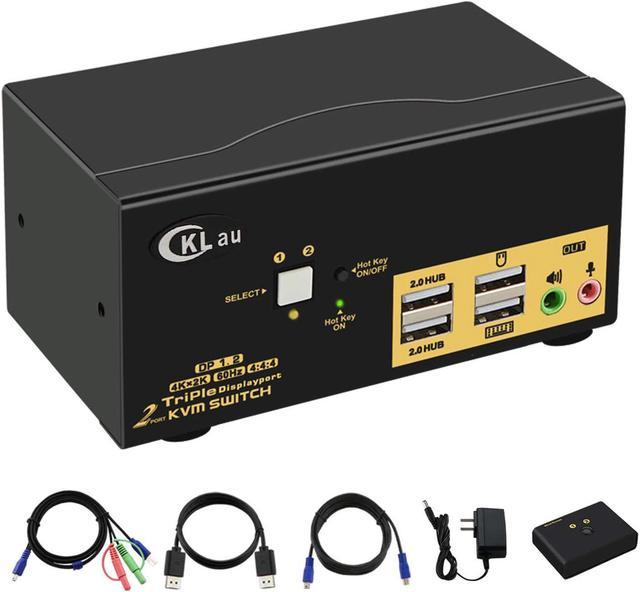
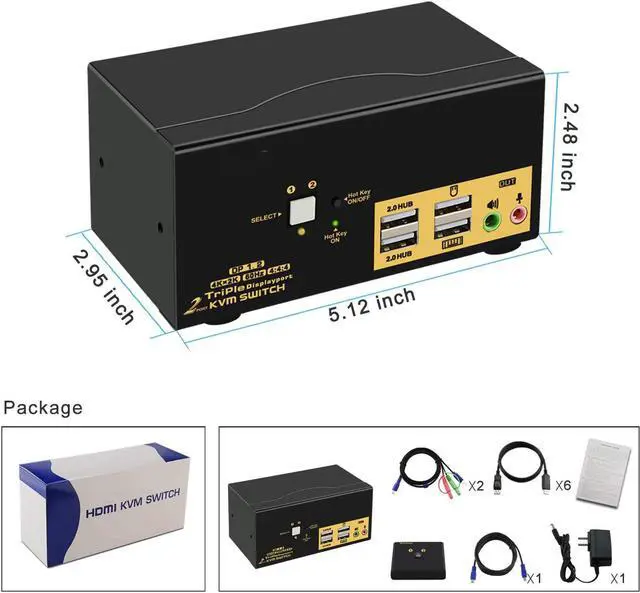
1x 2 Port Triple DP KVM switch
6x DP to DP cables (4.92 ft)
2x USB + Audio Combo cables
1x Wired Remoter with cable
1x DC 5V 2A power adapter
1x User manual

Support 3 display modes depending on computer setting:
- Extended
- Mirrored
- Spliced

Default Hotkey Rght Ctrl can be Changed to Num Lock or Scroll Lock, Support Mac keyboard
1.Keyboard Hotkey Switch: Double click the right Ctrl then Port Number then Enter
2. Mouse Click Switch: Double click the middle roller of mouse
3. Push Button Switch: Simply press teh white button on front panel
4. Auto Scan Switch: Interval time adjustable between 8 to 999 seconds (default is inactive).
5. Wired remote switch: optional when special keyboard and mouse do not work well on rear USB ports.

Cross supports Windows 10/7/2000/XP/Vista, Linux and Mac and more.