
• S$122.94
  • GST-Inclusive Price
Ships from Hong Kong.
Most customers receive within 10-17 days.
Shop it at NeweggBusiness.

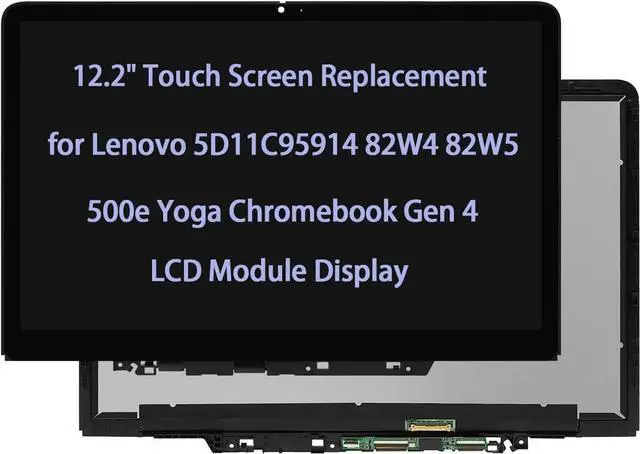
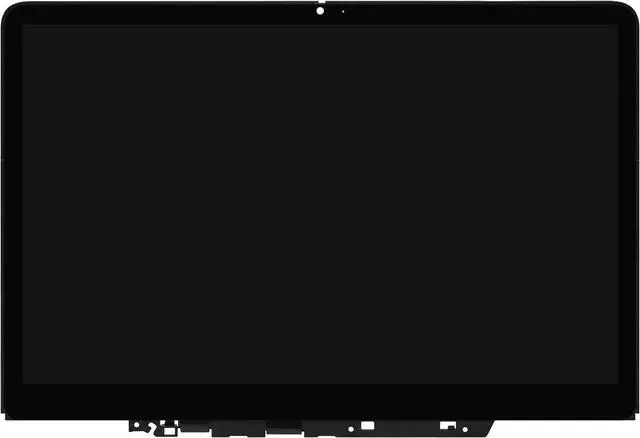
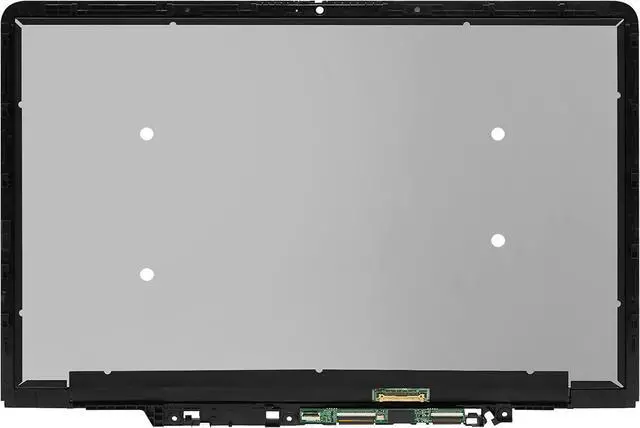
Original New 12.2" 5D11C95914 Touch Screen Replacement for Lenovo 500e Yoga Chromebook Gen 4 82W4 82W5 LCD Module Display Digitizer WUXGA

  • Please carefully read the numbers on the link,If you don't know , please send us a photo of the full back picture of the old screen.
  • Computer screen models are numerous and complex, some internal screen models are compatible with each other , So we recommend that you consult our sellers before you buy.
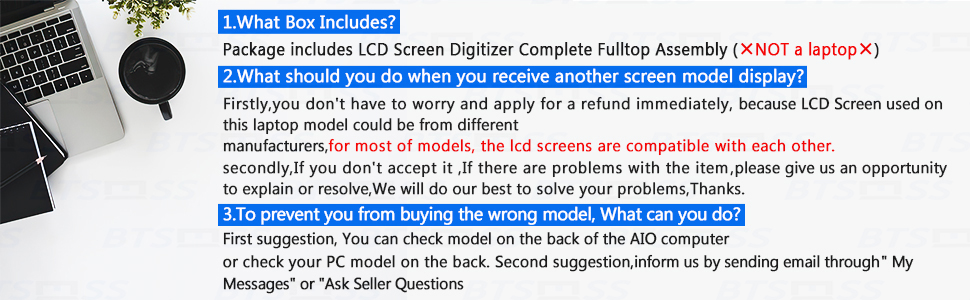
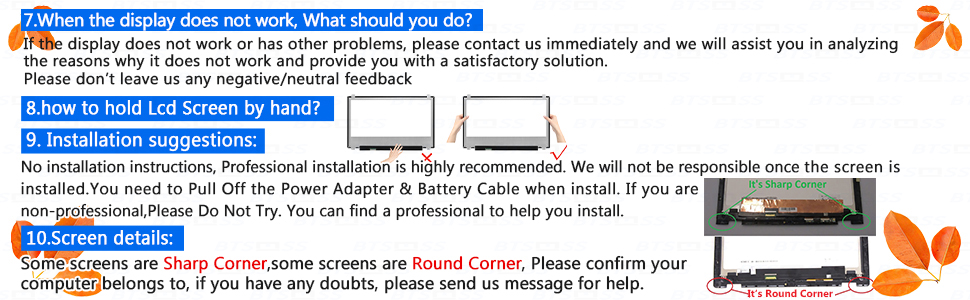
  • NO instructions are followed ,Please install it Very Professionally ,You need to Pull Off the Power Adapter & Battery Cable when install. Package includes LCD Screen Only (NOT a laptop).
  • Becase Computer replacement screen belongs to the glass fragile goods,If you are not satisfied with our Products ,please communicate with us first.
  • If you purchased the wrong Product,We recommend that you do not unseal the packaging,not to mention damage it,try to restore it to its original packaging form,tell us what screen model you need.
+
+
Overview
Specs
Reviews
lcd screen replacement

Store Introduction:

The store mainly sells computer display screens with all kinds of complete models and guaranteed quality. 

Before placing an order, please carefully check that the model information in the title image matches the screen you need. If the model information is different, it may cause incompatibility and the screen will not display. Especially for novice buyers, please do not purchase the wrong screen as it may delay the purchase. If unsure, please reply with the model information or do not place an order. We have received many incompatible returns.


Due to the complexity of the screen model, please provide us with model information, resolution, and pin count? Touch version (touch or not touch?) Alternatively, please open the screen and save the image on the back of the screen in JPG format, and send it as an attachment to us. Send us the internal model of the image label on the back of the screen through information.

Confirmation before shopping
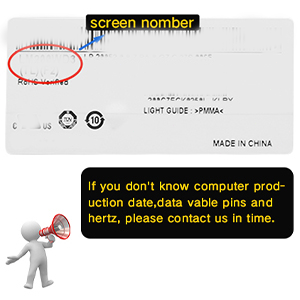
image for this item

Firstly

You should reconfirm the following numbers, Compatible Model, max Resolution, screen size , Data Cable Pins, PN, Machine Code and Hertz, You can inform us by sending email through "My Messages" or "Ask Seller Questions".
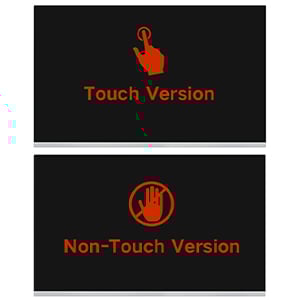
image for this item

Secondly

Some screens have two versions: touch and non-touch. Please confirm which version your computer belongs to,if you have any doubts,please send us message for help.
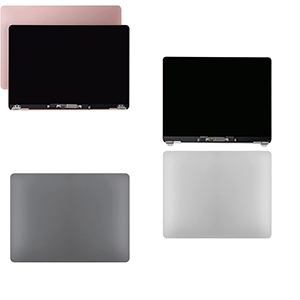
image for this item

Thirdly

Please kindly check your model and COLOR again before you purchase.Please kindly check the YEAR of manufacture of the applicable computer.if you have any doubts,please send us message for help
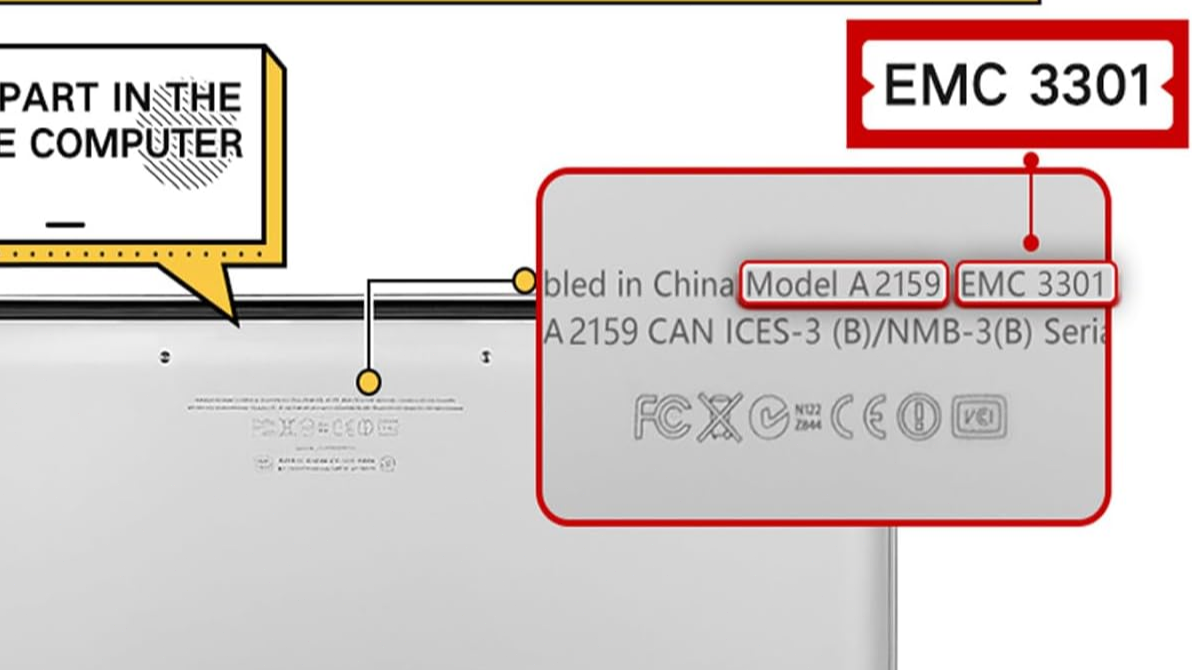
01

There is a specific model at the bottom of the notebook. Please send us the model information for confirmation after placing the order to prevent purchasing errors from delaying your time. Thank you.
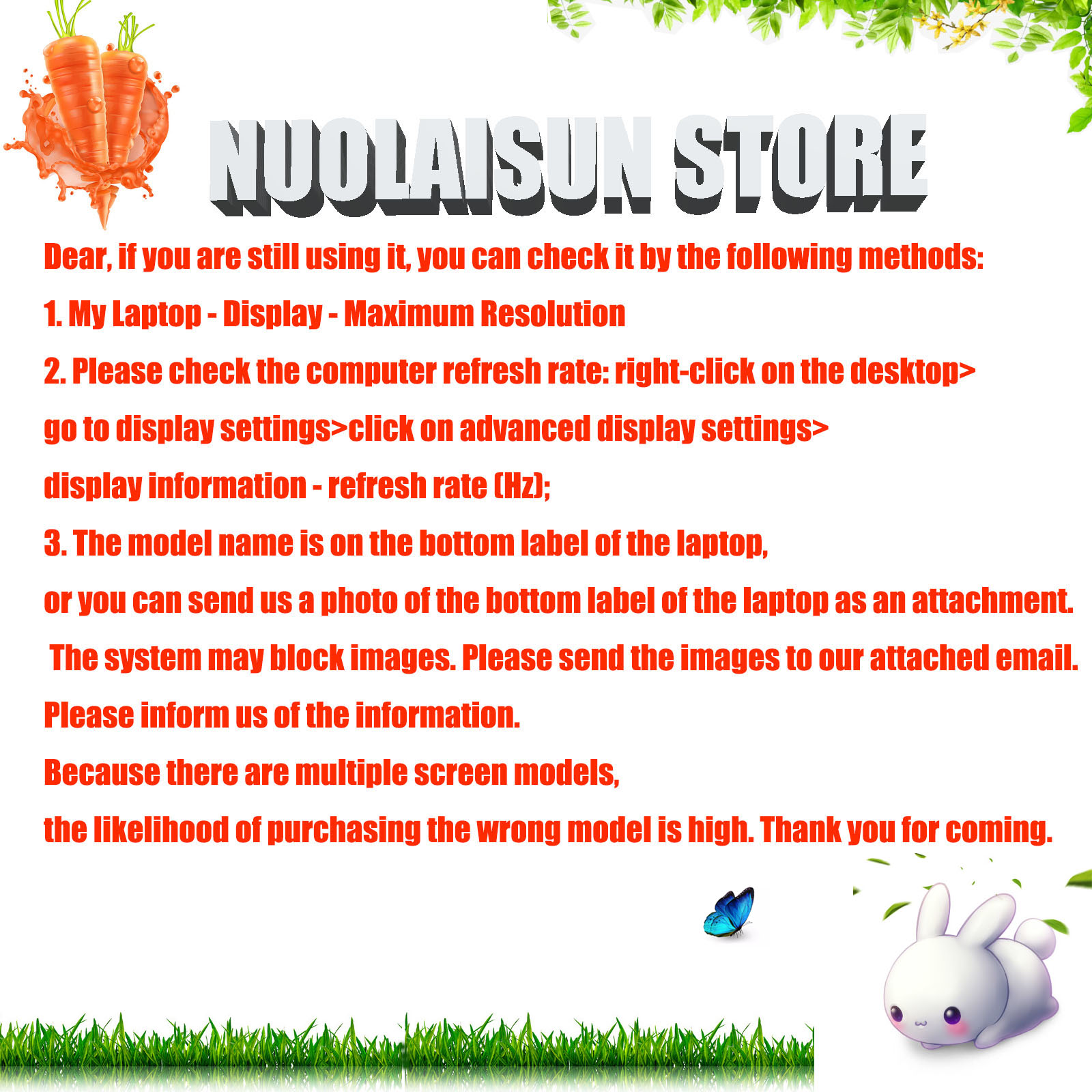
02

If you are still using it, you can check it by the following methods: 1. My Laptop - Display - Maximum Resolution 2. Please check the computer refresh rate: right-click on the desktop>go to display settings>click on advanced display settings>display information - refresh rate (Hz); 3. The model name is on the bottom label of the laptop, or you can send us a photo of the bottom label of the laptop as an attachment. Please tell us the model information, resolution, and how many pins? Touch version (touch or not?) Alternatively, please send us the image of the back of the screen as an attachment. Thank you.

Read and check the following parameters carefully

image for this item
image for this item
image for this item
image for this item
Please carefully read the numbers on the link, If you don't know, please send us a photo of the full back picture of the old screen.
Computer screen models are numerous and complex, some internal screen models are compatible with each other, So we recommend that you consult our sellers before you buy.
NO instructions are followed, Please install it Very Professionally, You need to Pull Off the Power Adapter & Battery Cable when install. Package includes LCD Screen Only (NOT a laptop).
Becase Computer replacement screen belongs to the glass fragile goods, If you are not satisfied with our Products, please communicate with us first.
If you purchased the wrong Product, We recommend that you do not unseal the packaging, not to mention damage it, try to restore it to its original packaging form, tell us what screen model you need.

Warranty & Returns

Warranty, Returns, And Additional Information

Return Policies*

  • Return for refund within: 30 days
  • Return for replacement within: non-replaceable
  • This item is covered by YunYunKeJiShiZhuangDian Return Policy
  • *Subject to applicable law
  • Warranty Notice:

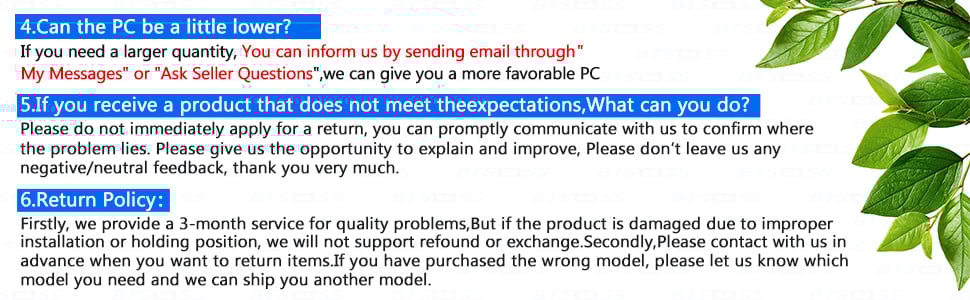
    This product does not include manufacturer warranty when purchased or used outside of its designated sales region. By purchasing internationally, you acknowledge that warranty support from the manufacturer will not be available.

Manufacturer Contact Info

LOADING...