Quick View
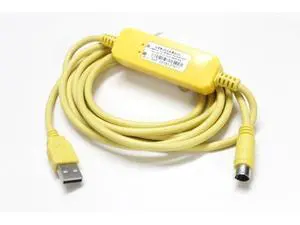
USB-ACAB230 Cable USB-DVP Delta PLC Programming Cable USB TO RS232 Adapter For ES EX EH EC SE SV SS Series Cable
- Model #: C7FW0629-JIA-376
- ฿945.61 –
- Free Shipping

Quick View
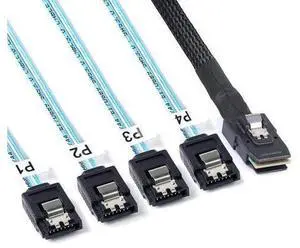
2Pack Mini SAS to SATA Cable: 1M SFF-8087 to SATA Forward Breakout Cable SFF-8087 Mini-SAS Controller to Hard Drive (3.3FT)
- Model #: C7FW0629-JIA-470
- ฿1,199.58 –
- Free Shipping

Quick View
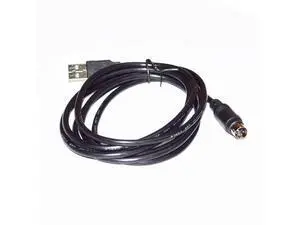
USB 2.0 A TO PS/2 MINI-DIN 6 PIN MD6 MALE ADAPTER PC PROGRAMMER UPGRADING CABLE FOR AUTOMOBILE INSPECTION DST010 TO PC Cable length:(3.6m)
- Model #: YC7FW0628-169
- ฿1,171.84 –
- Free Shipping

Quick View
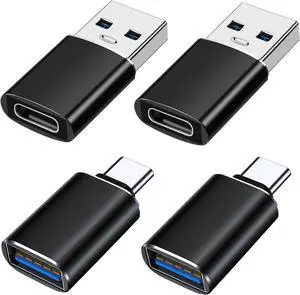
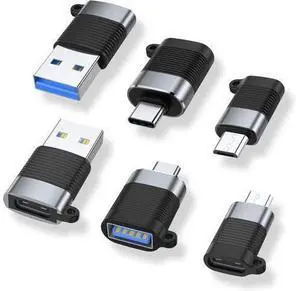
A USB C Adapter (6 Pack), Micro USB Male to USB C Female, USB 3.0 Male to USB C Female, USB Type-C Male to USB 3.0 Female Converter Connector
- Model #: YC7FW0628-84
- ฿985.60 –
- Free Shipping

Quick View
DVI to VGA Cable 6 FT, Uni-Directional DVI-D 24+1 to VGA Cord, Gold-Plated Connectors, 1080P Full HD for HDTV, PC, Host, Laptop, Monitor, Projector, Black Cable
- Model #: LC6W1JU1-873
- ฿1,232.06 –
- Free Shipping
![USB C to USB Adapter [3 Pack] USB 3.0 Female to Type-C Male Converter High-Speed Data Transfer Compatible with Thunderbolt MacBook iPad iPhone Galaxy Surface & Chromebook USB C to USB Adapter [3 Pack] USB 3.0 Female to Type-C Male Converter High-Speed Data Transfer Compatible with Thunderbolt MacBook iPad iPhone Galaxy Surface & Chromebook](https://c1.neweggimages.com/productimage/nb300/C3FGD2601150W1QGMD1.jpg)
Quick View
USB C to USB Adapter [3 Pack] USB 3.0 Female to Type-C Male Converter High-Speed Data Transfer Compatible with Thunderbolt MacBook iPad iPhone Galaxy Surface & Chromebook
- Model #: B0FRGJ5M87C3FG
- ฿421.17 –
- Free Shipping
![USB C to USB Adapter [2 Pack] Type C Female to USBA Male OTG Cable USBA to USBC Adapter Compatible with MacBook Pro/Air iPhone 17/16/15 Series Galaxy S24/S23/S22 Blue USB C to USB Adapter [2 Pack] Type C Female to USBA Male OTG Cable USBA to USBC Adapter Compatible with MacBook Pro/Air iPhone 17/16/15 Series Galaxy S24/S23/S22 Blue](https://c1.neweggimages.com/productimage/nb300/C3FGD2601150VQIO84A.jpg)
Quick View
USB C to USB Adapter [2 Pack] Type C Female to USBA Male OTG Cable USBA to USBC Adapter Compatible with MacBook Pro/Air iPhone 17/16/15 Series Galaxy S24/S23/S22 Blue
- Model #: B0D1DQ3F4MC3FG
- ฿1,291.94 –
- Free Shipping

Quick View
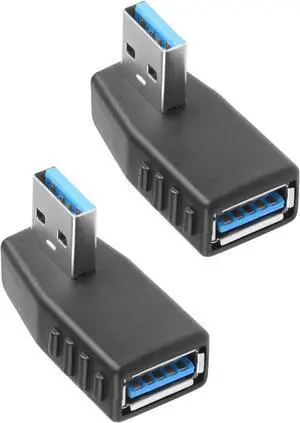
USB 3.0 19/20 Pin 90 Degree Adapter Male to Female L Turn Right Angle Socket for Desktop Motherboard Internal Connector Up Angled(PH19A)
- Model #: B09ND36GWMC0XP
- ฿824.76 –
- Free Shipping

Quick View
Torpedo Nova HDMI 2.0 Audio Extractor, HDMI to HDMI+ARC+Optical+RCA, HDCP 2.2, Standalone Audio Operation
- Model #: C7FW0629-JIA-703
- ฿973.71 –
- Free Shipping

Quick View
4.7-inch 12CM audio optical to HDMI output adapter For ARC on SONOS Beam OPADPWW1BLK
- Model #: C7FW0627-283
- ฿1,556.22 –
- Free Shipping

Quick View
Short USB 3.0 Extension Cable 2 Pack SuperSpeed USB 3.0 Angle Male to Female Extension Cable 6 Inch Convertor Adapter Extender Cord Up Angle and Down Angle one Each
- Model #: B0986QR9H6C0XP
- ฿3,051.38 –
- Free Shipping

Quick View
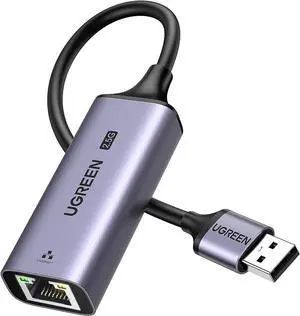
USB to Ethernet Adapter 2.5Gb Ethernet Adapter Aluminum USB 3.0 to RJ45 Computer Network Internet LAN Dongle for Laptop Compatible for MacBook Air/Pro XPS Windows macOS
- Model #: B0CWV2Q6HJC0XP
- ฿1,874.91 –
- Free Shipping

Quick View
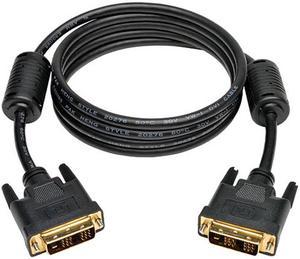
Tripp Lite P561-010 Black 10 ft. Video M-M DVI Single Link Cable, Digital TMDS Monitor Cable
OUT OF STOCK
- Type: DVI-D to DVI-D
- Cable Length: 10 ft.
- Connector Number: 2
- Specifications: System Requirements: Monitor with DVI, and CPU with Single Link DVI capabilities
- Model #: P561-010
- ฿842.40 –
- ฿1,988.11 Shipping

Quick View
Tripp Lite 15-ft. DVI Single Link TMDS Cable (DVI-D M/M)
OUT OF STOCK
- Type: DVI Cables
- Cable Length: 15 ft.
- Connector Number: 1
- Model #: P561-015
- ฿1,208.82 –
- ฿2,174.70 Shipping
DVI, or Digital Video Interface, is a video interface that gets the highest video quality out of video graphics cards and flat panel LCDs by way of DVI cables. It took the place of the P&D Plug & Display interface and also surpassed in quality the DFP format for old flat panel monitors. Before HDMI, DVI used to be the go-to digital transfer method for high-end video displays for media like DVS, films and television. Now, HDMI is the best interface for high-definition delivery for media, while DVI is the go-to for computer video transfer. There are several different types of DVI cables, and the one you choose will be based on the features the cables offer.
DVD-D Cables Deliver Precise Imagery
People who are looking for DVI adapters and cables that deliver crystal clear delivery from the source video to monitors should use DVD-D cables. These cables deliver high-quality imagery much better than analog ones do. When it comes to digital video cards, the DVD-D cables get rid of the usual analog conversion process while strengthening the connection between the display and the source.
Can DVI-A Cables Work With DVI Computers and VGA Monitors?
If you're trying to connect a VGA monitor and a DVI computer, go for the DVI-A cable. These cables transfer DVI signals to analog displays like low-cost LCDs or CRT monitors. Many people use DVI-A cables to connect VGA devices since both technologies use the same signals. When you convert digital to analog, there's a loss of quality, so it is best to use a digital signal whenever you can in order to get the best quality transmission.
DVI-I Gives You A Bit of Everything
When you're working with DVI-I cables, you're working with cables that give you the best of both worlds. They transmit both digital to digital signals and analog to analog signals, making them a great choice for a wider range of applications. Keep in mind that you can't use digital and analog systems interchangeably. In order to connect analog sources to digital displays, you're going to have to get a VGA to DVI-D electronic converter. If you're connecting digital displays to analog monitors, you'll need to get a DVI-D to VGA converter.
Know Which Cable You Need
Figuring out which DVI cable you need can be a bit challenging. One simple way to figure which cable to use is to look at both female DVI plugs so that you can figure out with setups the plugs will align. If you have at least one DVI-D connection, consider getting a DVI-D cable. If you have at least one DVI-A connection, opt for a DVI-A cable. If there are two DVI-I connections, you can use either a DVI cable or a DVI-I cable. If you have a DVI connection and a VGA connection, you need to use a DVI to VGA cable or a DVI/VGA connector adapter.