
Your Browsing History
Quick View
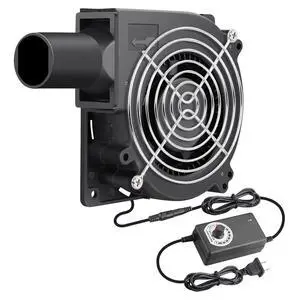
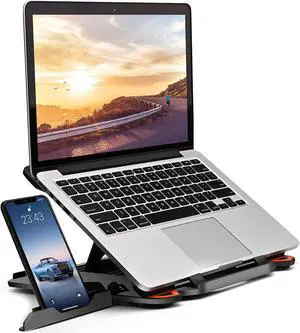
Ergonomic Adjustable Laptop Stand for Desk with Phone Holder & 360° Rotation - Foldable Portable Stand for 10-17 Laptops MacBook Pro 16 Gaming Laptops Tablets | Heavy-Duty & Ventilated Design
- Accessory Type: Laptop Stands
- Model #: B07T4G7RJYC3FG
- ฿1,383.60 –
- Free Shipping

Quick View
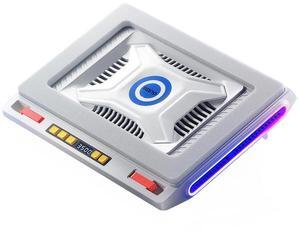
ICE COOREL Laptop Cooling Pad with 5 Cooling Fans, Cooling Pad for Laptop Fan 13-15.6 Inch, Laptop Cooler Stand with 5 Height Adjustable,Two USB Port
- Model #: BJIAN-0087
- ฿1,809.42 –
- Free Shipping
Quick View
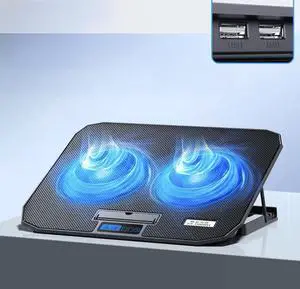
ICE COOREL Laptop Cooling Pad with 2 Cooling Fans, Cooling Pad for Laptop Fan 13-15.6 Inch, Laptop Cooler Stand with 5 Height Adjustable,Two USB Port
- Model #: BJIAN-0088
- ฿1,601.31 –
- Free Shipping
Quick View
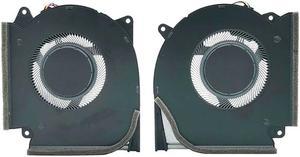
CPU+GPU Cooling Fan Replacement for ASUS strix g15 2021 5plus 5R G513QY P/N:NS85C59-20G05 NS85C59-20G04 13nr0510p02021
- Accessory Type: Cooler
- Model #: 13nr0510p02021
- ฿2,182.79 –
- Free Shipping
Quick View
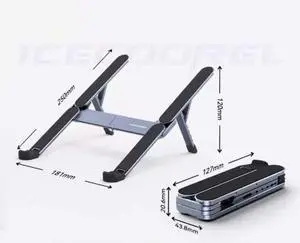
ICE COOREL Foldable Laptop Stand for Desk, Ergonomic Anti-Slip Laptop Riser, Adjustable Notebook Holder Compatible with Laptops and Tablets Up to 15.6 Inches
- Model #: BJIAN-0086
- ฿1,052.46 –
- Free Shipping
Quick View
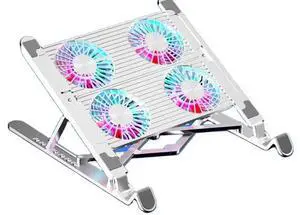
Laptop Folding Stand Laptop Coolers Adjustable Foldable Desk Tablet Pc Holder four fans siliver aluminium
- Model #: C1JG-L-325059
- ฿2,074.48 –
- Free Shipping
Quick View
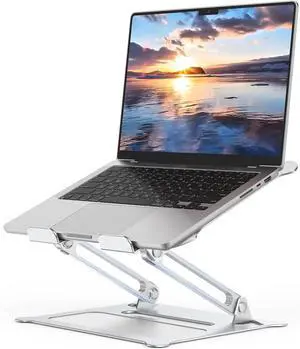
Aluminum Adjustable Laptop Stand No Wobble Laptop Riser Foldable Computer Notebook Stand Holder for 10-17 Laptops Lightweight & Sturdy Silver/B
- Accessory Type: Laptop Stands
- Model #: B0DTG3GQCWC3FG
- ฿1,750.24 –
- Free Shipping
Quick View
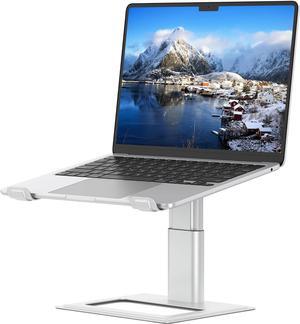
Adjustable Laptop Stand for Desk Computer Stand Ergonomic Laptop Riser Holder Compatible with 10 to 17.3 Inches Notebook PC Computer Aluminum Silver
- Accessory Type: Laptop Stands
- Model #: B08PBT82M7C3FG
- ฿2,071.05 –
- Free Shipping
Quick View
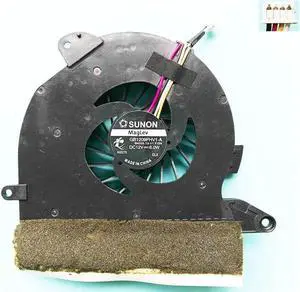
CPU fan for SUNON GB1209PHV1-A B4322.13.V1.F.GN laptop cpu cooling fan cooler
- Model #: 7193-Kipv4xHXR-Eu9KH
- ฿809.35 –
- Free Shipping

Quick View
Bamboo Laptop Stand 10-15 inches Universal Laptop Shelf Ergonomic MacBook Holder Laptop Riser for Desk
- Accessory Type: Laptop Stands
- Model #: B08LDDCJTPC3FG
- ฿1,521.09 –
- Free Shipping
Quick View
NEW ORIGINAL CPU COOLING FAN FOR LENOVO YOGA 320S CPU FAN COOLER 5F10P47038
- Model #: 55208-7WEhZYP6A-LWCN
- ฿1,446.84 –
- Free Shipping
Quick View
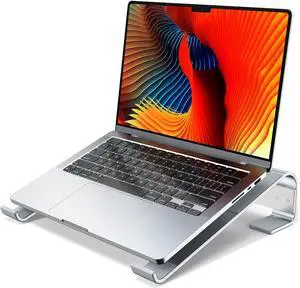
Laptop Stand for Desk Aluminum Laptop Riser Ergonomic Computer Stand Compatible with for MacBook Pro/Air HP 10-17.3 (Silver)
- Accessory Type: Laptop Stands
- Model #: B0CRT2XNXYC3FG
- ฿1,521.09 –
- Free Shipping
Quick View
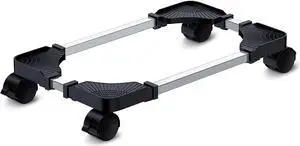
Computer Tower Stand - Adjustable PC Stand for Most Desktop Towers - Elevate and Organize Your Desktop - Mobile CPU PC Holder Cart Riser Printer
- Accessory Type: Laptop Stands
- Model #: B08RY41SQWC3FG
- ฿1,383.60 –
- Free Shipping

Quick View
HEATSINK WITH FAN FOR LENOVO E550 E560 E555 E565 FAN COOLER RADIATOR
- Model #: 95696-3tr32HSf7-bUtO
- ฿1,359.31 –
- Free Shipping

Quick View
New original Heatsink with fan For Lenovo ThinkPad X260 CPU Cooling Fan cooler radiator 00UP171 BAZC0606R5H P005
- Model #: 73228-pGy4iWbyW-HRZk
- ฿1,328.61 –
- Free Shipping
Quick View
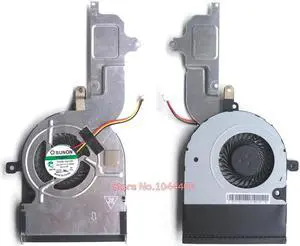
Laptop cpu cooling fan for Toshiba Satellite C50-B C55-B C55D-B C55DT-B C55T-B Series Fan With Heatsink Integrated Graphics
- Model #: 84492-wDYlSNeL8
- ฿1,945.47 –
- Free Shipping

Quick View
New Original heatsink for SONY MS9 3LMS9TMV000 laptop CPU cooling fan cooler thermal module radiator ND55C02-14J10 4MMS8FAV010
- Model #: 3758-SWad3kfag-wa1XO
- ฿1,500.46 –
- Free Shipping
Quick View
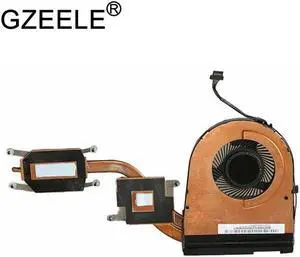
new CPU FAN FOR LENOVO for THINKPAD YOGA 15 CPU COOLING FAN With Heatsink KDB0705HC FRU P\/N:00JT286
- Model #: 98587-984EC0vHK-hbyR
- ฿1,377.19 –
- Free Shipping

Quick View
New Radiator for Sony Vaio FIT13A SVF13 SVF13N SVF13N2A1J SVF13N2C5E SVF13N2J2R AB06005HX0403Z1 heatsink cooling fan cooler
- Model #: 27752-fSdxy3Zf2-5voR
- ฿900.09 –
- Free Shipping

Quick View
JAENFONG Ultra Thin Pure Copper Heatsink Cooler Heat Sink SSD Thermal Pad for M.2 2280 PCI-E NVME SSD 70X20X2mm
- Model #: JAENFONG-70X20X2mm
- ฿944.97 –
- Free Shipping
Quick View
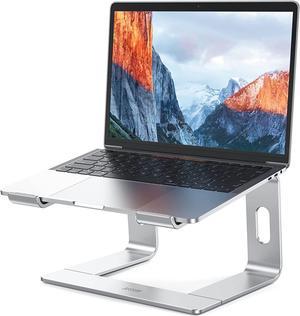
LS03 Aluminum Laptop Stand Ergonomic Detachable Computer Stand Notebook Riser Compatible with Air Pro HP More 10-15.6 Laptops Silver
- Accessory Type: Laptop Stands
- Model #: B08BRCT4JHC3FG
- ฿1,704.40 –
- Free Shipping
Quick View
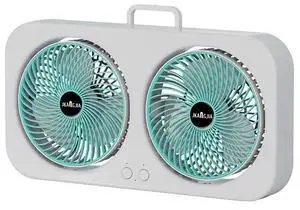
Morden Style Black Portable Clip Outdoor Desk Clip On Fan Usb Blue Fan Cooler On Desk Green Mini Portable Desk Fan Green
- Model #: C1JG-L-325018
- ฿2,039.43 –
- Free Shipping
Quick View
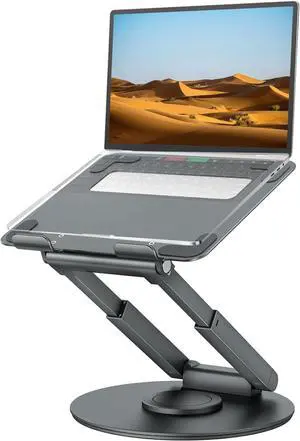
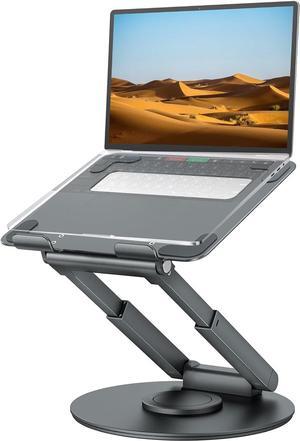
Telescopic Laptop Stand for Desk with 360° Swivel Base Sit to Stand Height Adjustable Portable Riser Holder for Good Posture Compatible with MacBook Pro All Laptops 10-17-Gray
- Accessory Type: Laptop Stands
- Model #: B09Y8B81F7C3FG
- ฿5,186.55 –
- Free Shipping
Quick View
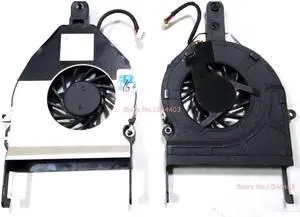
Laptop CPU Cooling Fan for Gateway M-6801M M-6801MT M-6802M M-6803M M-6804M M-6805M M-6806M M-6807M M-6808M
- Model #: 59347-ZTnZutnWT
- ฿1,731.90 –
- Free Shipping
Quick View
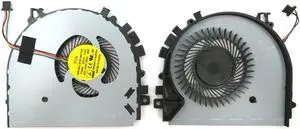
New Laptop CPU Cooling Fan for Lenovo IdeaPad Yoga 500-14ACL 500-14IBD 500-14IHW
- Model #: 50315-jpAFlpIS0
- ฿1,341.90 –
- Free Shipping
Quick View
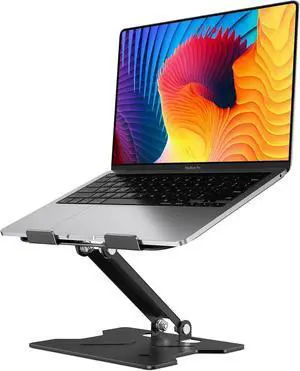
Adjustable Laptop Stand for Desk Metal Foldable Laptop Riser Portable Laptop Holder Mount Ventilated Cooling Notebook Stand for MacBook Air Pro All 10-16 Notebooks Laptops Matte Black
- Accessory Type: Laptop Stands
- Model #: B0DDTMHWPQC3FG
- ฿1,521.09 –
- Free Shipping
Quick View
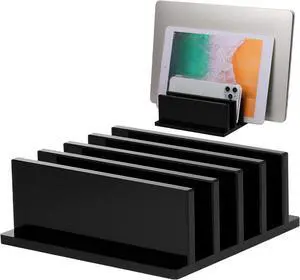
1 Piece 4-Compartment Acrylic Vertical Laptop Stand Can Accommodate with a Thickness of Less Than 2 cm Fits Most Laptop (Black)
- Accessory Type: Laptop Stands
- Model #: B09FPXWZDMC3FG
- ฿1,750.24 –
- Free Shipping
Quick View
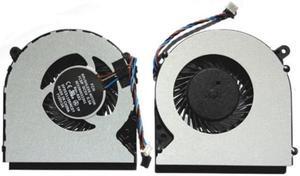
New Laptop CPU Cooling Fan for toshiba Satellite L55DT-A5253 L55DT-A5253NR L55DT-A5254 L55DT-A5293
- Model #: 68600-Jr-tr7b0P-qgMf
- ฿1,549.50 –
- Free Shipping

Quick View
Adjustable Vertical Laptop Stand MacBook Holder with Wood Wooden Laptop Stand Vertical Laptop Holder for Desk Width Adjustable Dock Fits All MacBook/Surface Pro
- Accessory Type: Laptop Stands
- Model #: B0FL6B9MDDC3FG
- ฿1,841.90 –
- Free Shipping
Quick View
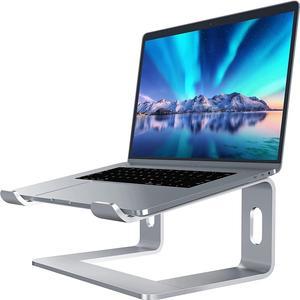
Laptop Stand Aluminum Computer Riser Ergonomic Laptops Elevator for Desk Metal Holder Compatible with 10 to 15.6 Inches Notebook Computer Silver
- Accessory Type: Laptop Stands
- Model #: B07D74DT3BC3FG
- ฿1,750.24 –
- Free Shipping
Quick View
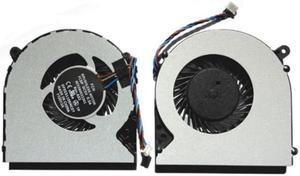
New Laptop CPU Cooling Fan for toshiba Satellite L50DT-A5174FM L50DT-ASP5367FM L50DT-ASP5367SM
- Model #: 24431-XKQ9M0kct-htaL
- ฿1,697.99 –
- Free Shipping
Quick View
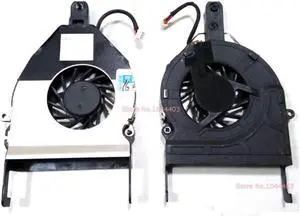
Laptop CPU Cooling Fan for Gateway M-6000 Series AB6705HX-TB3 SA1 KSB0405HA 7D93
- Model #: 56068-5R4peY_Px-Y0gp
- ฿1,579.75 –
- Free Shipping

Quick View
New original radiator for Lenovo Thinkpad L450 integration CPU heatsink cooling fan cooler FUR: 01HW919 EG50050S1-C920-S9A
- Model #: 62398-ytUv6l80--5Res
- ฿1,328.61 –
- Free Shipping
Laptop cooling pads are a simple and inexpensive solution to reduce overheating. They come in countless shapes and sizes to fit the different needs of travelers, professionals and gamers. Some models have an ergonomic design to reduce strain on your back, neck and eyes. There are also vacuum coolers that rest on the side of your PC and suck the hot air away from fragile internal components.
Using a Laptop Cooler Improves Longevity
Modern laptops are increasingly compact and portable. However, the smaller size of the case means that laptop internal hard drives have less room for proper airflow. That's why many laptops tend to overheat, which can damage crucial internal components like the CPU or GPU. Computers already have built-in fans but, over the years they can clog up because of dust. In many cases, the solution is as simple as resting your laptop on a cooling pad. You can even utilize the pad with a docking station.
Passive Laptop Cooling Pads Keep Your Device Cool Without Additional Fans
A passive laptop cooling pad consists of a flat, raised surface to place your computer on. This accessory is usually made from metal mesh to promote optimal airflow. It raises your laptop to improve air circulation so the internal fans can push the hot air away from internal components. Computer stands can also improve the comfort of your workstation since they raise your screen to eye level, reducing strain on your neck and shoulders. Adjustable models let you choose the position to minimize screen glare, reducing eye strain. For users who travel and require laptop bags, most passive cooling pads are compact and portable enough to fit.
Active Cooling Pads Use USB-powered Fans to Draw Heat Away From the Laptop
Active laptop cooling mats look similar to the passive ones, but they have one or more built-in fans. Some models work by directing hot air away from the device, while others blow cool air toward the computer case. Most cooling pads draw power from one of the laptop's USB ports. However, some models come with a power adapter or a built-in USB hub to avoid using up one of the ports. The most advanced cooling pads regulate the fan speed automatically, targeting the hottest areas of your laptop. However, there are also models that let you adjust the fan speed manually. The notebook cooling pads targeted for gamers feature beautiful LED lights.
Vacuum Coolers Suck the Heat Away From Your Laptop
Vacuum coolers work by sucking excessive heat away from the internal parts of your laptop computer. Their peculiar design lets you attach them to the side of your laptop, next to the air outlet. Thanks to the power of the fans, most models can dissipate heat faster than your laptop's internal cooling system. Some models have temperature sensors, so they can adjust the fan speed automatically. Many vacuum coolers are USB-powered, have a compact, portable design, and some also feature attractive LED lights.