
Your Browsing History
- Free 30-day Returns
- ฿2,608.50 Shipping
฿91,802.78
VAT-Inclusive Price
Ships from United States.
Sold by Newegg
Shipped by Newegg
Best Sellers
 Top Rated
- ฿102,990.70
- + FREE SHIPPING


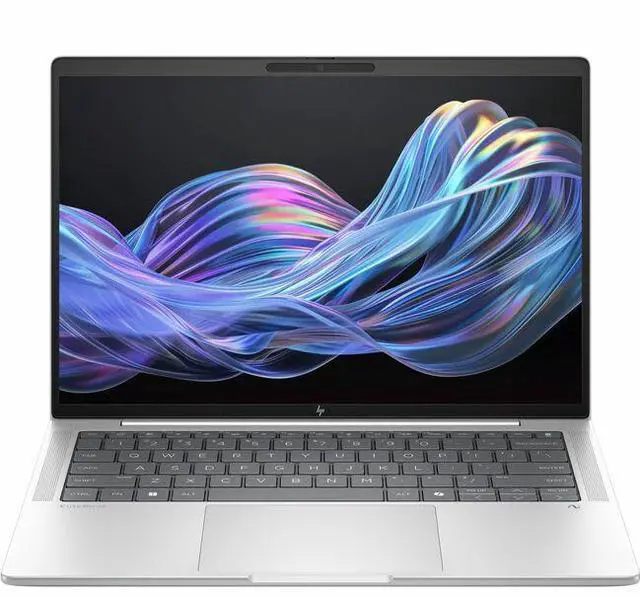
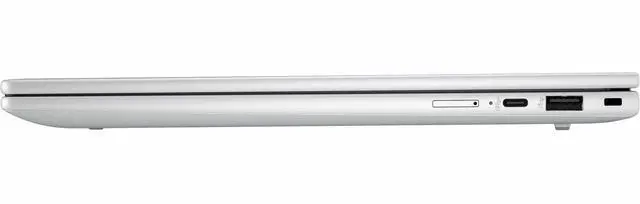
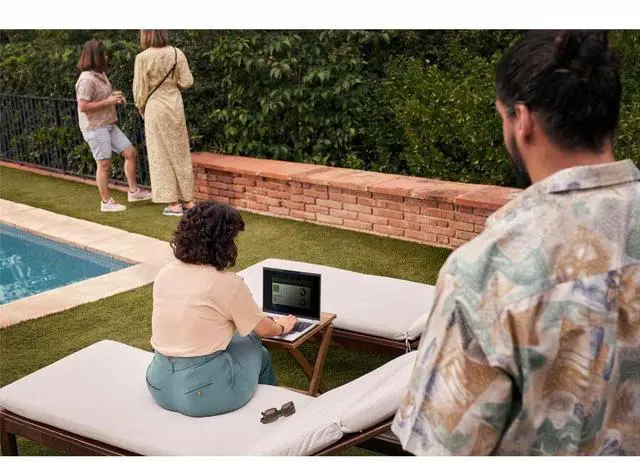
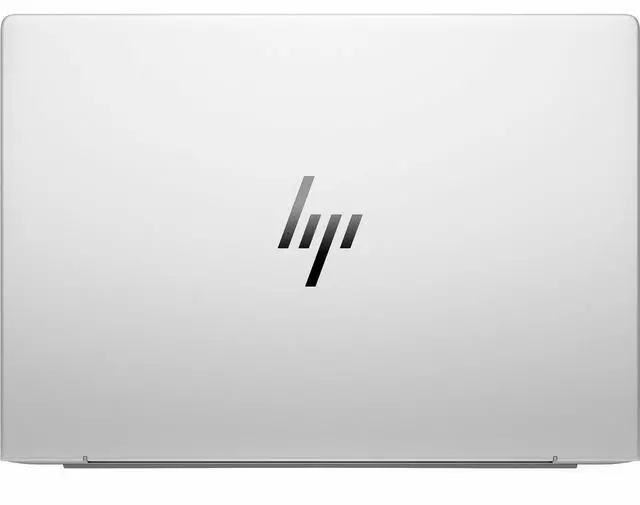

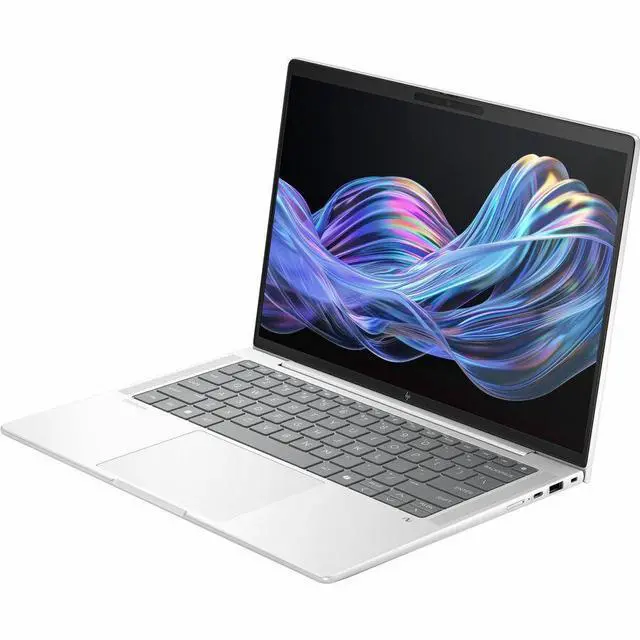

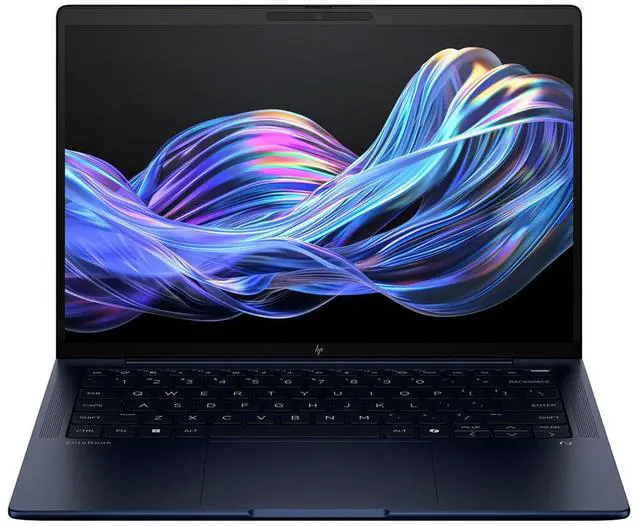
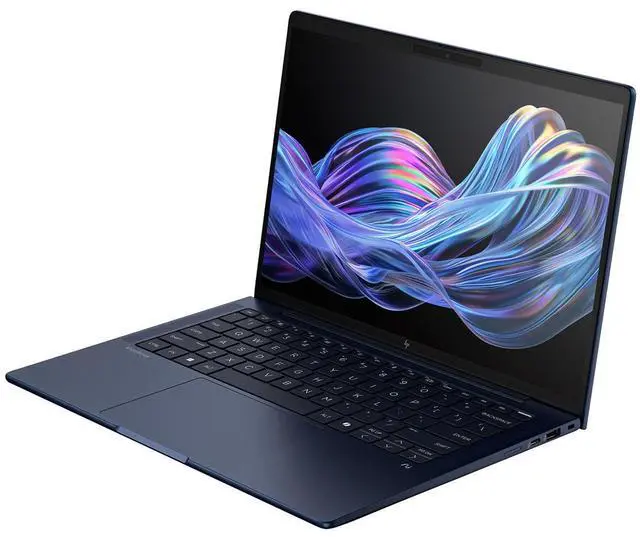

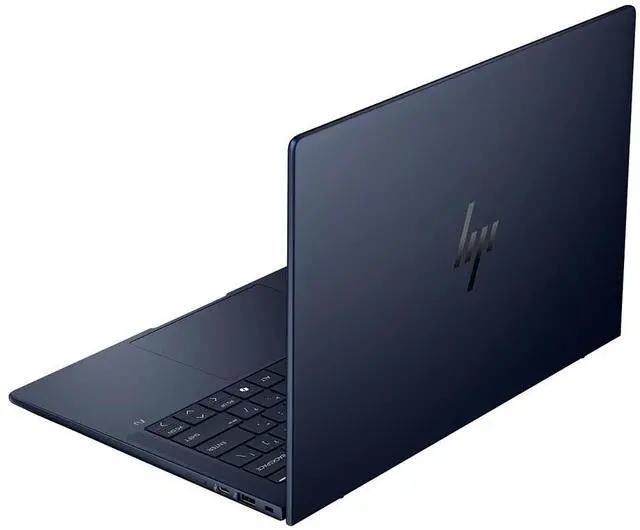
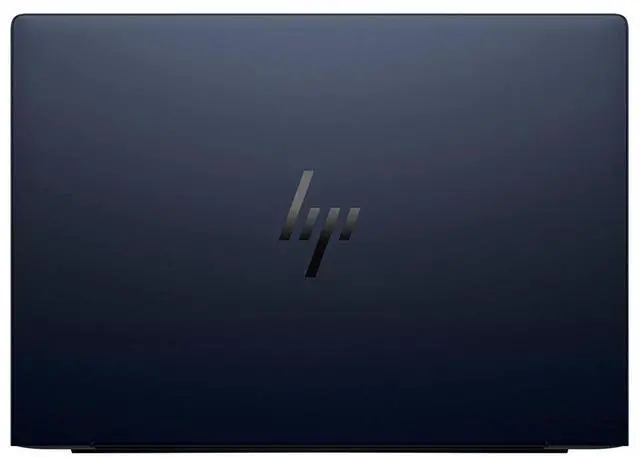

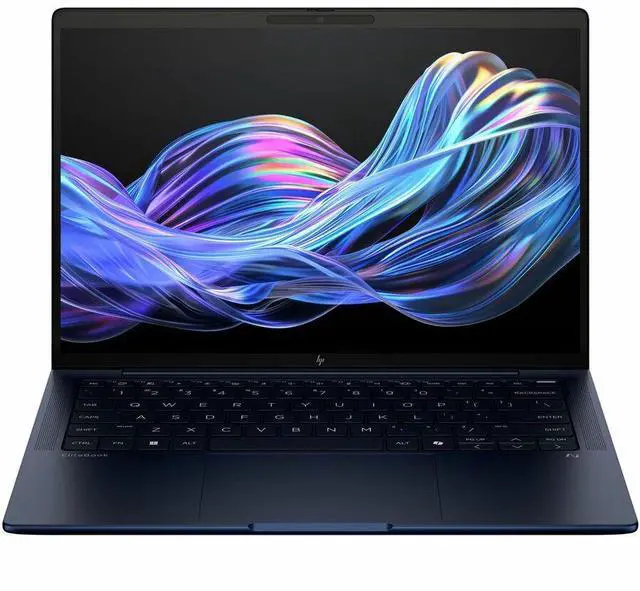
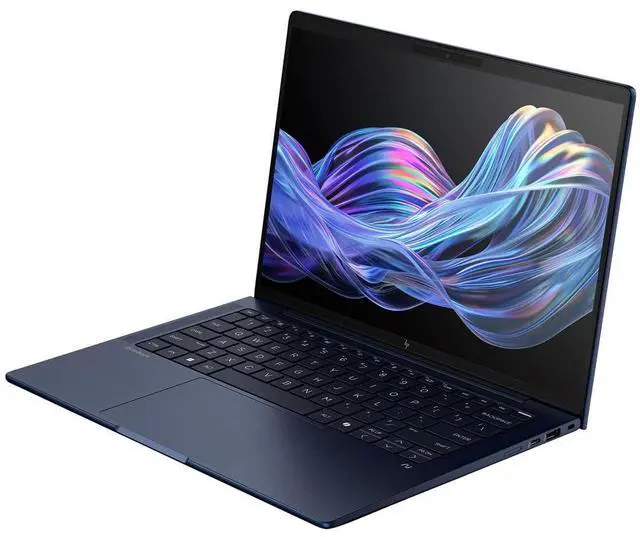

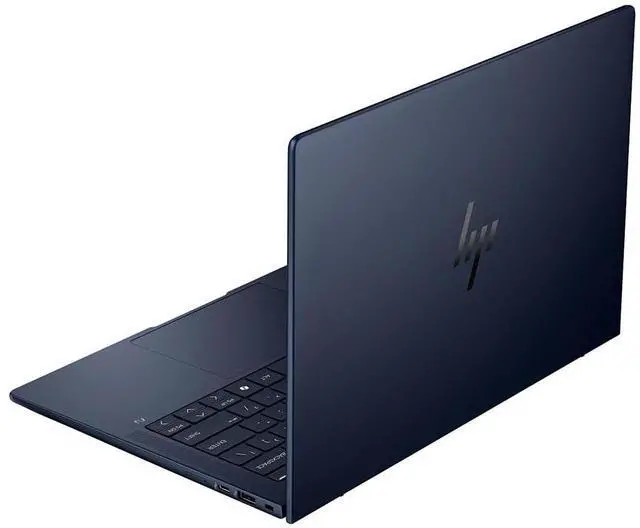
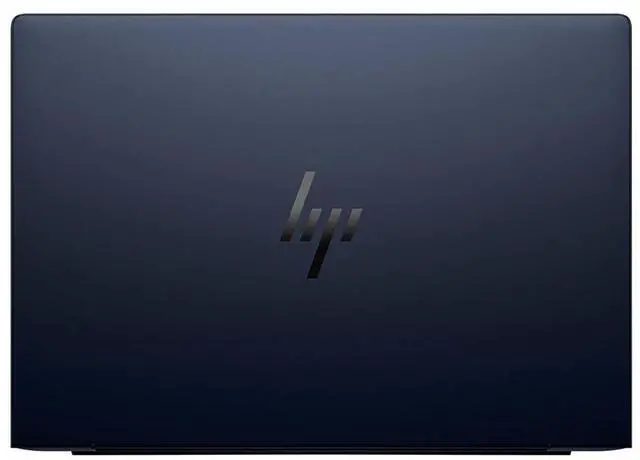


HP EliteBook X G1i 14" Notebook Next Gen AI PC - WUXGA - 1920 x 1200 - (Intel Core Ultra 7 258V Octa-core (8 Core) - 32 GB Total RAM - 32 GB On-board Memory - 512 GB SSD - Intel Chip - 1920 x 120
- WUXGA
- 1920 x 1200
- (Intel Core Ultra 7 258V Octa-core (8 Core)
- 32 GB Total RAM
- 32 GB On-board Memory
- 512 GB SSD
- Intel Chip
- 1920 x 1200
- Windows 11 Pro
- Intel Arc Graphics
- In-plane Switching (IP
+
+
Overview
Specs
Reviews
SBUY HP EBXG1I14AI U7 258V 14 32GB/512 PC INTEL U7 258V, 14 WUXGA AGLEDUWVA TS,
Warranty & Returns
Warranty, Returns, And Additional Information
Return Policies*
- Return for refund within: 30 days
- Returns are subject to restocking fees and return shipping fees. Please click here to learn more about restocking fees and return shipping fees.
- This item is covered by Newegg.com's International Order Return Policy.
- Read full return policy for details.
- *Subject to applicable law
Warranty Notice:
This product does not include manufacturer warranty when purchased or used outside of its designated sales region. By purchasing internationally, you acknowledge that warranty support from the manufacturer will not be available.
Manufacturer Contact Info
- Manufacturer Website
- Support Phone: 1-800-474-6836
- Support Website
- View other products from HP
LOADING...
LOADING...
Learn about this product
The HP EliteBook X G1i is a 14-inch Windows 11 Pro laptop with an Intel Core Ultra 7 258V, 32GB onboard memory, 512GB SSD, and a 1920x1200 WUXGA display, making it a strong fit for professionals, hybrid workers, and users who want a compact productivity PC for multitasking, office apps, video meetings, and everyday business use.
Recommended For
- Mobile professionals who spend long days away from a charger and mostly work in browser, Office, video calls, and line-of-business apps. Multiple reviews point to unusually long battery life for a 14-inch business laptop, while keeping weight low enough for daily travel.
- Hybrid workers and client-facing users who care about video meetings, microphone quality, and a polished business presentation. HP positions the EliteBook line for enterprise collaboration, and reviews highlight the 5MP camera setup, privacy shutter, and conferencing-focused software tools.
- Frequent travelers and consultants who want a premium 14-inch Windows laptop with a light chassis and business-friendly ports, including HDMI and Thunderbolt, without carrying adapters for every meeting room.
- Enterprise buyers standardizing on Windows 11 Pro, onboard security, and managed business hardware rather than consumer-style laptops. External coverage consistently treats this model as an executive and fleet-ready business notebook, not a mainstream home laptop.
Real-World Use Scenarios
- Working away from a desk for most of the day: users can handle email, browser tabs, documents, Slack/Teams, and light Excel work without carrying a charger, with reviews pointing to unusually long real-world battery life for a 14-inch business laptop.
- Hybrid work and video meetings: users can join frequent Zoom or Teams calls, rely on the 5MP/IR camera and AI noise-reduction features, and get a business-focused meeting setup that fits travel and office use better than a consumer laptop.
- Daily corporate productivity: users can run Microsoft 365, many browser tabs, PDF workflows, messaging apps, and standard business multitasking smoothly, with the 32GB memory helping more than a typical 16GB office laptop when workloads stack up.
- Traveling between home, office, and client meetings: users get a compact 14-inch business notebook with a metal chassis, strong wireless/port selection, and a screen that is practical for long work sessions, though this WUXGA model is aimed at productivity rather than creative color work.
- Light photo editing, presentations, and occasional creative tasks: users should expect solid everyday responsiveness and enough graphics for casual visual work, but reviews consistently position this model as better for office productivity than for demanding content creation or heavier GPU workloads.
- Quiet office or library use: the laptop is generally efficient and not excessively loud, but some user feedback suggests the fans may spin up more often than expected, so the experience is usually fine for office work but not the best fit for people who are very sensitive to fan behavior.
Spec Summary
| Attribute | Value |
|---|---|
| Best For | Business and home/personal productivity on Windows 11 Pro with AI-powered features and enhanced security, suitable for standard office and web tasks on a 14.0" 1920 x 1200 display |
| Model Identifiers | HP (Manufacturer: Hewlett Packard), model B85MRUT#ABA |
| Display Spec | 14.0" LED display with a native resolution of 1920 x 1200 and 60 Hz refresh rate |
| Processor And Core Count | Intel Core Ultra 7 258V, octa-core (8-core) processor, single CPU listed as 7th Gen |
| Memory Configuration | 32 GB DDR5 RAM (32 GB installed, 32 GB maximum/on-board) |
| Storage And Expansion | 512 GB SSD storage |
| GPU And Graphics | Intel Arc integrated graphics (integrated GPU; no discrete VRAM listed) |
| Wired And Wireless Networking | Wi‑Fi (802.11.be) and Bluetooth wireless connectivity |
| High Speed I O | 1× HDMI output and 3 total USB ports |
| Webcam And Privacy | Built-in webcam |
| Keyboard And Control | Backlit keyboard with touch pad |
| Battery And Power | Batteries not included; listed standby battery life 100 hours |
| Software And Security | Windows 11 Pro with HP Wolf Security and Microsoft Office included |
| Physical And Portability | Laptop form factor, white color, dimensions 15 x 11 x 3 inches, weight 7.5 Pounds |
| Special Features And Compatibility | AI-powered features and enhanced security; compatible with standard external displays, mice, keyboards, storage devices, printers, and other Windows 11 accessories |
Reference Q&A
Q: Should I buy the HP EliteBook X G1i 14 or the HP EliteBook Ultra G1i 14?
A: Choose the HP EliteBook X G1i 14 if you want a premium 14-inch business laptop with similar Intel Core Ultra AI-platform positioning at a lower price and with fewer flagship-level extras. Choose the EliteBook Ultra G1i 14 if you want HP’s higher-tier option and are comfortable paying more for the more premium product position. Independent testing shows the two can be close in everyday CPU performance, so the decision is usually more about budget, design tier, and feature priorities than a large day-to-day speed gap.
Q: Is the HP EliteBook X G1i 14 worth buying over a Lenovo ThinkPad X1 Carbon Gen 13-class business laptop?
A: Choose the HP EliteBook X G1i 14 if you want a modern AI-ready 14-inch business system with strong battery-life-oriented positioning and a more value-focused route into the premium enterprise category. Choose a ThinkPad X1 Carbon Gen 13-class model if keyboard feel, ThinkPad ecosystem preference, or a thinner-and-lighter legacy premium business design matters more to you. This comparison is usually about chassis preference, enterprise features, and price at purchase rather than a simple winner on raw specs.
Q: Should I get the HP EliteBook X G1i 14 or a lower-tier HP EliteBook 840 14 G11?
A: Choose the HP EliteBook X G1i 14 if you want a newer premium EliteBook design with Lunar Lake-era Intel Core Ultra positioning, stronger on-device AI capability, and a more upscale ultraportable focus. Choose the EliteBook 840 14 G11 if you want the EliteBook business experience at a lower tier and lower expected cost, especially for standard office, browser, and collaboration workloads. The X G1i makes more sense when battery life, newer platform features, and premium mobility matter more than minimizing spend.
Q: Is the HP EliteBook X G1i 14 better for portability or should I choose a performance-first laptop instead?
A: Choose the HP EliteBook X G1i 14 if your priority is a premium portable business laptop for meetings, travel, web apps, office work, video calls, and long unplugged use. Choose a performance-first laptop with an H-series class processor or discrete graphics if your workload includes heavier sustained compute, coding builds, 3D work, or regular content creation exports. Reviews and owner feedback consistently position the EliteBook X G1i as optimized more for mobility, acoustics, and battery life than for maximum sustained performance.
Q: Is this a good travel work laptop for meetings, documents, and everyday business use?
A: Yes. This configuration is well suited to mobile office work: it has a 14-inch 16:10 WUXGA display for document-heavy workflows, Windows 11 Pro for business environments, integrated Intel Arc graphics that are appropriate for productivity and video tasks, and a built-in HDMI port for easy projector or monitor use. It is a better fit for email, web apps, spreadsheets, presentations, video calls, and multitasking than for demanding gaming or workstation-class creative workloads.
Q: Is 32GB RAM enough, and can the memory be upgraded later?
A: 32GB is already a strong amount for office multitasking, large browser sessions, meetings, and professional productivity work. However, this model's memory is on-package and non-upgradable, so buyers should choose the RAM capacity they want at purchase time. If you expect long-term heavy multitasking, virtual machines, or unusually large local workloads, the non-upgradable design is the main trade-off to consider.
Q: Is it good for note-taking, Zoom or Teams meetings, and office apps?
A: Yes. This laptop is a strong fit for note-taking, web-based work, Microsoft 365, video meetings, and general business tasks. The 14-inch 1920 x 1200 display gives more vertical space than a typical 16:9 screen, which helps with documents and split-window work. Its integrated graphics are fine for conferencing and media, but they are not the reason to buy it for serious gaming or GPU-heavy content creation.
Q: What are the main trade-offs versus a more consumer-focused OLED or gaming laptop?
A: The trade-off is practical business usability versus entertainment or graphics-first hardware. This EliteBook configuration gives you Windows 11 Pro, a business-class 14-inch form factor, 32GB RAM, and built-in HDMI, which are useful for work and travel. Compared with many consumer OLED or gaming models, the likely compromises are less emphasis on gaming performance and, depending on the exact panel option sold, a less media-centric display experience. Buyers choosing between them should favor the EliteBook for office mobility and management features, and choose a gaming or creator laptop if GPU performance is the priority.
Q: Is the HP EliteBook X G1i a good fit for office work and travel?
A: Yes. Based on the product specs and repeated discussion themes, this model fits mobile office use well: it has a 14-inch WUXGA display, Windows 11 Pro, 32 GB RAM, and integrated Intel Arc graphics in a lightweight business-laptop class. Community discussion around the EliteBook X G1i repeatedly focuses on portability, typing comfort, and general work use rather than gaming or creator workloads. It makes the most sense for professionals who want a compact Windows business laptop for documents, meetings, web apps, and multitasking.
Q: Is the HP EliteBook X G1i worth buying if I want a premium work laptop, not a gaming laptop?
A: Usually yes, if your priority is business use over graphics performance. The listed configuration gives you a strong work-oriented baseline with 32 GB memory, 512 GB SSD storage, Windows 11 Pro, and a 14-inch 1920 x 1200 display. Reddit discussion around this model tends to position it as a premium work machine with good portability and input quality, while also noting that buyers should not expect top-tier GPU performance or exceptional value for gaming.
Q: Can the HP EliteBook X G1i handle light gaming or is it mainly for productivity?
A: It is mainly a productivity laptop. The integrated Intel Arc graphics should be enough for everyday work, media, and some light gaming at reduced settings, but this is not the right choice if gaming is a major reason for buying. Community discussion that mentions the 258V configuration generally treats it as capable of casual gaming only with lowered expectations.
Q: What are the main trade-offs of the HP EliteBook X G1i?
A: The main trade-offs are display ambition and graphics headroom versus portability and business-focused design. In this configuration, you get a practical 1920 x 1200 14-inch panel, integrated graphics, and onboard memory, which supports a thin, travel-friendly design but limits upgrade flexibility and makes it less appealing for heavy visual workloads. Reddit discussion also raises the usual concerns for thin premium laptops: buyers may like the light build and keyboard but still question screen quality, peak performance, or long-term ruggedness compared with older, thicker business models.
Q: Who should skip the HP EliteBook X G1i?
A: Buyers should skip it if they need dedicated graphics, pen-first note-taking features, or easy internal memory upgrades. The provided specs show integrated graphics and 32 GB onboard memory, so the laptop is better matched to business productivity than to specialized gaming, 3D, or upgrade-heavy use. In Reddit recommendation threads, alternatives are often suggested when the buyer's priority is touchscreen writing, stronger gaming performance, or maximum value at a lower price.