
Your Browsing History
- Free 30-day Returns
- ฿2,609.69 Shipping
฿77,496.88
VAT-Inclusive Price
Ships from United States.
Sold by Newegg
Shipped by Newegg


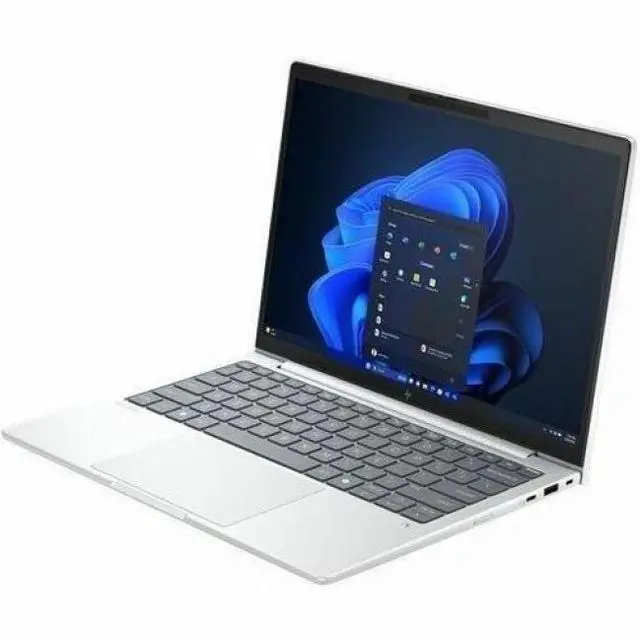



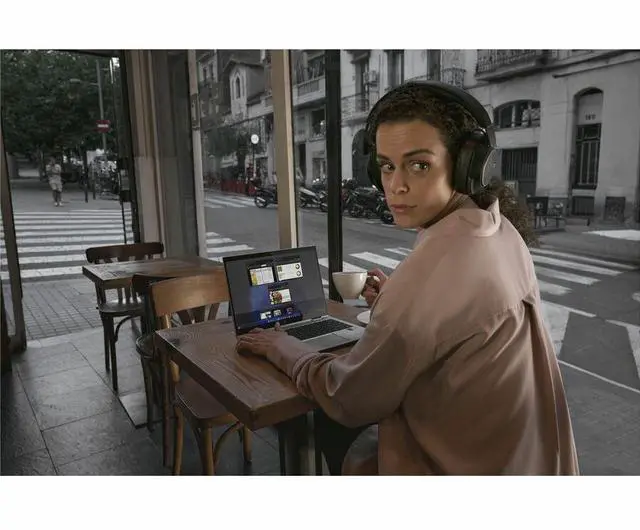
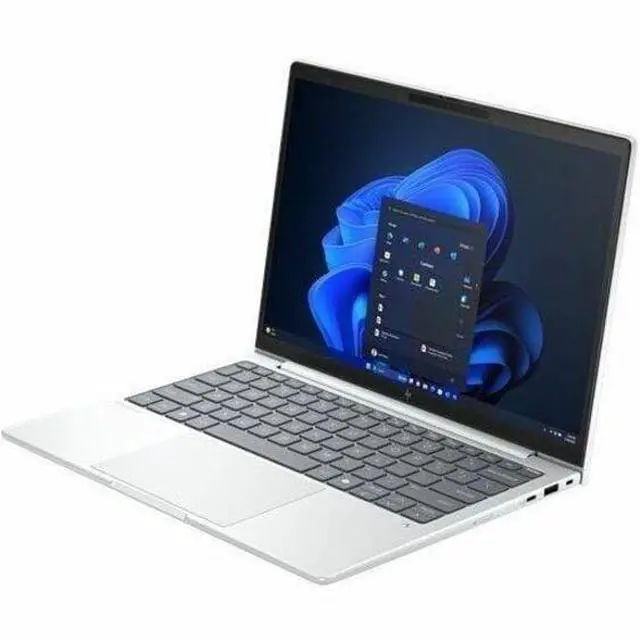
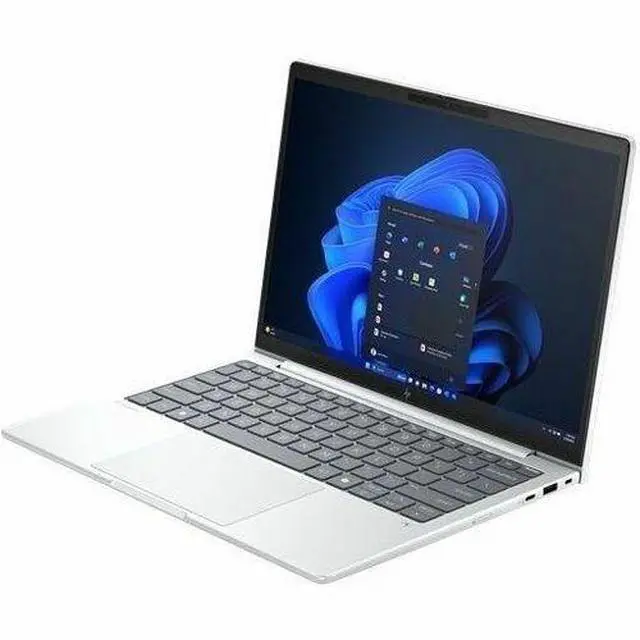
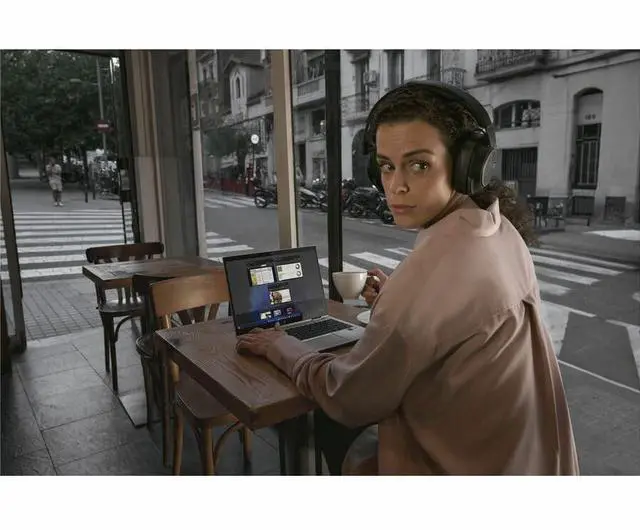



HP EliteBook 8 G1a 14" Touchscreen Copilot+ PC Notebook - AMD Ryzen AI 7 350 - 32GB - 1TB SSD - Windows 11 Pro - AMD Radeon 860M - Webcam - IEEE 802.11be Wireless BN7X3UT#ABA
- WUXGA
- AMD Ryzen AI 7 350
- 32 GB
- 1 TB SSD
- English Keyboard
- Glacier Silver
- AMD Chip
- 1920 x 1200
- Windows 11 Pro
- AMD Radeon 860M
- In-plane Switching (IPS) Technology, Sure View
- Front Camera/Webcam
- IEEE 802.11be Wireless LAN Standard
+
+
Overview
Specs
Reviews
SBUY HP EB8G1A14AI RA7P350 14 32GB/1T PC RAI7PRO350, 14 WUXGA AGLEDUWVA TS, UMA,
Warranty & Returns
Warranty, Returns, And Additional Information
Return Policies*
- Return for refund within: 30 days
- Returns are subject to restocking fees and return shipping fees. Please click here to learn more about restocking fees and return shipping fees.
- This item is covered by Newegg.com's International Order Return Policy.
- Read full return policy for details.
- *Subject to applicable law
Warranty Notice:
This product does not include manufacturer warranty when purchased or used outside of its designated sales region. By purchasing internationally, you acknowledge that warranty support from the manufacturer will not be available.
Manufacturer Contact Info
- Manufacturer Website
- Support Phone: 1-800-474-6836
- Support Website
- View other products from HP
LOADING...
Learn about this product
The HP EliteBook 8 G1a is a 14-inch touchscreen Copilot+ business laptop with an AMD Ryzen AI 7 350, 32GB RAM, and 1TB SSD, making it a strong fit for professionals who want fast everyday productivity, AI-assisted workflows, and easy portability in a premium Windows 11 Pro system.
Recommended For
- Hybrid office staff who spend most of the day in Outlook, Teams, browsers, spreadsheets, and line-of-business apps, but still want a lighter 14-inch business laptop with strong keyboard quality, solid port selection, and battery life that can cover a workday.
- Business users who need on-device AI features without moving to a bulky workstation: local Copilot+ workflows, webcam/background effects, transcription, and other NPU-assisted tasks are a better fit here than raw GPU-heavy creative work.
- IT-managed corporate deployments that value business-focused extras such as Windows 11 Pro, enterprise security, serviceability, and a chassis class that is commonly chosen for fleet rollouts rather than consumer-style media use.
- Mobile professionals who regularly connect to meeting-room displays, docks, and office accessories and prefer having several built-in ports instead of relying on adapters for everyday work setups.
- Developers, analysts, and heavy multitaskers who keep many browser tabs, office files, chat tools, and virtual desktops open at once and care more about responsiveness and input comfort than about high-end graphics.
Real-World Use Scenarios
- For hybrid workdays with email, dozens of browser tabs, Office apps, Slack, and Teams/Zoom calls, users can treat it as an all-day business laptop that stays responsive and usually quiet in light use, with battery life commonly landing around a full workday rather than multi-day endurance.
- For remote meetings, online training, and client calls, the built-in webcam is suitable for routine video conferencing, and the business-focused privacy and sign-in features make it a practical fit for users who join calls frequently from shared or public spaces.
- For analysts, developers, or project managers working across large spreadsheets, documents, dashboards, and browser-based tools, the 32GB RAM and current Ryzen AI platform are well matched to heavy multitasking, so slowdowns are less likely during normal office and productivity workloads.
- For travel between offices, home, and meetings, it works best as a portable premium work laptop: easy to carry in a bag, good for touch-based navigation and document review, and able to handle a day of mixed work without feeling like a workstation-class machine.
- For occasional photo edits, light content creation, coding, and older or less demanding games after work, users should expect competent integrated-graphics performance for casual use, but not the kind of sustained graphics headroom needed for serious 3D, AAA gaming, or GPU-heavy creator workloads.
Spec Summary
| Attribute | Value |
|---|---|
| Best For | Home/personal users, business users, and students who need a portable 14" touchscreen notebook with an AMD Ryzen AI 7 processor for everyday productivity and AI-enabled workflows |
| Processor And Model | AMD Ryzen AI 7 350 (Ryzen 3000 Series) with up to 5 GHz processor speed and 16 MB L3 cache |
| GPU And VRAM | Integrated AMD Radeon 860M graphics with graphics memory using DDR5 SDRAM |
| Display Spec | 14.0" touchscreen, 1920 x 1200 (WUXGA) IPS panel with Sure View privacy, capacitive touch, up to 800 nits brightness and 100% sRGB coverage |
| Memory Configuration | 32 GB installed DDR5 (SODIMM) memory, two SODIMM slots, maximum supported 32 GB |
| Storage And Expansion | 1 TB solid-state drive (SSD), M.2 form factor and M.2 interface |
| Ports And Connectivity | 2 Thunderbolt ports, 1 HDMI port, 2 USB ports (total USB ports 2), includes USB Type-C support; total number of ports listed as 4 |
| Wired And Wireless Networking | Wi‑Fi (IEEE 802.11be) and Bluetooth wireless connectivity |
| Webcam And Privacy | Built-in webcam present; display includes Sure View privacy technology |
| Keyboard And Control | Backlit keyboard plus capacitive touchscreen input |
| Operating System | Windows 11 Pro |
| Dimensions And Weight | Item dimensions 18.6 L x 11.1 W x 2.5 TH inches; item weight 5.15 Pounds; package weight 5.9 Pounds; package dimensions 18.6 L x 11.1 W x 2.5 H inches |
| Model Identifiers | Model BN7X3UT#ABA — EliteBook 8 G1a edition by Hewlett Packard |
| Compatibility And Accessories | Compatible with external displays, mice, keyboards, storage devices, printers, Bluetooth accessories and other Wi‑Fi devices; built-in media listing includes a power adapter |
| Color And Form Factor | Glacier Silver notebook form factor |
Reference Q&A
Q: Should I buy the HP EliteBook 8 G1a 14 with Ryzen AI 7 350 or a similar Intel business laptop like the EliteBook 8 G1i?
A: Choose the EliteBook 8 G1a if you want stronger integrated graphics, a Copilot+ class AMD NPU, and a business laptop that reviewers generally describe as very capable for productivity, conferencing, and mixed workloads. Choose a comparable Intel model like the EliteBook 8 G1i if your priority is staying within an Intel-based fleet or matching an Intel-specific deployment standard. The practical trade-off is that the AMD G1a configuration is usually the more performance-forward option for users who want better graphics headroom without moving to a heavier workstation.
Q: Is the Ryzen AI 7 350 version worth it over a lower-tier EliteBook 8 G1a with Ryzen AI 5 340?
A: Buy the Ryzen AI 7 350 configuration if you expect heavier multitasking, longer useful life from the CPU/GPU, or occasional graphics-heavy work on integrated graphics. A Ryzen AI 5 340 version makes more sense when you want the same EliteBook platform, security features, and business design at a lower cost. The key trade-off is extra performance headroom versus lower upfront spend, not a change in the overall product class.
Q: How does this EliteBook 8 G1a compare with an older Ryzen 7 business laptop with Radeon 780M graphics?
A: The EliteBook 8 G1a is the better choice if you want a newer business platform with Copilot+ positioning, modern enterprise features, and a current-generation Ryzen AI processor. An older Ryzen 7 system with Radeon 780M can still be a sensible value option if your focus is price and you do not need the newer AI platform. Community discussion around Ryzen AI 7 350 systems also suggests the graphics difference versus strong prior-generation Radeon 780M laptops is not always large enough by itself to justify an upgrade, so the newer platform benefits matter most when you care about business lifecycle, AI features, and updated platform design.
Q: Should I choose this EliteBook 8 G1a or move up to a higher-tier laptop for more performance?
A: Choose the EliteBook 8 G1a if you want a premium business notebook with 32GB RAM, 1TB storage, integrated Radeon 860M graphics, and enterprise-focused features in a more portable class. Move up to a higher-tier system only if your work regularly depends on faster graphics, higher-end displays, or workstation-class sustained performance. The main trade-off is that the EliteBook 8 G1a is optimized for business mobility and balanced performance rather than for creator or workstation-first workloads.
Q: Is the HP EliteBook 8 G1a 14 a better fit for portability or should I choose a performance-first laptop?
A: The EliteBook 8 G1a 14 is the better fit if you want a lighter business laptop for travel, meetings, office apps, browser-heavy work, and video calls while still keeping enough CPU and iGPU capacity for demanding everyday use. A performance-first laptop is the better fit if gaming, 3D work, or sustained high-load creative tasks matter more than portability and enterprise features. In short, this EliteBook configuration is a balanced mobile work machine, not a graphics-first replacement for a gaming or workstation notebook.
Q: Is this a good fit for travel, meetings, and everyday office work?
A: Yes. This configuration is well suited to mobile business use because it combines a 14-inch 1920 x 1200 touchscreen, Windows 11 Pro, a webcam, Bluetooth, Wi-Fi 7, 32GB RAM, and a 1TB SSD. That makes it a strong match for video calls, browser-heavy work, documents, spreadsheets, multitasking, and carrying between home, office, and travel. The main trade-off is that it uses integrated Radeon 860M graphics, so it is better for productivity than for demanding gaming or workstation-class 3D workloads.
Q: Who is this laptop best for?
A: It is best for professionals, students in business-focused programs, and remote workers who want a compact Windows laptop with strong multitasking headroom. The 32GB memory and 1TB SSD are more generous than many mainstream laptops, so it fits users who keep many apps and tabs open or work with larger files. It is less ideal for buyers who mainly want the lowest price, a gaming laptop, or a creator system with discrete graphics.
Q: Is it good for note-taking and touchscreen work?
A: It is good for touch-based navigation, tapping through apps, web use, and light note-taking on screen. However, based on the provided product data, it is a touchscreen clamshell notebook, not a 2-in-1, and no stylus is listed as included. If your main use case is handwritten notes or sketching, a convertible model with confirmed pen support may be a better choice.
Q: How does it compare with a consumer Copilot+ alternative like an HP OmniBook X or Surface Laptop?
A: This EliteBook is the better pick if you want a business-oriented Windows setup with Windows 11 Pro, large 32GB memory, and a 1TB SSD out of the box. A consumer Copilot+ laptop such as an OmniBook X or Surface Laptop may appeal more if you prioritize a more lifestyle-oriented design, and some shoppers also compare those models on battery-life expectations. The trade-off is that consumer models can feel more mainstream, while the EliteBook is the more practical choice for office deployment and heavier multitasking.
Q: Can it handle light creative work or gaming?
A: It can handle light photo editing, media consumption, and casual or less demanding games, but it is not the right choice for buyers who need sustained 3D rendering, high-end video production, or modern AAA gaming at high settings. The reason is that it uses integrated AMD Radeon 860M graphics rather than a dedicated GPU. Its value is in portability and productivity, not gaming-first performance.
Q: Is the HP EliteBook 8 G1a 14 a good fit for office work, multitasking, and business use?
A: Yes. Based on the listed specs, this configuration is well suited to business workloads such as office apps, web-heavy multitasking, video calls, and large-document work. The Ryzen AI 7 350, 32GB RAM, 1TB SSD, 14-inch 1920x1200 display, webcam, HDMI, Wi-Fi 7, and Windows 11 Pro make it a practical business-first laptop. Community discussion around the EliteBook 8 G1a also centers on business use rather than gaming or creator workloads.
Q: Is this a good choice if I want a portable work laptop with strong specs and no need for dedicated graphics?
A: Yes, if your priority is a compact work laptop with high memory and storage. This model gives you 32GB RAM and a 1TB SSD in a 14-inch chassis, which is more than enough for professional multitasking, many browser tabs, spreadsheets, remote work, and light technical workloads. The trade-off is that the Radeon 860M is integrated graphics, so this is not the right pick if GPU-heavy gaming or serious 3D work is a main goal.
Q: What are the main trade-offs of buying the HP EliteBook 8 G1a 14?
A: The main trade-off is that this is a business laptop, not a performance or display-first laptop. Its strengths are memory, storage, connectivity, and professional features. Its likely compromises are integrated graphics performance versus dedicated-GPU laptops, and a display that may be less appealing than premium creator or media-focused alternatives depending on the panel variant. It is a better fit for productivity than for gaming or color-critical creative work.
Q: Is the HP EliteBook 8 G1a 14 worth buying if I mainly care about reliability and day-to-day work use?
A: It can be worth buying if you want a business-class laptop for daily productivity and value the EliteBook line’s enterprise positioning. Community discussion shows interest from buyers comparing it with ThinkPad- and Latitude-type machines for reliable daily use. The main caution is that community feedback is still limited and mixed, so it is better treated as a business productivity purchase than a universally proven long-term reliability pick.
Q: Are there any common concerns raised before buying this model?
A: Yes. The most repeated pre-purchase concerns in discussion are limited independent reviews, uncertainty around display quality on some configurations, and isolated questions about Wi-Fi compatibility or connectivity behavior. None of those automatically rule it out, but they are reasonable checks before purchase if display quality or wireless stability matters to you.