
Your Browsing History
฿4,167.93
VAT-Inclusive Price
Ships from Hong Kong.
Most customers receive within 10-17 days.
Sold by Ankelay shop
Shipped by Ankelay shop

Meet Your Seller

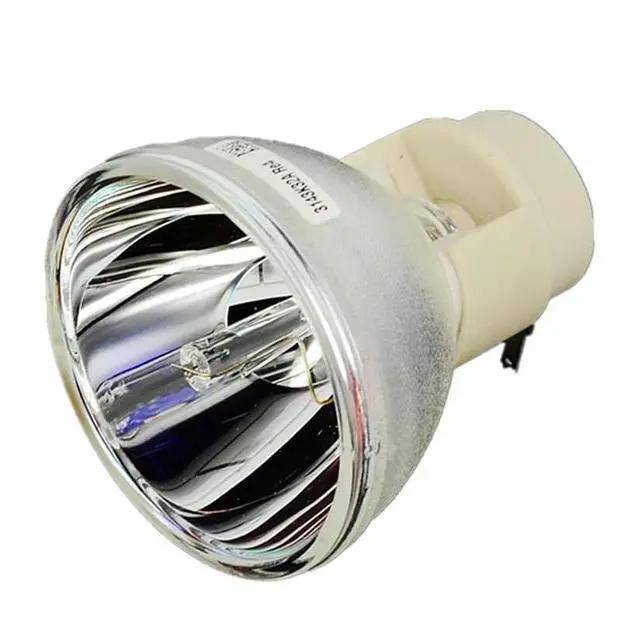
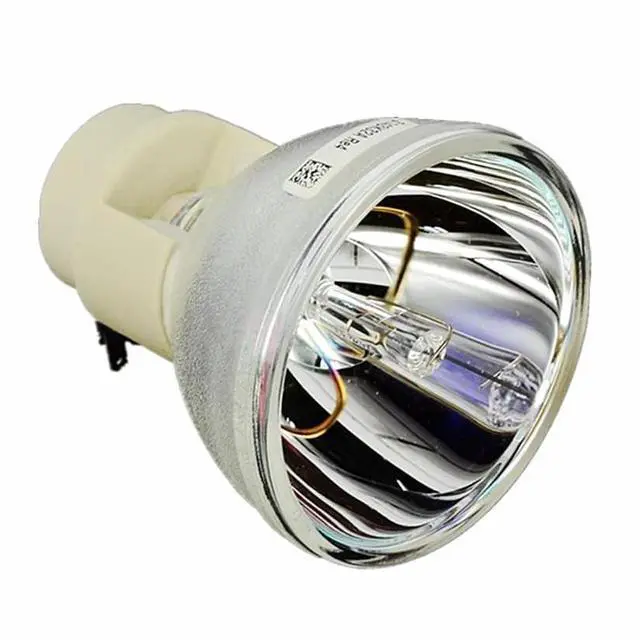
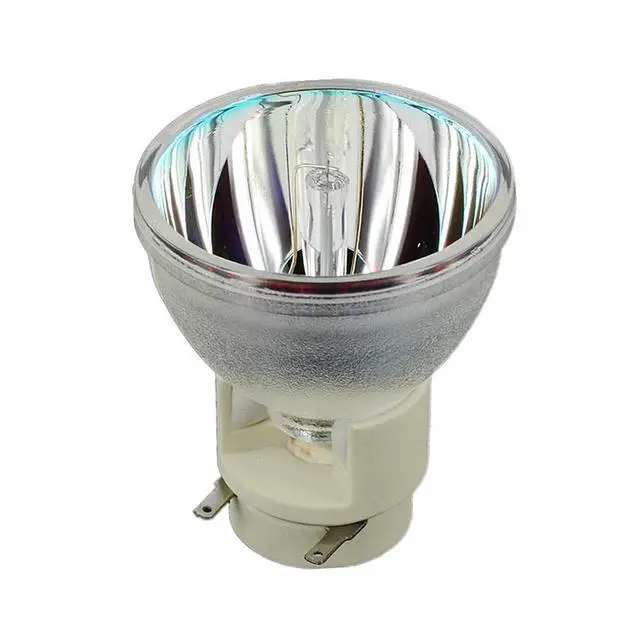
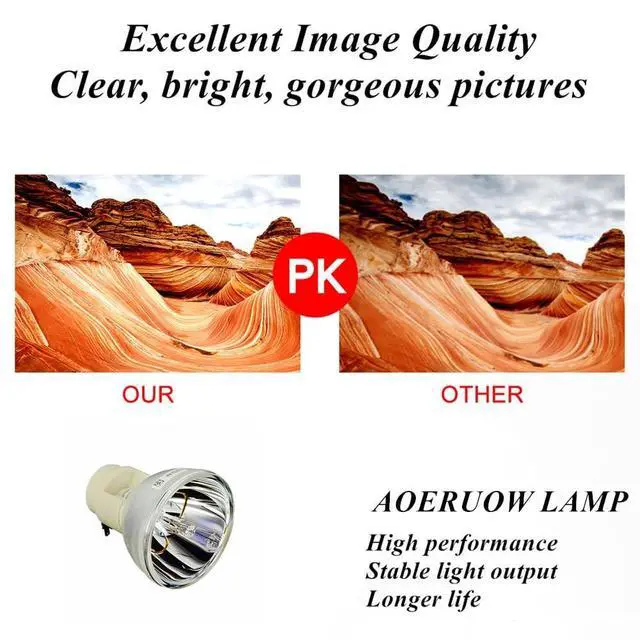


AOERUOW BL-FP230I / SP.8KZ01GC01 Replacement Lamp Bulb for OPTOMA HD300X,HD33,HD3300 Projectors
- Suitable for BL-FP230I / SP.8KZ01GC01 Replacement Lamp Bulb
- Compatible for OPTOMA HD300X,HD33,HD3300 Projectors
- It is Easy to Install The Lamp Into Your Projector as The Ways You Are Taking Out Your Old Lamp,Be Aware of The Connector Make Sure it Connected Well
- All Projector Lamps Will be Tested Strictly Before Shipment to Ensure That The Lamps Can Work Normally and Effectively
- Our Projector Lamp Coming With 180 Days Warranty and Excellent Customer Service,If You Have Any Questions About The Product Please Feel Free to Contact Us
+
+
Overview
Specs
Reviews
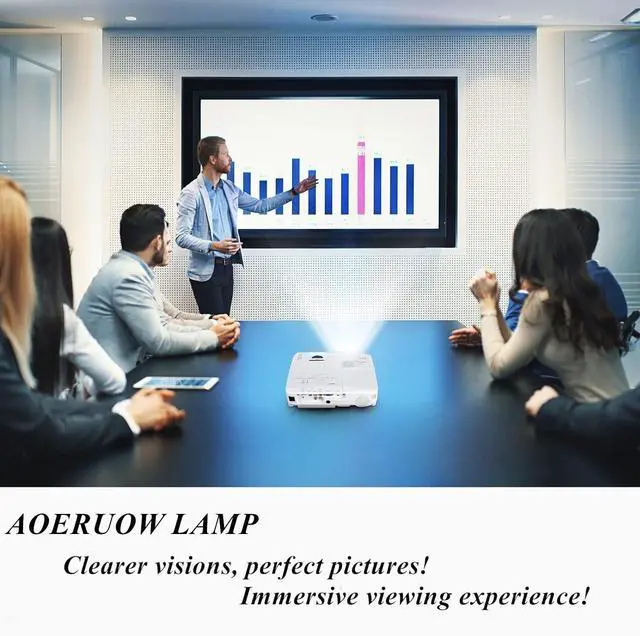
AOERUOW Replacement Projector LampWe are a Professional manufacture and supplier of light source for projection and stage with more than 10 years experience. we apply advanced optical technology to the projector light source. we are eager to take you into a high-definition bright and dynamic world. Easy to Install1. Turn off the power and wait for the projector to cool down at least 30 minutes. 2. Loosen the screws on the back cover of the projector and remove the cover. 3. Loosen the screws of the bulb, grab the handle and take out the bulb.
4. Clean the dust inside the projector and install the new bulb and tighten the screws. 5. Close the back cover and tighten the screws then enter the menu setting to restart the lamp usage time. Extend the Life of the Lamp1. Do not disconnect the power directly during use. 2. Each use lasts at least 3 minutes and do not exceed 4 hours each time. 3. Regularly clean the dust inside the projector and around the lamp, and replace the filter. 4. After turning off the projector, wait at least 60 minutes or the projector has cooled down before restartingLamp Part NumberBL-FP230I / SP.
8KZ01GC01Compatible Projector Modelfor OPTOMA HD300X, HD33, HD3300 Projectors
4. Clean the dust inside the projector and install the new bulb and tighten the screws. 5. Close the back cover and tighten the screws then enter the menu setting to restart the lamp usage time. Extend the Life of the Lamp1. Do not disconnect the power directly during use. 2. Each use lasts at least 3 minutes and do not exceed 4 hours each time. 3. Regularly clean the dust inside the projector and around the lamp, and replace the filter. 4. After turning off the projector, wait at least 60 minutes or the projector has cooled down before restartingLamp Part NumberBL-FP230I / SP.
8KZ01GC01Compatible Projector Modelfor OPTOMA HD300X, HD33, HD3300 Projectors
Warranty & Returns
Warranty, Returns, And Additional Information
Return Policies*
- Return for refund within: 30 days
- Return for replacement within: non-replaceable
- This item is covered by Ankelay shop Return Policy
- *Subject to applicable law
Warranty Notice:
This product does not include manufacturer warranty when purchased or used outside of its designated sales region. By purchasing internationally, you acknowledge that warranty support from the manufacturer will not be available.
Manufacturer Contact Info
- For a directory of all our manufacturers, please click below.
- Manufacturers Directory
LOADING...