
Your Browsing History
- Free 30-day Returns
- ฿3,258.22 Shipping
฿114,687.94
VAT-Inclusive Price
Ships from United States.
Sold by Newegg
Shipped by Newegg


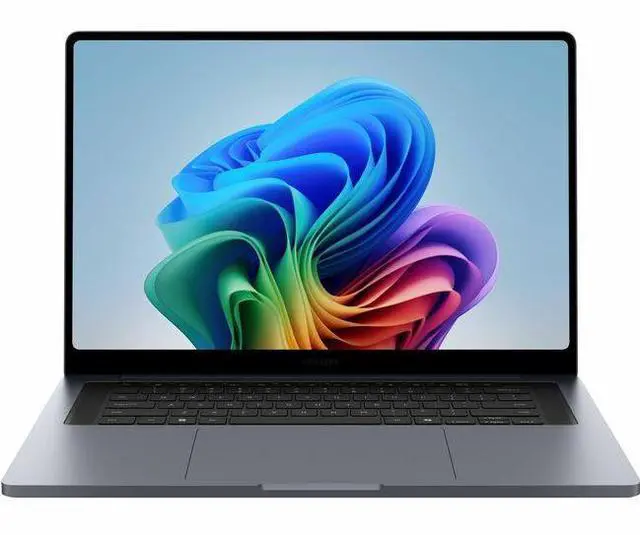
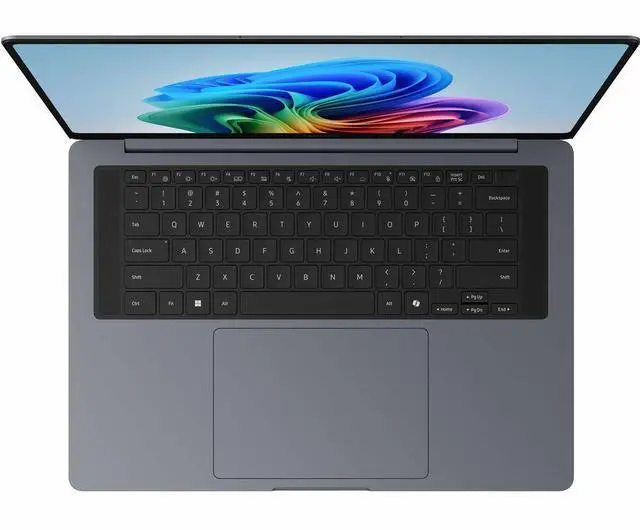
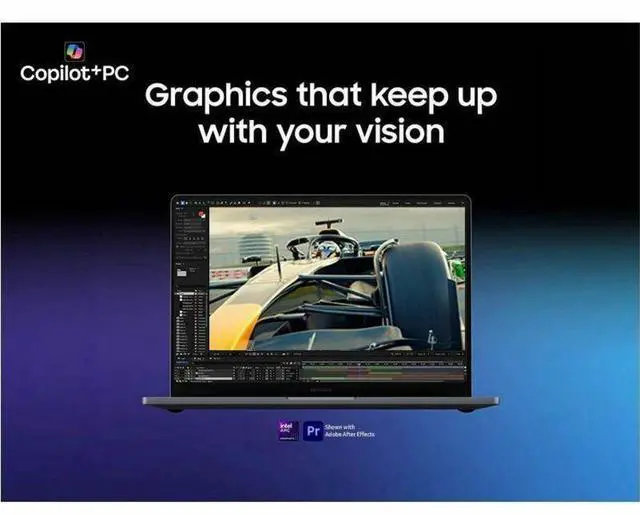
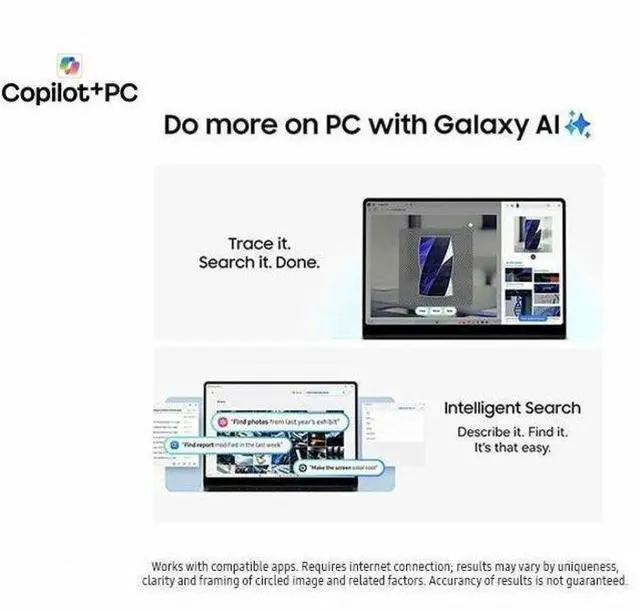
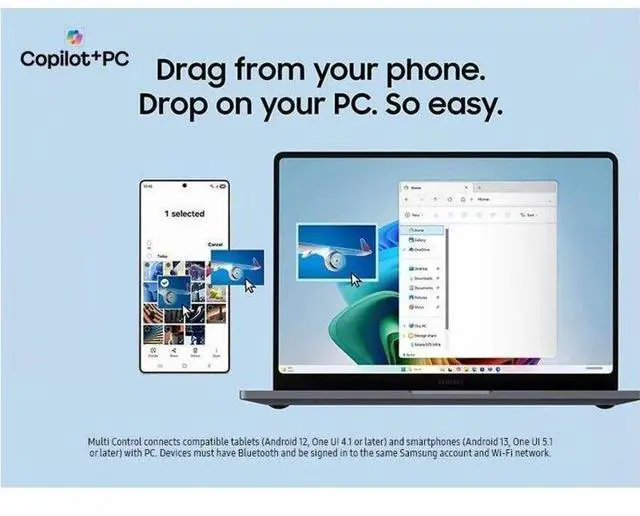
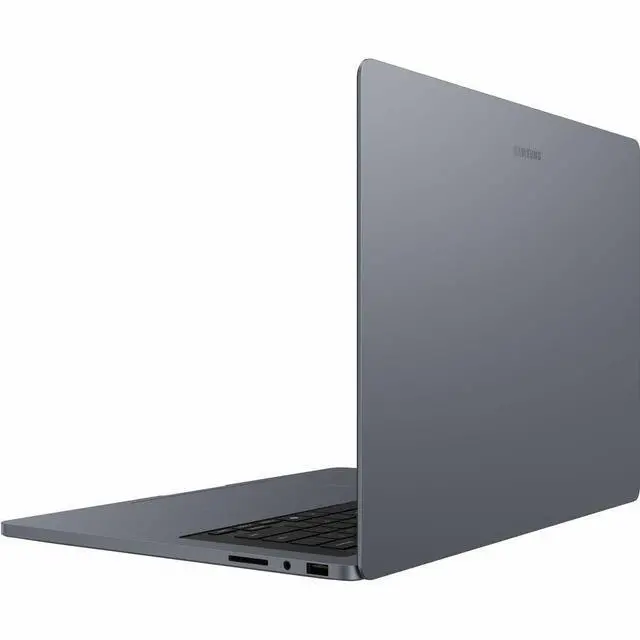



Samsung Galaxy Book6 Ultra NP964UJG-KG1US 16" Touchscreen Copilot+ PC Notebook - 3K - 120 Hz - Intel Core Ultra X7 358H - 32 GB - 512 GB SSD - Gray - Intel Chip - Windows 11 Pro - Intel - 30 Hour
- 3K
- 120 Hz
- Intel Core Ultra X7 358H
- 32 GB
- 512 GB SSD
- Gray
- Intel Chip
- Windows 11 Pro
- Intel
- 30 Hours Battery Run Time
- IEEE 802.11be Wireless LAN Standard
- Wi-Fi 7
+
+
Overview
Specs
Reviews
GALAXY BOOK6 ULTRA 16.0 X7-358H (32GB 512GB) GRAY
Warranty & Returns
Warranty, Returns, And Additional Information
Return Policies*
- Return for refund within: 30 days
- Returns are subject to restocking fees and return shipping fees. Please click here to learn more about restocking fees and return shipping fees.
- This item is covered by Newegg.com's International Order Return Policy.
- Read full return policy for details.
- *Subject to applicable law
Warranty Notice:
This product does not include manufacturer warranty when purchased or used outside of its designated sales region. By purchasing internationally, you acknowledge that warranty support from the manufacturer will not be available.
Manufacturer Contact Info
- Manufacturer Website
- Support Phone: 1-800-726-7864
- Support Website
- View other products from SAMSUNG
LOADING...
Learn about this product
The Samsung Galaxy Book6 Ultra NP964UJG-KG1US is a 16-inch Copilot+ Windows 11 Pro laptop built for users who want a large 3K 120Hz touchscreen, 32GB of memory, and all-day mobility for productivity, multitasking, and creative work in a premium thin-and-light format.
Recommended For
- Samsung-phone users who want a large-screen Windows laptop that fits into the same Galaxy ecosystem for multitasking, file sharing, and cross-device workflows.
- Creative professionals and advanced office users who need a thin 16-inch laptop for photo work, video exports, and heavy multitasking, but still want something easier to carry than a workstation-class machine.
- Users who split time between desk work and travel and care about a slim chassis, 16-inch display space, and premium multimedia use rather than a bulky gaming-laptop design.
- Casual to moderate PC gamers who want a premium everyday laptop first and gaming second, with enough graphics headroom for after-hours play without buying a dedicated gaming model.
Real-World Use Scenarios
- Running a full workday with many browser tabs, Office apps, video calls, and light AI features is a realistic fit; reviews describe the system staying responsive under heavy multitasking, though battery life in normal use is closer to a typical workday than the advertised 30 hours.
- Editing photos or 4K video while keeping other apps open is one of the clearest real-world use cases; reviewers report quick clip loading, smooth timeline scrubbing, and strong general responsiveness for creator-style workflows.
- Using it as a large-screen media and presentation laptop works well in practice; the 16-inch OLED display, high refresh rate, and strong built-in speakers make streaming, showing content to others, and long viewing sessions more enjoyable than on a typical office notebook.
- Casual to moderate gaming after work is feasible if you lower settings from native resolution; published testing shows modern games can stay playable at 1080p with medium settings, but this is not the best match for buyers who mainly want a gaming laptop.
- Using it as a mobile desktop replacement for study, coding, or business travel makes sense when you want one machine for productivity and content work; the tradeoff noted across reviews and community posts is that portability is good for a 16-inch class laptop, but heat and battery under heavier loads are less laptop-light than the marketing suggests.
Spec Summary
| Attribute | Value |
|---|---|
| Best For | Home / personal users needing a 16.0" laptop with 32GB memory and integrated graphics for multitasking and media use |
| Brand | Samsung |
| Display Spec | 16.0" screen size |
| Memory Configuration | 32GB RAM |
| Graphics | Integrated graphics (Integrated Card) for everyday apps and media |
| High Speed I O | 1 x HDMI port for connecting an external monitor or projector |
| Wired And Wireless Networking | Bluetooth wireless connectivity included |
| Color | Gray finish |
| Intended Use | Home / Personal |
Reference Q&A
Q: Should I buy the Samsung Galaxy Book6 Ultra or the Galaxy Book6 Pro?
A: Choose the Galaxy Book6 Ultra if you need more graphics headroom for photo/video work, 3D apps, or occasional gaming. Samsung positions the Ultra as its most powerful Galaxy PC, while the Book6 Pro is positioned around thin-and-light portability. The main trade-off is that the Pro is the more portability-focused option, while the Ultra is the better fit when performance matters more than carrying the lightest system.
Q: Is the Galaxy Book6 Ultra a better choice than an integrated-graphics Galaxy Book6 configuration?
A: Yes, if your workload goes beyond everyday office use. This Newegg configuration pairs the Core Ultra X7 358H with 32GB RAM, and Samsung lists Galaxy Book6 Ultra options with either Intel Arc integrated graphics or RTX 5060/5070 discrete graphics. For web, documents, meetings, and light editing, a lower-tier Galaxy Book6 can be the more practical value. The Ultra makes more sense when you want a 16-inch premium chassis with more memory and a clearer path to heavier creative or GPU-accelerated work.
Q: How does the Galaxy Book6 Ultra compare with the Dell XPS 16?
A: Pick the Galaxy Book6 Ultra if you want stronger creator-leaning graphics options and longer battery life expectations from current reviews. Samsung offers the Book6 Ultra with RTX 5060 or RTX 5070 options, and review data shows it delivering solid gaming and creator-class results with roughly 15-hour battery test results in some outlets. The XPS 16 is still a valid alternative for buyers who prioritize Dell's design language, but current review coverage points to the Samsung as the more performance-forward option in this comparison.
Q: Should I get the Galaxy Book6 Ultra or ASUS ROG Zephyrus G16 for gaming and creative work?
A: Choose the Galaxy Book6 Ultra if you want a touch display, Samsung ecosystem features, and a creator-style premium laptop that can also handle GPU-accelerated work. Choose the Zephyrus G16 if gaming performance is the main priority. Review coverage and community discussions consistently frame the Zephyrus G16 as the more gaming-first machine, while the Galaxy Book6 Ultra is better matched to buyers who want a thinner productivity and creator laptop with stronger lifestyle features than a typical gaming notebook.
Q: Is the higher-end Galaxy Book6 Ultra worth it over this Core Ultra X7 358H configuration?
A: This Core Ultra X7 358H, 32GB, 512GB configuration is the better fit if you want the Galaxy Book6 Ultra design and display without paying for Samsung's higher graphics tiers. A higher-end Book6 Ultra mainly becomes worthwhile if you know your apps benefit from a discrete RTX GPU or if you want more storage out of the box. Current reviews show the RTX-equipped versions are meaningfully better for gaming and creator workloads, but the integrated-graphics version remains the more balanced choice for buyers centered on productivity, display quality, and battery-conscious use.
Q: Is this a good travel and work laptop?
A: Yes for mobile office work, meetings, web apps, and multitasking. The 16-inch screen, 32GB RAM, Wi-Fi 7, touchscreen, and long advertised battery life make it well suited to productivity on the go. The main trade-off is that it is still a large 16-inch laptop, so it is less compact than 14-inch travel-focused alternatives.
Q: Is it good for note-taking, meetings, and office work?
A: Yes, if your note-taking is keyboard-first or basic touch input. Its large 3K 120Hz touchscreen, 32GB memory, and Windows 11 Pro fit meetings, spreadsheets, documents, video calls, and multitasking well. The limitation is that this model is a standard clamshell laptop, not a 2-in-1, so it is less ideal than a convertible for handwriting-heavy note-taking or sketching.
Q: Who is this laptop most suitable for?
A: It is best for users who want a large-screen premium Windows laptop for productivity, multitasking, remote work, and everyday creation workloads, and who value memory capacity and display quality more than maximum portability. It is less suitable for buyers who want a compact commuter laptop or a dedicated gaming machine with discrete graphics.
Q: What are the main trade-offs versus a thinner or longer-battery alternative like Galaxy Book4 Edge or LG gram?
A: The likely advantage of this Galaxy Book6 Ultra configuration is stronger local multitasking headroom from 32GB RAM and a high-resolution 3K 120Hz display. The trade-off is that competing models such as Galaxy Book4 Edge or LG gram are commonly cross-shopped for long battery life and portability. Buyers choosing this Samsung should prioritize screen quality, memory, and a large work area over the lightest chassis or the most battery-efficient platform.
Q: Is it a better choice than a 14-inch productivity laptop?
A: Choose this model if you want more screen space for split-screen work, larger spreadsheets, and desk-based productivity. Choose a 14-inch alternative if you care more about portability, lap use, and easier travel. In short: this Samsung is the better fit for users who want a roomy work display; a 14-inch model is the better fit for buyers optimizing for size and carry convenience.
Q: Is the Galaxy Book6 Ultra X7 worth buying if you want a premium 16-inch Windows laptop for work and everyday use?
A: Yes, if you want a large high-resolution touchscreen, 120 Hz display, 32 GB RAM, Wi-Fi 7, and Windows 11 Pro in a thin premium laptop. The main trade-offs are price, 16-inch portability, and the fact that this X7 configuration uses integrated graphics, so it is better for productivity and media than for serious gaming or GPU-heavy creative work.
Q: Is this Galaxy Book6 Ultra a good fit for travel or campus use?
A: It can work well if you want one laptop for work, note-taking, and media on the go, but it is not the lightest option for frequent travel. A 16-inch chassis gives you more screen space and comfort for multitasking, while the trade-off is extra size compared with 14-inch laptops that are easier to carry every day.
Q: How good is the real-world battery life on the Galaxy Book6 Ultra X7?
A: Battery life should be treated as moderate rather than assuming the advertised 30 hours. Community discussion repeatedly questions Samsung's claim, and users distinguish between lighter X7 integrated-graphics models and shorter-lasting RTX versions. For a buying decision, expect battery life to depend heavily on brightness, refresh rate, and workload.
Q: Who is the Galaxy Book6 Ultra X7 best suited for?
A: It is best suited for buyers who want a premium Windows laptop for office work, multitasking, web use, video calls, and media on a large 16-inch display. It makes less sense if your priority is maximum value, lightweight travel, or stronger graphics performance for gaming, 3D, or intensive creator workloads.
Q: What are the main trade-offs of choosing the X7 integrated-graphics version instead of an RTX Galaxy Book6 Ultra model?
A: The X7 version is the better choice if battery life, lower noise, and general productivity matter more than graphics power. The trade-off is weaker gaming and GPU acceleration, and Reddit discussion also raises that cooling hardware may differ from RTX versions, so buyers should not assume identical thermal design across all Ultra configurations.