


 All CategoriesAll CategoriesAll Categories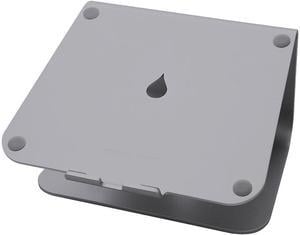
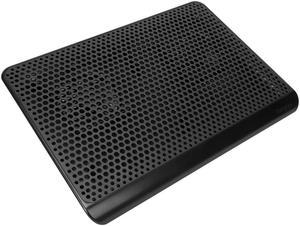
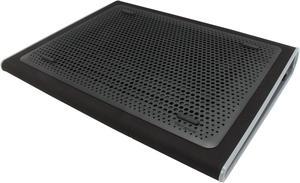
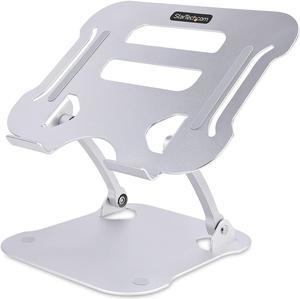
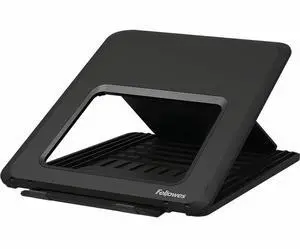

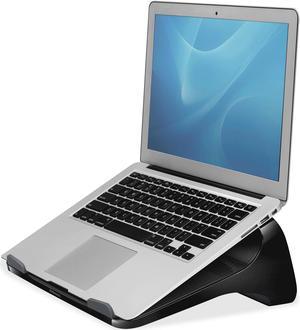
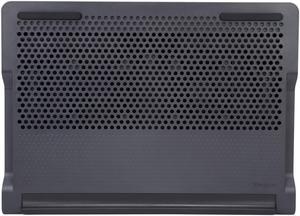
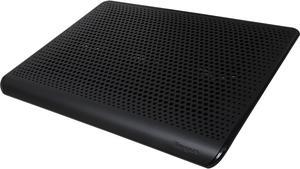

Laptop cooling pads are a simple and inexpensive solution to reduce overheating. They come in countless shapes and sizes to fit the different needs of travelers, professionals and gamers. Some models have an ergonomic design to reduce strain on your back, neck and eyes. There are also vacuum coolers that rest on the side of your PC and suck the hot air away from fragile internal components.
Modern laptops are increasingly compact and portable. However, the smaller size of the case means that laptop internal hard drives have less room for proper airflow. That's why many laptops tend to overheat, which can damage crucial internal components like the CPU or GPU. Computers already have built-in fans but, over the years they can clog up because of dust. In many cases, the solution is as simple as resting your laptop on a cooling pad. You can even utilize the pad with a docking station.
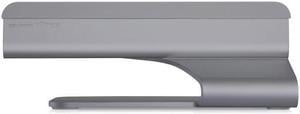
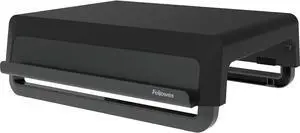
A passive laptop cooling pad consists of a flat, raised surface to place your computer on. This accessory is usually made from metal mesh to promote optimal airflow. It raises your laptop to improve air circulation so the internal fans can push the hot air away from internal components. Computer stands can also improve the comfort of your workstation since they raise your screen to eye level, reducing strain on your neck and shoulders. Adjustable models let you choose the position to minimize screen glare, reducing eye strain. For users who travel and require laptop bags, most passive cooling pads are compact and portable enough to fit.
Active laptop cooling mats look similar to the passive ones, but they have one or more built-in fans. Some models work by directing hot air away from the device, while others blow cool air toward the computer case. Most cooling pads draw power from one of the laptop's USB ports. However, some models come with a power adapter or a built-in USB hub to avoid using up one of the ports. The most advanced cooling pads regulate the fan speed automatically, targeting the hottest areas of your laptop. However, there are also models that let you adjust the fan speed manually. The notebook cooling pads targeted for gamers feature beautiful LED lights.
Vacuum coolers work by sucking excessive heat away from the internal parts of your laptop computer. Their peculiar design lets you attach them to the side of your laptop, next to the air outlet. Thanks to the power of the fans, most models can dissipate heat faster than your laptop's internal cooling system. Some models have temperature sensors, so they can adjust the fan speed automatically. Many vacuum coolers are USB-powered, have a compact, portable design, and some also feature attractive LED lights.