
Your Browsing History
- Free 30-day Returns
- £60.05 Shipping
£1,321.19
VAT-Inclusive Price
Ships from United States.
Sold by Newegg
Shipped by Newegg


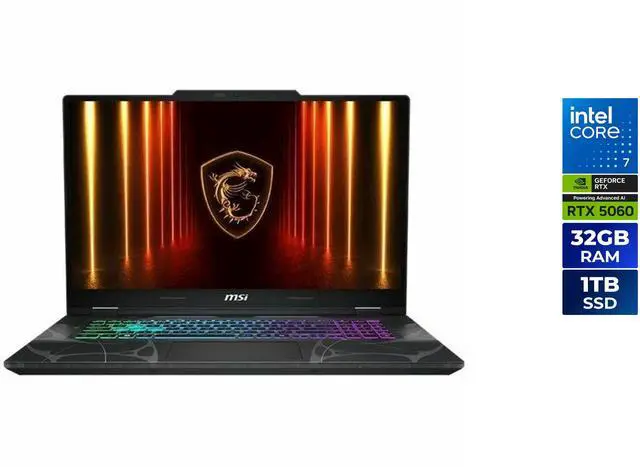
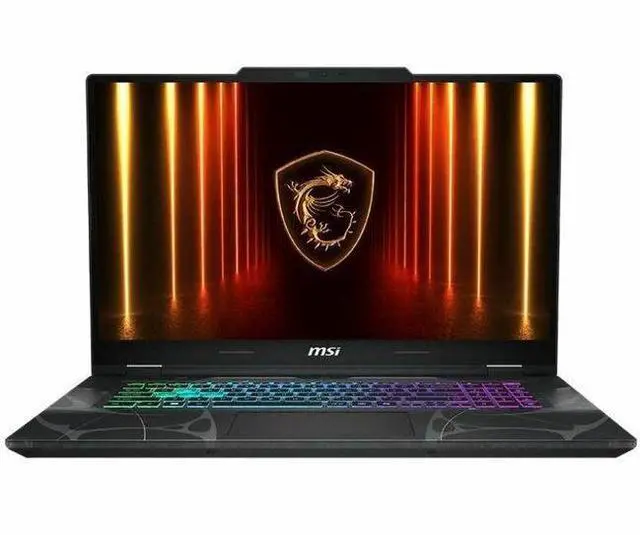
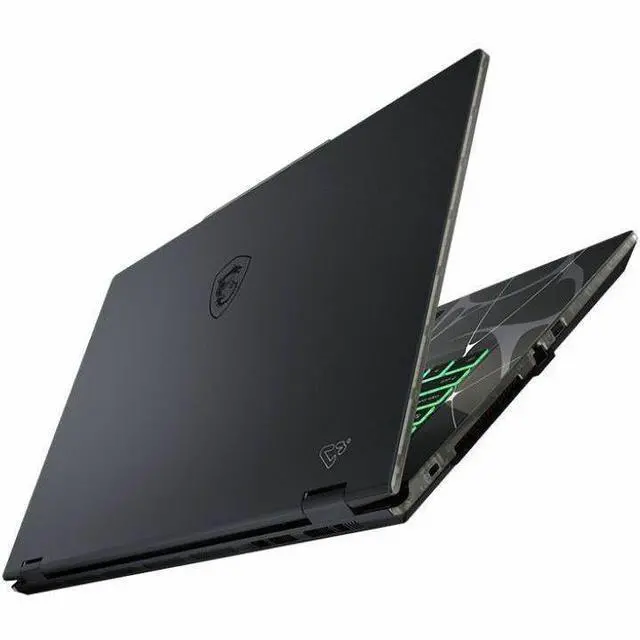
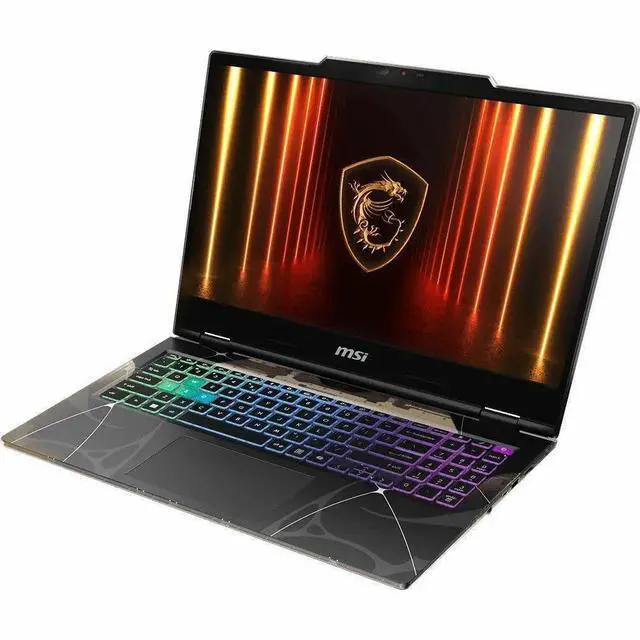
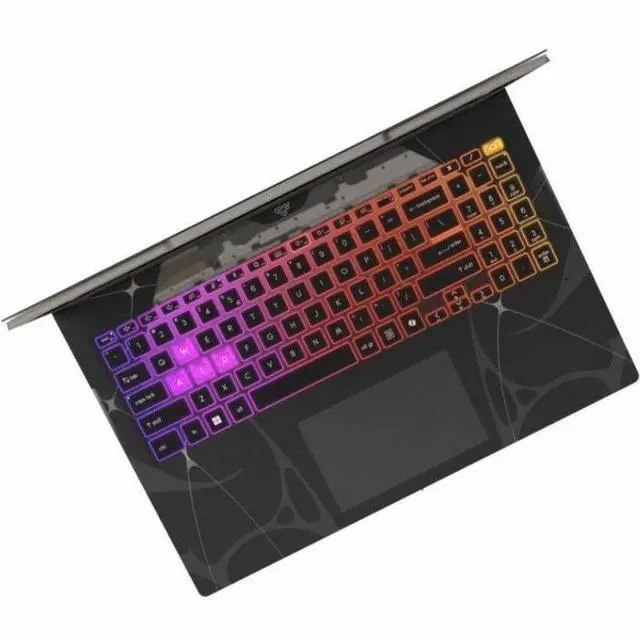
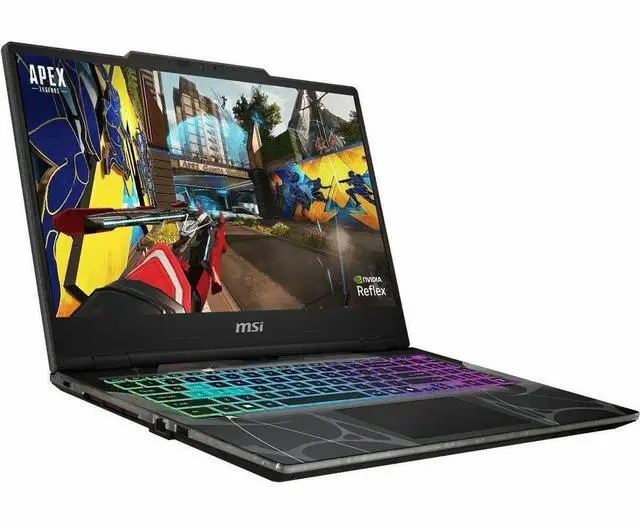
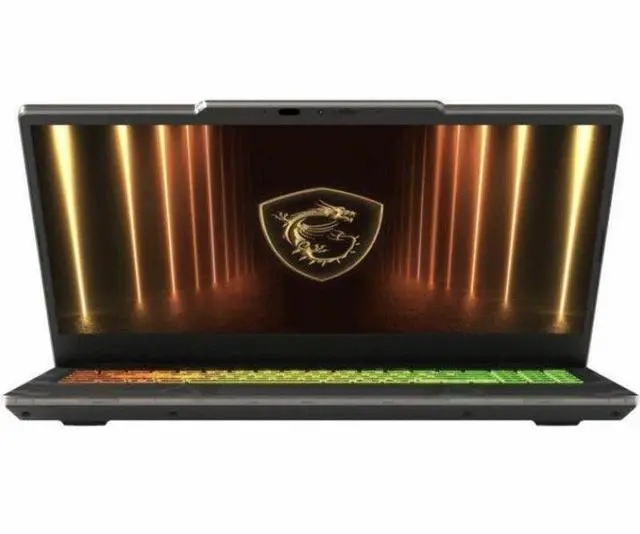
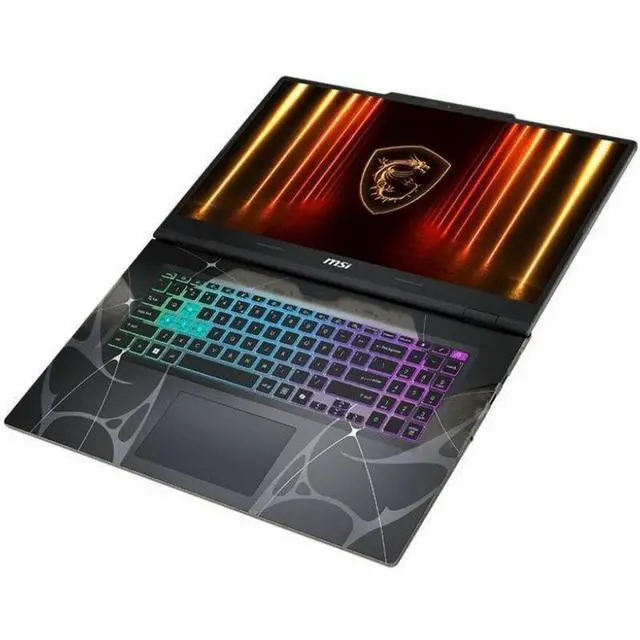
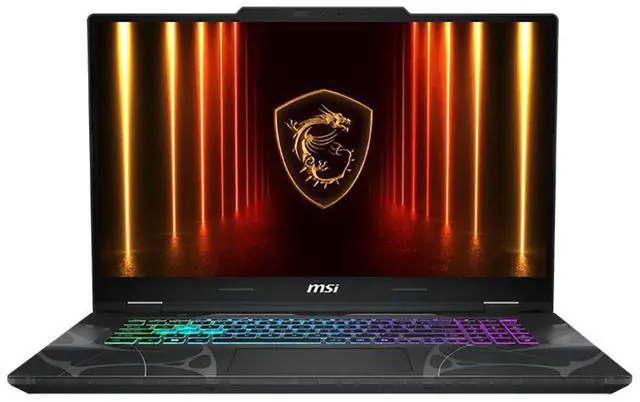
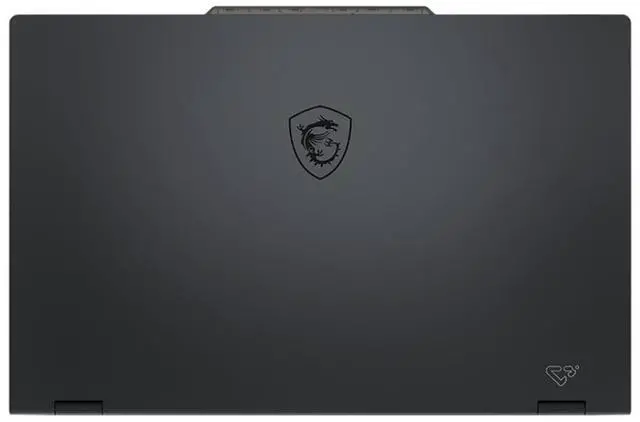
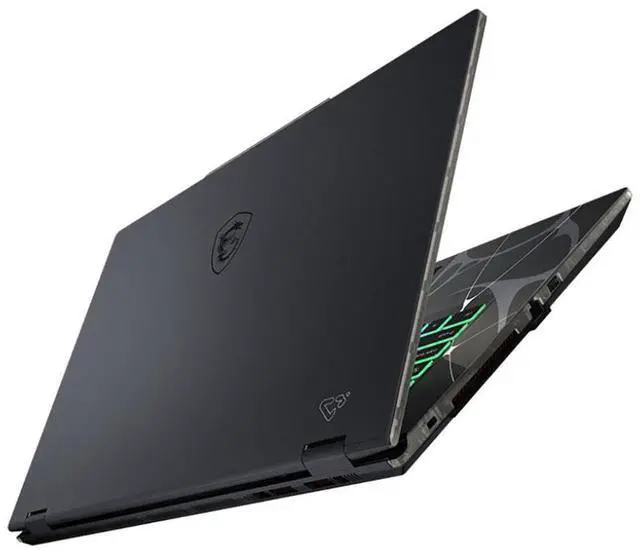
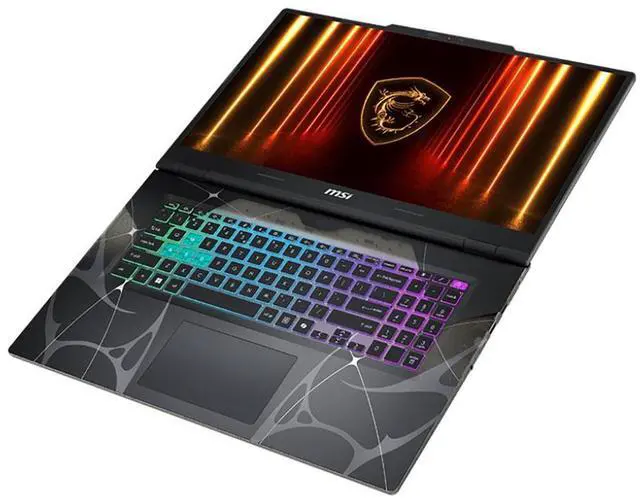
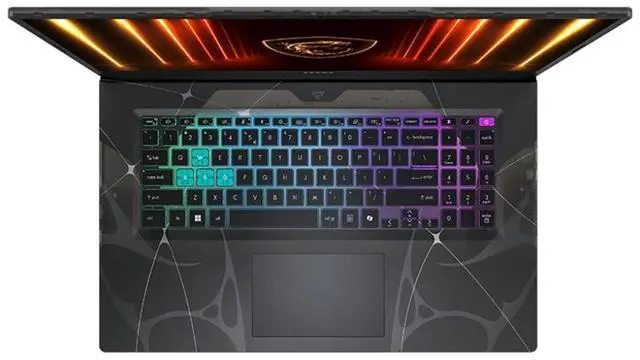
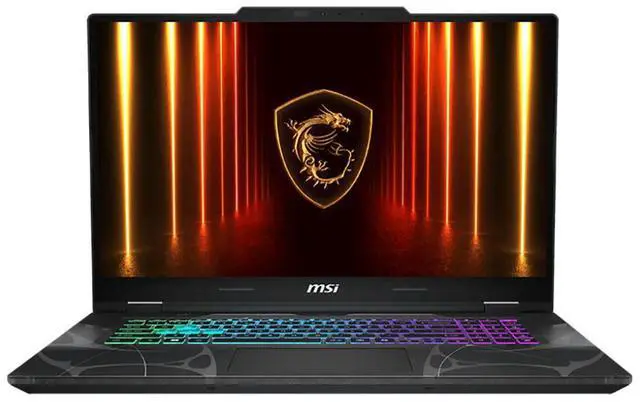
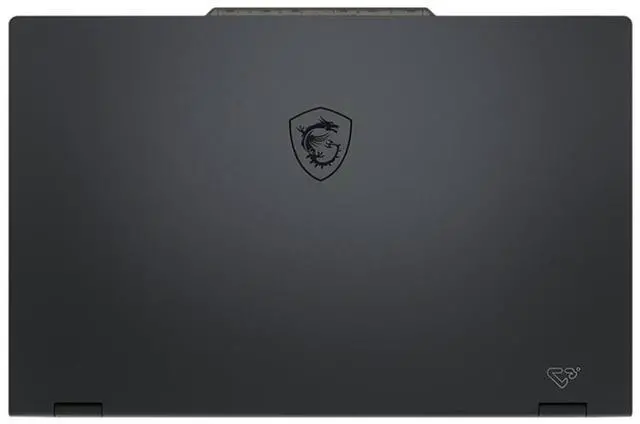


MSI Cyborg 15 B2RW Cyborg 15 B2RWFKG-421US 15.6" Gaming Notebook - Intel Core 7 240H - 32 GB - 1 TB SSD - Windows 11 Home - NVIDIA GeForce RTX 5060 8 GB - Webcam - Wi-Fi 6E
- Full HD
- 144 Hz
- Intel Core 7 240H
- 32 GB
- 1 TB SSD
- Translucent Black
- Intel Chip
- 1920 x 1080
- Windows 11 Home
- NVIDIA GeForce RTX 5060 with 8 GB
- In-plane Switching (IPS) Technology
- Front Camera/Webcam
- IEEE 802.11ax Wireless LAN Standard - Wi-Fi 6E
The MSI Cyborg 15 B2RWFKG-421US is a 15.6-inch Full HD 144Hz gaming laptop with an Intel Core Ultra 7 240H, GeForce RTX 5060 8GB, 32GB DDR5 memory, and a 1TB SSD, making it a strong fit for gamers and students who want smooth 1080p play, fast everyday multitasking, and modern wireless connectivity.
+
+
Overview
Specs
Reviews
Cyborg 15 B2RWStep into the future of gaming, where cyberpunk aesthetics meet sci-fi style. Gear up with cutting-edge technology that puts you ahead of the competition. The Cyborg 15 B2RW redefines the look and feel of a next-gen gaming laptop, with its futuristic, mech-inspired design. Fully Enhanced, Extreme LightForged with intricate structures and striking transparent materials, the translucent keyboard area and the exoskeleton's totemic printing activates a groundbreaking evolution - blurring the boundaries between human and machine. Bio-Mechanical AwakeningFrom the heart-shaped hole of the last generation breathes new life. Exoskeletons, neurons, and membranes intertwine, fusing metal with flesh.
The Cyborg is no longer just a machine - it's a living being, crossing the line between technology and vitality on a path of true evolution. Renewed and Refined Intel Core 7 processor 240HStep into the new future with up to the Intel Core 7 processor 240H, with renewed hybrid core architecture (6 Performance-cores and 4 Efficient-cores) for better multitasking works and running demanding games. GeForce RTX 50 Series Laptops Game ChangerPowered by NVIDIA Blackwell, GeForce RTX 50 Series Laptop GPUs bring game-changing capabilities to gamers and creators. Equipped with a massive level of AI horsepower, the RTX 50 Series enables new experiences and next-level graphics fidelity.
Multiply performance with NVIDIA DLSS 4, generate images at unprecedented speed, and unleash your creativity with NVIDIA Studio. All in the thinnest and longest lasting RTX laptops, optimized by Max-Q. GeForce RTX 50 Series Laptops - Powered by NVIDIA Blackwell and AISupreme Speed. Superior Visuals. DLSS 4 massively increases performance and improves image quality for top games using the power of AI. Game-Winning ResponsivenessNVIDIA Reflex gives you the ultimate responsiveness, enhancing target acquisition, reaction time, and aim precision. True-to-Life GraphicsExperience cinematic quality visuals at unprecedented speed with ray tracing and breakthrough neural rendering technologies.
Al, Ready for YouMSI Gaming Laptops are NVIDIA NIM-ready and engineered to run NVIDIA NIM microservices-optimized Al models for language, speech, vision, content generation, and more. With these tools, enthusiasts and developers can build Al assistants, develop productivity plugins, or craft innovative content creation workflows locally on RTX AI PCs. Shape tomorrow's Al today with the power of NVIDIA RTX. Supreme Speed. Superior Visuals. Powered by Al. DLSS is a revolutionary suite of neural rendering technologies that uses Al to boost FPS, reduce latency, and improve image quality.
The latest breakthrough, DLSS 4, brings new Multi Frame Generation and enhanced Ray Reconstruction and Super Resolution, powered by GeForce RTX 50 Series GPUs and fifth-generation Tensor Cores. DLSS on GeForce RTX is the best way to play, backed by an NVIDIA Al supercomputer in the cloud constantly improving your PC's gaming capabilities. Full Ray Tracing with Neural Rendering Game-Changing RealismThe NVIDIA Blackwell architecture unlocks the game-changing realism of full ray tracing. Experience cinematic quality visuals at unprecedented speed powered by GeForce RTX 50 Series with fourth-gen RT Cores and breakthrough neural rendering technologies accelerated with fifth-gen Tensor Cores.
Now Even SmarterExperience smarter productivity with Copilot and MSI AI Engine for seamless multitasking. These advanced AI tools adapt to your needs, optimizing performance and effortlessly streamlining workflows. CopilotUncover new opportunities, create compelling content, and solve problems faster anywhere with Microsoft Copilot on Windows, your AI assistant at work. To enhance data security, privacy, and compliance, Copilot provides enterprise data protection when employees are signed in through their Microsoft Entra ID account
The Cyborg is no longer just a machine - it's a living being, crossing the line between technology and vitality on a path of true evolution. Renewed and Refined Intel Core 7 processor 240HStep into the new future with up to the Intel Core 7 processor 240H, with renewed hybrid core architecture (6 Performance-cores and 4 Efficient-cores) for better multitasking works and running demanding games. GeForce RTX 50 Series Laptops Game ChangerPowered by NVIDIA Blackwell, GeForce RTX 50 Series Laptop GPUs bring game-changing capabilities to gamers and creators. Equipped with a massive level of AI horsepower, the RTX 50 Series enables new experiences and next-level graphics fidelity.
Multiply performance with NVIDIA DLSS 4, generate images at unprecedented speed, and unleash your creativity with NVIDIA Studio. All in the thinnest and longest lasting RTX laptops, optimized by Max-Q. GeForce RTX 50 Series Laptops - Powered by NVIDIA Blackwell and AISupreme Speed. Superior Visuals. DLSS 4 massively increases performance and improves image quality for top games using the power of AI. Game-Winning ResponsivenessNVIDIA Reflex gives you the ultimate responsiveness, enhancing target acquisition, reaction time, and aim precision. True-to-Life GraphicsExperience cinematic quality visuals at unprecedented speed with ray tracing and breakthrough neural rendering technologies.
Al, Ready for YouMSI Gaming Laptops are NVIDIA NIM-ready and engineered to run NVIDIA NIM microservices-optimized Al models for language, speech, vision, content generation, and more. With these tools, enthusiasts and developers can build Al assistants, develop productivity plugins, or craft innovative content creation workflows locally on RTX AI PCs. Shape tomorrow's Al today with the power of NVIDIA RTX. Supreme Speed. Superior Visuals. Powered by Al. DLSS is a revolutionary suite of neural rendering technologies that uses Al to boost FPS, reduce latency, and improve image quality.
The latest breakthrough, DLSS 4, brings new Multi Frame Generation and enhanced Ray Reconstruction and Super Resolution, powered by GeForce RTX 50 Series GPUs and fifth-generation Tensor Cores. DLSS on GeForce RTX is the best way to play, backed by an NVIDIA Al supercomputer in the cloud constantly improving your PC's gaming capabilities. Full Ray Tracing with Neural Rendering Game-Changing RealismThe NVIDIA Blackwell architecture unlocks the game-changing realism of full ray tracing. Experience cinematic quality visuals at unprecedented speed powered by GeForce RTX 50 Series with fourth-gen RT Cores and breakthrough neural rendering technologies accelerated with fifth-gen Tensor Cores.
Now Even SmarterExperience smarter productivity with Copilot and MSI AI Engine for seamless multitasking. These advanced AI tools adapt to your needs, optimizing performance and effortlessly streamlining workflows. CopilotUncover new opportunities, create compelling content, and solve problems faster anywhere with Microsoft Copilot on Windows, your AI assistant at work. To enhance data security, privacy, and compliance, Copilot provides enterprise data protection when employees are signed in through their Microsoft Entra ID account
Warranty & Returns
Warranty, Returns, And Additional Information
Return Policies*
- Return for refund within: 30 days
- Returns are subject to restocking fees and return shipping fees. Please click here to learn more about restocking fees and return shipping fees.
- This item is covered by Newegg.com's International Return Policy.
- Read full return policy for details.
- *Subject to applicable law
Warranty Notice:
This product does not include manufacturer warranty when purchased or used outside of its designated sales region. By purchasing internationally, you acknowledge that warranty support from the manufacturer will not be available.
Manufacturer Contact Info
- Manufacturer Website
- Support Phone: 1-626-913-0828
- Support Website
- View other products from MSI
LOADING...