here!
I’m your shopping assistant for PC builds, upgrades, and everything tech.
Got questions? Ask away!
Start a conversation
here!
I’m your shopping assistant for PC builds, upgrades, and everything tech.
Got questions? Ask away!
Start a conversation





Any questions? Ask CelesteSM will help you find out quickly.
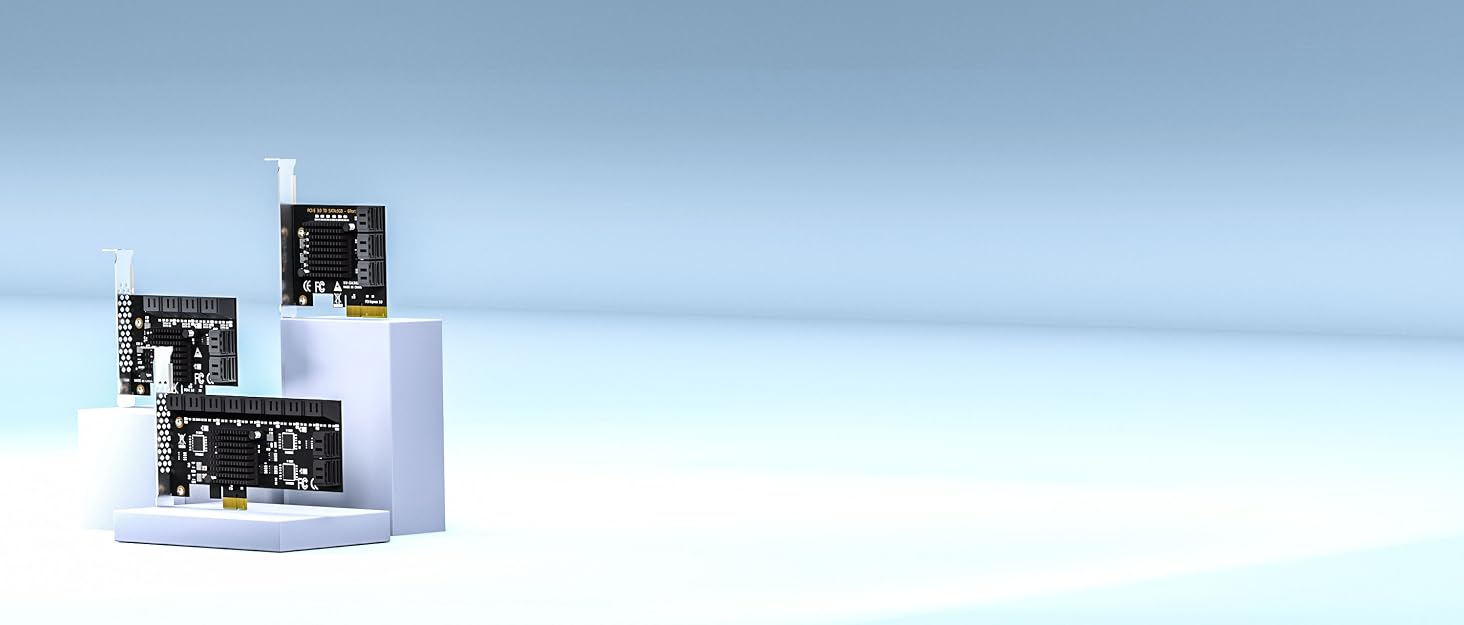

GLOTRENDS specializes in developing high-performance PCIe adapters and riser cables for computer engineers and DIY enthusiasts.
The products mainly include 2 series: PCIe adapters (M.2 SSD Adapter, SATA Card, WiFi/Ethernet Card, USB Card, etc) and PCIe 5.0/4.0/3.0 extension cables.
The goal of GLOTRENDS is to provide quality-assured and cost-effective products to customers worldwide. Customized production is welcome.

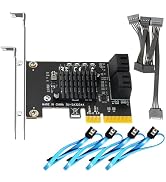
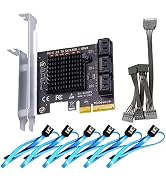
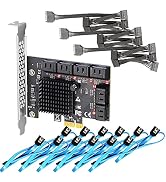
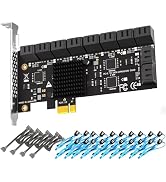

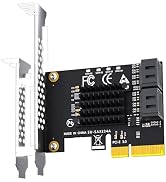
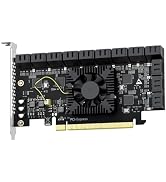
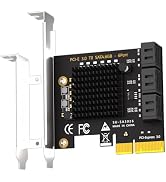
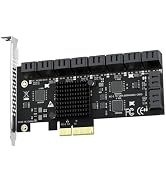
Does it support OS boot?
No
How to Locate and Set SATA Mode to AHCI in BIOS or UEFI?
Enter BIOS / UEFI --- Advanced Mode --- SATA Mode: AHCI. (Note: set AHCI first then install Windows. If Windows has already been installed under IDE/RAID/VMD mode, directly switching SATA mode to AHCI in BIOS will trigger blue screen crash.
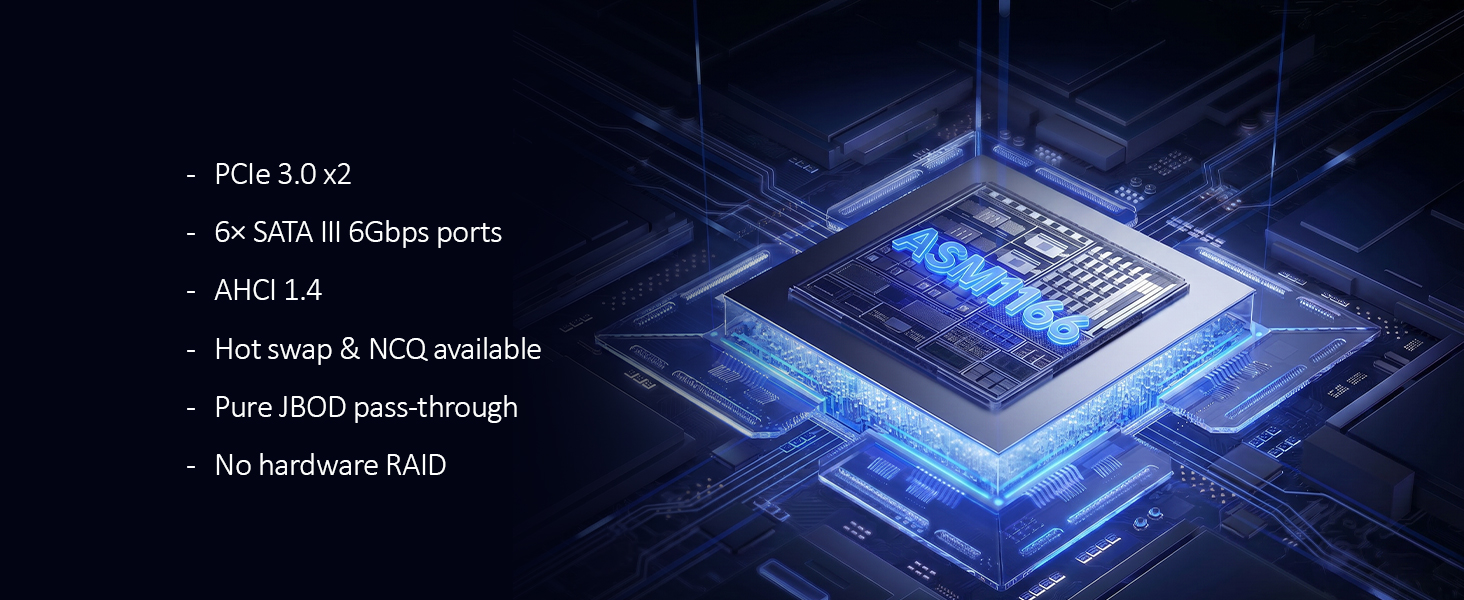
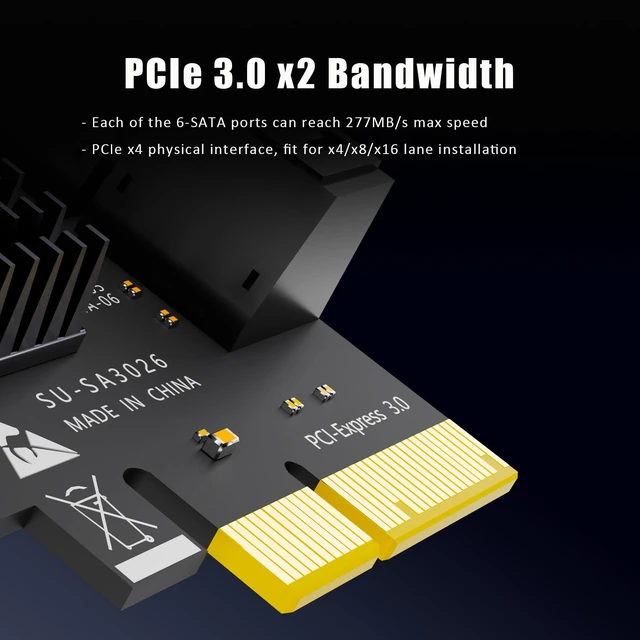
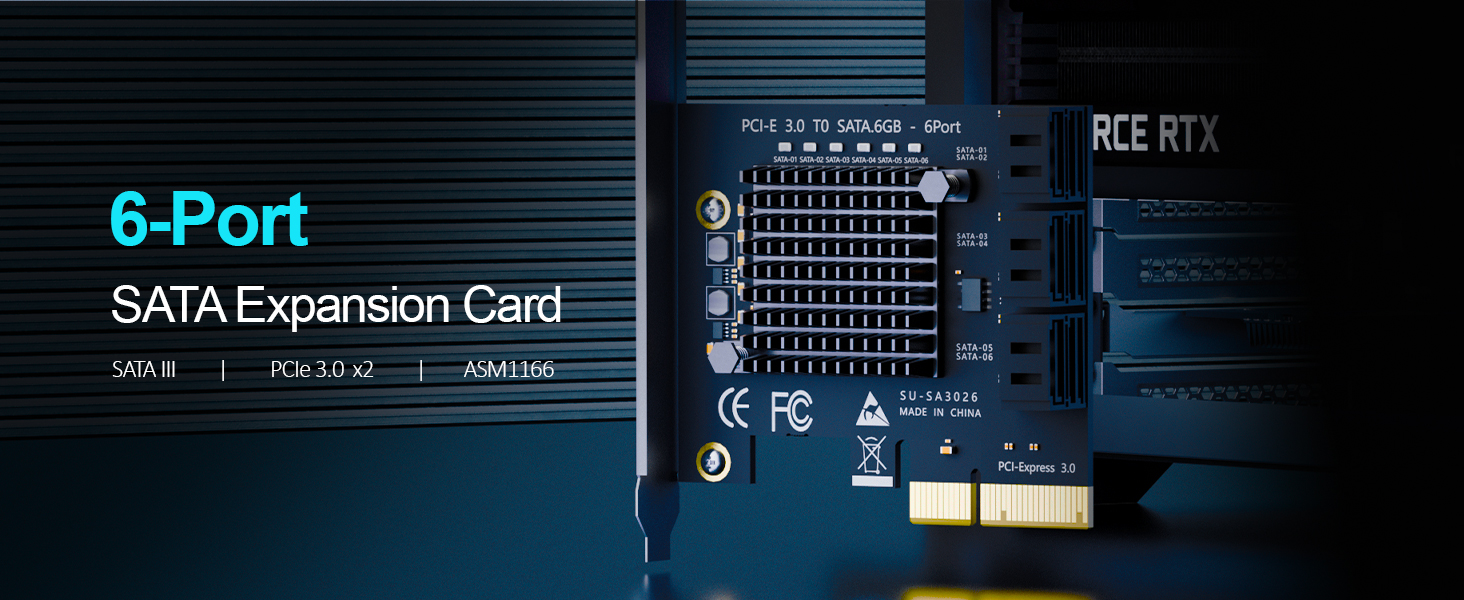
| PCIe Interface | PCIe 3.0 X2 (Note:PCIe X4 Physical Interface) |
|---|---|
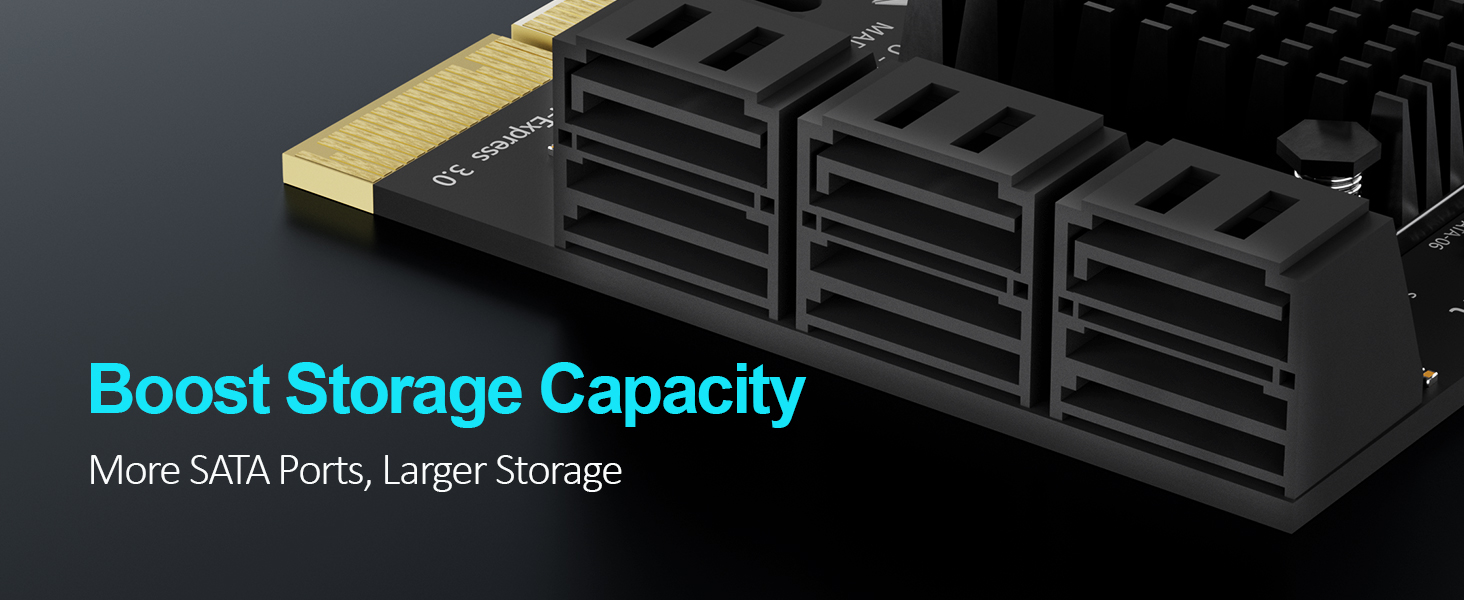
| SATA Port | 6 x SATA III |
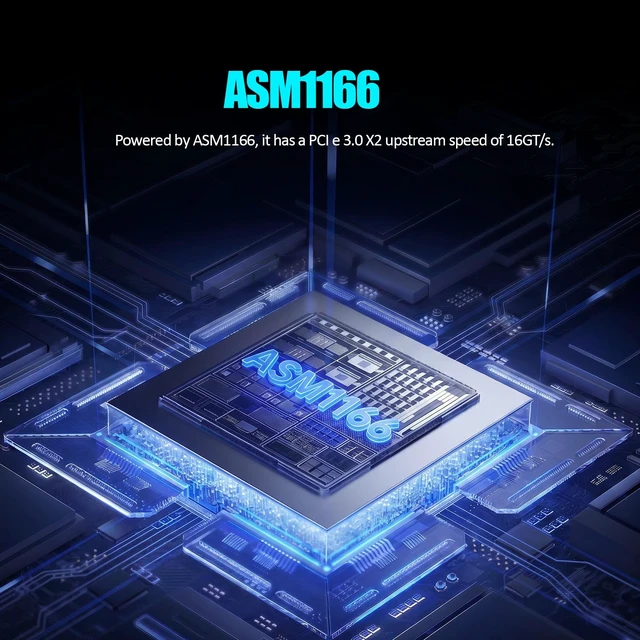
| Controller | ASM1166 |
| OS Boot | No |
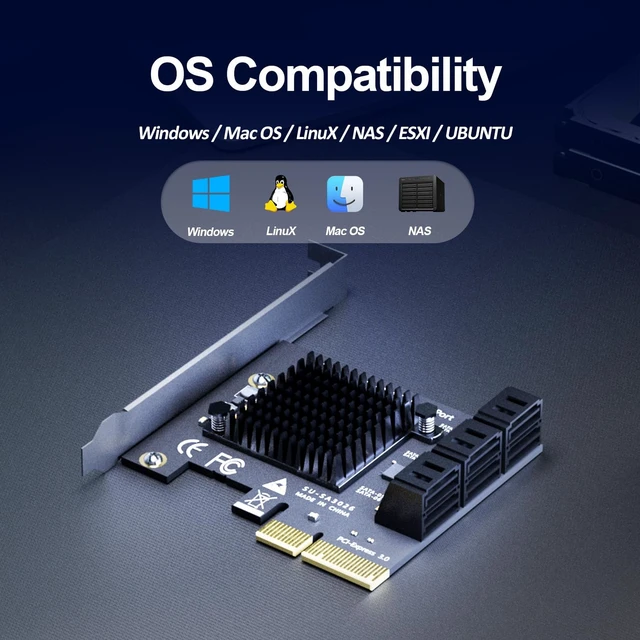
| OS Compatibility | Windows/Mac OS/Linux/NAS (no support Windows XP) |
| SATA Controller Mode | AHCI |




Does it support OS boot?
No
How to Locate and Set SATA Mode to AHCI in BIOS or UEFI?
Enter BIOS / UEFI --- Advanced Mode --- SATA Mode: AHCI. (Note: set AHCI first then install Windows. If Windows has already been installed under IDE/RAID/VMD mode, directly switching SATA mode to AHCI in BIOS will trigger blue screen crash.
GLOTRENDS specializes in developing high-performance PCIe adapters and riser cables for computer engineers and DIY enthusiasts.
The products mainly include 2 series: PCIe adapters (M.2 SSD Adapter, SATA Card, WiFi/Ethernet Card, USB Card, etc) and PCIe 5.0/4.0/3.0 extension cables.
The goal of GLOTRENDS is to provide quality-assured and cost-effective products to customers worldwide. Customized production is welcome.
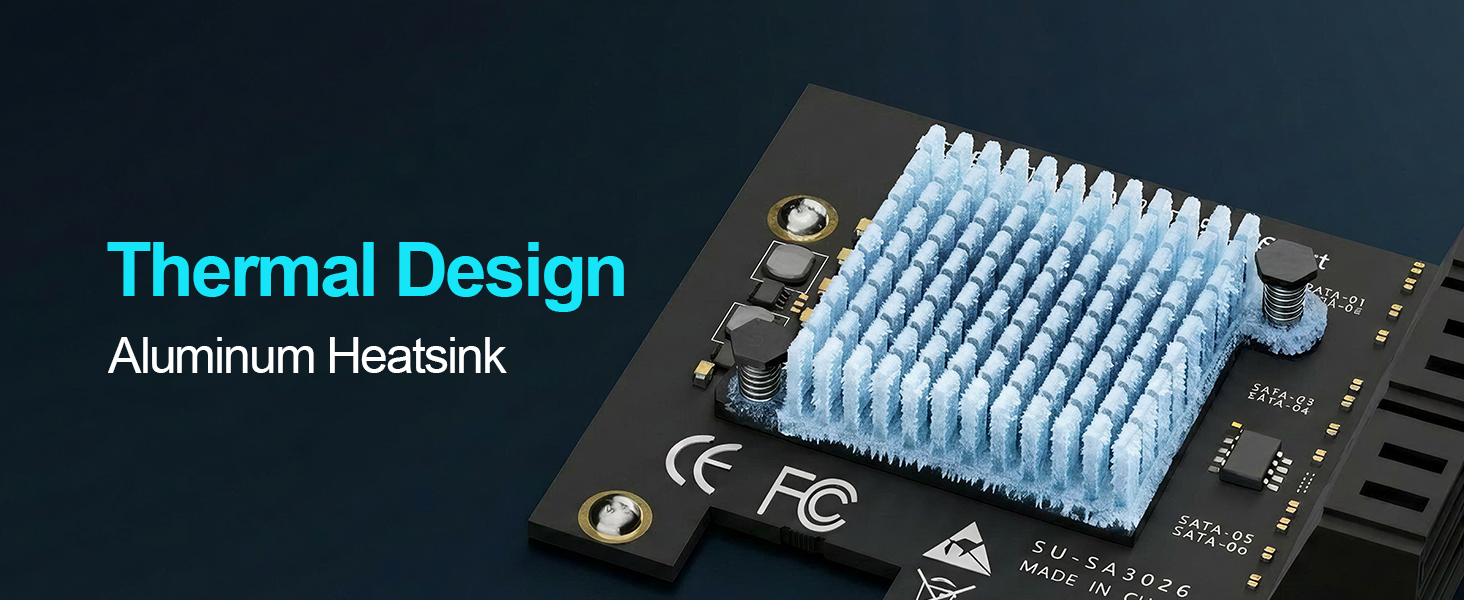
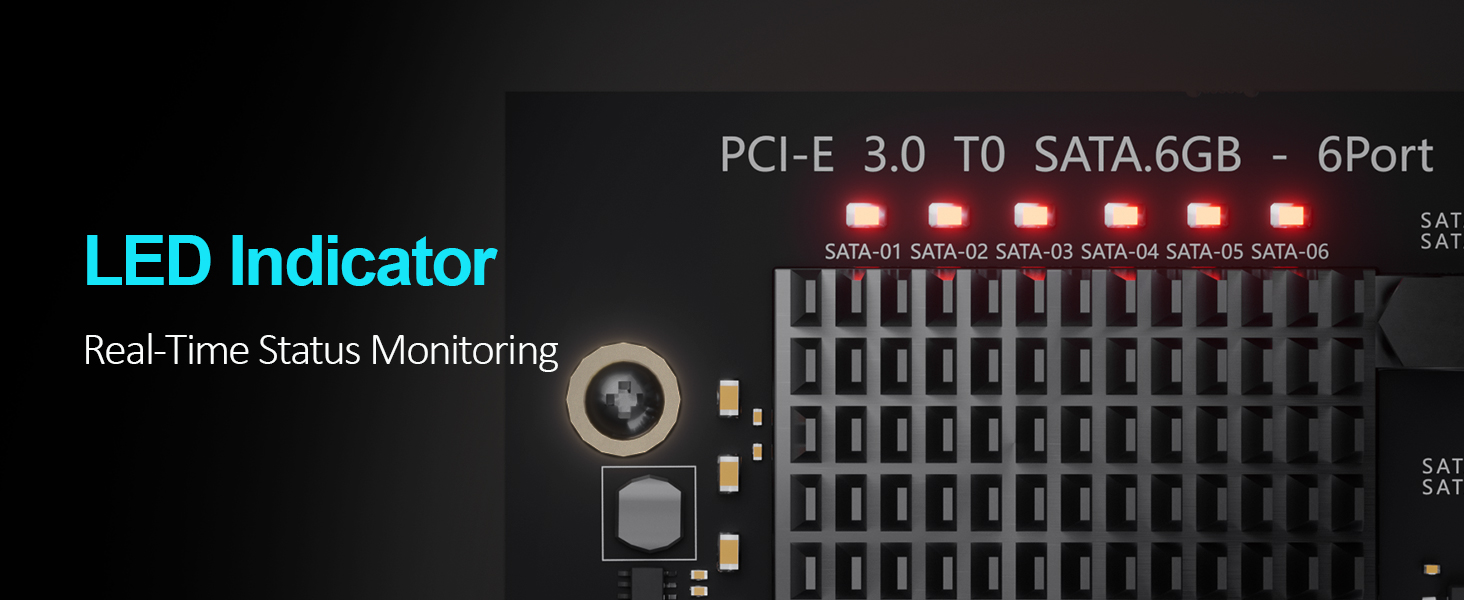
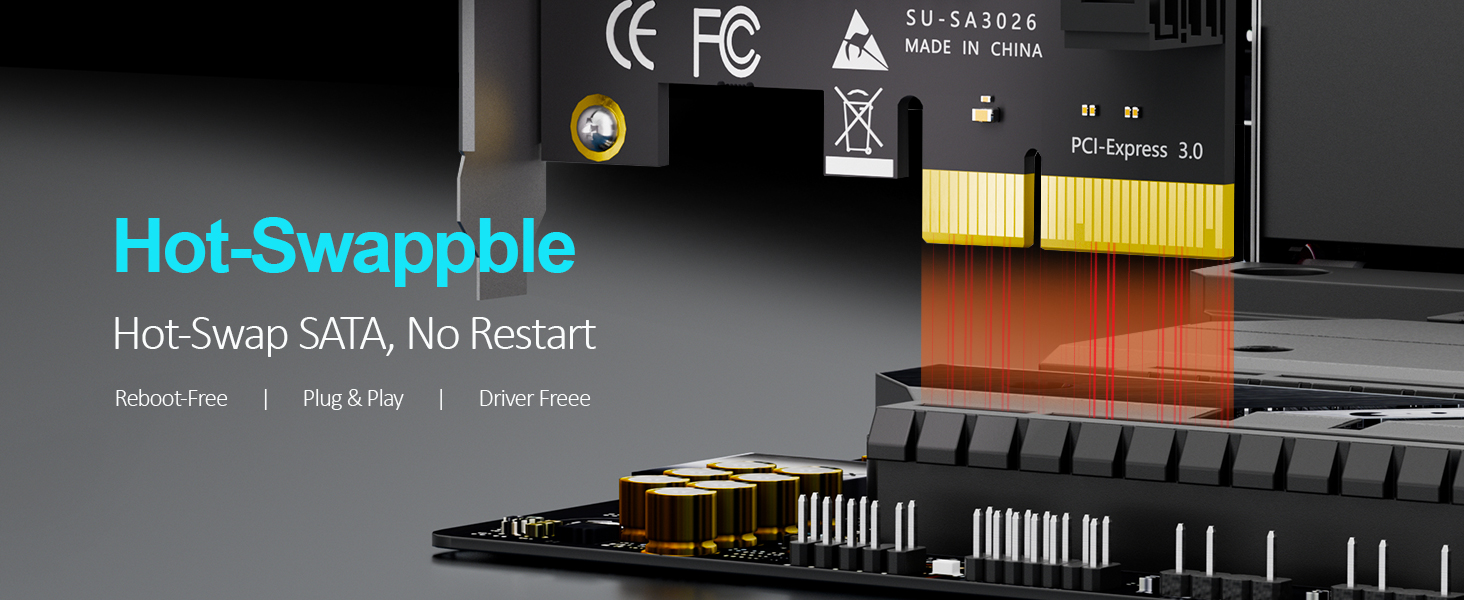
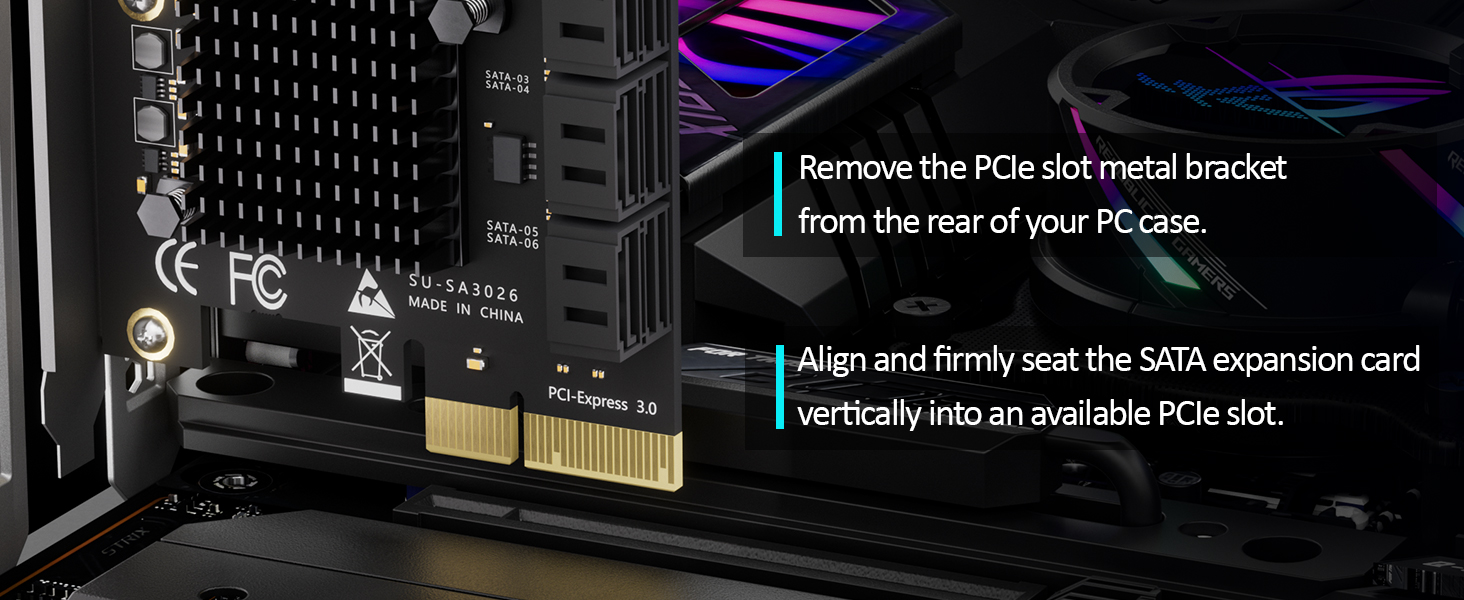
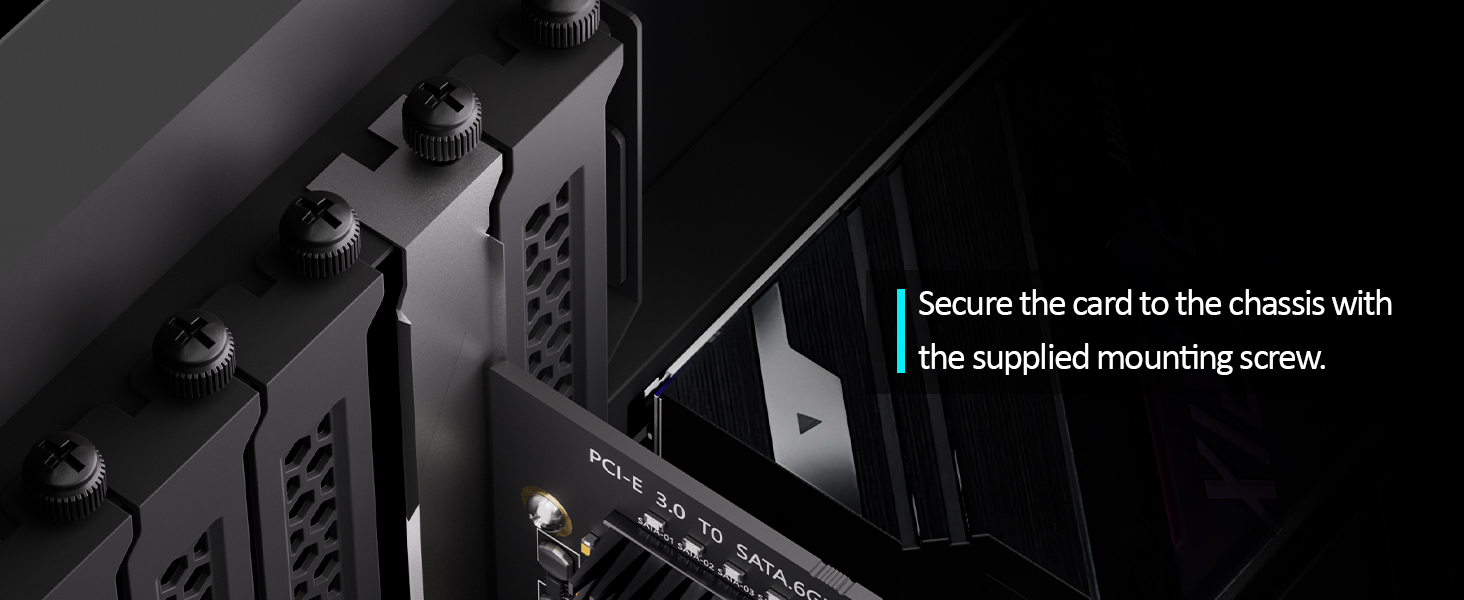
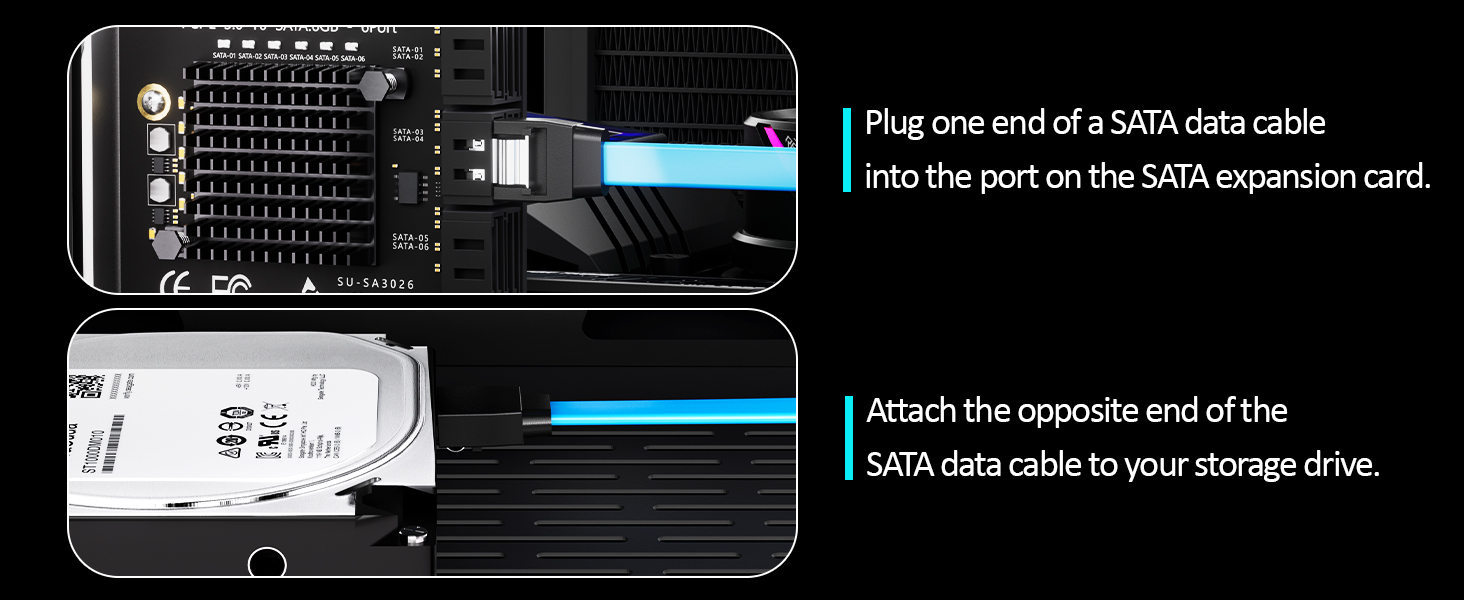
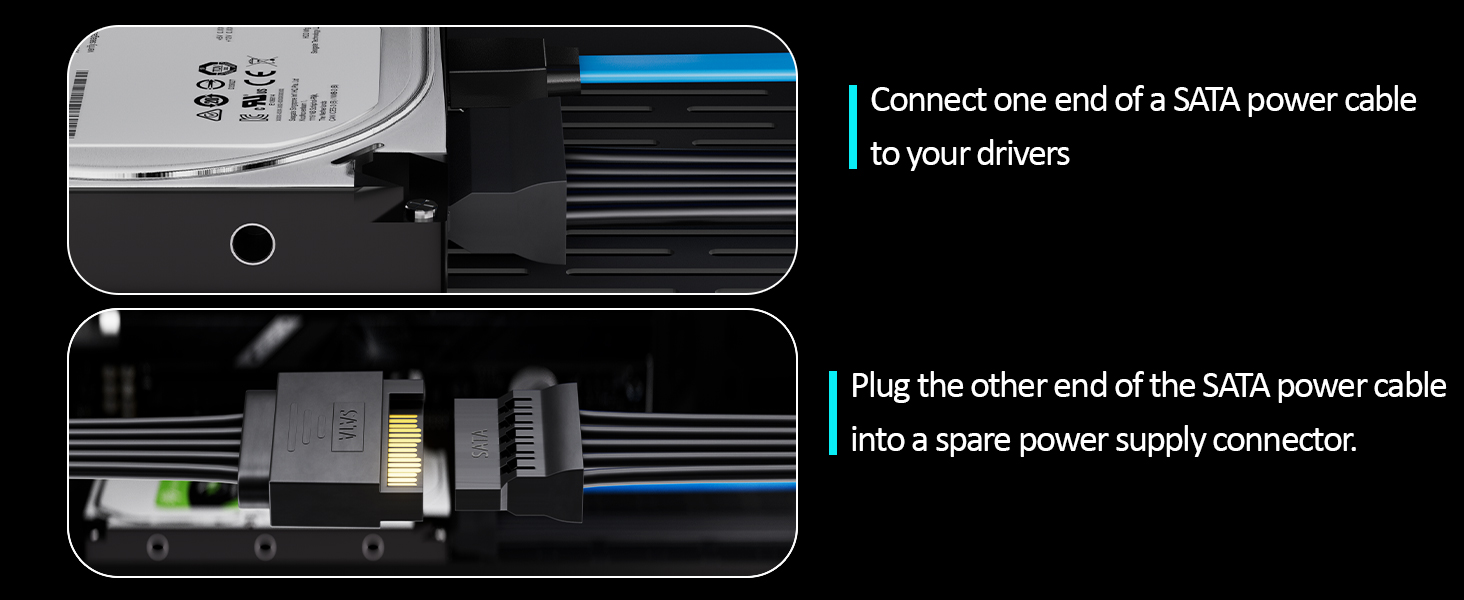
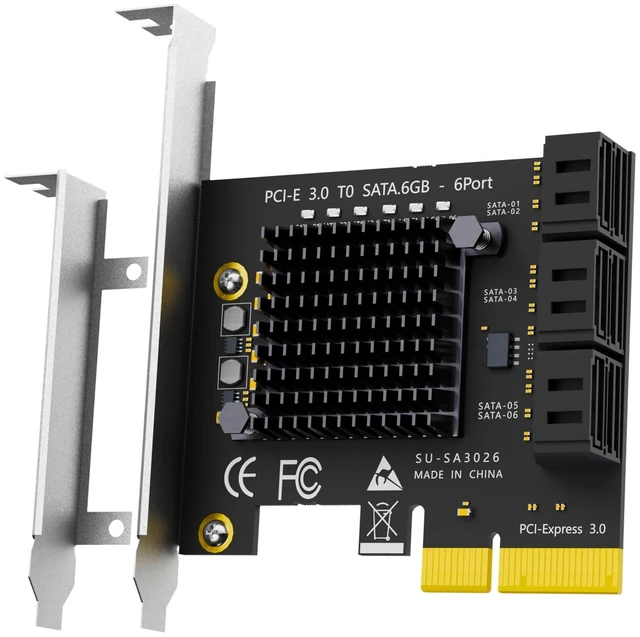
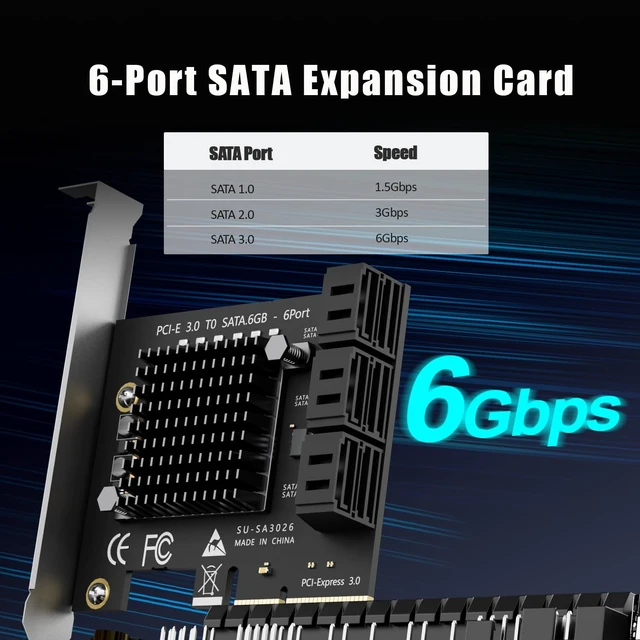
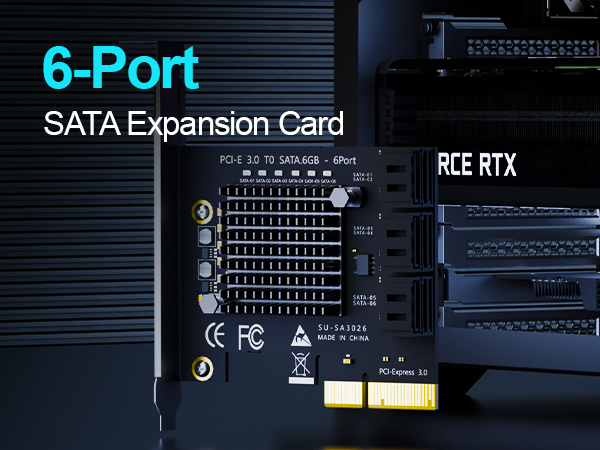
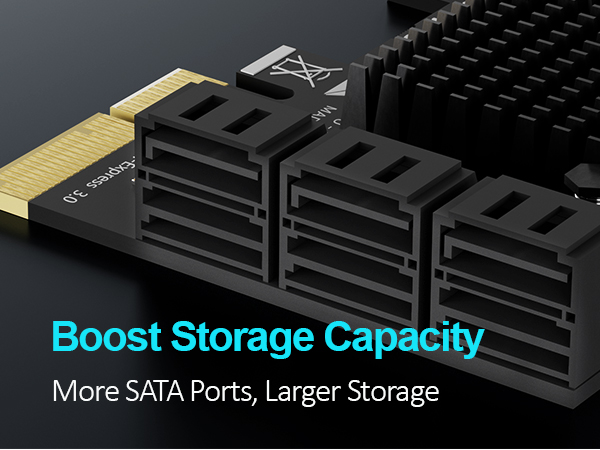
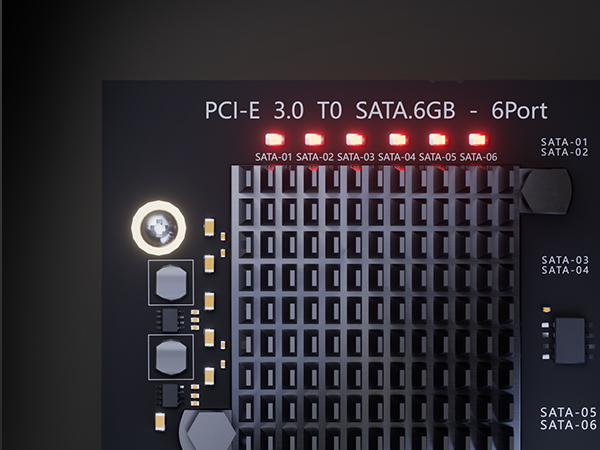
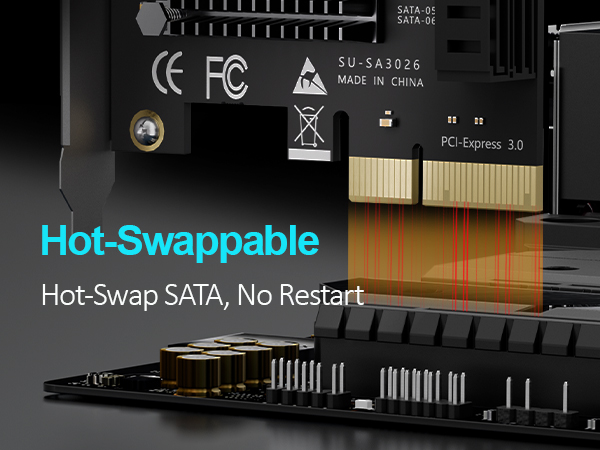
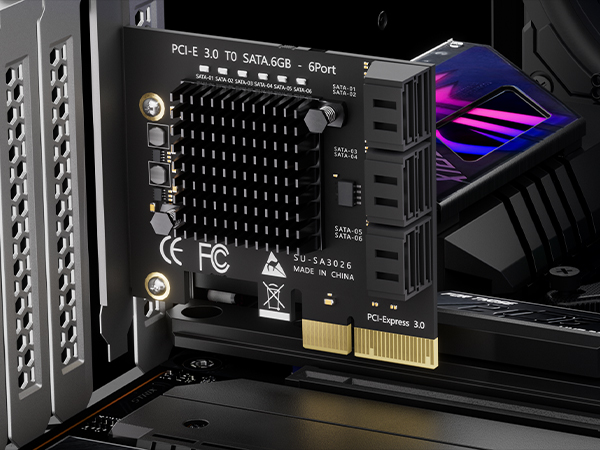
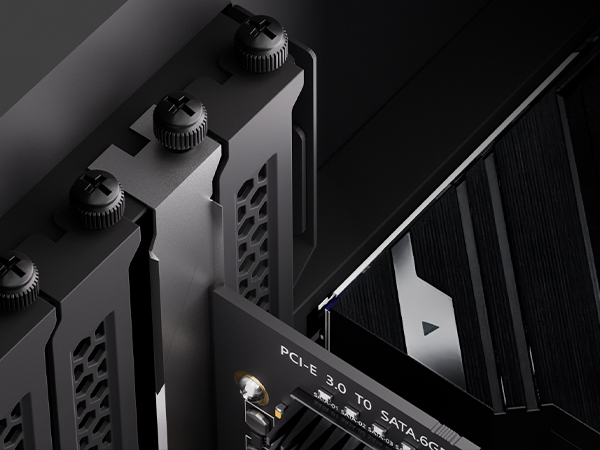
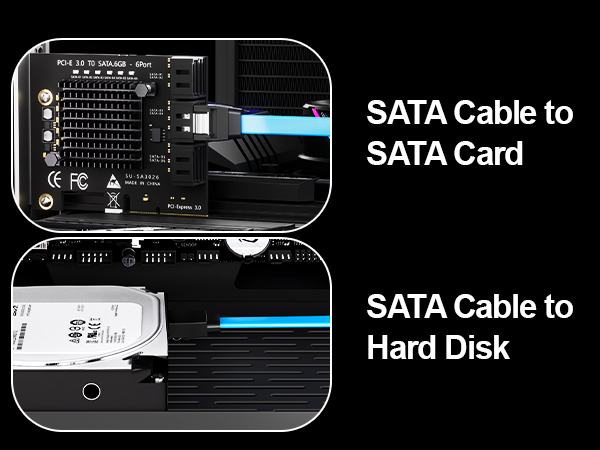
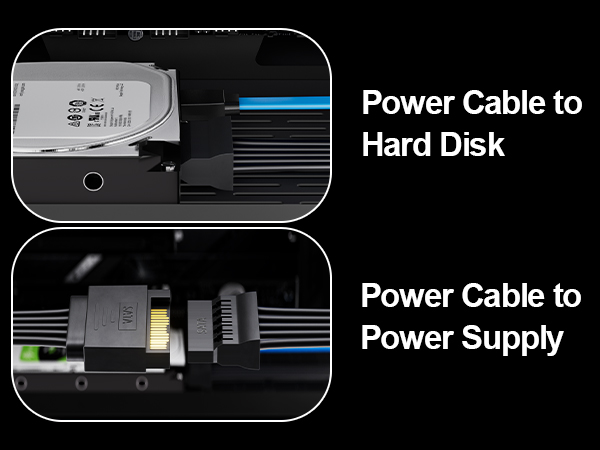
Turn One PCIe Slot into Six SATA III Drives The GLOTRENDS SA3026C is a 6-port PCIe SATA expansion card built on the ASM1166 controller. It plugs into any PCIe X4, X8 or X16 slot and gives your computer six extra SATA III ports at 6Gbps, so you can run six hard drives or SSDs together without replacing your motherboard. Built for Storage Pools and Software RAID Six drives in one card is enough to build a real storage pool: unRAID, TrueNAS, ZFS, Proxmox, OpenMediaVault, or Windows Storage Spaces. The card passes every drive straight through to the operating system, which is exactly what software RAID needs. It does not perform hardware RAID. Speed Where It Matters The upstream link is PCIe 3.0 X2 running at 16GT/s, and each downstream SATA port reaches up to 277MB/s. Multi-drive transfers, media libraries and nightly backup jobs run at full drive speed, with no bottleneck between the drives and the CPU. Compatibility and Setup No driver installation is required. The card works out of the box with Windows (except XP), Mac OS, Linux and NAS systems. Two things to know before you start: set the SATA mode to AHCI in BIOS or UEFI, and note that this card is a data storage HBA, so it does not boot an operating system from a connected drive. Monitor Every Drive Without Opening the Case Six built-in LEDs sit next to the ports. A steady red LED means the drive is powered; a flashing LED means it is reading or writing. You can see the health and activity of all six drives at a glance.
| Brand | GLOTRENDS |
| Hardware Interface | PCI Express x4 |
| Style | standard |
| Compatible Devices | Desktop, Laptop, NAS System |
| Number of Items | 1 |
| Model Number | SA3026 |
| Manufacturer | glotrends |
| Item Highlight | PCIe 3.0 x2 bus (PCIe x4 Physical Interface), 277MB/s per port, NAS & PC builds |
| Unit Count | 1 Count |
| Warranty Description | 30 Day Warranty Against Manufacturer Defects |
| Operating System | Windows, Mac OS, Linux |
| Style Name | standard |