here!
I’m your shopping assistant for PC builds, upgrades, and everything tech.
Got questions? Ask away!
Start a conversation
here!
I’m your shopping assistant for PC builds, upgrades, and everything tech.
Got questions? Ask away!
Start a conversation





Any questions? Ask CelesteSM will help you find out quickly.


GLOTRENDS specializes in developing high-performance PCIe adapters and riser cables for computer engineers and DIY enthusiasts.
The products mainly include 2 series: PCIe adapters (M.2 SSD Adapter, SATA Card, WiFi/Ethernet Card, USB Card, etc) and PCIe 5.0/4.0/3.0 extension cables.
The goal of GLOTRENDS is to provide quality-assured and cost-effective products to customers worldwide. Customized production is welcome.


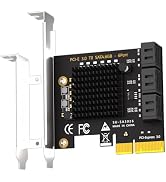
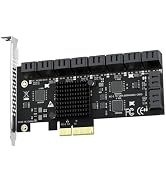

Does it support OS boot?
No
How to Locate and Set SATA Mode to AHCI in BIOS or UEFI?
Enter BIOS / UEFI --- Advanced Mode --- SATA Mode: AHCI. (Note: set AHCI first then install Windows. If Windows has already been installed under IDE/RAID/VMD mode, directly switching SATA mode to AHCI in BIOS will trigger blue screen crash.
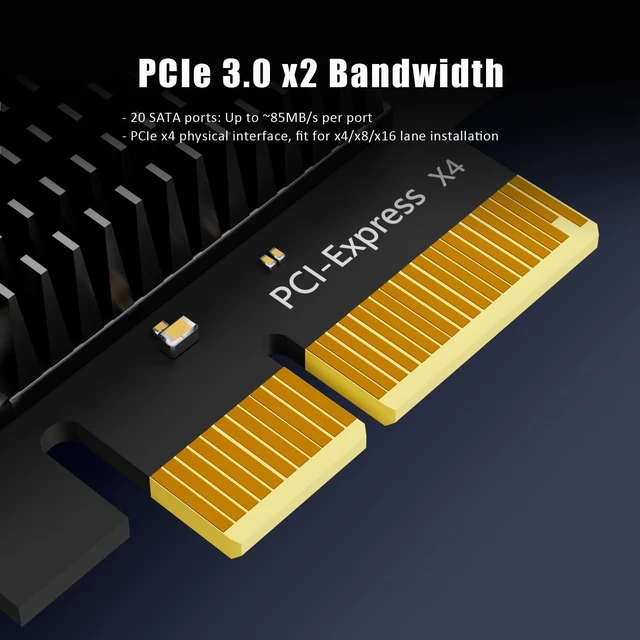
| PCIe Interface | PCIe 3.0 X2 (Note:PCIe X4 Physical Interface) |
|---|---|
| SATA Port | 20 x SATA III |
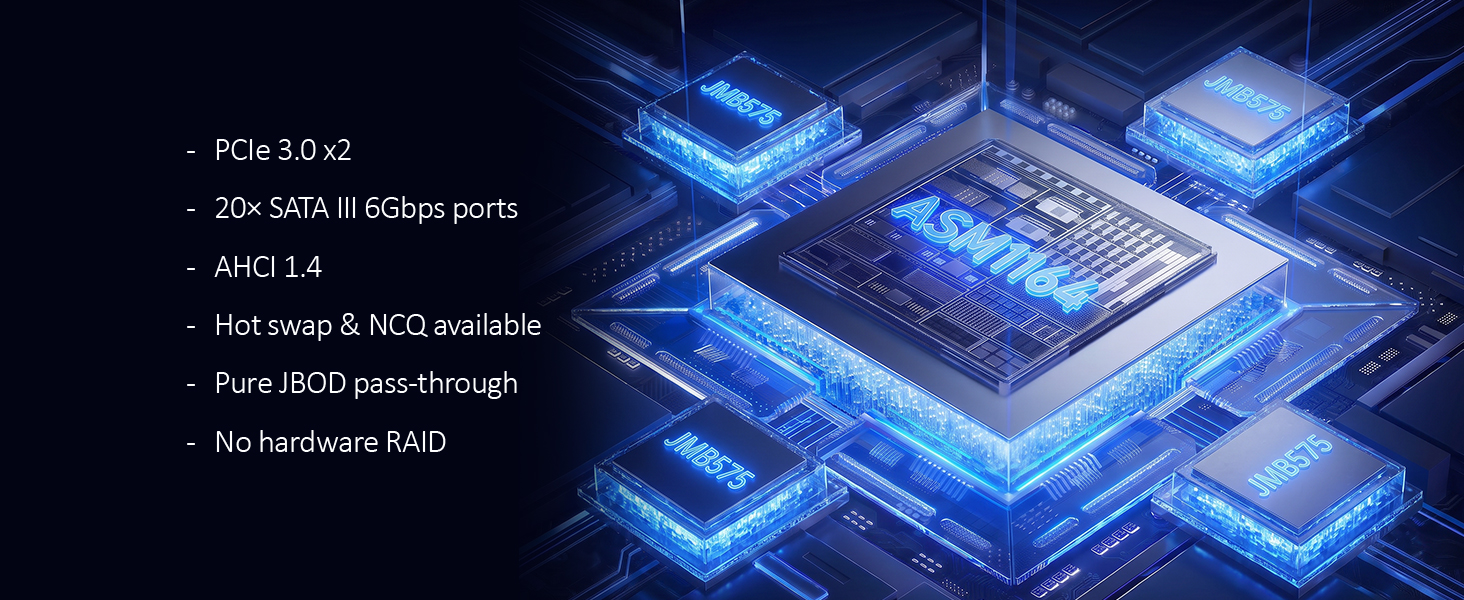
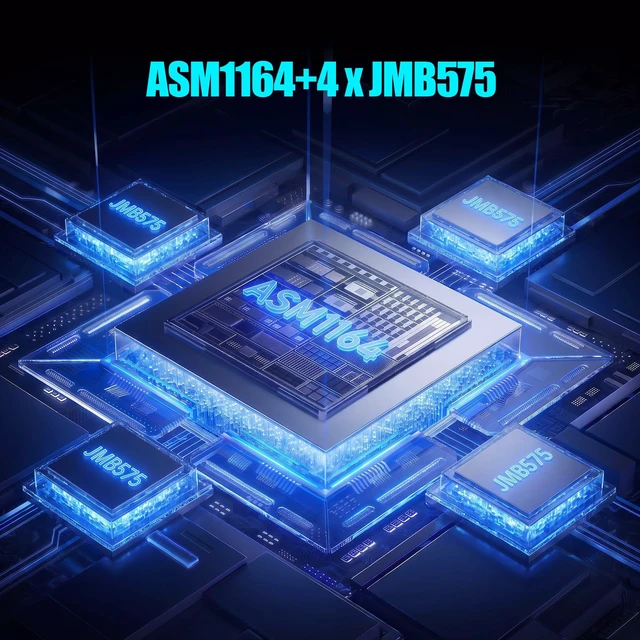
| Controller | ASM1164 + 4 x JMB575 |
| OS Boot | Not Support |
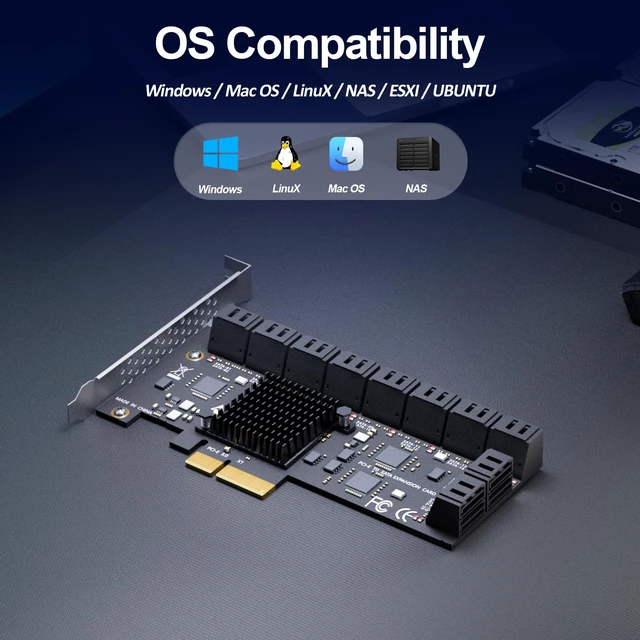
| OS Compatibility | Windows/Mac OS/Linux/NAS (no support Windows XP) |
| SATA Controller Mode | AHCI |




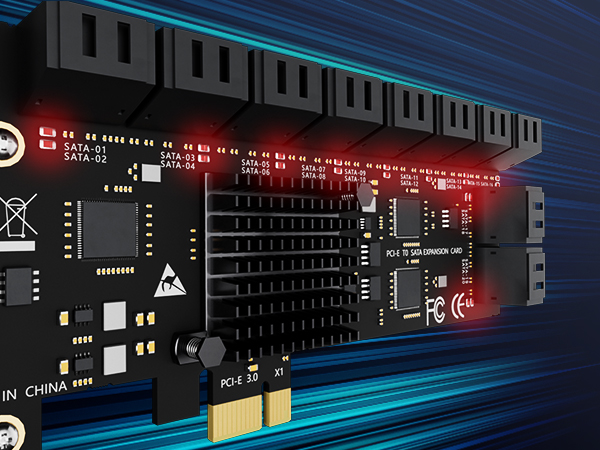





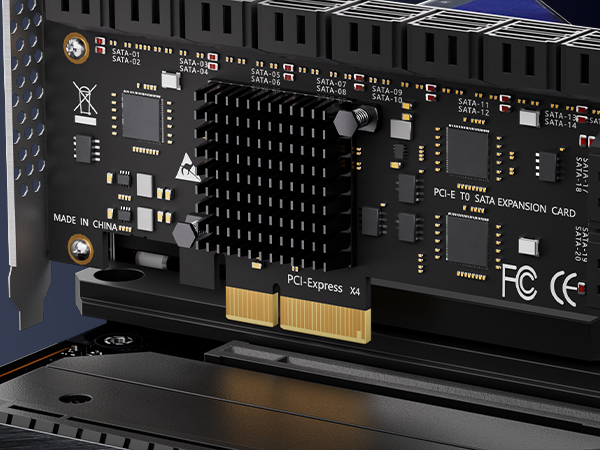
Does it support OS boot?
No
How to Locate and Set SATA Mode to AHCI in BIOS or UEFI?
Enter BIOS / UEFI --- Advanced Mode --- SATA Mode: AHCI. (Note: set AHCI first then install Windows. If Windows has already been installed under IDE/RAID/VMD mode, directly switching SATA mode to AHCI in BIOS will trigger blue screen crash.
GLOTRENDS specializes in developing high-performance PCIe adapters and riser cables for computer engineers and DIY enthusiasts.
The products mainly include 2 series: PCIe adapters (M.2 SSD Adapter, SATA Card, WiFi/Ethernet Card, USB Card, etc) and PCIe 5.0/4.0/3.0 extension cables.
The goal of GLOTRENDS is to provide quality-assured and cost-effective products to customers worldwide. Customized production is welcome.
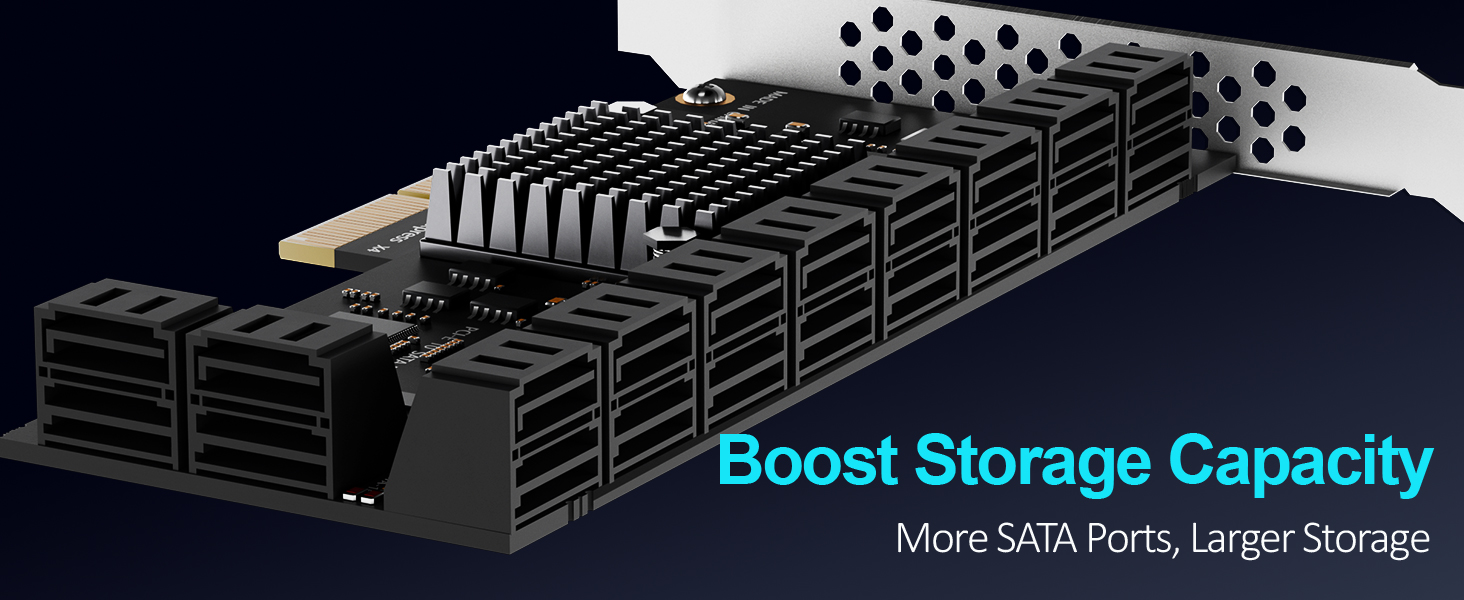
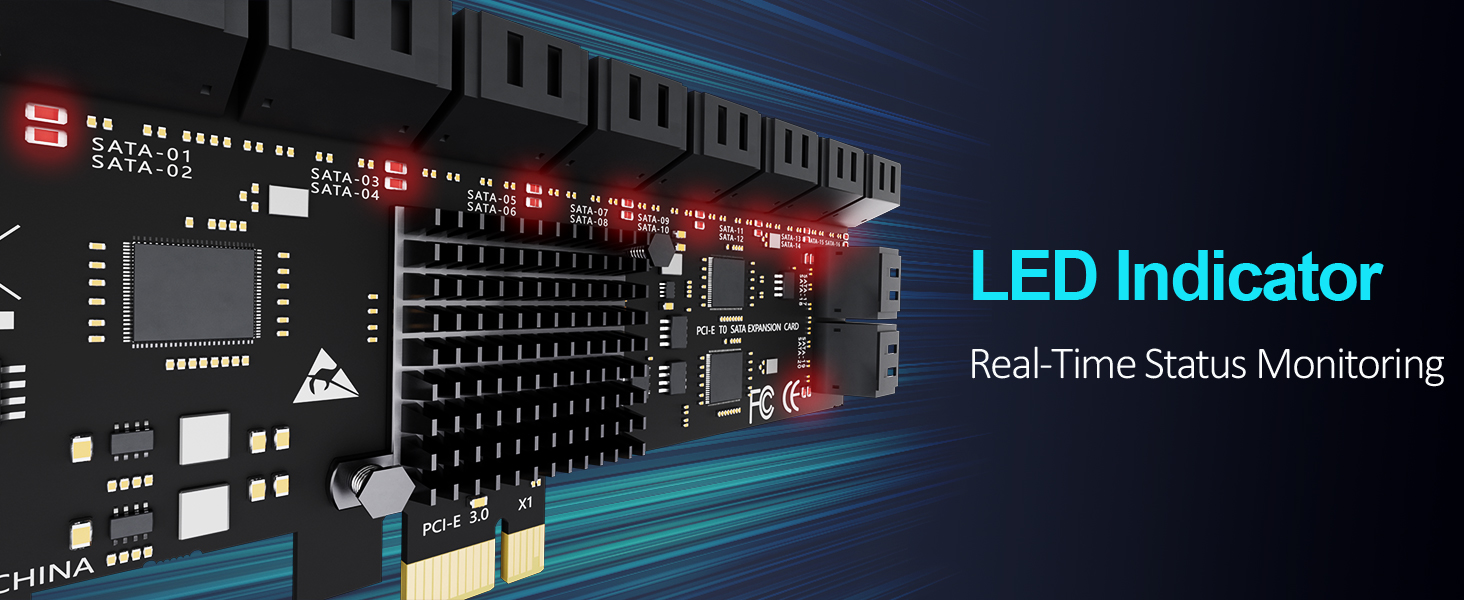
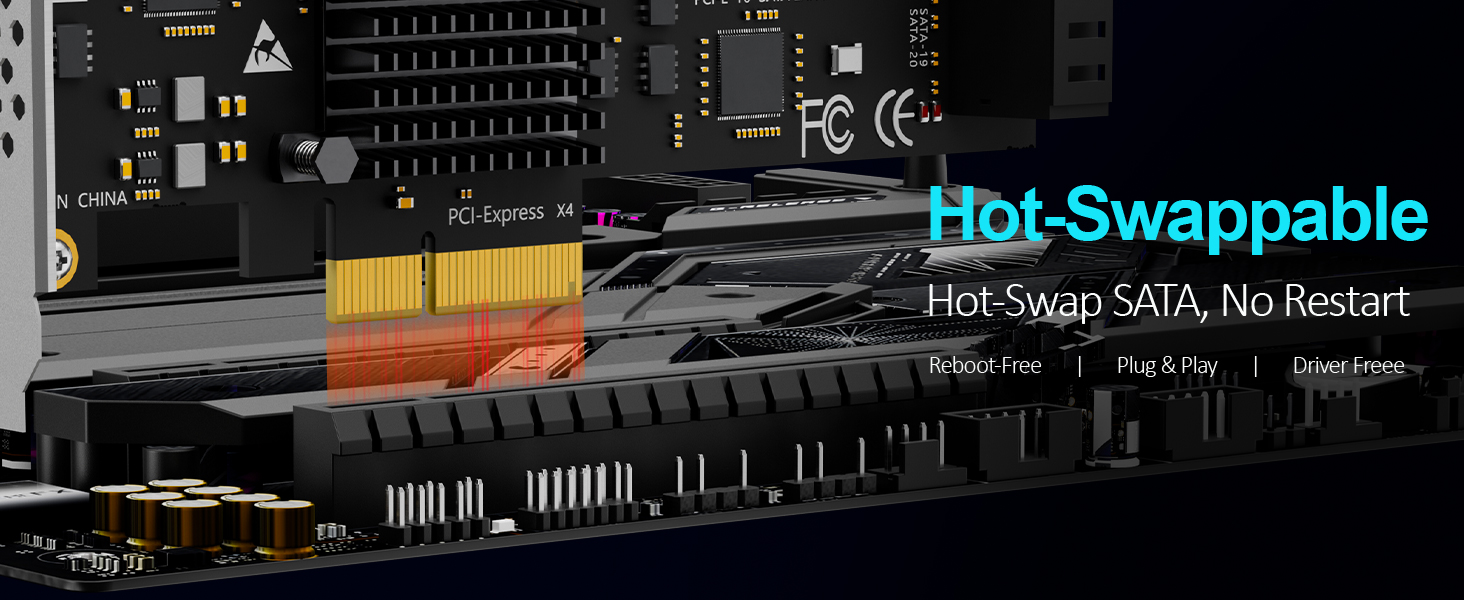
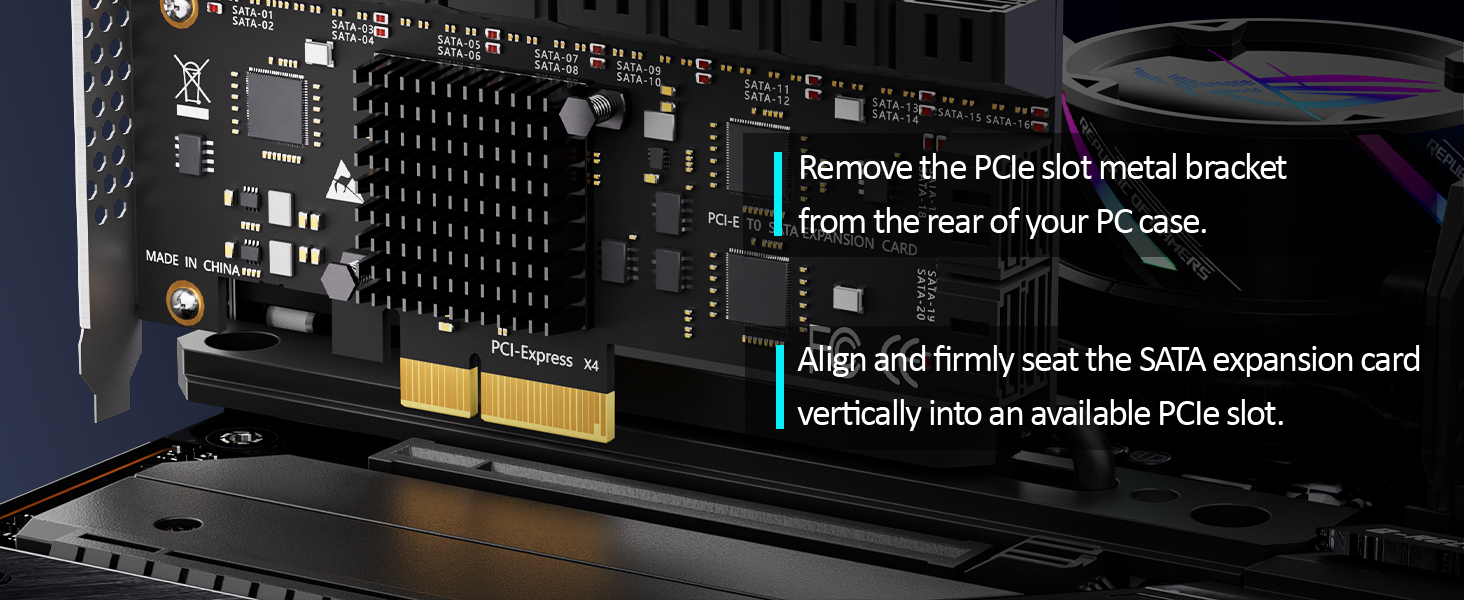
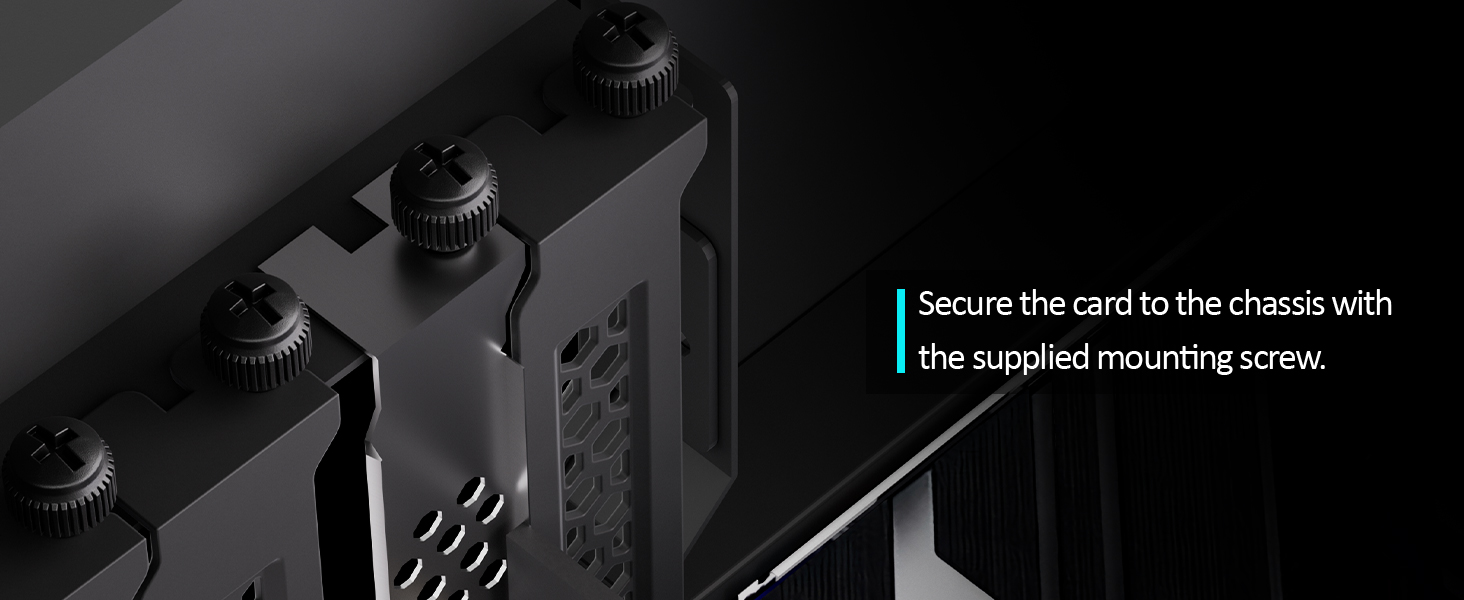
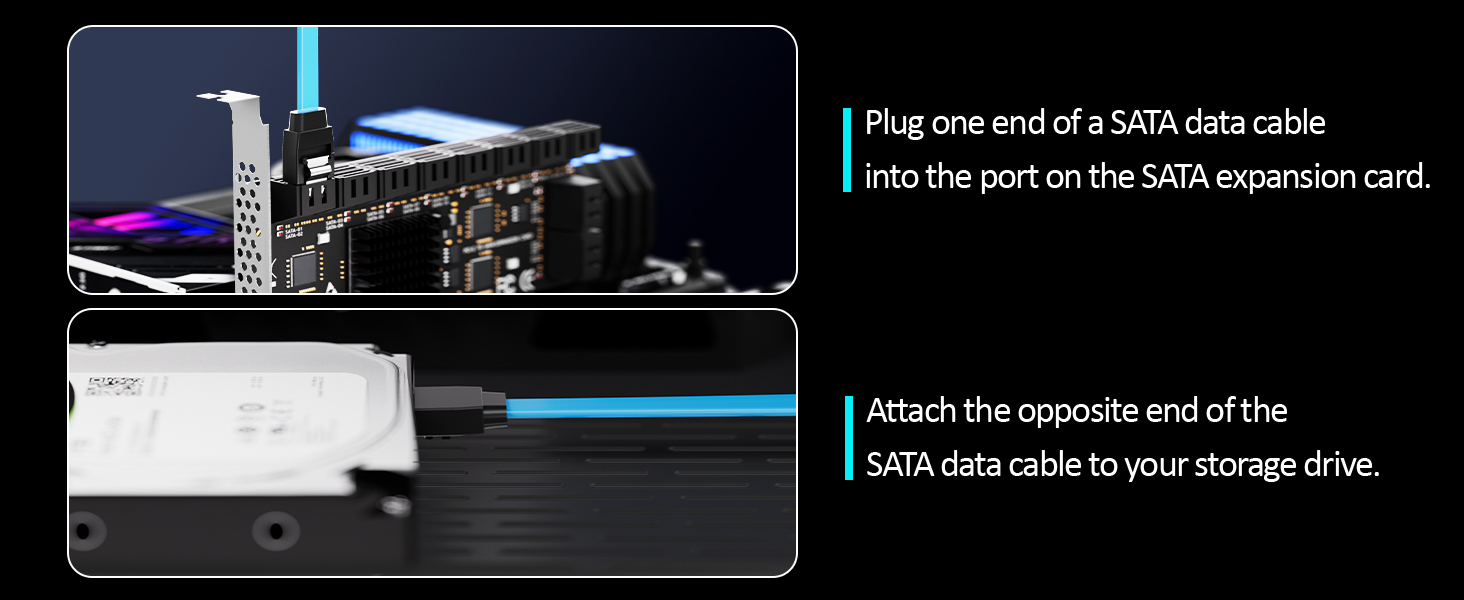
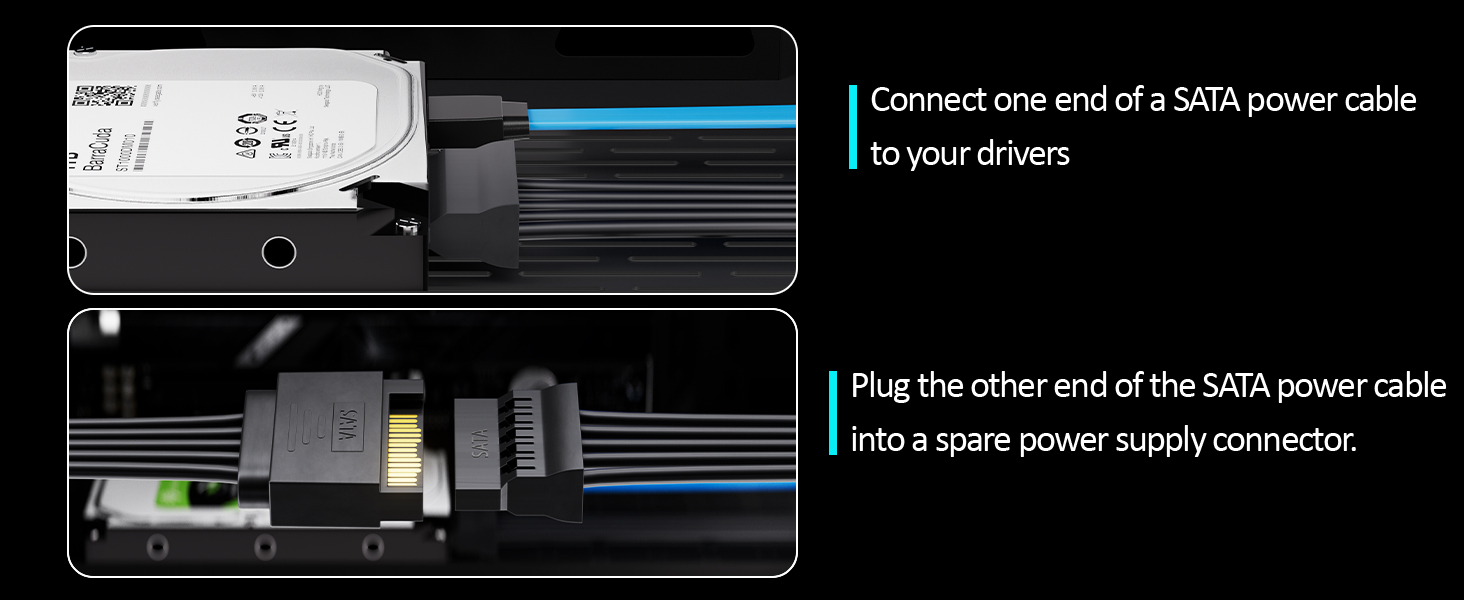
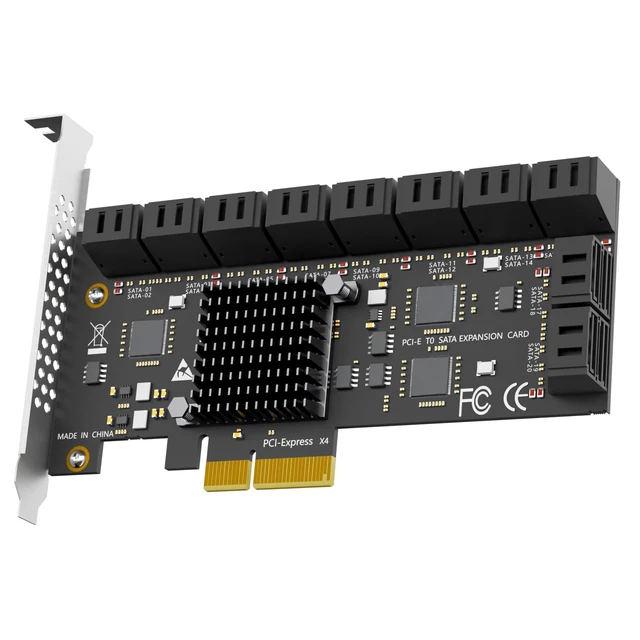
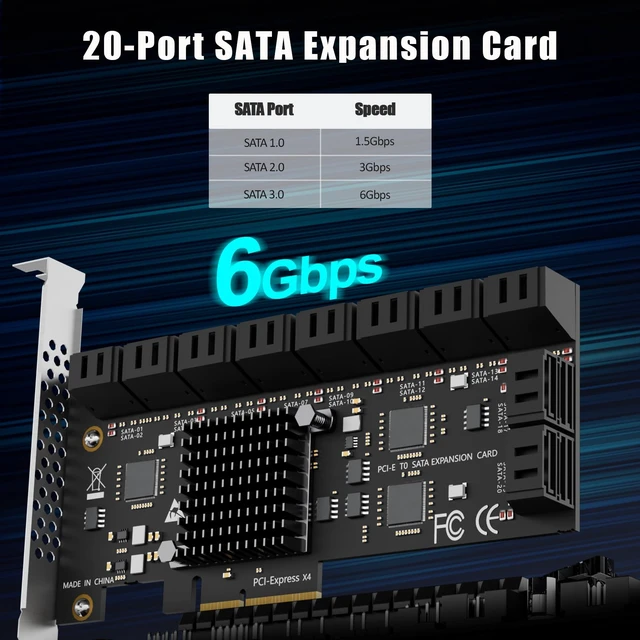
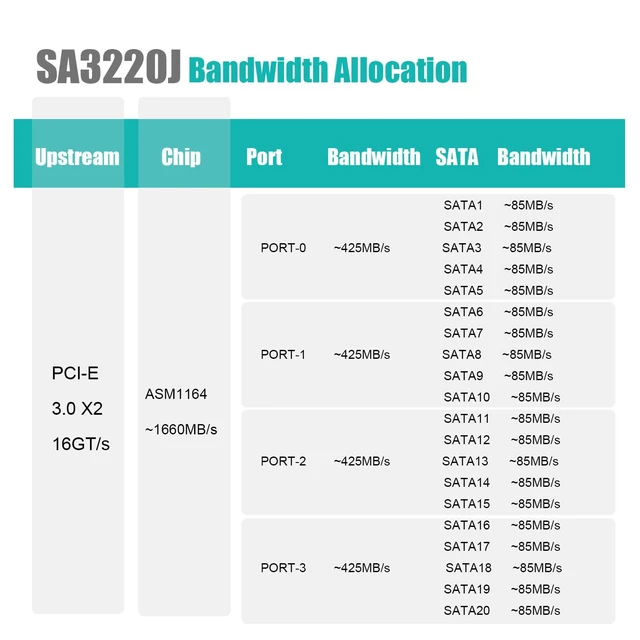
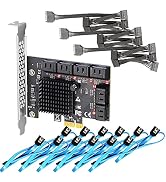
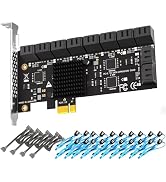
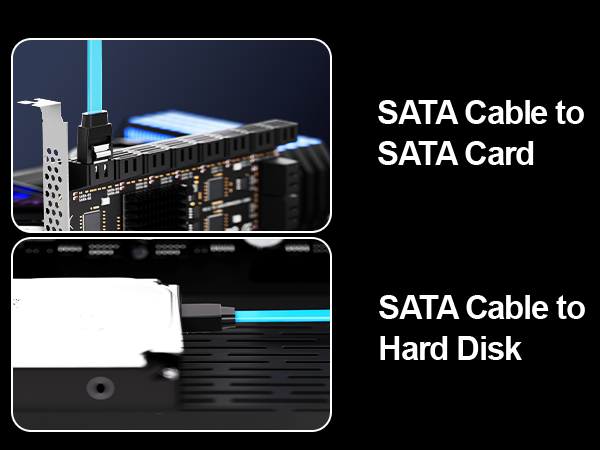
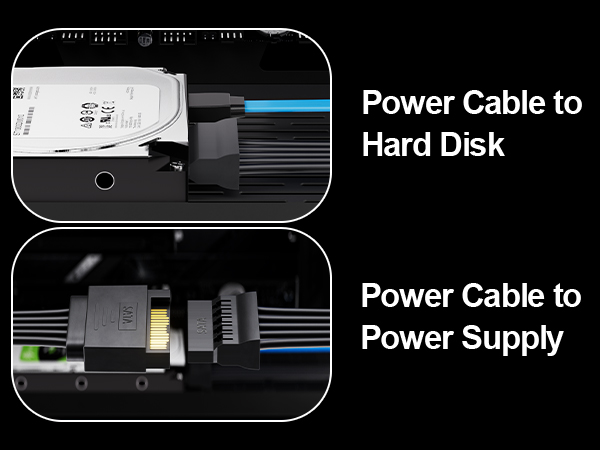
GLOTRENDS SA3220C - Add 20 SATA Drives to One PCIe Slot Running out of SATA ports? The GLOTRENDS SA3220C turns a single PCIe slot into 20 SATA III ports, powered by the ASM1164 controller plus 4x JMB575 port multipliers. It is the simple way to build a home NAS, a media server, or a large cold-storage and backup array - without replacing your motherboard. Plug the card into any PCIe X4, X8 or X16 slot, connect your drives with the 20 included SATA III cables, add power with the 4 included 1-to-5 SATA splitter cables, and you are ready to go. No driver installation is needed on Windows, macOS, Linux or NAS systems such as TrueNAS and Unraid. 20 built-in LEDs show each drive's status at a glance: solid red for power, blinking for active read/write. All ports support AHCI mode and hot-swapping. Bandwidth guide:the PCIe 3.0 X2 upstream provides a shared 16GT/s. SATA ports 1-20 support up to 85MB/s per drive - ideal for HDDs, surveillance footage, media libraries and backups. Please note:this card does not support booting an operating system (OS boot), does not support hardware RAID (use software RAID or your NAS system's storage pool), and is not compatible with Windows XP. A full-height bracket is pre-installed; it does not fit slim or compact chassis.
| Brand | GLOTRENDS |
| Hardware Interface | PCI Express x4 |
| Style | 20-port PCIe 3.0 X2 SATA Adapter |
| Item Weight | 0.14 kg |
| Compatible Devices | 20 x SATA SSD |
| Model Number | SA3220J |
| Number of Items | 1 |
| Manufacturer | glotrends |
| Item Highlight | PCIe 3.0 x2 bus (PCIe x4 Physical Interface), 85MB/s per port, NAS & PC builds |
| Warranty Description | 30 Day Warranty Against Manufacturer Defects |
| Operating System | Windows/Mac OS/Linux/NAS/UBUNTU/ESXI |
| Style Name | 20-port PCIe 3.0 X2 SATA Adapter |