here!
I’m your shopping assistant for PC builds, upgrades, and everything tech.
Got questions? Ask away!
Start a conversation
here!
I’m your shopping assistant for PC builds, upgrades, and everything tech.
Got questions? Ask away!
Start a conversation




Any questions? Ask CelesteSM will help you find out quickly.
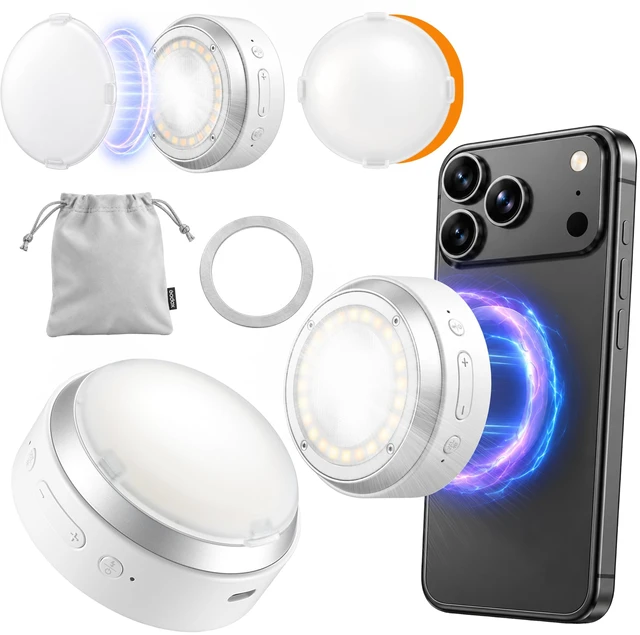
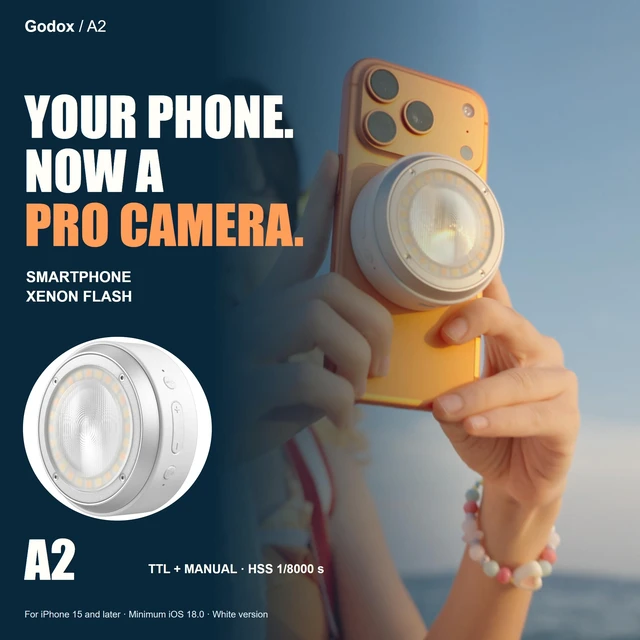
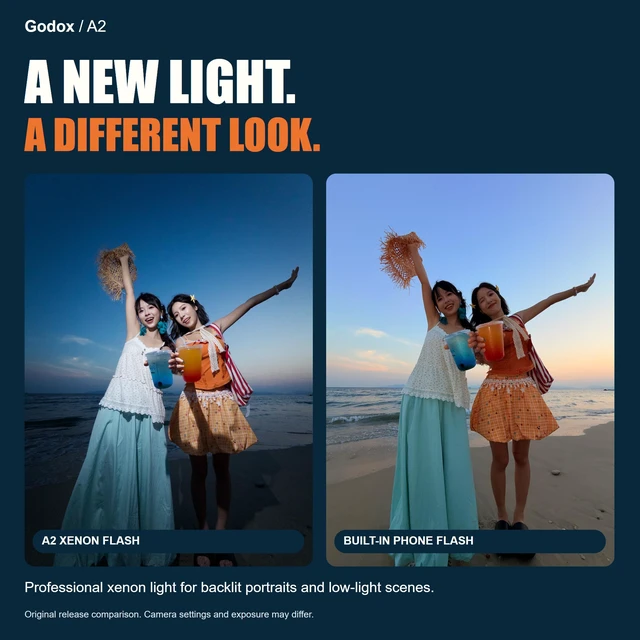
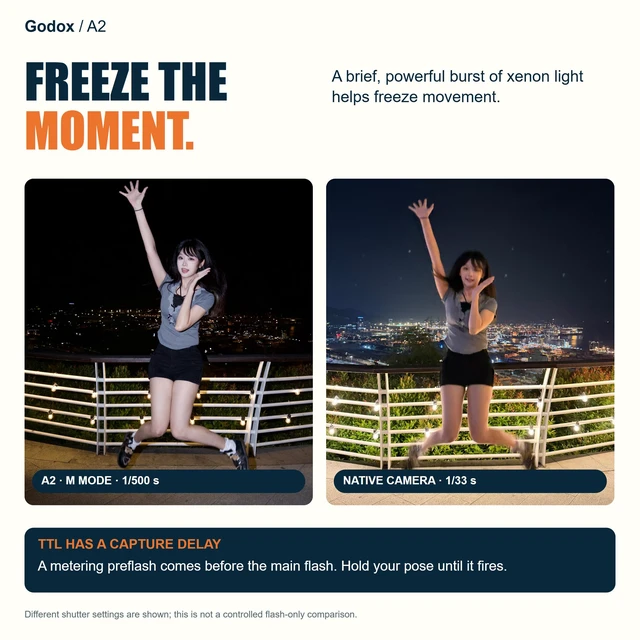
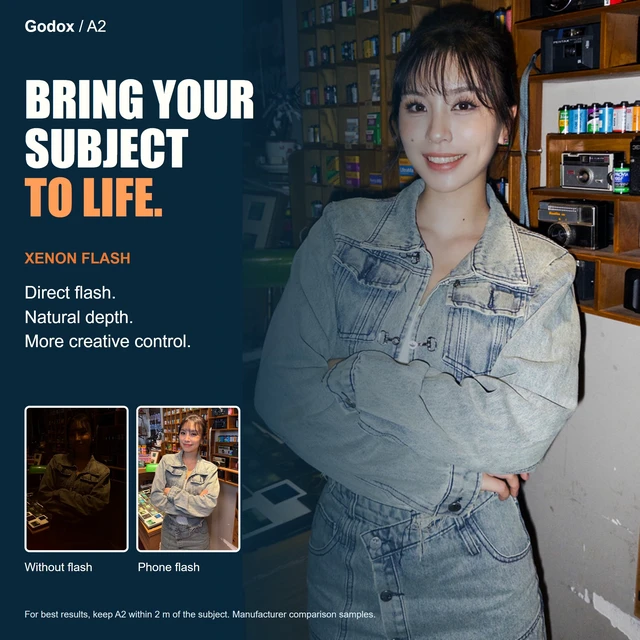
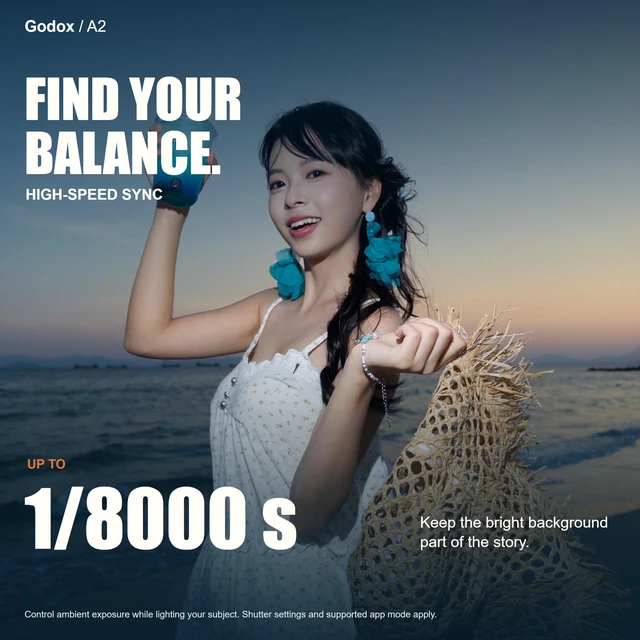
Before first use,plug a USB-C/Type-C cable connected to a power supply into your Godox A2 flash to activate the battery. Charge with a 5V/2A supply; a full charge takes approx. 1 hour. Fast charging is not supported. Charging cable & power adapter are not included. The Godox smartphone xenon flash A2 adds light for street photography,night portraits,indoor gatherings or backlit subjects. Approx. GN15 (ISO 100,in meters),TTL auto exposure,1/128-1/1 manual output in 1/3-stop steps & up to 1/8000s HSS let you shape subject exposure. AUTO shooting uses TTL; Manual shooting supports TTL or manual flash. TTL compensation ranges from -3EV to +3EV. Use this Godox flash for iPhone with the Godox Camera app on supported models running iOS 18.0+. Flash photos must be taken inside the app. Connect by Bluetooth or NFC-assisted pairing. For NFC,hold A2's sensing area very close to the phone's NFC antenna,usually near the top,until a prompt appears; tap to connect. Check exact model compatibility; update the app/firmware. Disconnect other phones before pairing. This Godox smartphone flash also provides continuous bi-color LED lighting for vlogs,selfies or indoor videos. Adjust 2800K-6000K color temperature & 1%-100% brightness in the app; CRI/TLCI are rated 96+. The LED shuts off after 30 minutes; turn it on again to continue. Move A2 off-phone to explore side lighting. Rear magnets attach to compatible phones or suitable metal; front magnets hold the included dome diffuser. This kit includes a magnetic ring,pouch & cleaning cloth. Power off before fitting accessories; check the hold before use. Thick cases may weaken attachment. At approx. 93g,A2 delivers approx. 400 full-power flashes per charge with approx. 2s full-power recycling. Diffusers reduce light reaching the subject; adjust power as needed. Keep the flash dry. Never aim the flash directly at eyes. If overheat protection activates,pause until it cools. A stand is not included.