



Gonikli Mini Voice Recorder
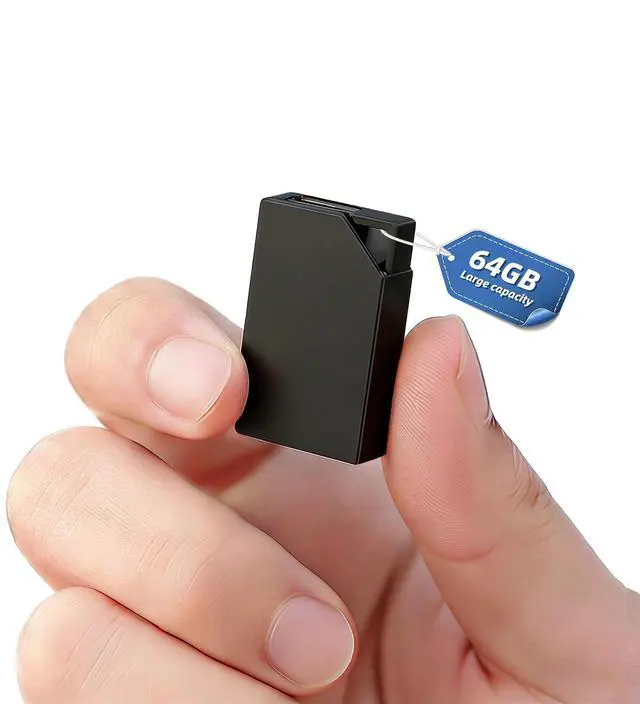
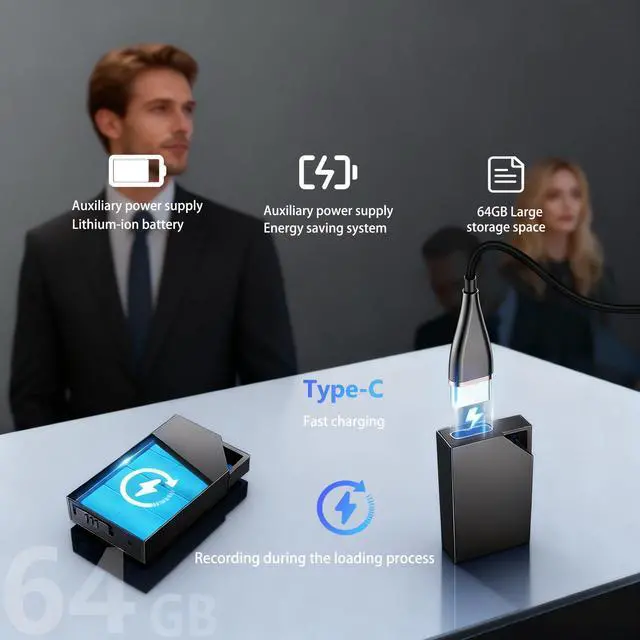
The Gonikli R8 voice recorder is a powerful yet easy-to-use 64GB ultra-compact recorder, perfect for users seeking a discreet and efficient way to record.
Gonikli Unboxing Video
Merchant Video
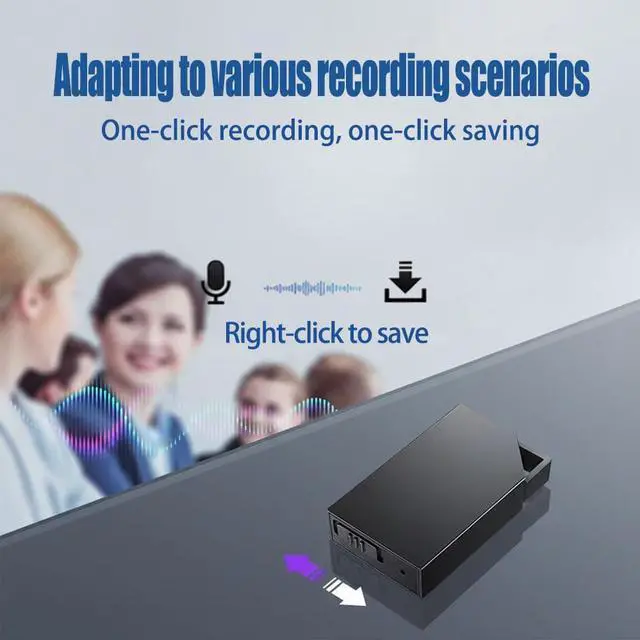
One-Button Recording
Gain setting (GAIN): Selectable from numbers 1-7. Higher numbers result in louder recordings and increased sensitivity (but may introduce slight noise); lower numbers reduce noise and decrease sensitivity. The default value is 5

Large Capacity of 64GB
Voice Activation Setting (VOR): The default value for voice control is 0, which disables the voice activation function. Volume control levels have 1-7 values to choose from; values above 7 are invalid. Higher values indicate lower decibel detection and more sensitive sound control
What is the audio recording format of a voice recorder's output file?
The output file is an audio recording in WAV format.
What is the audio format of the output files from this voice recorder?
This voice recorder uses WAV format audio files, which need to be played using a player that supports WAV format.
How to eliminate noise during recording?
The gain value of a voice recorder can be adjusted. On your computer, open "MRECSET.TXT" and find "GAIN". Lowering the gain value will reduce noise, but it will also reduce sensitivity.
How can I listen to the recordings? Does it support playback on a phone/tablet?
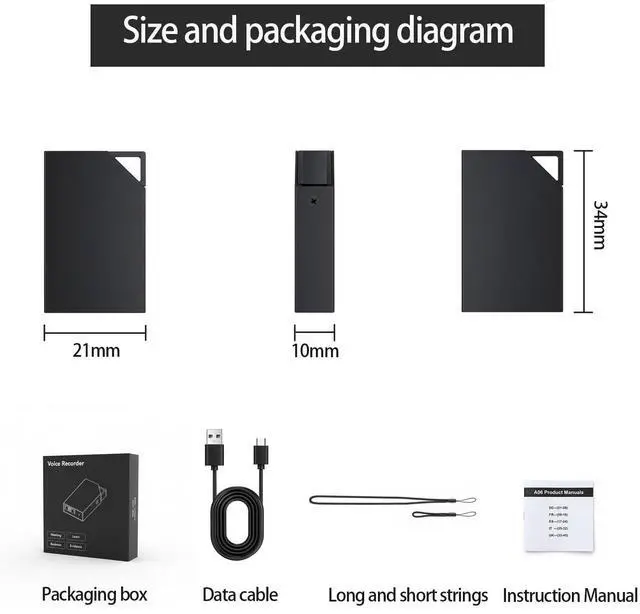
A data cable is included in the package. Simply connect your device to your computer to play the recordings. Playback of recordings is only supported on a computer.

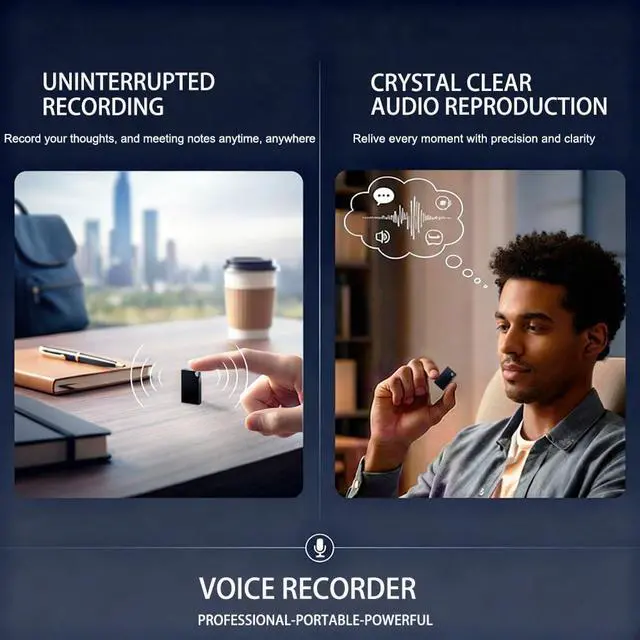
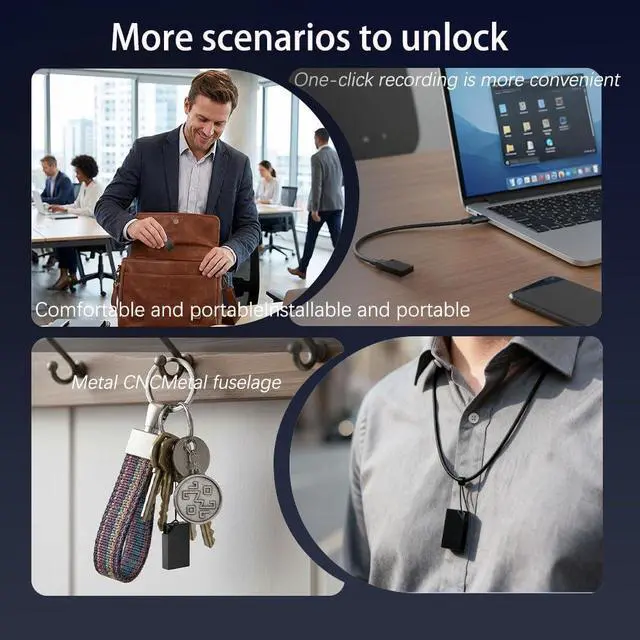
Whether you're in a meeting, classroom, lecture, or interview... it's your best partner.

Small and lightweight, it can easily fit into a pocket or briefcase.
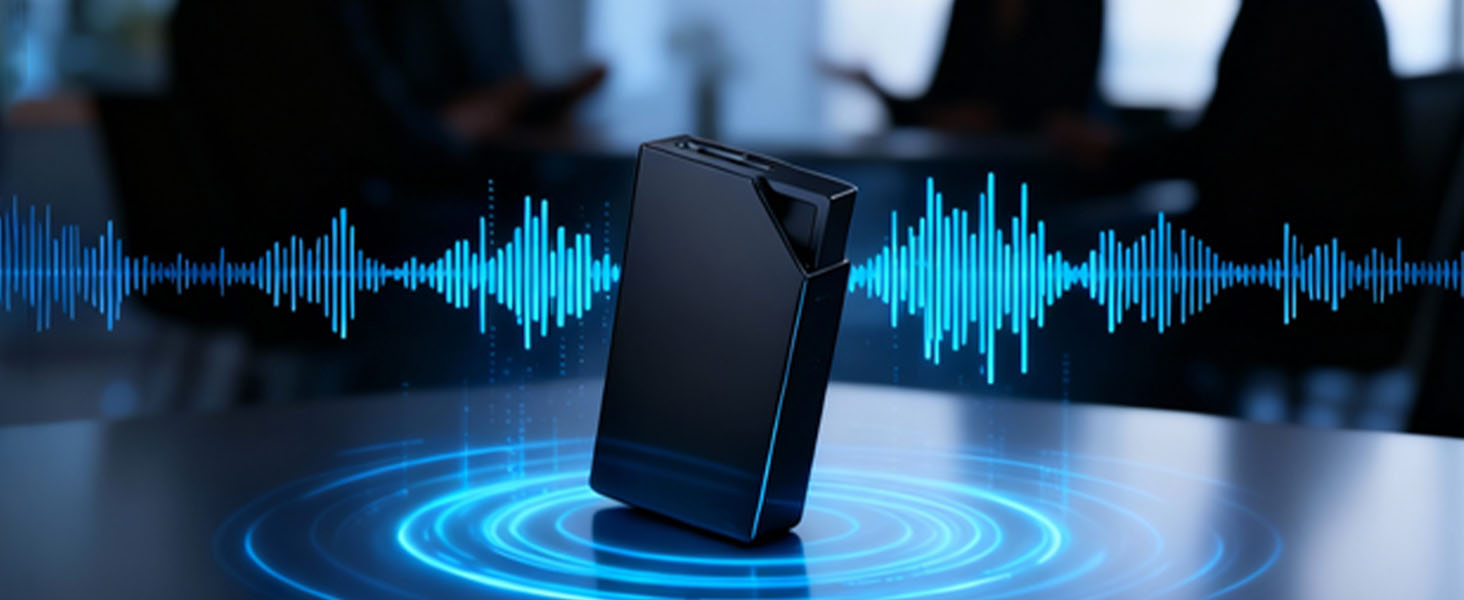
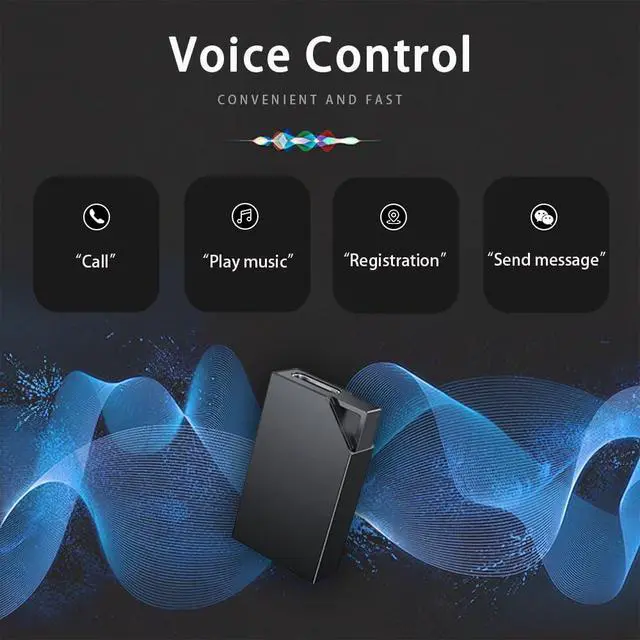
The text is set to voice control mode, and recording can begin after powering on.

Employing stereo high-definition recording technology, it clearly captures every detail of the sound
We are dedicated to every detail of our products.

Two Folders
"MRECSET.TXT" is for parameter settings;
"RECORD" is for recording file management.

Setting parameters
Locate the TXT document named "MRECSET", double-click to open it, and you can set the recording parameters.

Audio Files
This includes time settings, voice control settings, bit rate settings, gain settings, and recording time segmentation settings.

Connect to Computer
Connect the voice recorder to your computer and open the ejected USB drive.
Product Specifications


Gonikli Unboxing Video
Merchant VideoGonikli Mini Voice Recorder
The Gonikli R8 voice recorder is a powerful yet easy-to-use 64GB ultra-compact recorder, perfect for users seeking a discreet and efficient way to record.
One-Button Recording
Gain setting (GAIN): Selectable from numbers 1-7. Higher numbers result in louder recordings and increased sensitivity (but may introduce slight noise); lower numbers reduce noise and decrease sensitivity. The default value is 5
Large Capacity of 64GB
Voice Activation Setting (VOR): The default value for voice control is 0, which disables the voice activation function. Volume control levels have 1-7 values to choose from; values above 7 are invalid. Higher values indicate lower decibel detection and more sensitive sound control
What is the audio recording format of a voice recorder's output file?
The output file is an audio recording in WAV format.
What is the audio format of the output files from this voice recorder?
This voice recorder uses WAV format audio files, which need to be played using a player that supports WAV format.
How to eliminate noise during recording?
The gain value of a voice recorder can be adjusted. On your computer, open "MRECSET.TXT" and find "GAIN". Lowering the gain value will reduce noise, but it will also reduce sensitivity.
How can I listen to the recordings? Does it support playback on a phone/tablet?
A data cable is included in the package. Simply connect your device to your computer to play the recordings. Playback of recordings is only supported on a computer.


Whether you're in a meeting, classroom, lecture, or interview... it's your best partner.
Small and lightweight, it can easily fit into a pocket or briefcase.
The text is set to voice control mode, and recording can begin after powering on.
Employing stereo high-definition recording technology, it clearly captures every detail of the sound
We are dedicated to every detail of our products.
Two Folders
"MRECSET.TXT" is for parameter settings;
"RECORD" is for recording file management.
Setting parameters
Locate the TXT document named "MRECSET", double-click to open it, and you can set the recording parameters.
Audio Files
This includes time settings, voice control settings, bit rate settings, gain settings, and recording time segmentation settings.
Connect to Computer
Connect the voice recorder to your computer and open the ejected USB drive.
Product Specifications
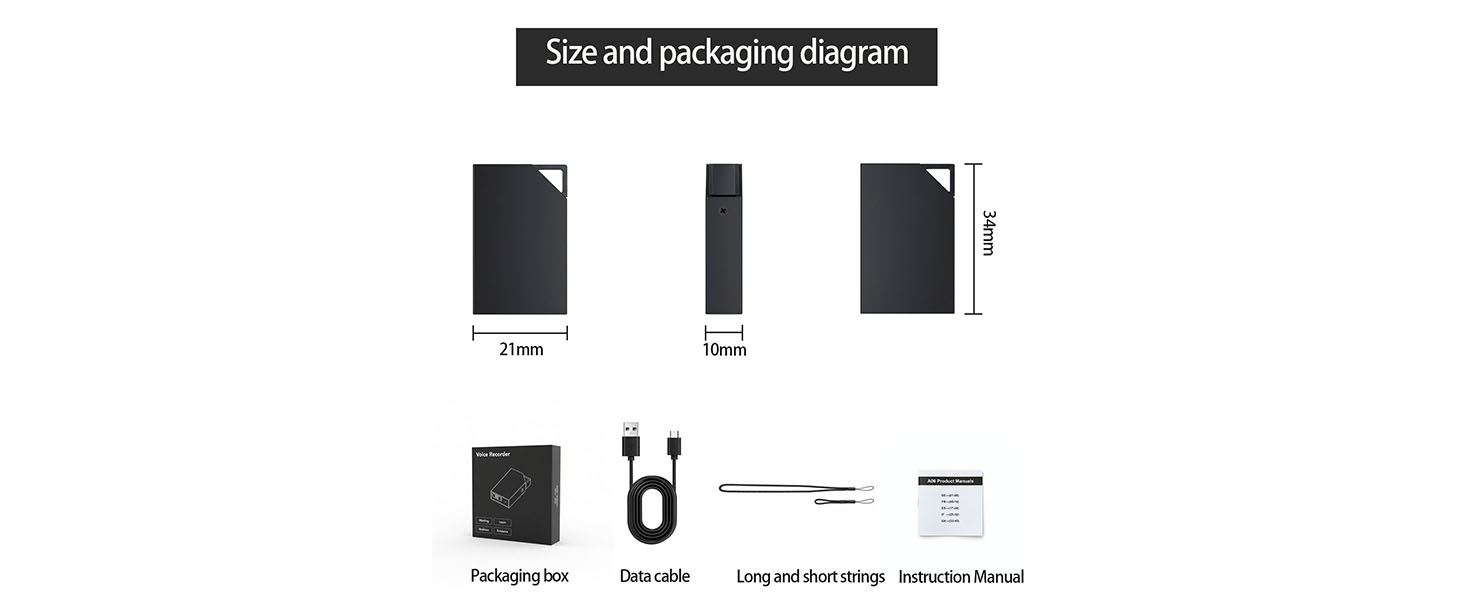
| Measure | 1 * 0.8 * 0.2 inch |
|---|---|
| Weight | 6g |
| Recording Format | WAV |
| Battery Life | About 10 hours |
| Recording Bit Rate | 32/64/128/192kps |
| Sampling Rate | 48KHZ |
| Frequency | 20-20KHZ |
| Battery Capacity | 90mAh |
| Microphone | Omnidirectional microphone |