




 here!
I’m your shopping assistant for PC builds, upgrades, and everything tech.
Got questions? Ask away!
Start a conversation
here!
I’m your shopping assistant for PC builds, upgrades, and everything tech.
Got questions? Ask away!
Start a conversation




Any questions? Ask CelesteSM will help you find out quickly.
We want to ensure your holiday shopping this year is hassle-free. That’s why we’re automatically extending our return policies on almost every product! For purchases placed between November 1st, 2026 and December 31, 2026 you will have until January 31, 2027 to return your product.
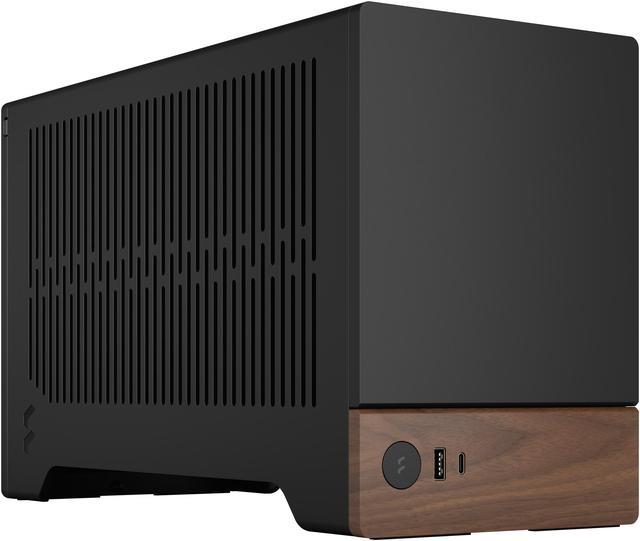
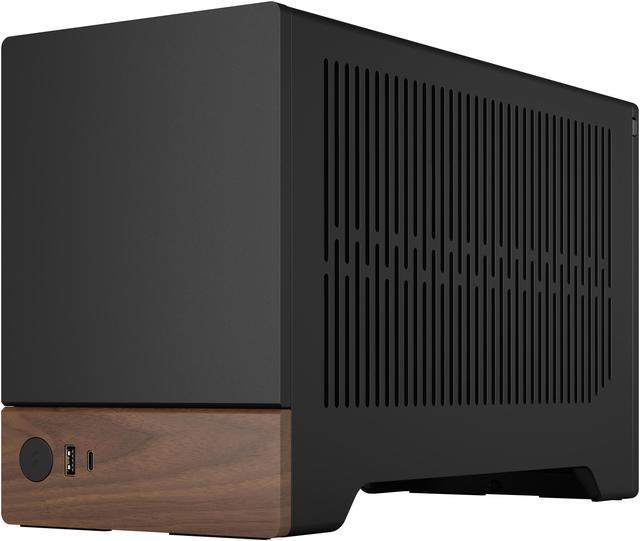
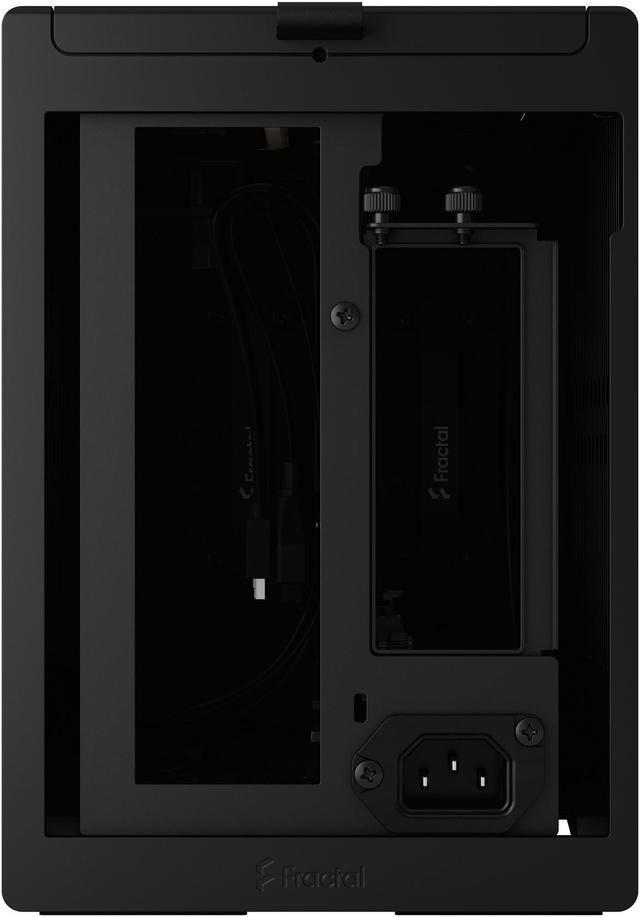
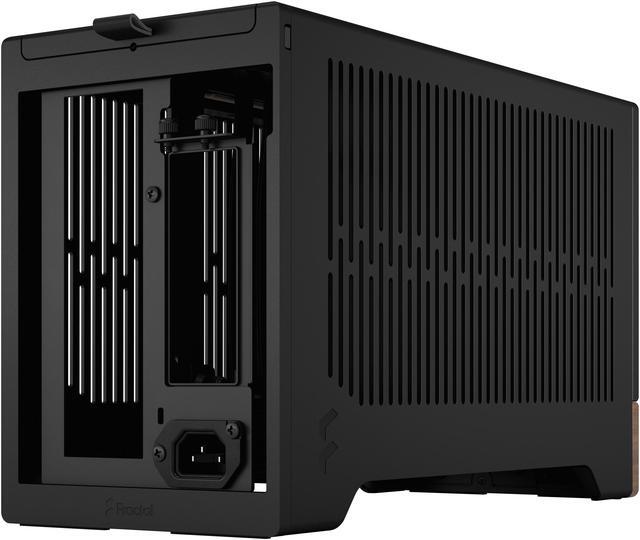
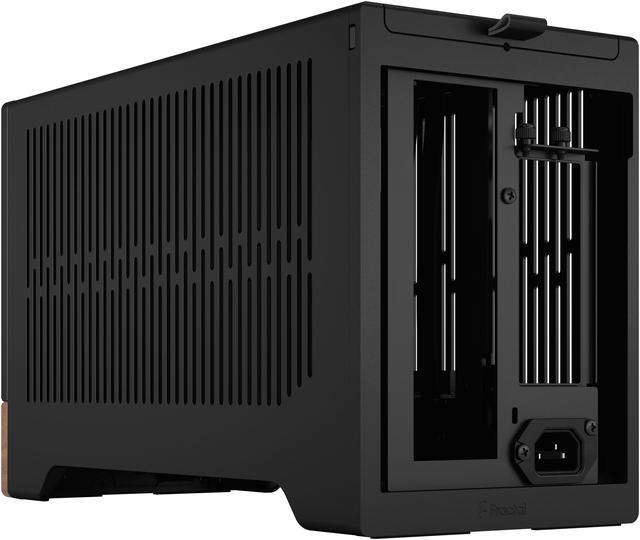
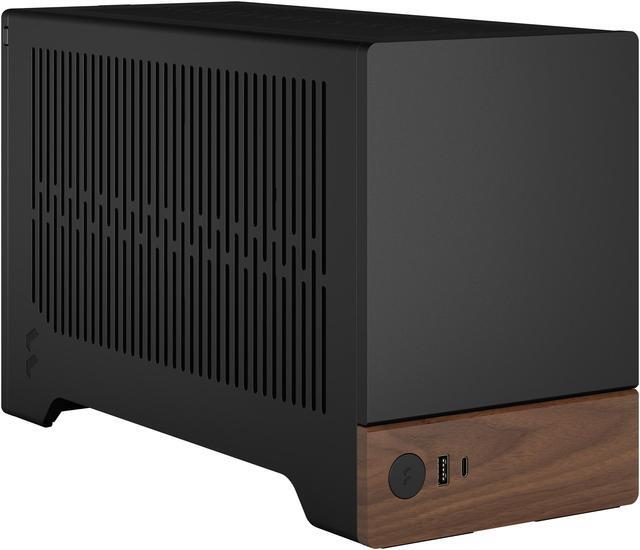
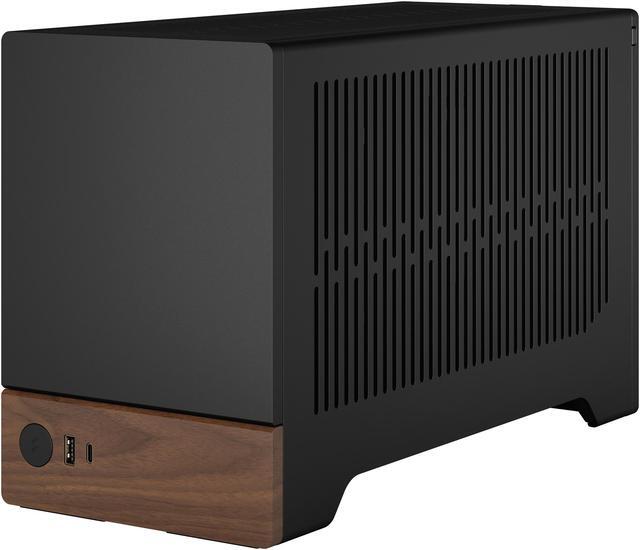
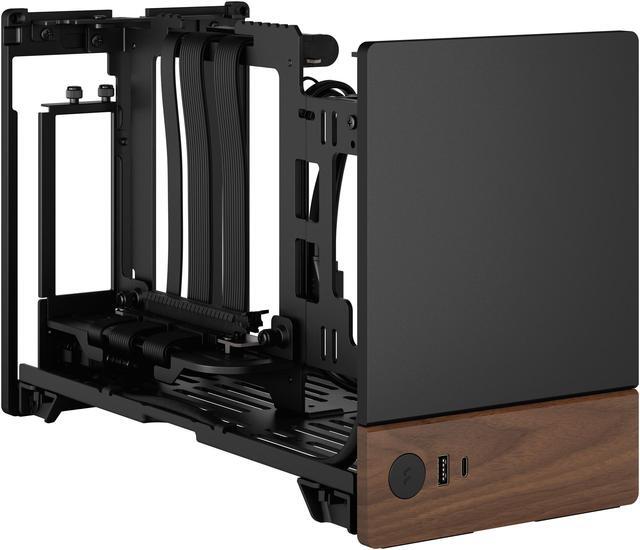
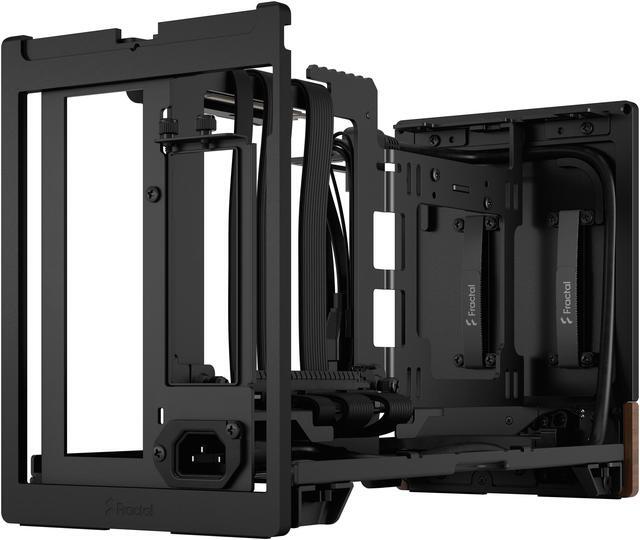
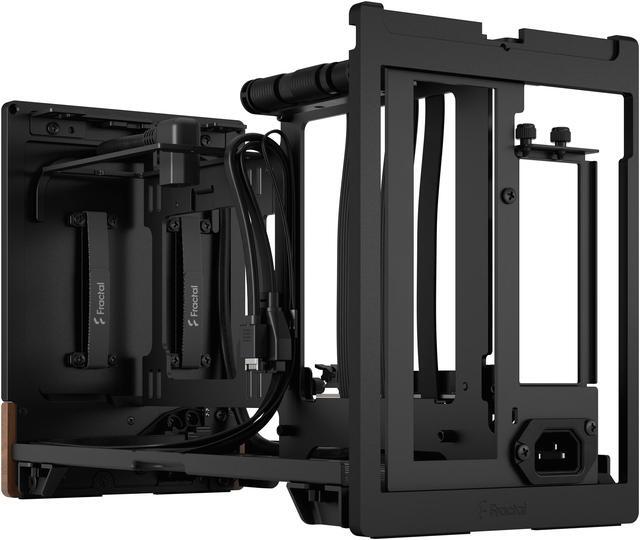
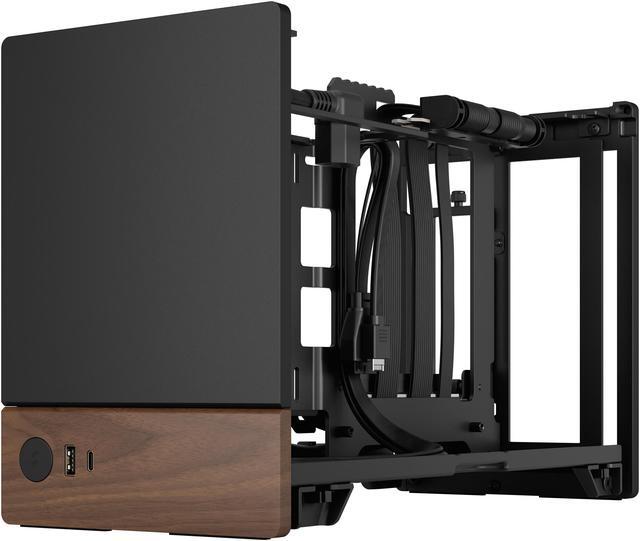
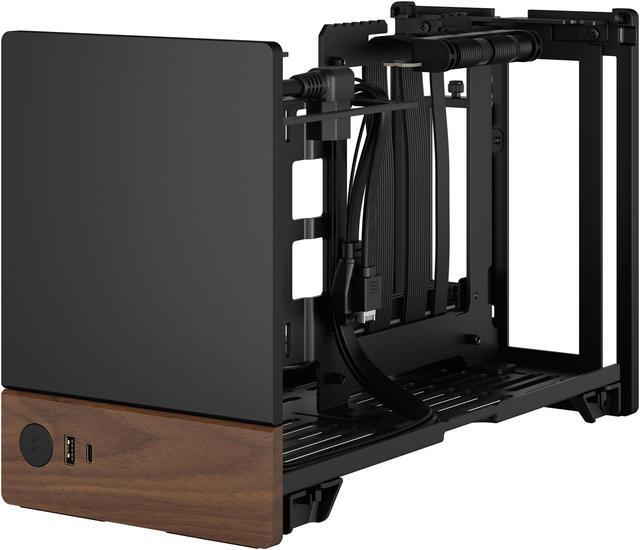
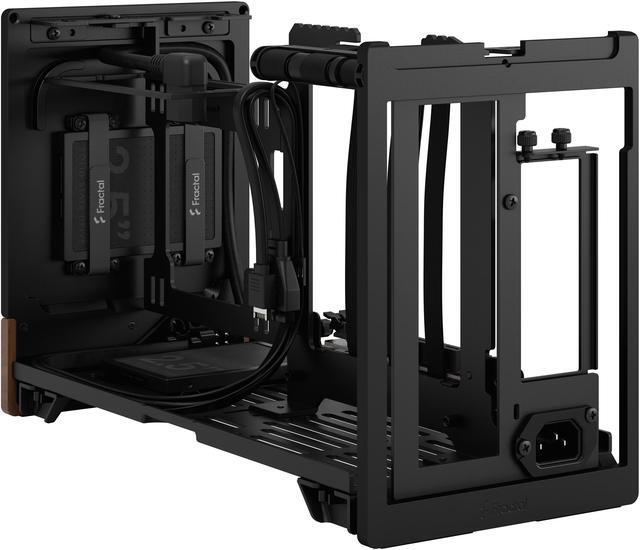
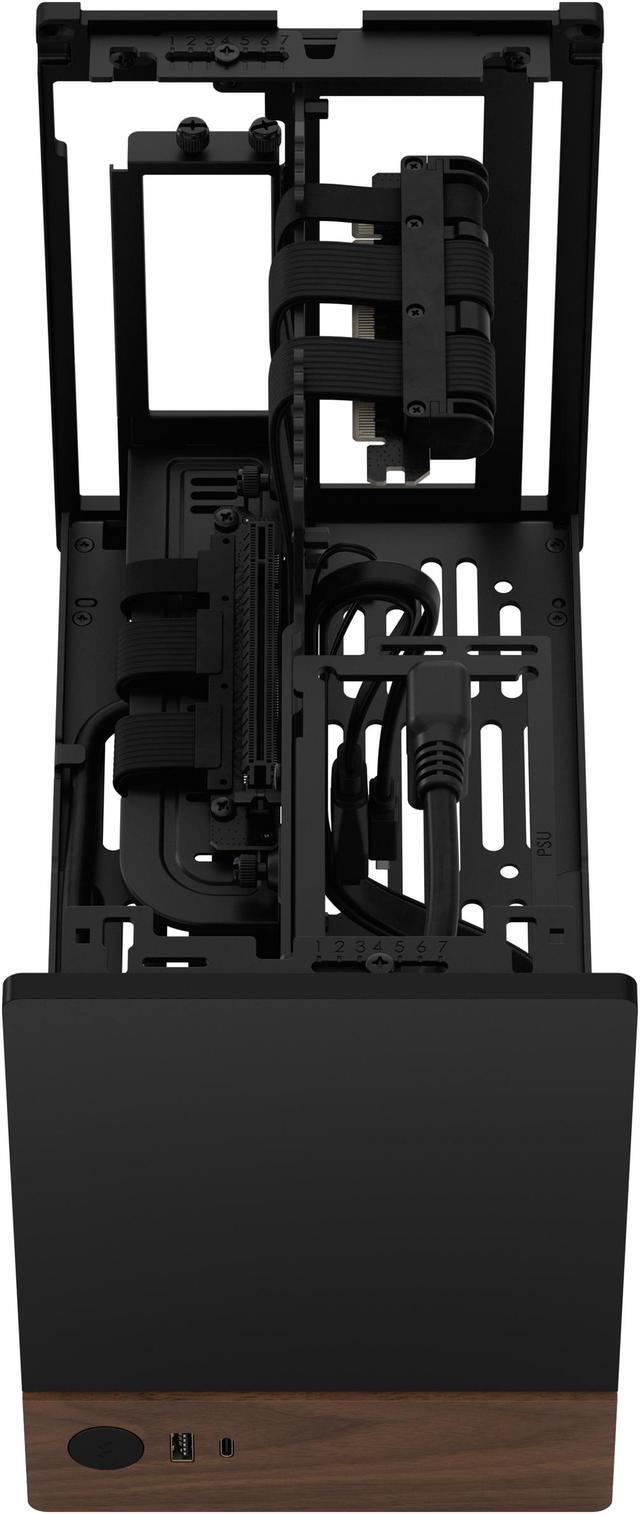
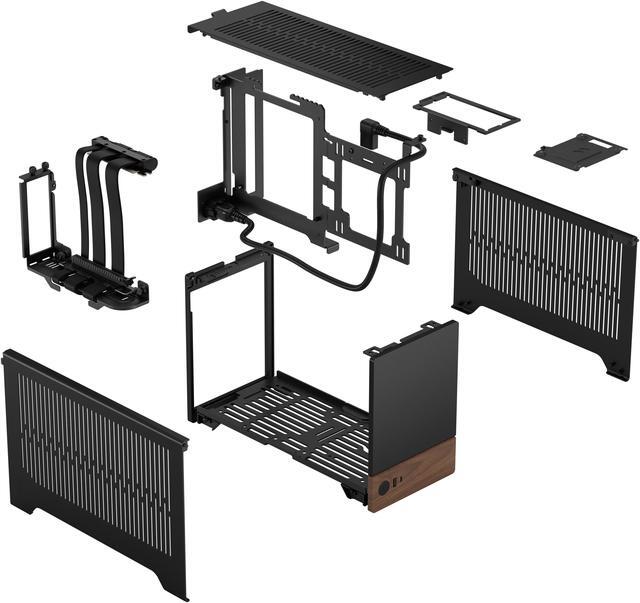
The Fractal Design Terra Graphite is a 10.4L Mini-ITX small form factor PC case with an included PCIe 4.0 riser, built for compact high-performance gaming or creator systems that need support for GPUs up to 322 mm in a premium aluminum-and-walnut design.
| Attribute | Value |
|---|---|
| Best For | Compact Mini-ITX builds that need support for full‑length GPUs (up to 322 mm), limited internal storage (2x 2.5" SSD mounts), and a transportable small-form-factor chassis with lockable panels |
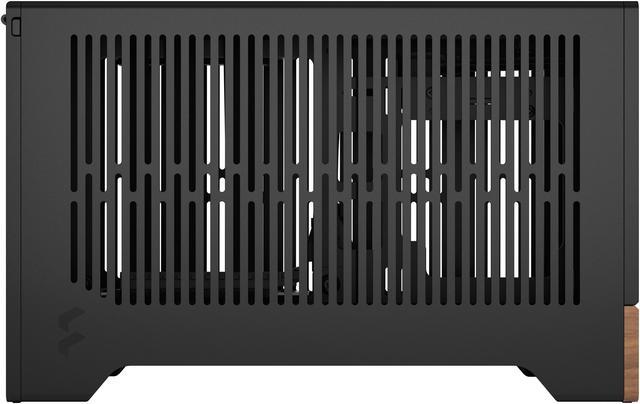
| Dimensions And Volume | 13.50 x 6.02 x 8.58 inches (external dimensions) with a 10.4 L internal volume and weight 6.83 lbs |
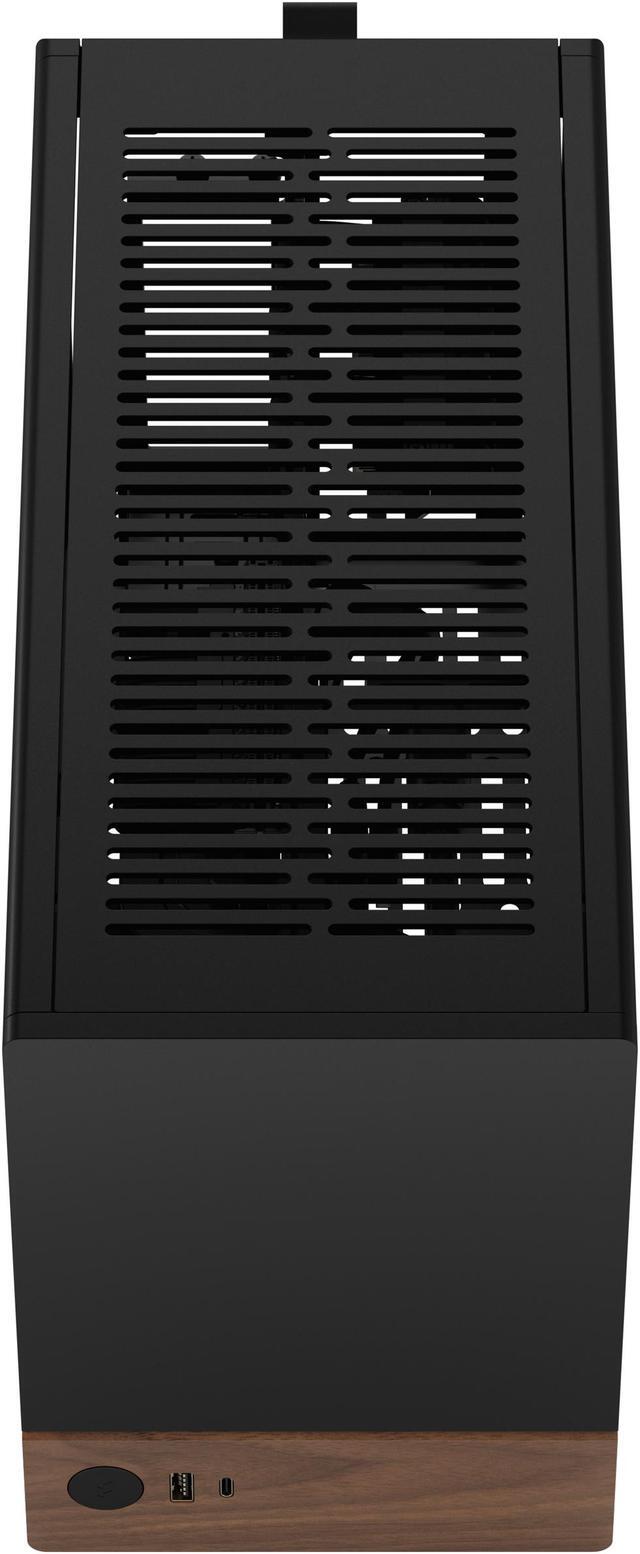
| Materials And Panels | Anodized aluminum exterior with 8 mm-thick aluminum front and aluminum/steel construction plus an FSC-certified solid walnut front panel; removable hinged side panels and no side window |
| Motherboard And Drive Support | Supports Mini‑ITX motherboards with dedicated mounts for two 2.5" SSDs (drives included) |
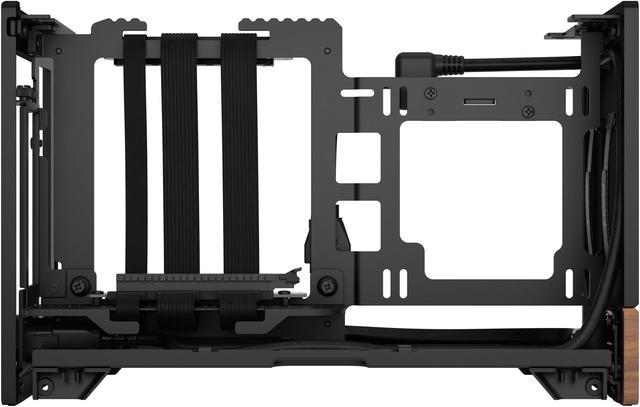
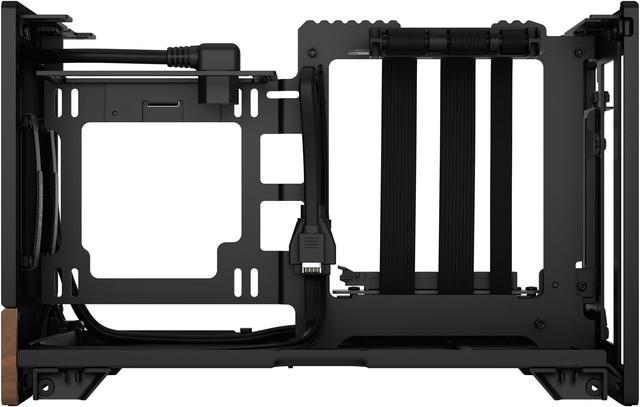
| GPU And Expansion | Accepts GPUs up to 322 mm long; max GPU height and thickness vary by build position (height ranges 131–145 mm, thickness ranges 62–72 mm in Max GPU configuration); expansion slot count depends on configuration (3 in Max GPU config, 2 in Max CPU config) |
| Cooling And Radiator Support | Single 120 mm fan mount (bottom); no fans preinstalled; side radiator support for 120 mm (max 121 mm width when GPU ≤200 mm and no 2.5" drives) and general air cooling |
| Power Supply | No power supply included; supports SFX/SFX-L units with rear mounting and a maximum PSU length of 130 mm |
| Front I O And Ports | Front-facing I/O includes 1x USB 3.2 Gen 2x2 Type‑C (20 Gbps) and 1x USB 3.0 Type‑A plus an aluminum power button |
| Exterior Features And Transport | Ventilated top, side and bottom panels for airflow; lockable top and side panels for safer transport; sliding/stepless central wall for 30 mm of internal build flexibility; integrated top tab for easy access |
| Compatibility And Included Accessories | Includes a PCIe 4.0 riser cable; compatible with 120 mm SFF fans and low-profile coolers listed (e.g., Fractal Design Aspect 120 mm fan, Noctua NH-L12S) |
| Filters And Extras | Includes dust filter and ventilated panels |
| Model Identifiers | Fractal Design Terra (Model FD-C-TER1N-01 / Terra Graphite), color Graphite |
Q: Should I choose the Fractal Design Terra or the Lian Li x DAN A4-H2O for a high-performance Mini-ITX build?
A: Choose the Fractal Design Terra if you want a smaller 10.4 L air-cooled build with stronger emphasis on premium materials, desk-friendly styling, and straightforward support for large GPUs within a compact footprint. Choose the Lian Li x DAN A4-H2O if your priority is maximizing cooling headroom for higher-power CPUs, especially with a 240 mm liquid cooler. Across reviews and community discussions, the common trade-off is that Terra is the better fit for compact, design-led air builds, while A4-H2O is the safer choice for performance-first thermals and lower noise under heavier loads.
Q: Fractal Design Terra vs Cooler Master NR200: which one makes more sense?
A: Choose the Fractal Design Terra if you want a much smaller and more furniture-friendly Mini-ITX case and you are comfortable planning around cooler and GPU clearances. Choose the Cooler Master NR200 if you want easier building, broader air-cooling flexibility, and fewer fit compromises. This is a common buying decision because both target small-form-factor builds, but reviews and community feedback consistently treat Terra as the more compact, premium-layout option and NR200 as the more forgiving performance-oriented enclosure.
Q: Is the Fractal Design Terra a better choice than the Fractal Ridge for a portable gaming PC?
A: Choose the Fractal Design Terra if you want a compact carry-friendly case for a desk setup and prefer a more traditional small tower layout with flexible CPU-versus-GPU space tuning. Choose the Fractal Ridge if your goal is a slimmer console-style system for living-room placement or vertical/horizontal entertainment-center use. The main trade-off is not raw quality but shape and use case: Terra is better for portable desk builds with premium exterior design, while Ridge is better for low-profile placement and home-theater-style setups.
Q: Should I buy the Fractal Design Terra or move up to the Fractal Era 2?
A: Choose the Fractal Design Terra if you want the smaller case and plan to build around air cooling with carefully matched parts. Choose the Fractal Era 2 if you want more cooling capacity, especially radiator support, more fan support, and more room for a modern high-performance gaming configuration. Fractal positions Era 2 as an evolution with improved cooling capability, and reviews generally treat it as the step-up option for buyers who like Terra's design language but want fewer thermal compromises.
Q: Is the Fractal Design Terra a good upgrade over older or simpler Mini-ITX cases?
A: The Fractal Design Terra is a worthwhile upgrade if you specifically want a more compact premium enclosure with integrated PCIe 4.0 riser support, flexible internal spine adjustment, and cleaner front I/O than many older sandwich-layout or budget ITX cases. It is not automatically the right upgrade if your current priority is maximum cooling tolerance or the easiest possible assembly. In practice, Terra makes the most sense as an upgrade for users moving from basic SFF cases toward a more refined small-footprint build, not for users who are mainly chasing the least restrictive thermals.
Q: Is the Fractal Design Terra a good choice for a high-performance Mini-ITX gaming build?
A: Yes, if you plan the parts carefully. The Terra supports a long GPU for its size, but CPU cooler clearance depends on how much space the GPU uses. It is best for builders who want a compact, premium 10.4 L case and are willing to choose parts around its shared GPU-and-cooler clearance limits. It is less ideal for buyers who want easy compatibility with large air coolers or oversized GPUs.
Q: Will my GPU and CPU cooler both fit in the Terra?
A: Maybe, but this is the main buying risk. The Terra uses an adjustable central spine, so GPU thickness and CPU cooler height trade off against each other. The case can fit GPUs up to 322 mm long, but thicker or taller cards reduce CPU cooler clearance. In practice, buyers should confirm GPU length, height, and thickness together with cooler height before buying.
Q: Who is the Fractal Design Terra best suited for?
A: The Terra is best for experienced or detail-oriented SFF builders who want a compact, design-focused Mini-ITX case with a premium aluminum-and-walnut exterior. It suits users who value small footprint and appearance more than maximum cooling flexibility. It is a weaker fit for first-time builders who want broad part compatibility or a simpler build process.
Q: Is the Terra a good case for travel or moving between setups?
A: It can be, because it is very small, lightweight for a desktop case, and has lockable top and side panels for safer transport. The trade-off is that compact SFF builds can be less forgiving during assembly and upgrades, so it is better for users who want portability after the build is finished rather than frequent hardware changes.
Q: How does the Terra compare with a more airflow-focused or larger Mini-ITX case?
A: The Terra favors compact size, premium materials, and desk-friendly design over maximum cooling headroom and easy component compatibility. Compared with a larger or airflow-first Mini-ITX case, it usually requires more careful GPU, cooler, and PSU selection, and it offers fewer fan and radiator options. It is better for buyers optimizing for size and appearance, not for easiest thermals or least restrictive building.
Q: Is the Fractal Design Terra worth buying over other Mini-ITX cases?
A: It is a good fit if you want a very small, premium-looking Mini-ITX case and are willing to accept tighter thermal and compatibility limits than some rival SFF cases. Repeated Reddit and YouTube discussion treats the Terra as a design-first case: strong materials, compact size, and included PCIe 4.0 riser are clear advantages, while cooling flexibility and fan support are the main trade-offs.
Q: Who is the Fractal Design Terra best suited for?
A: The Terra is best for builders who want a compact 10.4 L gaming or general-purpose PC with a clean, furniture-friendly design and who are comfortable planning around strict GPU, CPU cooler, and PSU limits. It is less suitable for buyers who want maximum cooling headroom, easy future upgrades, or broad parts compatibility without extra research.
Q: Are thermals and noise a concern in the Fractal Design Terra?
A: Yes. Community discussion repeatedly flags thermals and especially side-panel turbulence noise as key considerations. The case can handle powerful hardware, but results depend heavily on part selection and spacing because the adjustable interior wall trades CPU cooler clearance against GPU thickness and height. Buyers who want quiet operation with minimal tuning should treat the Terra as a compromise case rather than a cooling-first case.
Q: Is the Fractal Design Terra easy to build in?
A: It is manageable for experienced SFF builders, but not the easiest Mini-ITX case for beginners. The hinged panels and included riser help, but repeated discussion focuses on careful cable routing, bottom-fan clearance, PSU length limits, and the need to balance GPU size against CPU cooler height. It is best approached as a planning-heavy build rather than a simple drop-in case.
Q: What are the main trade-offs of choosing the Fractal Design Terra?
A: The main trade-off is size and appearance versus cooling and compatibility margin. You get a compact aluminum-and-walnut Mini-ITX case with front USB-C and an included PCIe 4.0 riser, but only one official 120 mm fan mount, no preinstalled fans, support limited to SFX or SFX-L power supplies, and stricter fit rules for taller or thicker GPUs and larger CPU coolers. It makes the most sense when small size and exterior design matter more than maximum thermal flexibility.






