







At Breilytch, we believe that good connectivity makes life easier.We devote ourselves to designing and producing high-quality 3C cables and accessories with strict quality control, bringing stable and smooth using experience to every user.
We are always striving to build a more convenient and efficient lifestyle, so you can enjoy effortless work and daily life with peace of mind.
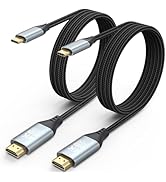
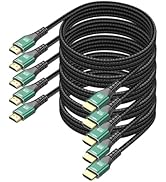
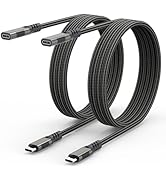
HDMI Cable and usb c extension
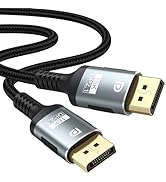
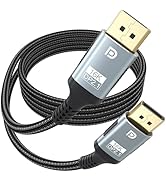
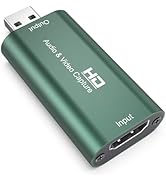
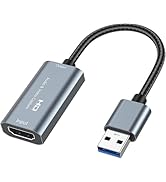
DP Cable and Capture Card
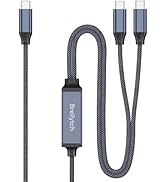
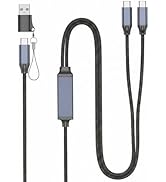
2-in-1 USB C to USB C Cable


Features of Video Capture Cards


Note:
- Computer hardware configuration requirements
- CPU: PC i5-3400 or above; NB i7-3537U 2.0GHZ or above
- Graphics card: PC NVIDIA GT630 or above; NC NVIDIA GT735M or above
- Run memory: 4G RAM
Tips
- Conform to USB Video and UVC standard
- Conform to USB Audio UAC standard
- Without external power supply, compact and portable
Package include:
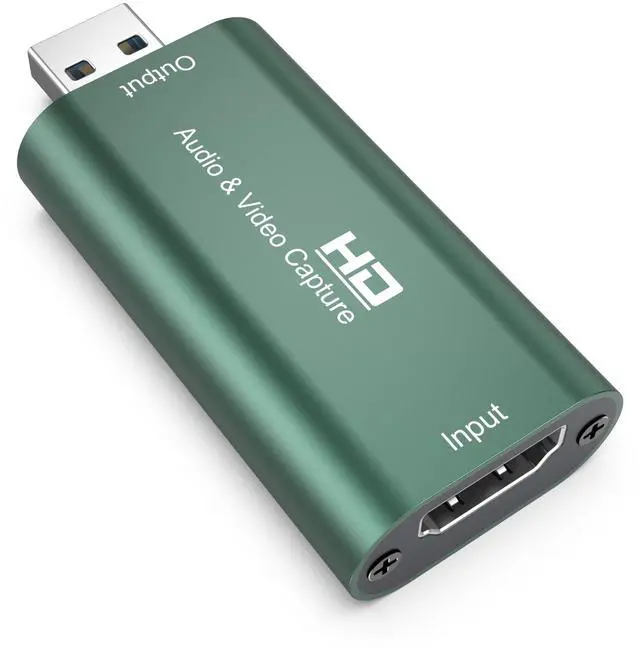
- 1xAudio Video Capture Cards

Connection and Operation
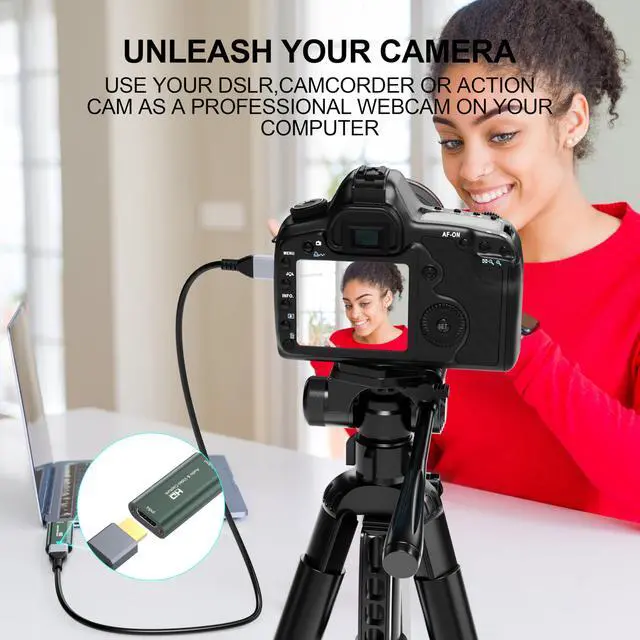
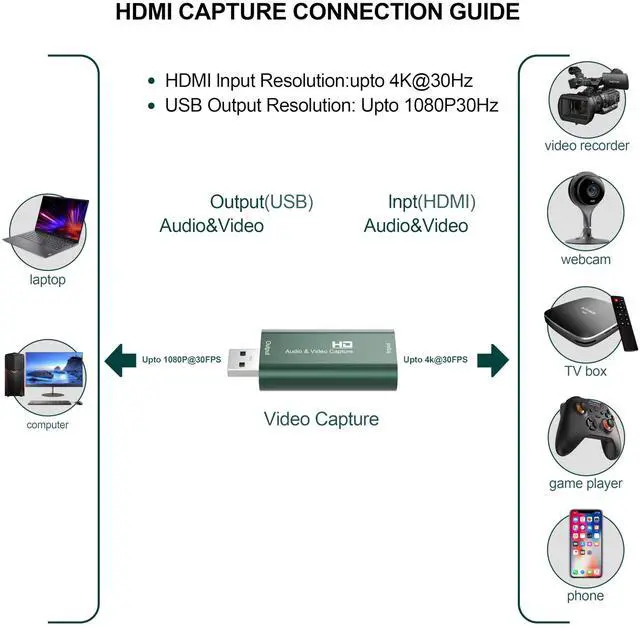
- Connect the UHD signal source to the HDMI input of the video capture with HDMI cable
- Connect the computer to the usb port of the video capture with usb cable
- Operation steps for video capture(OBS): Open the software ?Choose sources of “Video capture Device” ?Set the size of image ?Choose “Studio Mode”(double window) ?Choose “Start Recording”.
Features of Video Capture Cards
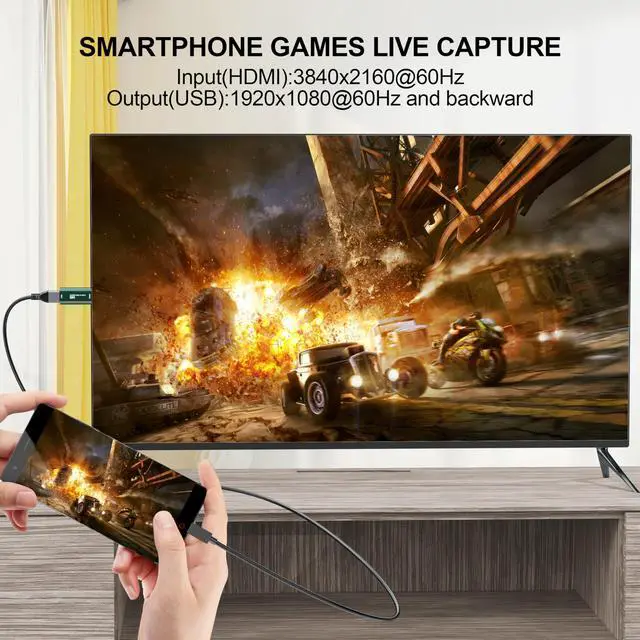
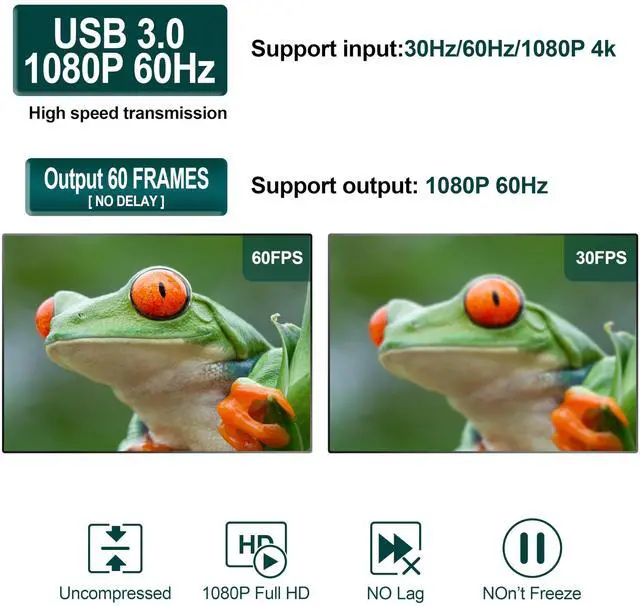
| Support Output Resolution | 1080P@60Hz Max/1920×1080@30Hz Max |
| Support Input Resolution | 4K @60Hz Max /3840×2160@30Hz Max |
| Operating Temperature Range | -10 to +55? |
| Max Working Current | 0.4A/5V DC |
| Video Output Format | YUV / JPEG; Support audio format: L-PCM |
| Support video format | 8/10/12bit deep color |
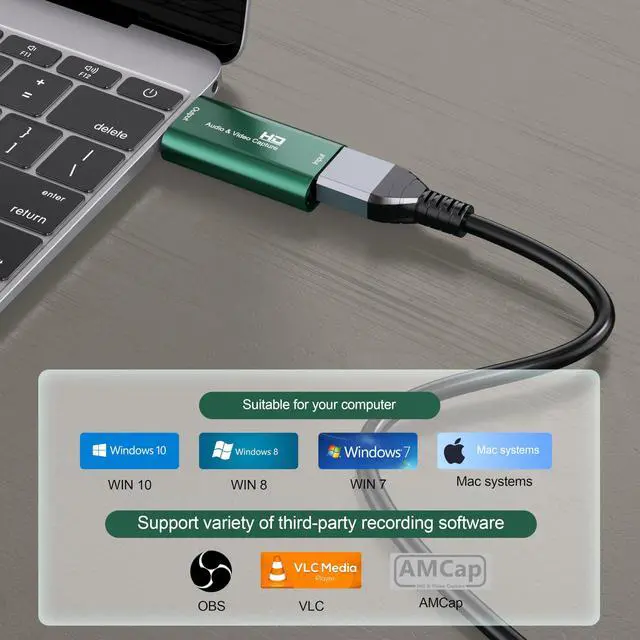
| Support | VLC / OBS / Amcap, etc |
| Support | Windows / Android / MacOS |
| Dimension (L x W x H) | 64x28x13 (mm) |
| Support Cable | AWG26 HDMI standard cable, input up to 15 meters (1080P and below resolution) |
Note:
- Computer hardware configuration requirements
- CPU: PC i5-3400 or above; NB i7-3537U 2.0GHZ or above
- Graphics card: PC NVIDIA GT630 or above; NC NVIDIA GT735M or above
- Run memory: 4G RAM
Tips
- Conform to USB Video and UVC standard
- Conform to USB Audio UAC standard
- Without external power supply, compact and portable
Package include:
- 1xAudio Video Capture Cards
Connection and Operation
- Connect the UHD signal source to the HDMI input of the video capture with HDMI cable
- Connect the computer to the usb port of the video capture with usb cable
- Operation steps for video capture(OBS): Open the software ?Choose sources of “Video capture Device” ?Set the size of image ?Choose “Studio Mode”(double window) ?Choose “Start Recording”.
At Breilytch, we believe that good connectivity makes life easier.We devote ourselves to designing and producing high-quality 3C cables and accessories with strict quality control, bringing stable and smooth using experience to every user.
We are always striving to build a more convenient and efficient lifestyle, so you can enjoy effortless work and daily life with peace of mind.
HDMI Cable and usb c extension
DP Cable and Capture Card
2-in-1 USB C to USB C Cable