






---------------------------------------------------------PRODUCT INFORMATION------------------------------------------------------
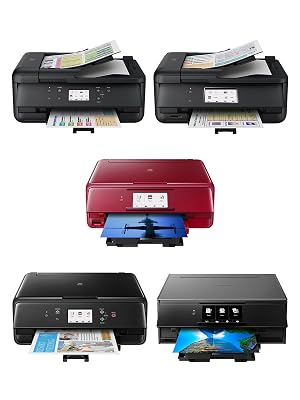
Wide Compatibility
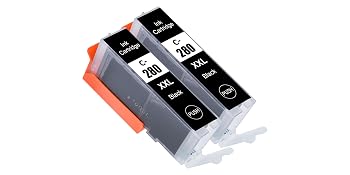
Package Included:
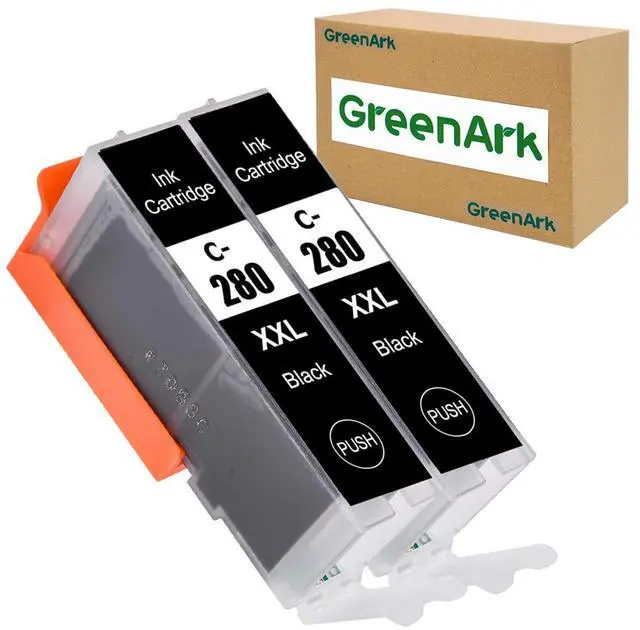
2 Packs PGI-280XXL Ink Cartridges: PGBK (Large Black)
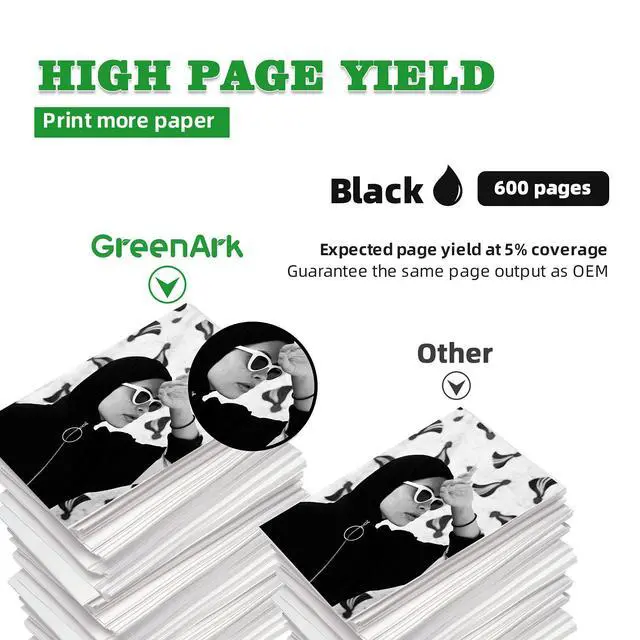
- 600 pages per ink cartridges(at 5% coverage of A4 paper)
- Ink Volume: 27ml
- Chip: With Chips
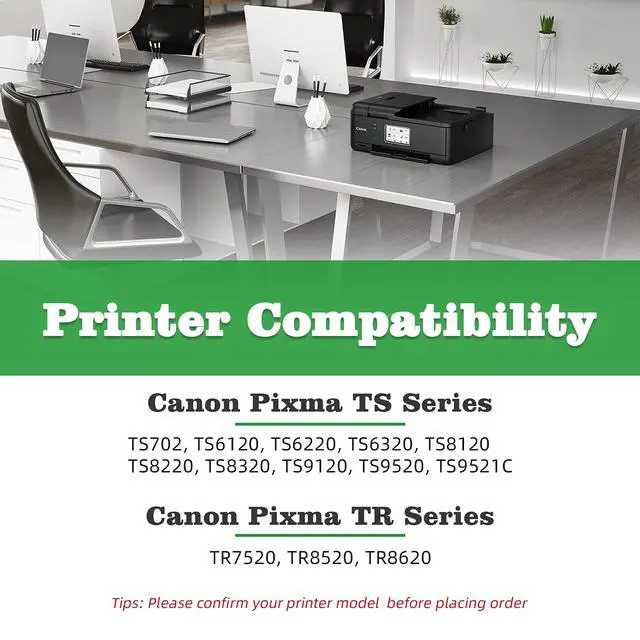
COMPATIBLE INK CARTRIDGE REPLACEMENT FOR CANON 280XXL 281XXL WORK WITH:
Tips: Please confirm your PRINTER MODEL #.
Canon Pixma TR Series:
Canon Pixma TR7520
Canon Pixma TR8520
Canon Pixma TR8620
Canon Pixma TS Series:
Canon Pixma TS6120/ Pixma TS6220/ Pixma TS6320
Canon Pixma TS8120/ Pixma TS8220/ Pixma TS8320
Canon Pixma TS9120
Canon Pixma TS9520 / Pixma TS9521C
Canon Pixma TS702
- Our 280 and 281 ink cartridges is NON-OEM, but all are highly compatible with original printers.
- All ink cartridges are engineered to produce superb results with ISO 9001 & ISO14001 certified facility.
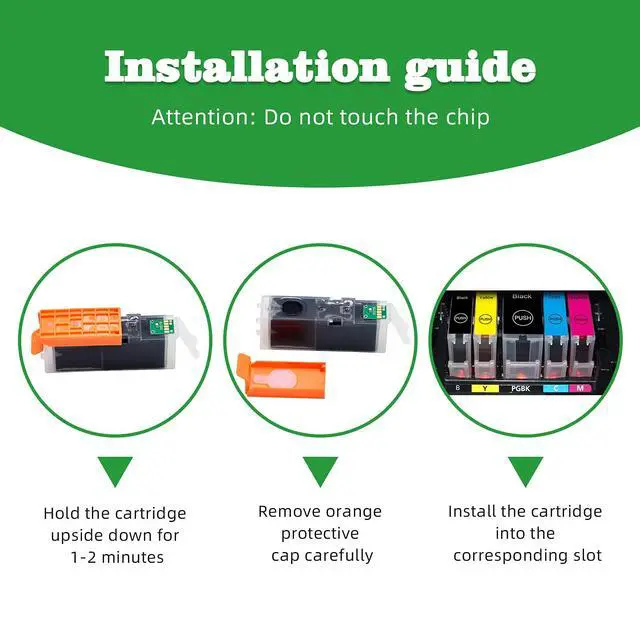
How to install?
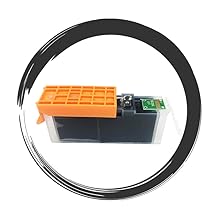
STEP 1:
Hold the cartridge upside down for 1-2 minutes.
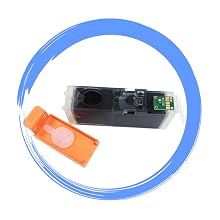
STEP 2:
Remove orange protective cap carefully.
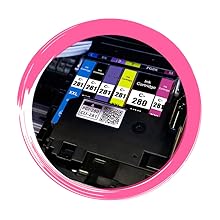
STEP 3:
Install the cartridge into the corresponding slot.
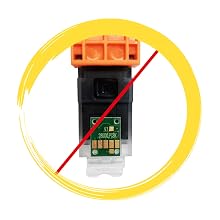
Attention:
Do not touch the chip.
About GREENARK PGI280XXL INK CARTRIDGES

Smart IC Chip:
Intelligent Chips ensures highly compatibility with your Canon printer.

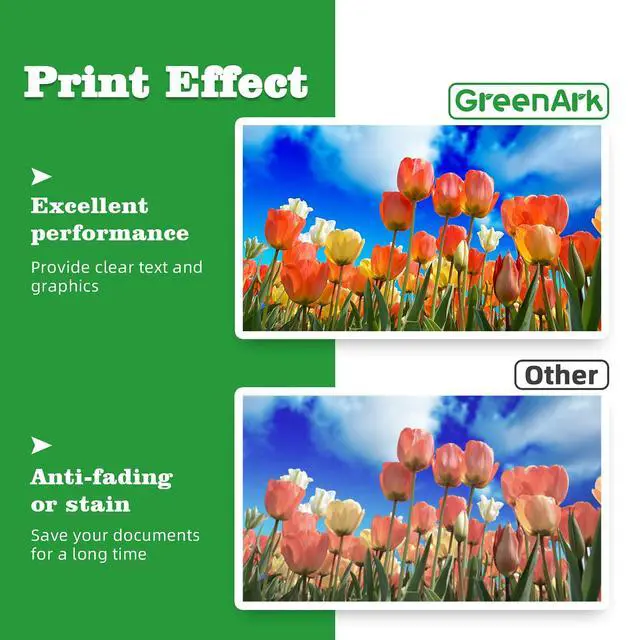
High-definition printing and long-lasting quality
GREENARK aims to provide premium quality as the same as original. The ink delivers crisp text and graphics, colors keep brilliant and long-lasting.
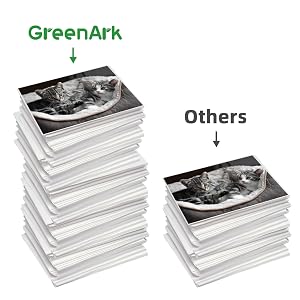
More cost-effective, higher page yield
GREENARK ink cartridges are more affordable and higher yield than others, while the quality is the same as original. For XXL high yields, your get more than 40% more pages than standard cartridges.
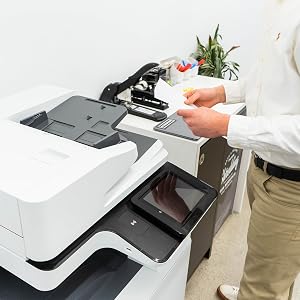
Warm Tips:
The computer would appear "NO INK" or "Non-Original", please click OK continuously, then the printer can go-ahead to print.
After installing, if the ink level monitor on the printer reads empty, please reinstall the cartridge. It may take a few attempts. Cartridge's performance is unaffected even without shows an ink level.
If you receive the ink cartridges cannot recognize your printer please turn your printer off 30 seconds then turn on and install again, also you can try to take the ink cartridges out and use tissue with rubbing alcohol to clean the chips softly.
Please clean the printer heads every time you change ink, That more than anything will keep your printer running smoothly.
If you do not do printing regularly, please turn on the power once a week to prevent clogging of the print head.
---------------------------------------------------------PRODUCT INFORMATION------------------------------------------------------
COMPATIBLE INK CARTRIDGE REPLACEMENT FOR CANON 280XXL 281XXL WORK WITH:
Package Included:
2 Packs PGI-280XXL Ink Cartridges: PGBK (Large Black)
- 600 pages per ink cartridges(at 5% coverage of A4 paper)
- Ink Volume: 27ml
- Chip: With Chips
Wide Compatibility
Tips: Please confirm your PRINTER MODEL #.
Canon Pixma TR Series:
Canon Pixma TR7520
Canon Pixma TR8520
Canon Pixma TR8620
Canon Pixma TS Series:
Canon Pixma TS6120/ Pixma TS6220/ Pixma TS6320
Canon Pixma TS8120/ Pixma TS8220/ Pixma TS8320
Canon Pixma TS9120
Canon Pixma TS9520 / Pixma TS9521C
Canon Pixma TS702
- Our 280 and 281 ink cartridges is NON-OEM, but all are highly compatible with original printers.
- All ink cartridges are engineered to produce superb results with ISO 9001 & ISO14001 certified facility.
How to install?
STEP 1:
Hold the cartridge upside down for 1-2 minutes.
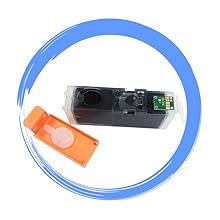
STEP 2:
Remove orange protective cap carefully.
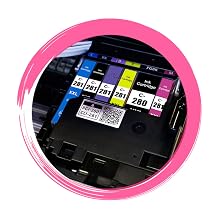
STEP 3:
Install the cartridge into the corresponding slot.
Attention:
Do not touch the chip.
About GREENARK PGI280XXL INK CARTRIDGES
Smart IC Chip:
Intelligent Chips ensures highly compatibility with your Canon printer.
High-definition printing and long-lasting quality
GREENARK aims to provide premium quality as the same as original. The ink delivers crisp text and graphics, colors keep brilliant and long-lasting.
More cost-effective, higher page yield
GREENARK ink cartridges are more affordable and higher yield than others, while the quality is the same as original. For XXL high yields, your get more than 40% more pages than standard cartridges.
Warm Tips:
The computer would appear "NO INK" or "Non-Original", please click OK continuously, then the printer can go-ahead to print.
After installing, if the ink level monitor on the printer reads empty, please reinstall the cartridge. It may take a few attempts. Cartridge's performance is unaffected even without shows an ink level.
If you receive the ink cartridges cannot recognize your printer please turn your printer off 30 seconds then turn on and install again, also you can try to take the ink cartridges out and use tissue with rubbing alcohol to clean the chips softly.
Please clean the printer heads every time you change ink, That more than anything will keep your printer running smoothly.
If you do not do printing regularly, please turn on the power once a week to prevent clogging of the print head.