




If your iphones stop charging after charging to 80%, please follow the steps to adjust it: Open your phone's Settings - Battery - Battery Health & Charging - Adjusting the "Maximum Capacity" and the "Optimized battery charging".


If your iphones stop charging after charging to 80%, please follow the steps to adjust it: Open your phone's Settings - Battery - Battery Health & Charging - Adjusting the "Maximum Capacity" and the "Optimized battery charging".
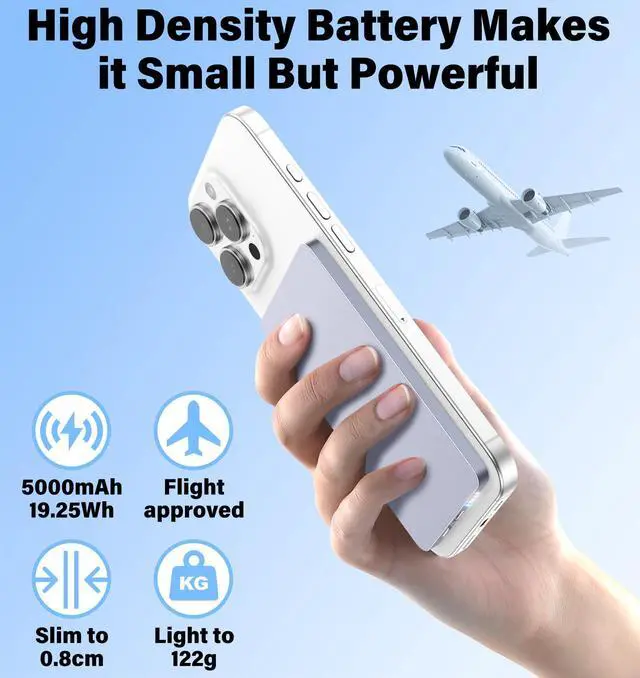
| Battery Capacity | 5000mAh/19.25Wh. Due to the power loss from battery cell during charging, a fully charged 5000mAh PowerBank can provides about 2750mAh to 3250mAh of power to your devices. |
|---|---|
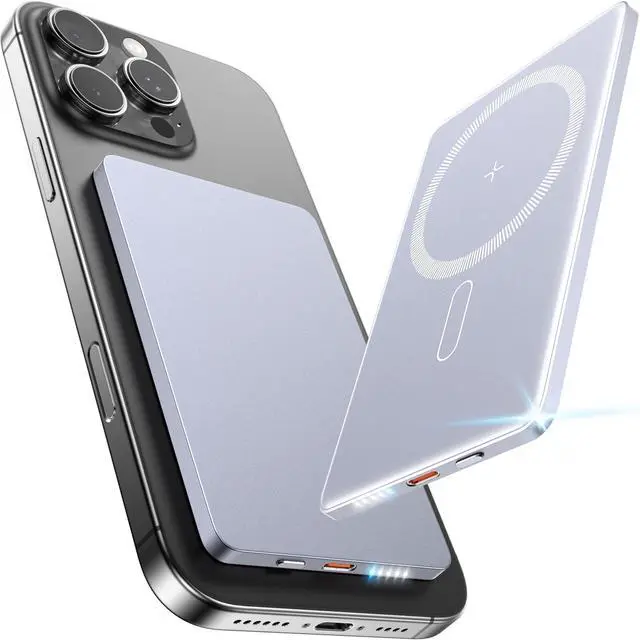
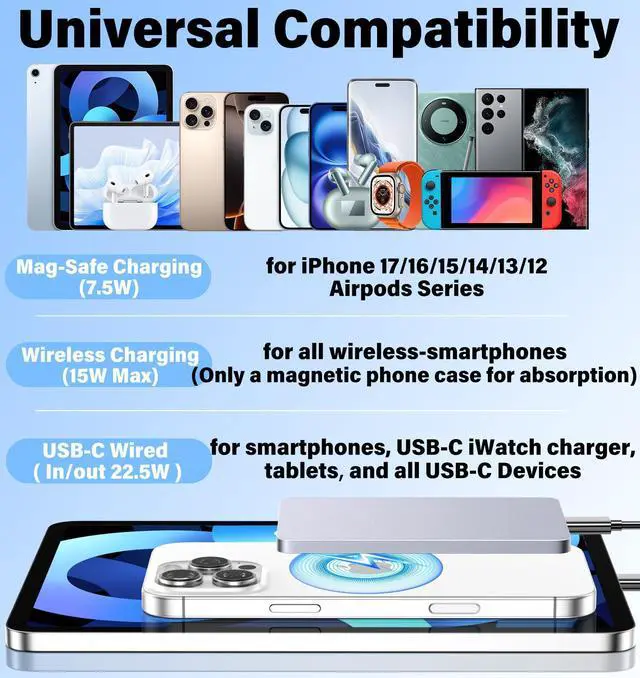
| Magnetic Charging | Only for iPhone 12/13/14/15/16/17 Plus/ Pro/ Pro Max/iPods series. |
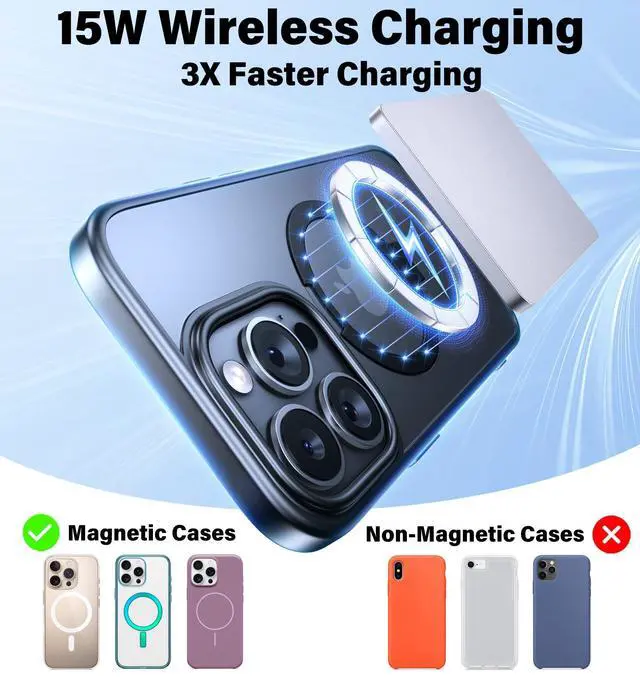
| Wireless Charging | 15W Max. If your Android smartphone supports wireless charging, you just need a magnetic case to attach it tightly. Some Android phones themselves only support 5W-7.5W wireless charging, if you think it is too slow, you can use Type-C Port for fast charging. |
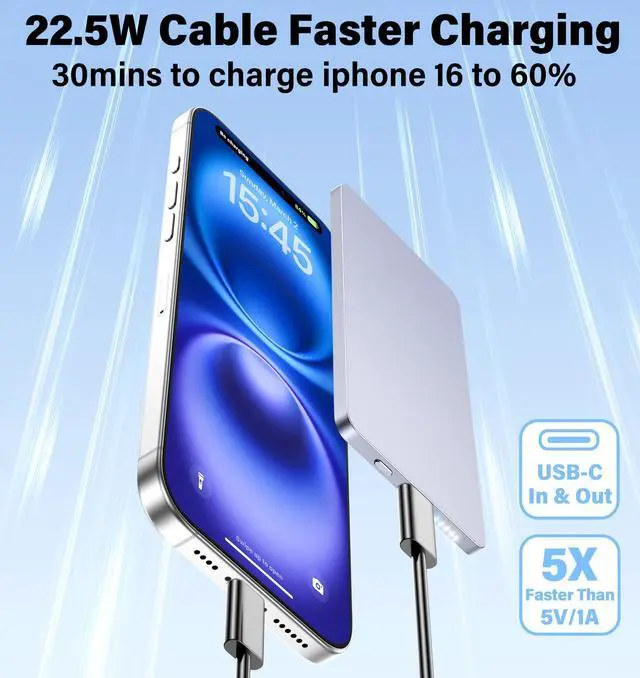
| USB-C Port | In/Output 22.5W Max, Universal compatible with smartphones, tablets and more USB-C devices. |
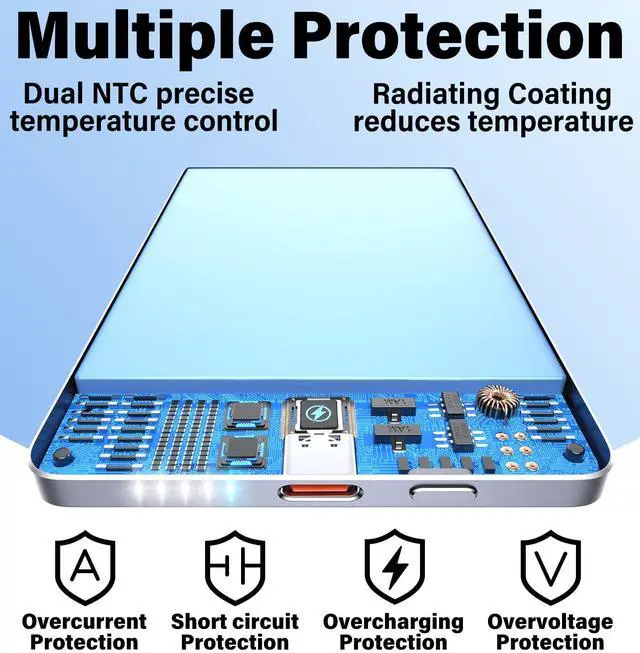
| About charging temperature | It is normal that heat will be generated during magnetic charging. This magnetic powerbank has the latest cooling chip and cooling coating, which is about 10? lower than others. And it has passed relevant testing and certification, please feel free to use it. |
| Temperature protection | When the temperature is too high, magnetic charging will stop. When the temperature drops, magnetic charging will start again OR short click power button to turn on wireless charging. Don't worry, this is not a malfunction, but a temperature control protection mechanism. |
| Avoid overheating | When charging, it is not recommended to use a non-magnetic phone case or start multiple applications at the same time; it is recommended to remove magnetic metal interference objects such as cards and keys. |