



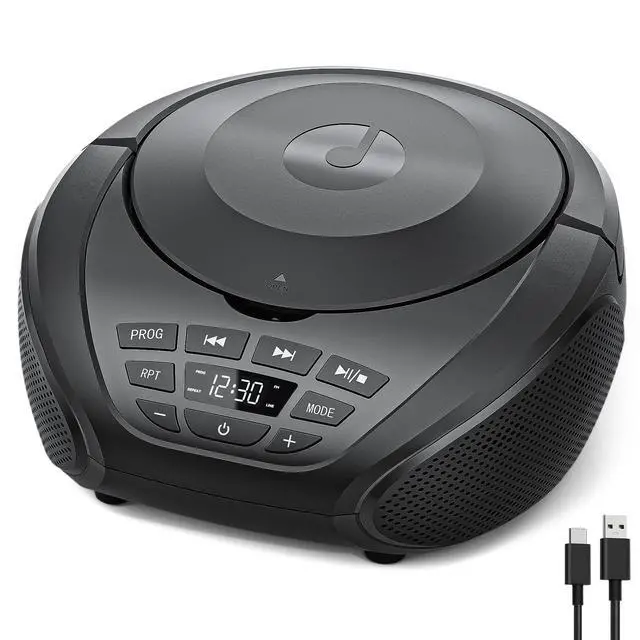



- Please use the charging adapter (DC-5V/2A) that matches this unit, and please do not use other adapters to avoid failure to power on.
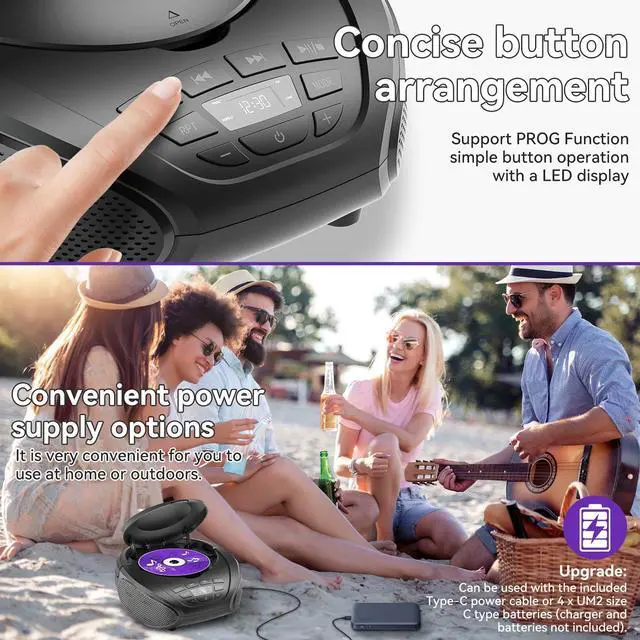
- Power the Boombox CD players using the included Type-C data cable or 4 UM2 size C-type 1.5V batteries (not included) for flexible use.

Gueray CD Player Portable Boombox
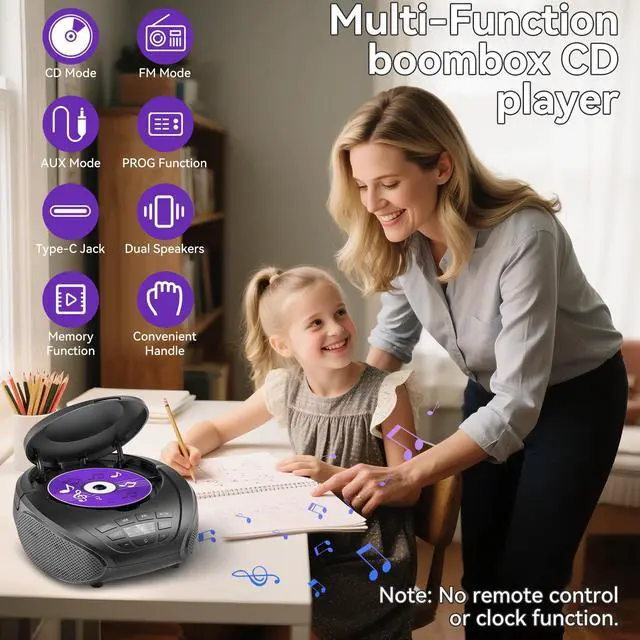
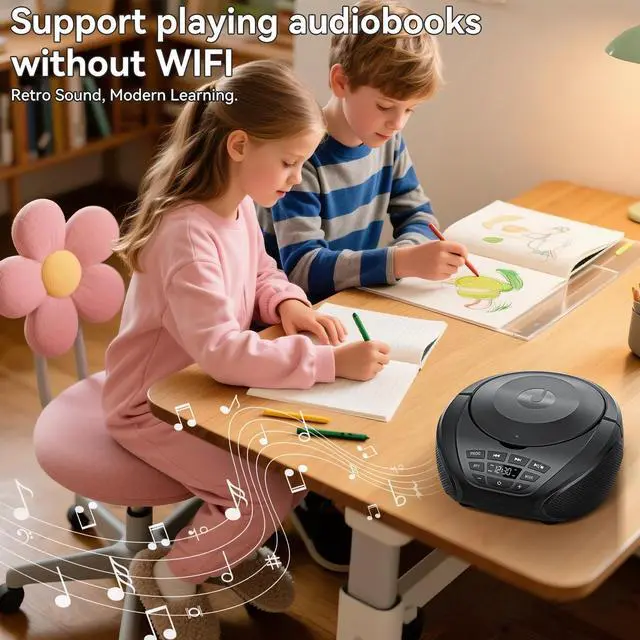
- Perfect gift for children, elderly people, parents, friends and pregnant women, etc.

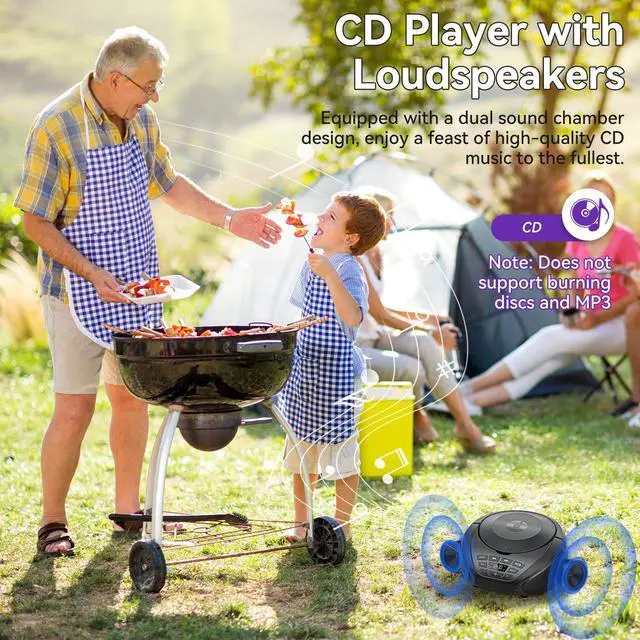
Double Sound Chamber
- The dual-chamber acoustic design of the portable CD player ensures superior audio performance with exceptional clarity and stability compared to other players of this kind.


- CD Player
- Type-C Power Cable
- User Manual
FAQ:
Troubleshooting and Technical References :
1. The CD player is not working
Cause 1: The player is not powered on.
Solution 1:check whether the player is powered on.
Cause 2:Incorrect power supply.
Solution 2: Check whether the power supply is successfully connected and ensure that the power supply specification is standard 5V/2A.
Cause 3: The machine is working under a large temperature difference.
Solution 3: lf the player works under a large temperalure difference, the laser head may be covered with fog and stop working. Place the CD player for 1 hour until it is dry, then connect the power supply and try to play the CD
FAQ:
2. Unable to read the disc
Cause 1: The disc is not installed correclly.
Solution 1: Ensure that the label side ofthe disc is facing up and that the disc is fuly inserted into the position.
Cause 2: The disc cannot be recognized.
Solution 2: The player is only compatible with CD format.
Cause 3: The disc is dirty or damaged.
Solution 3. Ensure that the disc is not severely scratched or damaged. Gently wipe the disc from the center to the edge along the radius with a clean, soft cloth. Try another new disc to check if the disc is faulty.
Cause 4: The laser head is dirty.
Solution 4: Gently wipe the laser head with a degreased cotton swab.
Note: Do not touch the laser head directly with your hands.

- Please use the charging adapter (DC-5V/2A) that matches this unit, and please do not use other adapters to avoid failure to power on.
- Power the Boombox CD players using the included Type-C data cable or 4 UM2 size C-type 1.5V batteries (not included) for flexible use.

- Perfect gift for children, elderly people, parents, friends and pregnant women, etc.

- The dual-chamber acoustic design of the portable CD player ensures superior audio performance with exceptional clarity and stability compared to other players of this kind.


- CD Player
- Type-C Power Cable
- User Manual
FAQ:
Troubleshooting and Technical References :
1. The CD player is not working
Cause 1: The player is not powered on.
Solution 1:check whether the player is powered on.
Cause 2:Incorrect power supply.
Solution 2: Check whether the power supply is successfully connected and ensure that the power supply specification is standard 5V/2A.
Cause 3: The machine is working under a large temperature difference.
Solution 3: lf the player works under a large temperalure difference, the laser head may be covered with fog and stop working. Place the CD player for 1 hour until it is dry, then connect the power supply and try to play the CD
FAQ:
2. Unable to read the disc
Cause 1: The disc is not installed correclly.
Solution 1: Ensure that the label side ofthe disc is facing up and that the disc is fuly inserted into the position.
Cause 2: The disc cannot be recognized.
Solution 2: The player is only compatible with CD format.
Cause 3: The disc is dirty or damaged.
Solution 3. Ensure that the disc is not severely scratched or damaged. Gently wipe the disc from the center to the edge along the radius with a clean, soft cloth. Try another new disc to check if the disc is faulty.
Cause 4: The laser head is dirty.
Solution 4: Gently wipe the laser head with a degreased cotton swab.
Note: Do not touch the laser head directly with your hands.