





Gueray is a global retail company that integrates research and development innovation with production. We focus on audio products, pursue high quality, pay attention to customer needs, and are committed to bringing fashionable and high-quality audio products to our customers.
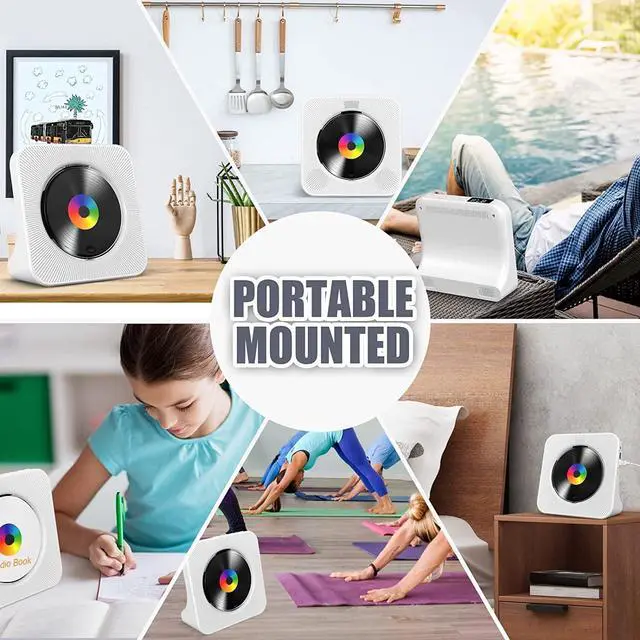
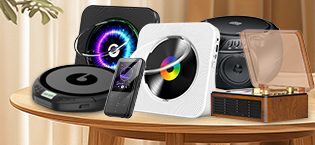
At the Gueray store, you may find different player to meet your needs, such as wall mounted, desktop, portable CD, DVD player and boombox, MP3.
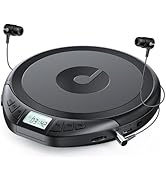
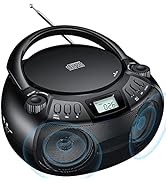
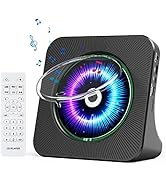
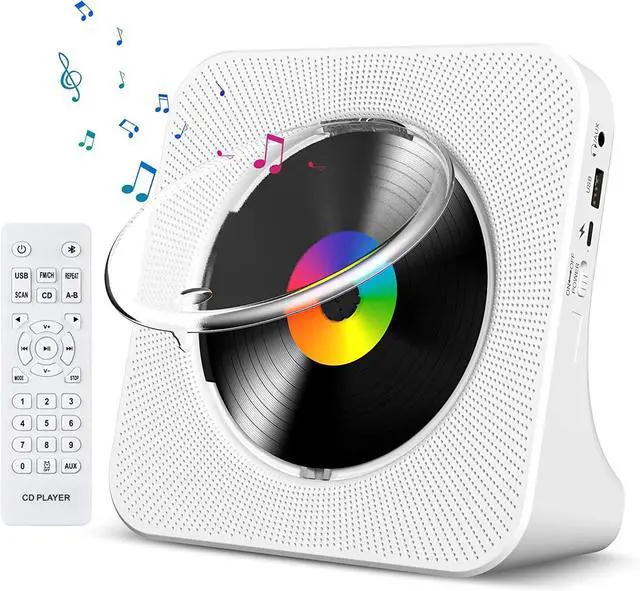
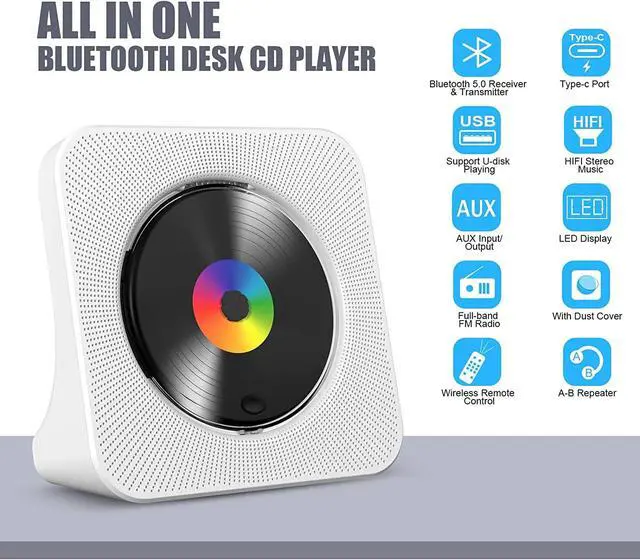
Gueray CD Player
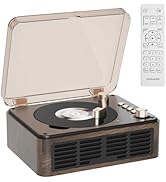
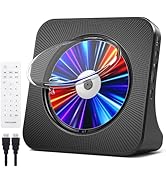
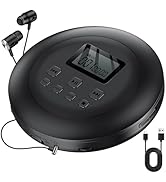
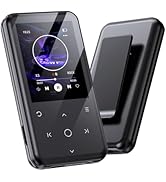
Gueray CD Player MP3 Player
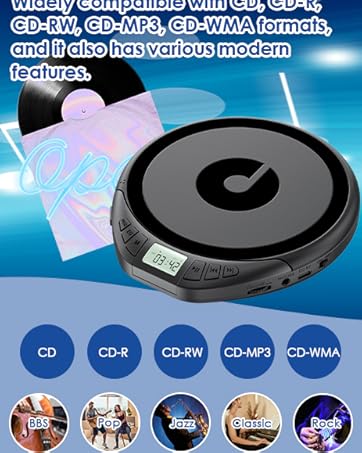


Specification:
- CD format support: CD,CD-R,CD-RW,MP3,WMA
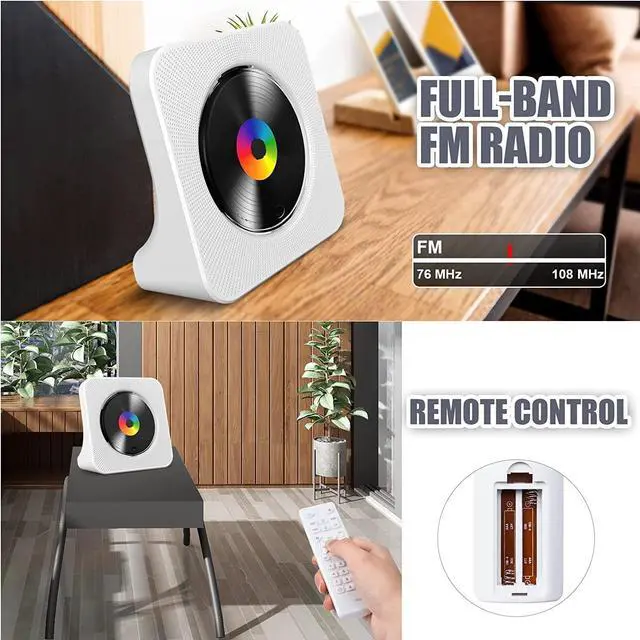
- FM Radio Range: 76MHz-108MHz
- Speaker: 40mm X 2
- Rated impedance: 4O
- Power/Switch cable length: 1m
- Speaker output: 3W x 2
- Power supply: AC100-240V, 50Hz/60Hz
- USB-Type-c cable
- Dimension of main unit/package: 189x189x69mm/207x215x77mm
- Net weight/Gross weight: 520g/900g
- Color: White

How to connect your mobile phones, pads etc
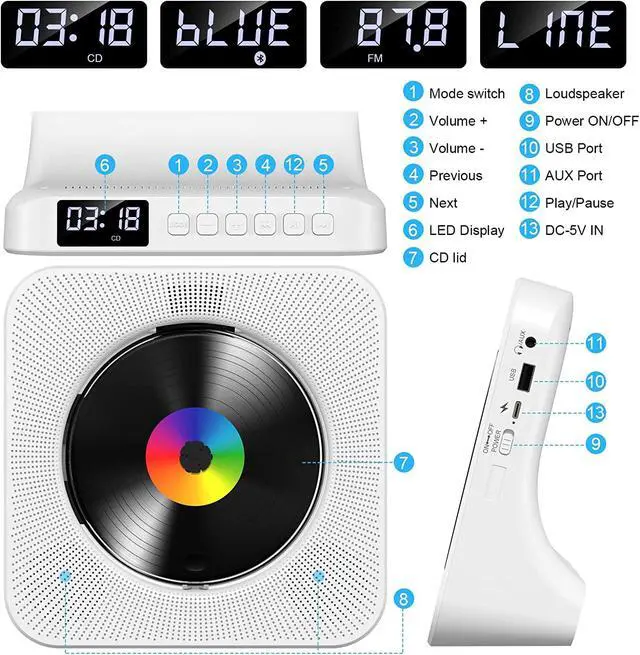
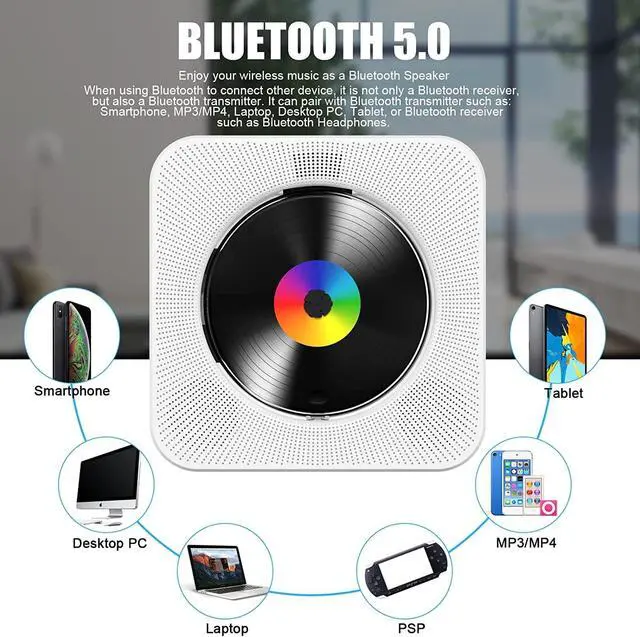
- Press Bluetooth button on the remote to switch to Bluetooth mode or switch the "Mode" key (on the device) to the Bluetooth mode, then the CD Player will be ready to pair other Bluetooth devices such as mobile phones, pads etc., and its indicator light color will change to dark blue, the Bluetooth icon will appear on the screen.
- Activate the Bluetooth in your mobile phone and it will automatically search nearby Bluetooth devices to pair.
- Choose the named “CD PLAYER" device in your mobile phone Bluetooth device list to pair.
- Your mobile phone will be paired / connected to the CD Player in a few seconds.
- Playing music on your mobile phone and the audio will be transmitted to the CD Player speaker through Bluetooth.

How to connect your Bluetooth headsets or Bluetooth Speaker
- Insert a disc that conforms to the format and short press the mode switch button to enter the CD Mode (default is CD mode) to start playing.
- Turn on the Bluetooth headset or Bluetooth headphone that needs to receive Bluetooth signals and press and hold the Bluetooth mode button of the remote control for 3 seconds until the Bluetooth icon player on the CD LED dlsplay flashes, and the CD player enters Bluetooth transfer method.
- When the Bluetooth icon on the LED display of the CD player no longer flashes but is always on Bluetooth pairing succeeded.
Please Note: it ils best not to turn on other Bluetooth devlces with in ten meters during palringlf the palring ls unsuccessful, please
check lf there are other Bluetooth devlces within ten meters open.

Built-in FM Radio
- Built-in FM radio, support 87.5MHz-108.0MHz.
- Press the FM / SH button on the remote control to switch to FM mode, or switch the "Mode" button (on the device) to FM mode.
- Then the CD player plays the preset radio station and the color of the display changes to pink. The symbol "FM" appears on the screen.
- Press the Previous or Next button to go to the previous or next channel. or press the digital buttons to switch to a specific channel

Remote control
- Remote control Convenient for controlling the desk CD player. (Notice: Remote control does not included batteries)

Type-C Cable
- Package Include:
- 1*Desk CD player with Bluetooth
- 1*Remote Control (Not include batteries)
- 1*Type-c Cable
- 1*AC Adapter
- 1*User Manual

Support USB/TF Card
- The CDs is not available?
- Don’t worry, via the USB connection, you can play your favorite music on this wall CD player easily from your USB flash drive or TF card.

3.5mm Audio Input/Output
- Standard 3.5mm input/output audio port, connect this CD player to earphone/speaker or your car.
- Then you can enjoy a more advanced musical feast!

Specification:
- CD format support: CD,CD-R,CD-RW,MP3,WMA
- FM Radio Range: 76MHz-108MHz
- Speaker: 40mm X 2
- Rated impedance: 4O
- Power/Switch cable length: 1m
- Speaker output: 3W x 2
- Power supply: AC100-240V, 50Hz/60Hz
- USB-Type-c cable
- Dimension of main unit/package: 189x189x69mm/207x215x77mm
- Net weight/Gross weight: 520g/900g
- Color: White
How to connect your mobile phones, pads etc
- Press Bluetooth button on the remote to switch to Bluetooth mode or switch the "Mode" key (on the device) to the Bluetooth mode, then the CD Player will be ready to pair other Bluetooth devices such as mobile phones, pads etc., and its indicator light color will change to dark blue, the Bluetooth icon will appear on the screen.
- Activate the Bluetooth in your mobile phone and it will automatically search nearby Bluetooth devices to pair.
- Choose the named “CD PLAYER" device in your mobile phone Bluetooth device list to pair.
- Your mobile phone will be paired / connected to the CD Player in a few seconds.
- Playing music on your mobile phone and the audio will be transmitted to the CD Player speaker through Bluetooth.
How to connect your Bluetooth headsets or Bluetooth Speaker
- Insert a disc that conforms to the format and short press the mode switch button to enter the CD Mode (default is CD mode) to start playing.
- Turn on the Bluetooth headset or Bluetooth headphone that needs to receive Bluetooth signals and press and hold the Bluetooth mode button of the remote control for 3 seconds until the Bluetooth icon player on the CD LED dlsplay flashes, and the CD player enters Bluetooth transfer method.
- When the Bluetooth icon on the LED display of the CD player no longer flashes but is always on Bluetooth pairing succeeded.
Please Note: it ils best not to turn on other Bluetooth devlces with in ten meters during palringlf the palring ls unsuccessful, please
check lf there are other Bluetooth devlces within ten meters open.
Built-in FM Radio
- Built-in FM radio, support 87.5MHz-108.0MHz.
- Press the FM / SH button on the remote control to switch to FM mode, or switch the "Mode" button (on the device) to FM mode.
- Then the CD player plays the preset radio station and the color of the display changes to pink. The symbol "FM" appears on the screen.
- Press the Previous or Next button to go to the previous or next channel. or press the digital buttons to switch to a specific channel
Remote control
- Remote control Convenient for controlling the desk CD player. (Notice: Remote control does not included batteries)
Type-C Cable
- Package Include:
- 1*Desk CD player with Bluetooth
- 1*Remote Control (Not include batteries)
- 1*Type-c Cable
- 1*AC Adapter
- 1*User Manual
Support USB/TF Card
- The CDs is not available?
- Don’t worry, via the USB connection, you can play your favorite music on this wall CD player easily from your USB flash drive or TF card.
3.5mm Audio Input/Output
- Standard 3.5mm input/output audio port, connect this CD player to earphone/speaker or your car.
- Then you can enjoy a more advanced musical feast!
Gueray is a global retail company that integrates research and development innovation with production. We focus on audio products, pursue high quality, pay attention to customer needs, and are committed to bringing fashionable and high-quality audio products to our customers.
At the Gueray store, you may find different player to meet your needs, such as wall mounted, desktop, portable CD, DVD player and boombox, MP3.
Gueray CD Player
Gueray CD Player MP3 Player