• $69.99
  • Free 30-day Returns
  • Price alert
    Sold by shiyishan

    Shipped by shiyishan

    Shop it at NeweggBusiness.

    Meet Your Seller

    Gueray Portable CD Player Bluetooth: CD Players for Home Rechargeable Desktop Wall Portable CD Player with Bluetooth & Dual Speakers 1800mAh Boombox FM Radio USB Type-C MP3 Music Player

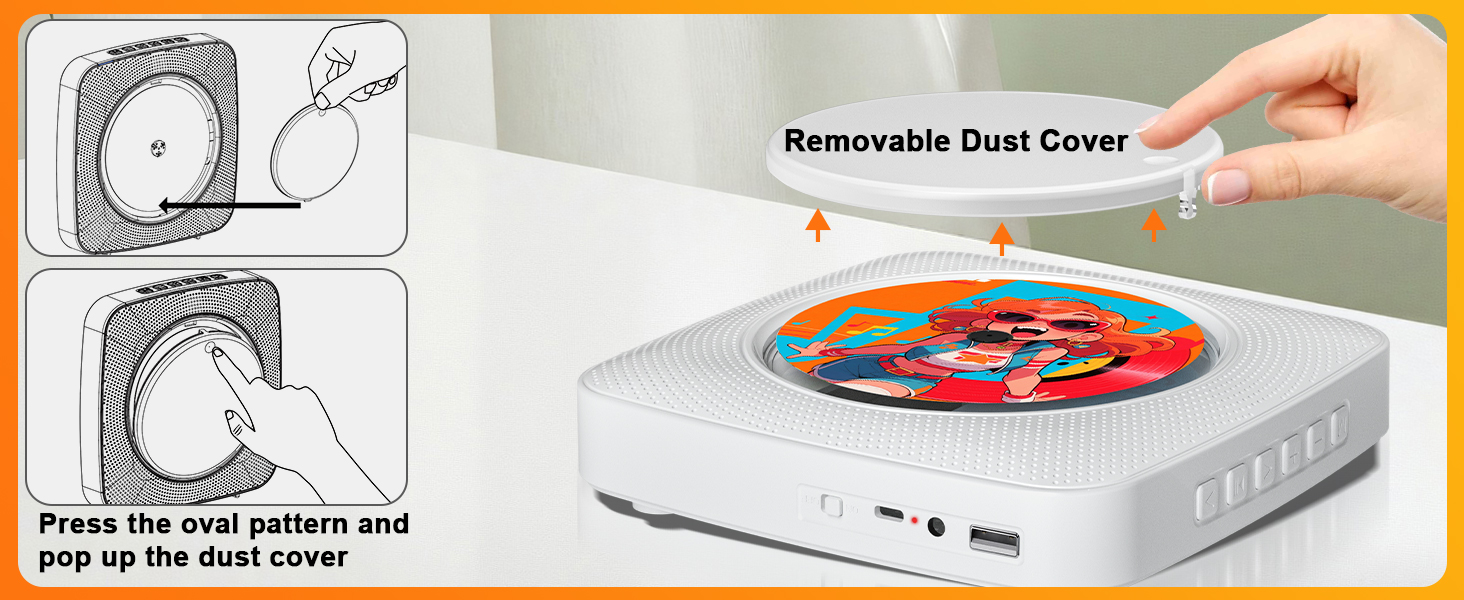
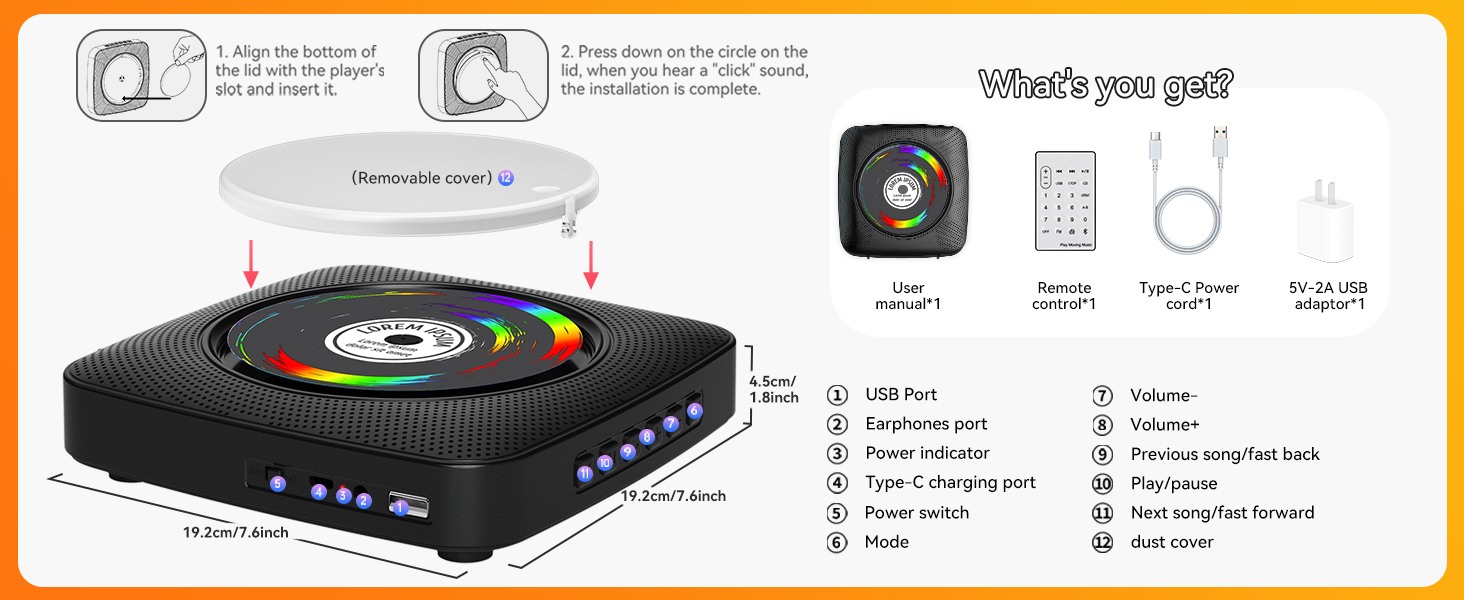
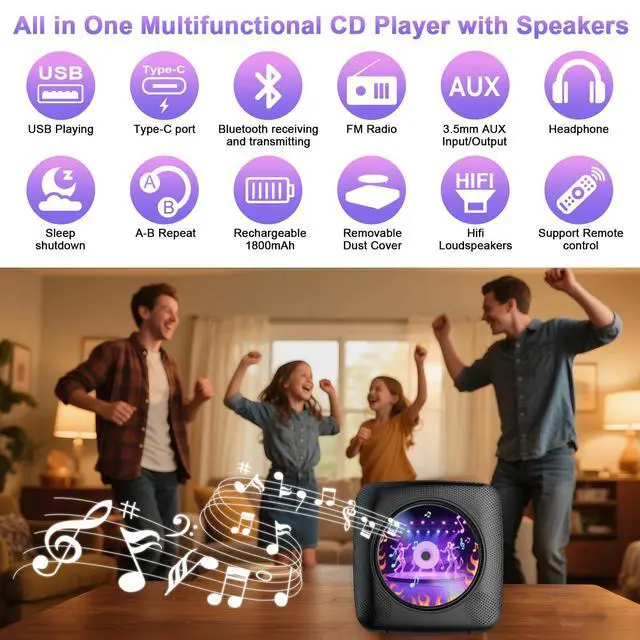
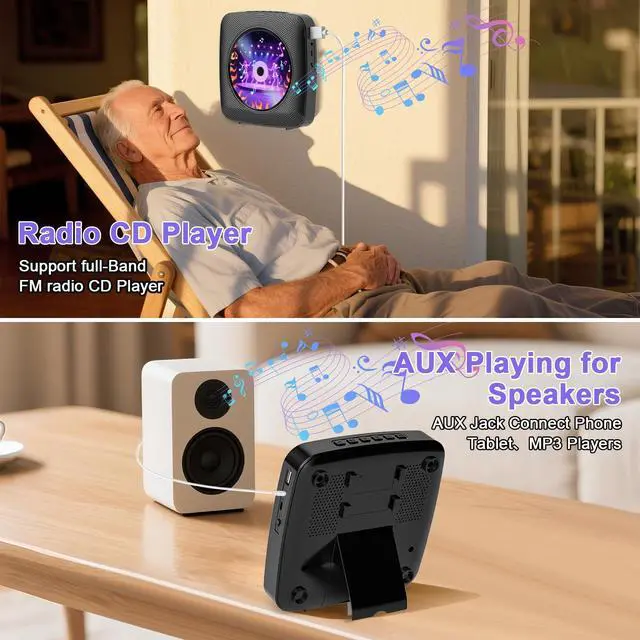
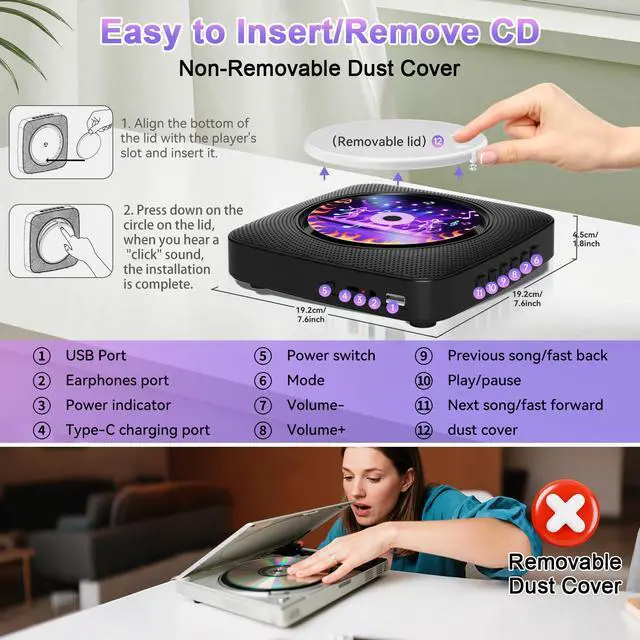
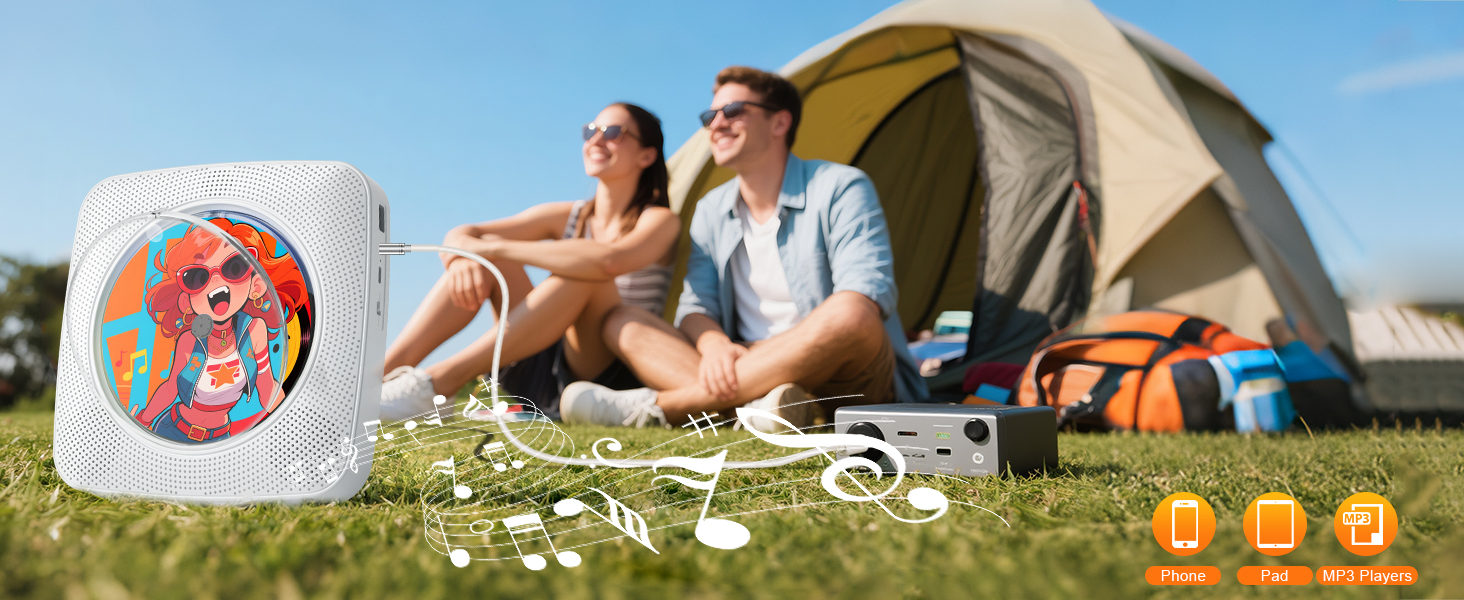
    • ALL-in-1 Portable CD Player: Enjoy CD, Bluetooth 5.0 (Receive/Transmit), FM Radio, USB playback, and AUX input/output. Supports CDs, CD-R/RW, MP3, & WMA. Features Type-C, headphone jack, sleep timer, A-B repeat, and built-in speakers. Ultimate versatility for home or travel CD Player.
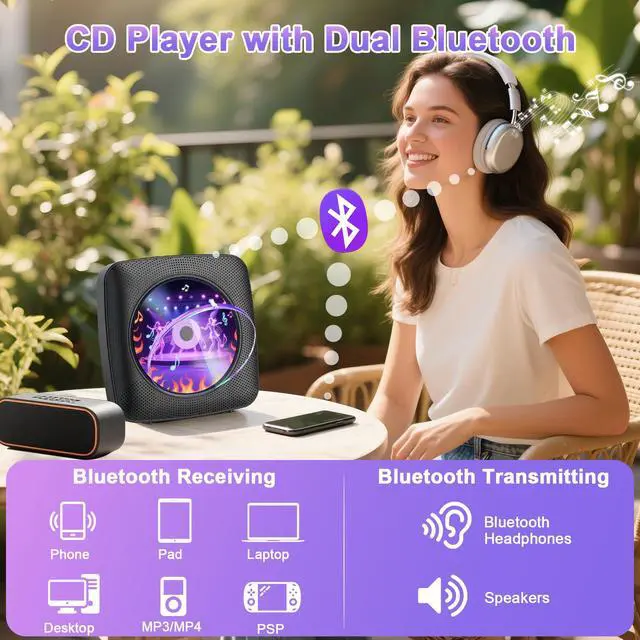
    • Portable CD Player with Dual Bluetooth: This CD player supports both Bluetooth 5.0 receiving and transmitting, making this bluetooth CD player more portable. As a receiver, connect it to your phone, pad, laptop, Desktop, MP3MP4 or PSP to stream music directly to the built-in speakers. As a transmitter, pair it with your Bluetooth headphones or speakers, allowing you to enjoy your CDs privately without disturbing others or amplify the sound for gatherings.
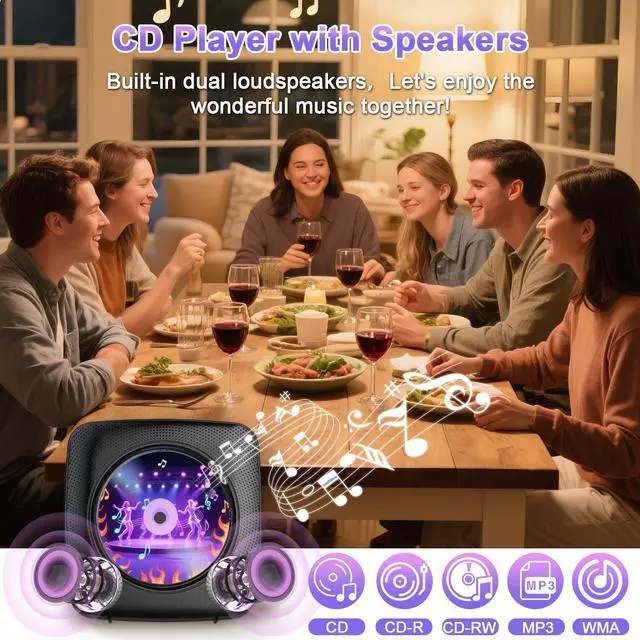
    • CD Player with Dual Speakers: Elevate your audio experience with our CD player's built-in two powerful boomboxes. Hi-Fi(High Fidelity) technology deliver rich, balanced, and crystal - clear sound. Equipped with a dual sound chamber design, this CD player portable delivers clear and stable audio with sound quality.
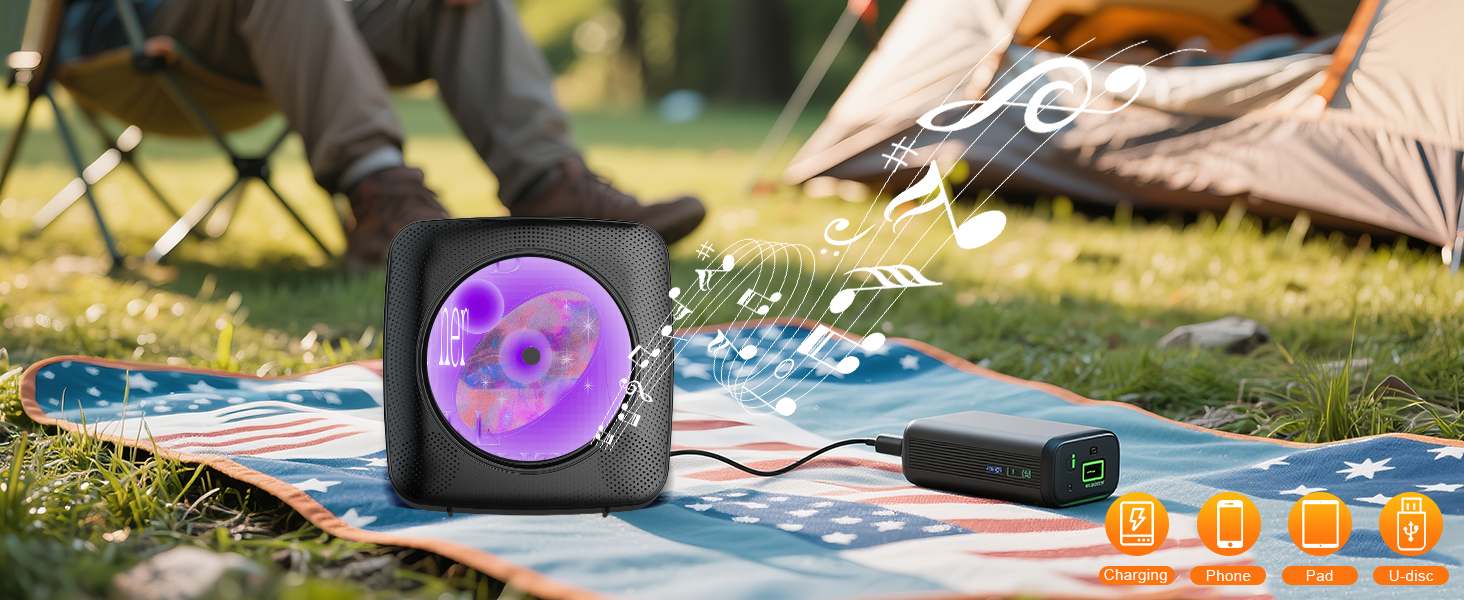
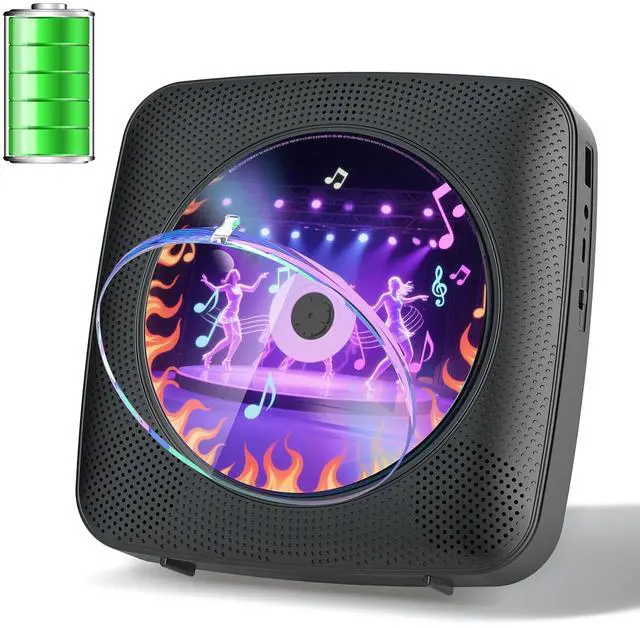
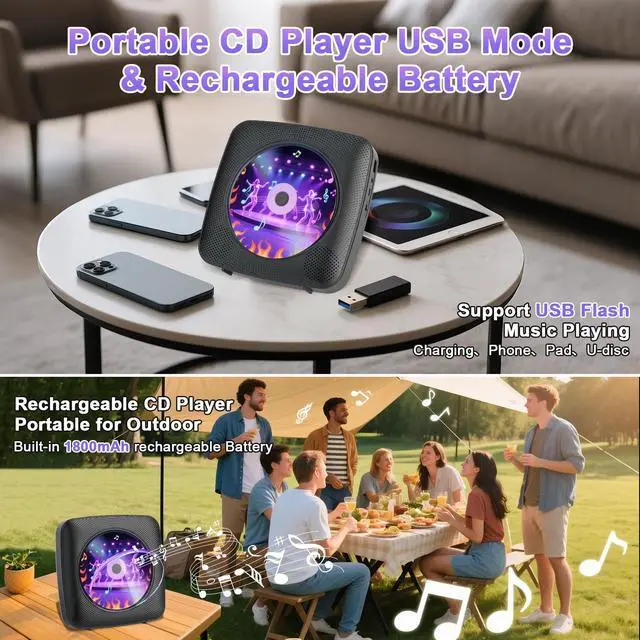
    • CD Player Portable with Rechargeable 1800mAh: Elevate your listening experience with our CD player's robust 1800mAh rechargeable battery, a powerhouse designed for extended audio enjoyment, making this CD player more portable. Once fully charged, it delivers hours of continuous playback, making it the perfect companion for driving cross - country, relaxing at a picnic, or studying for hours.
    +
    +
    Overview
    Specs
    Reviews
    avatar

    Any questions? Our AI beta will help you find out quickly.

    CD Player Portable
    cd players for home

    Remote does not work

    Reason 1: The insulation sheet is not removed.

    Solution 1: Check if the insulation sheet is removed from the battery slot.

    Reason 2: The remote is out of power.

    Solution 2: Check if the remote battery is running out.

    Reason3: The remote is too far from the CD player.

    Solution3: When operating the remote control, the remote control should be facing the front of the player. Make sure the remote is in the range of a reasonable distance.

    NOTE: The remote control cannot start/shut down the player and it requires sliding the power switch on the player.

    CD Player Portable
    cd players for home

    Remote does not work

    Reason 1: The insulation sheet is not removed.

    Solution 1: Check if the insulation sheet is removed from the battery slot.

    Reason 2: The remote is out of power.

    Solution 2: Check if the remote battery is running out.

    Reason3: The remote is too far from the CD player.

    Solution3: When operating the remote control, the remote control should be facing the front of the player. Make sure the remote is in the range of a reasonable distance.

    NOTE: The remote control cannot start/shut down the player and it requires sliding the power switch on the player.

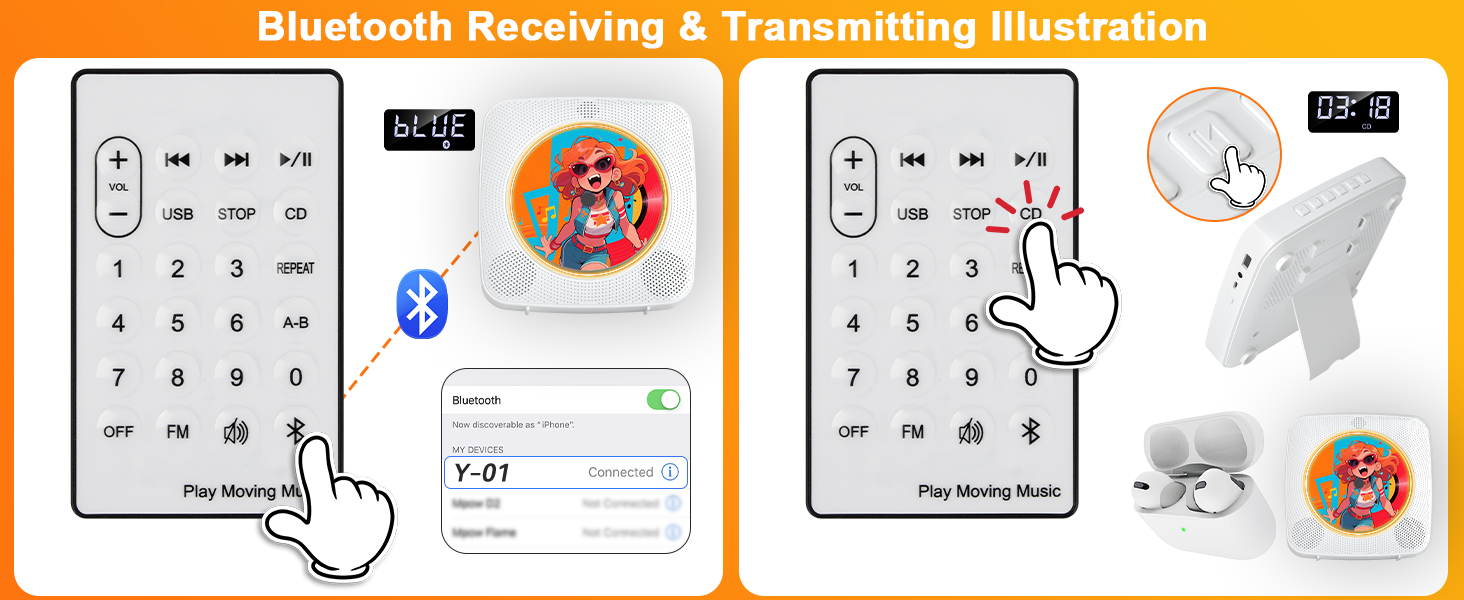
    Bluetooth Receive Mode Instructions

    1. Press Bluetooth button on the remote to switch to Bluetooth mode or switch the "mode" key (on the device) to the Bluetooth mode, then the CD Player will be ready to pair other Bluetooth devices such as mobile phones, pads etc., and its indicator light color will change to dark blue.
    2. Long press 3s play pause button to activate Bluetooth Receive Mode.
    3. Activate the Bluetooth in your mobile phone and choose the named Y-01" device in your mobile phone Bluetooth device list to pair.
    4. Your mobile phone will be paired / connected to the CD Player in a few seconds.
    5. Playing music on your mobile phone and the audio will be transmitted to the CD Player speaker through Bluetooth. Bluetooth Transmit Mode Instructions
    1. Press the CD/USB button on the remote to switch to CD/USB mode or switch the "Mode" key (on the device) to CDUSB mode, then the CD Player will be ready to pair other Bluetooth devices such as earphones.
    2. Long press 3s play/pause button to activate Bluetooth Transmit Mode, Or short-press the Bluetooth transmission button on the remote control.
    3. Activate the Bluetooth device and the player will automatically be paired with it.
    NOTE:
    1. lt is better not to tum on other Bluetooth devices within ten meters around the pairing.
    2. lf the pairing is not successful, please check whether there are other Bluetooth devices open within ten meters.
    lf the Bluetooth headset can not be paired with this machine, please reset the Bluetooth headset and then connect again.


    Product information

    Brand Gueray
    Model Name Y-01
    Color Black
    Connectivity Technology Auxiliary, Bluetooth, USB
    Special Feature Bluetooth, Built-In Radio, Portable, Programmable Memory, Rechargeable
    Package Dimensions 10.08 x 9.69 x 2.32 inches
    Item Weight 1.76 pounds
    Item model number Y-01
    Batteries 1 Lithium Polymer batteries required. (included)
    Date First Available May 9, 2025
    Manufacturer Gueray

    Warranty & Returns

    Warranty, Returns, And Additional Information

    Warranty

    • Please contact the Seller directly for warranty information. Warranty information may also be found on the Manufacturer's website.
    • CONTACT

    Return Policies

    • Return for refund within: 30 days
    • Return for replacement within: non-replaceable
    • This item is covered by shiyishan Return Policy

    Manufacturer Contact Info

    LOADING...