

Your Browsing History

Meet Your Seller

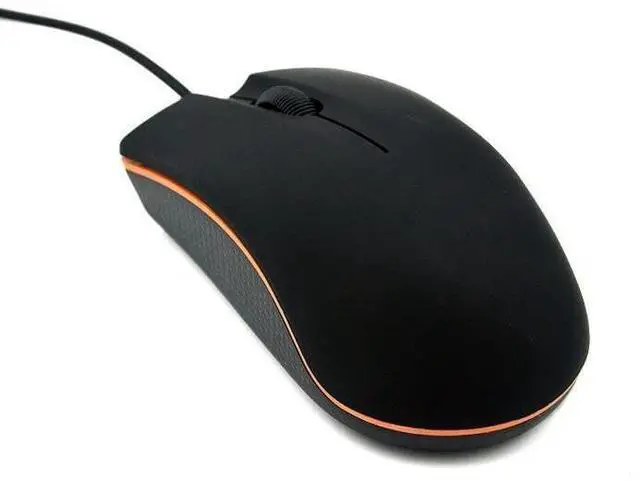
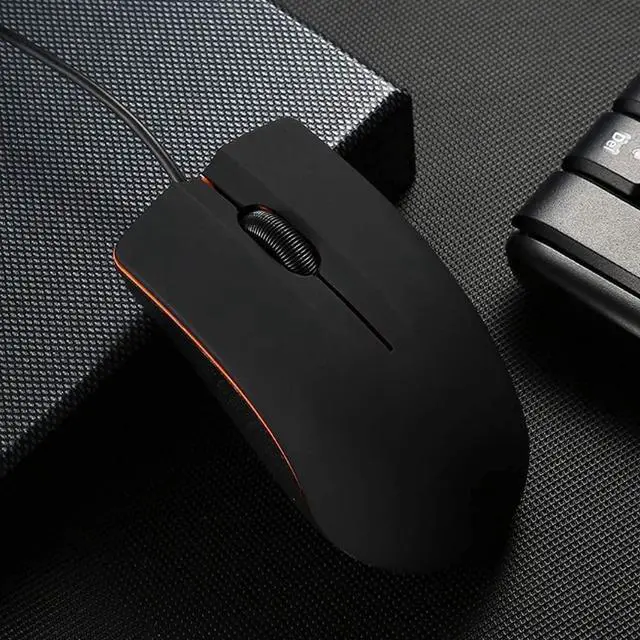
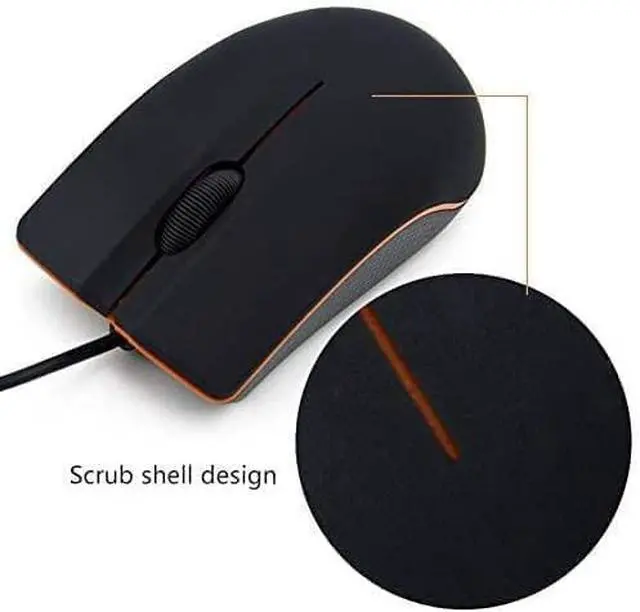
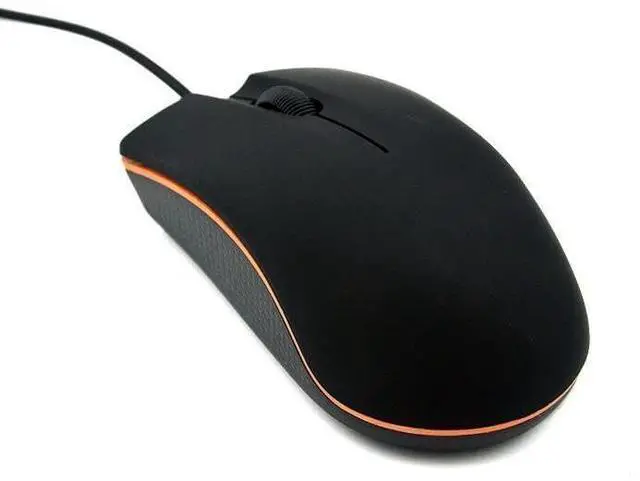
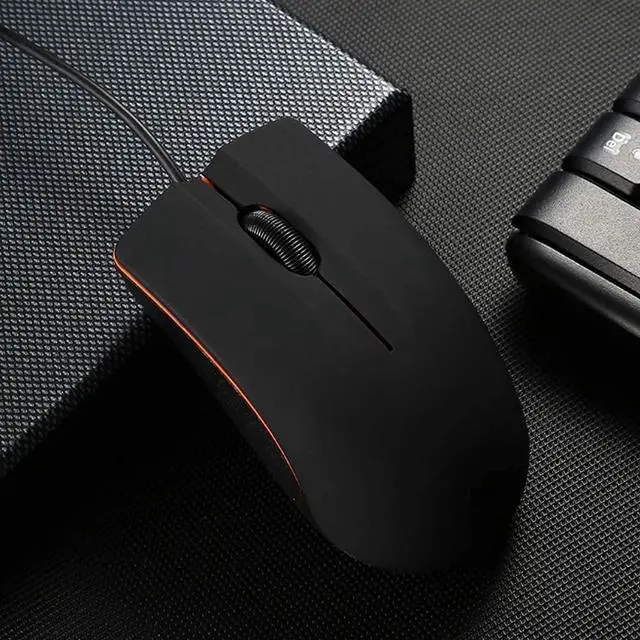
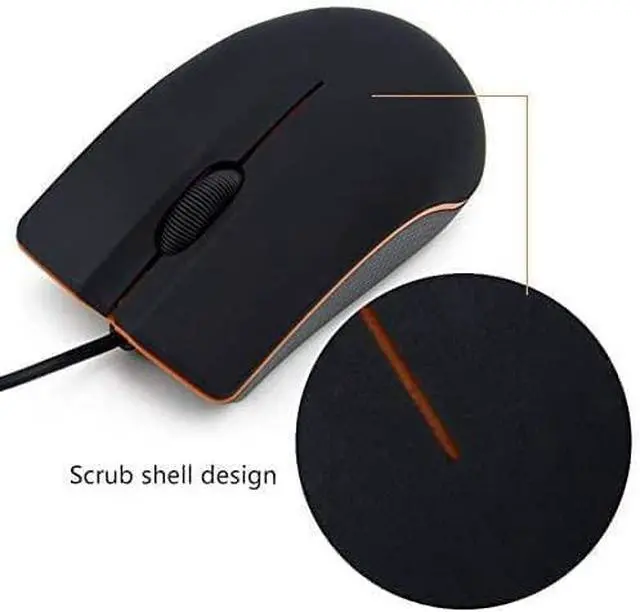


Guiheng Ergonomic Wired Mouse - USB Computer Mouse for Right or Left Hand, Durable Clicks for PC, Laptop, Desktop, Chromebook, Notebook, Mac (Black)
- A comfortable, ambidextrous shape feels good in either hand, so you feel more comfortable as you work-even at the end of the day.
- High-resolution optical technology for smooth and precise tracking
- Contoured design with sleek, glossy finish, Perfect for working with spreadsheets and presentations
- It is wired mouse, so there are no need to install any other drivers or software. And works perfectly with Windows7/8/10/XP, Vista7/8 and Linux, etc. Fits for Chromebook, MacBook, Laptop, desktop, PC, and other devices.
- Smooth, precise and affordable USB-connected optical mouse
+
+
Overview
Reviews

Any questions? Our AI mode will help you find out quickly.
Try me now
How to connect: Step1:open the battery cover,then install the two AAA battery . Step2:Take out the USB dongle and close the battery cover . Step3:Plug the USB dongle in the USB port . Step4:Place your wireless mouse close to the dongle about 30CM,turn the power switch button to "ON", the led light will light up.Your mouse will connect with the dongle automatically and start working . Notice if the mouse doesn't work ,please place the mouse near to the dongle and press the connect button (underneath the mouse)and release ,it wll connect to work . Package details Wireless mouse x1 USB nano receiver x1
Warranty & Returns
Warranty, Returns, And Additional Information
Warranty
- Please contact the Seller directly for warranty information. Warranty information may also be found on the Manufacturer's website.
- CONTACT
Return Policies
- Return for refund within: 30 days
- Return for replacement within: 30 days
- This item is covered by AxisLink Return Policy
Manufacturer Contact Info
- For a directory of all our manufacturers, please click below.
- Manufacturers Directory
LOADING...