here!
here!
I’m your shopping assistant for PC builds, upgrades, and everything tech.
Got questions? Ask away!
Start a conversation
here!
I’m your shopping assistant for PC builds, upgrades, and everything tech.
Got questions? Ask away!
Start a conversation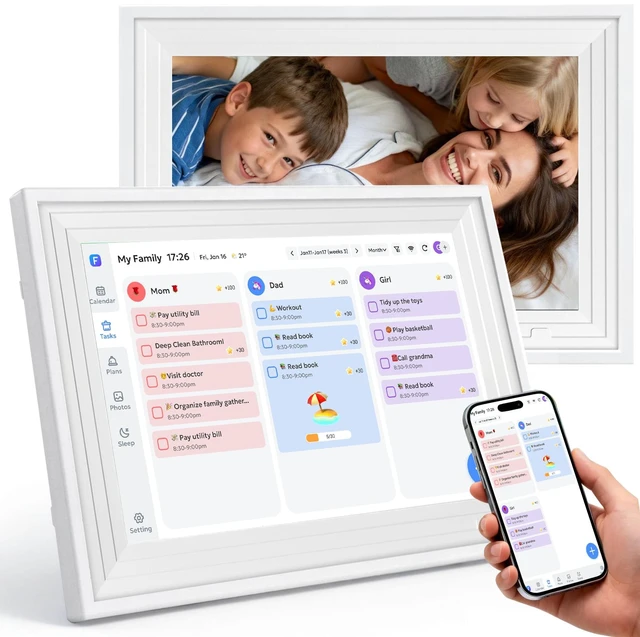





Any questions? Ask CelesteSM will help you find out quickly.
Navigate with a simple tap or swipe. The full HD touchscreen brings photos, schedules, and art to life with intuitive control.

Never manually switch again.it cycles between your family photos, shared calendar, andart always showing the right content at the right time.

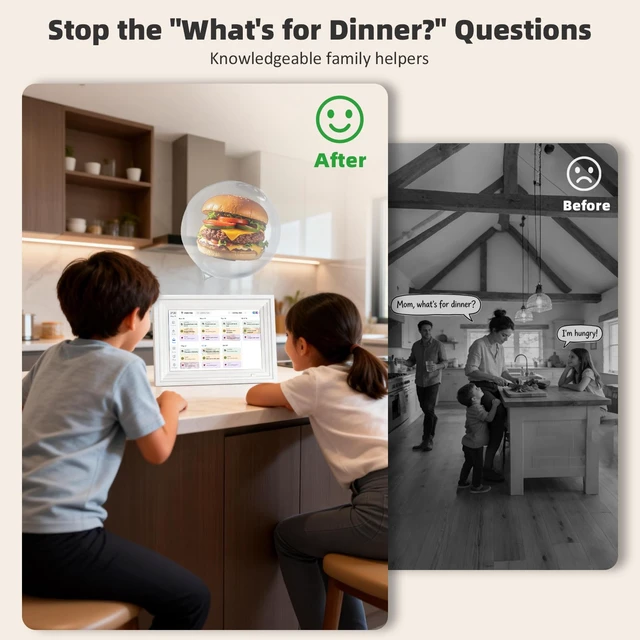
No need to ask Mom what's for dinner every day; being able to see the weekly or even monthly menu at a glance is truly a blessing.

The perfect, thoughtful present for any occasion. Give the gift of shared memories, organized days, and beautiful moments—all in one elegant frame.

Does this calendar require a monthly subscription fee?
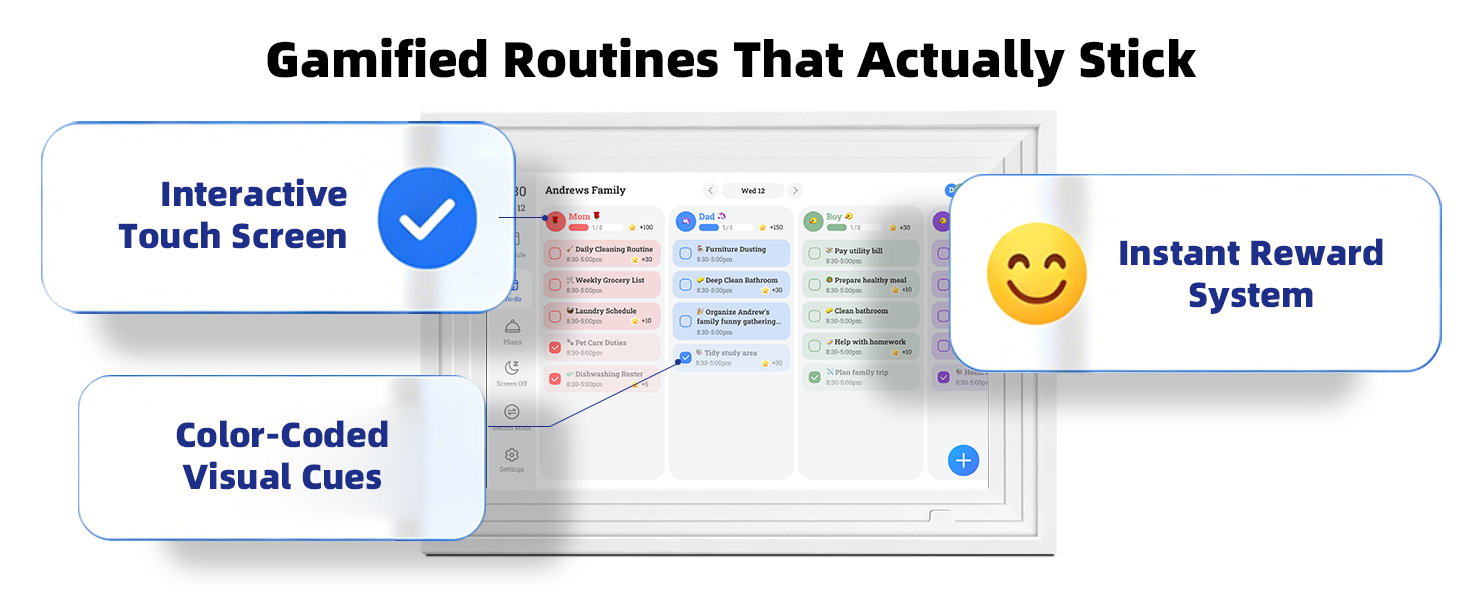
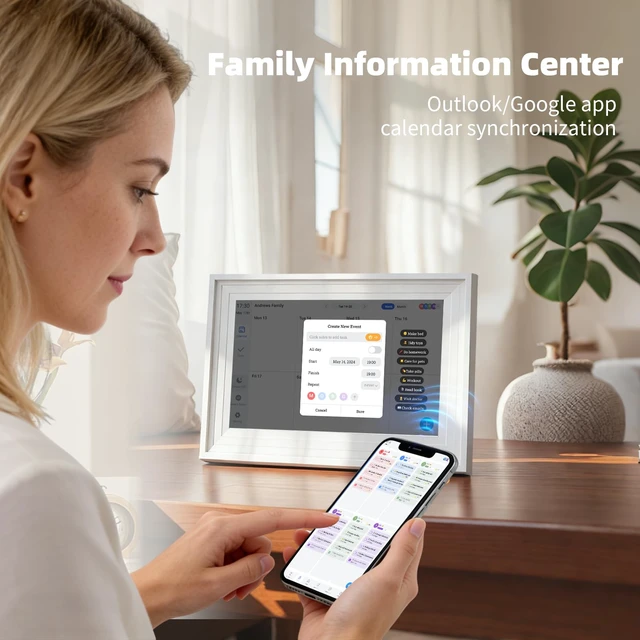
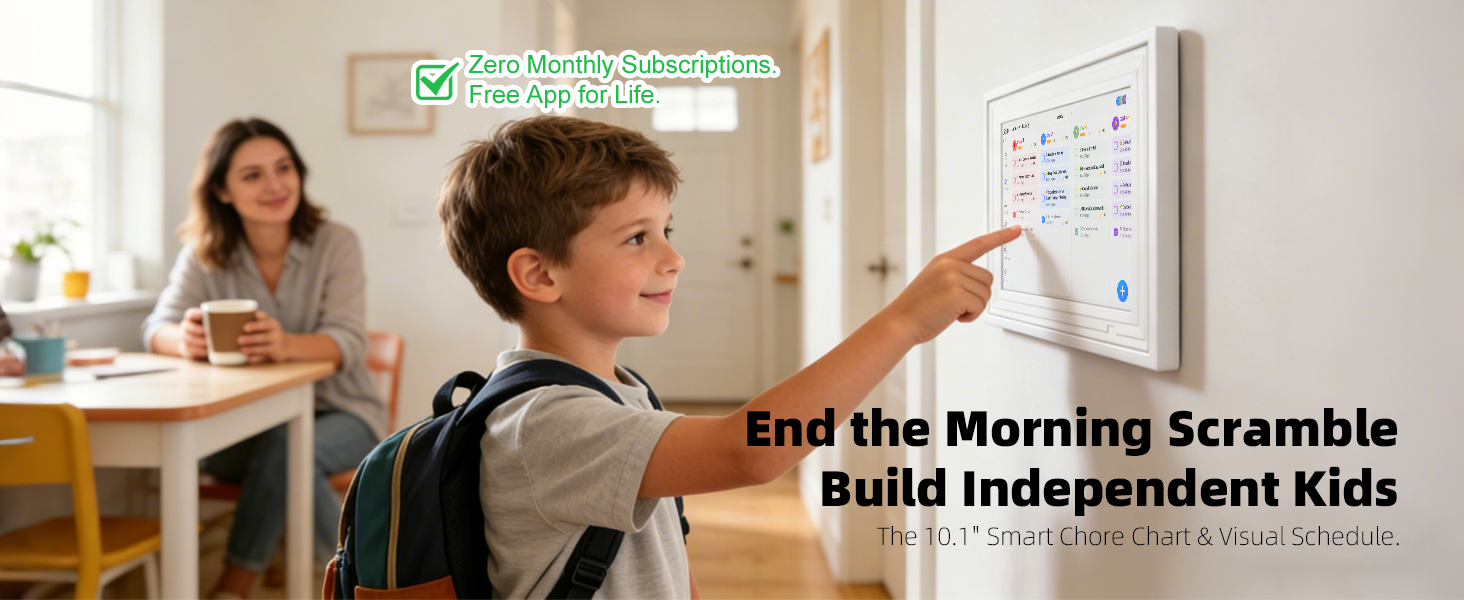
No Need! It offers Lifetime Free Service. All smart features—including calendar syncing (Google/Outlook/iCloud), weather forecasts, the gamified chore chart, meal planning, and unlimited cloud photo storage—are built-in and free forever.
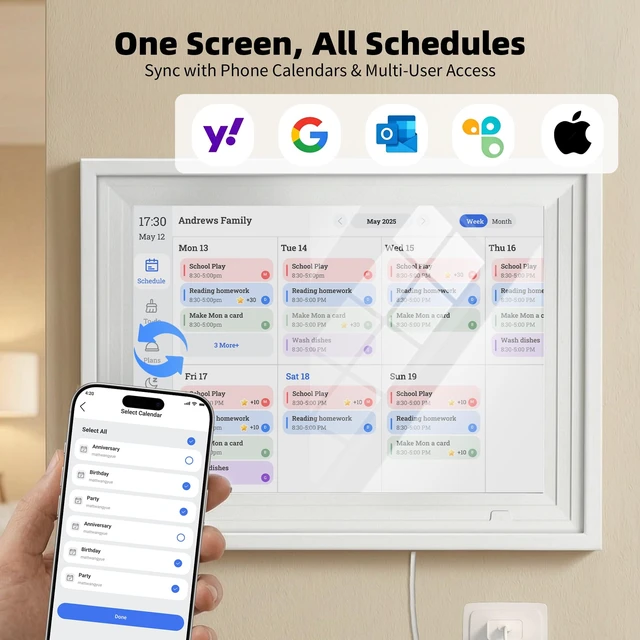
Which calendars does it sync with? Is it real-time?
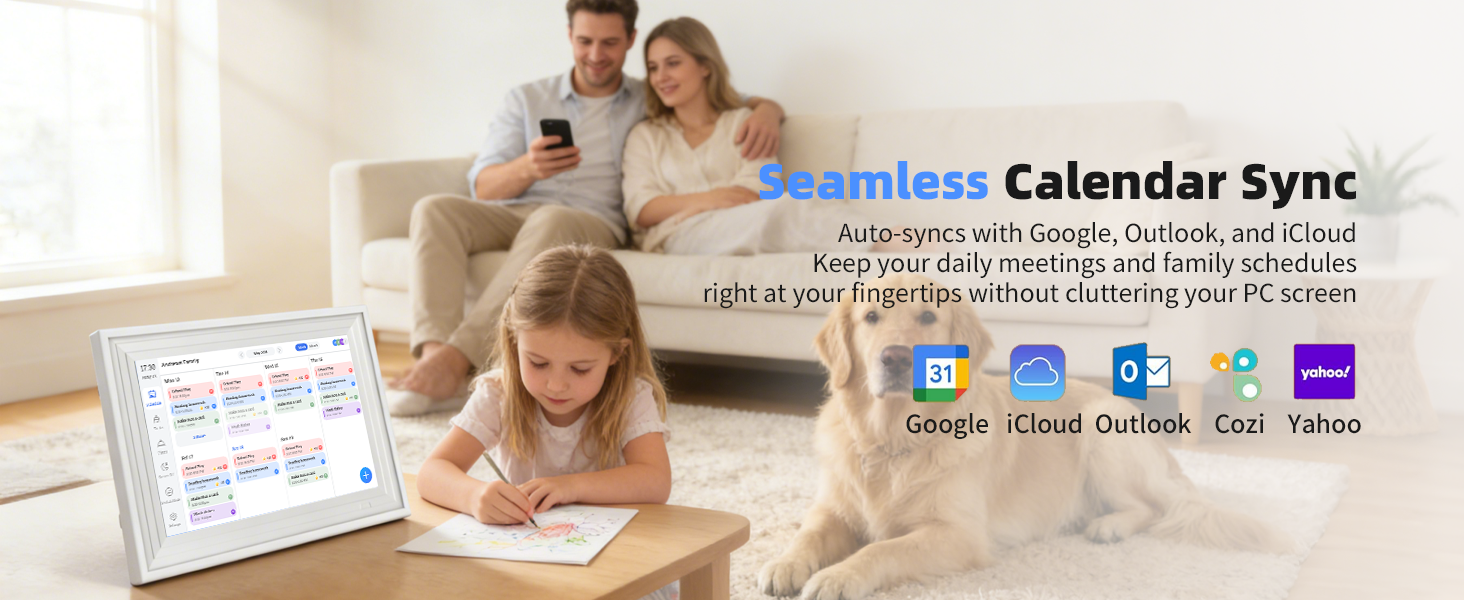
It supports syncing with Google Calendar, Outlook, iCloud, Yahoo, and Cozi.The first synchronization is instantaneous, while subsequent ones require one hour of synchronization time. If you use the Fotocube App to sync events, all sync are instantly.
Will the alarm ring continuously and annoy my child?
No. We designed it with sensory-sensitive and ADHD children in mind. It provides a gentle chime that stops automatically, focusing on visual color cues rather than stressful, continuous noises.
Can I update my child's chores while I am at work?
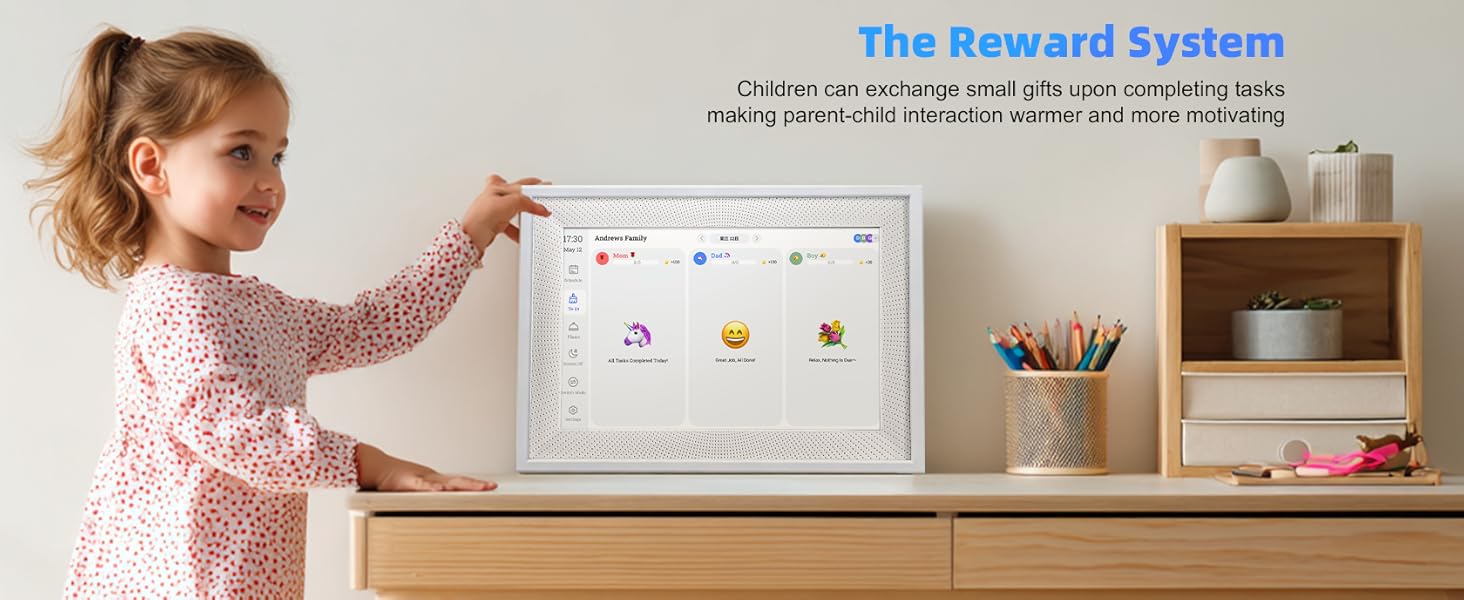
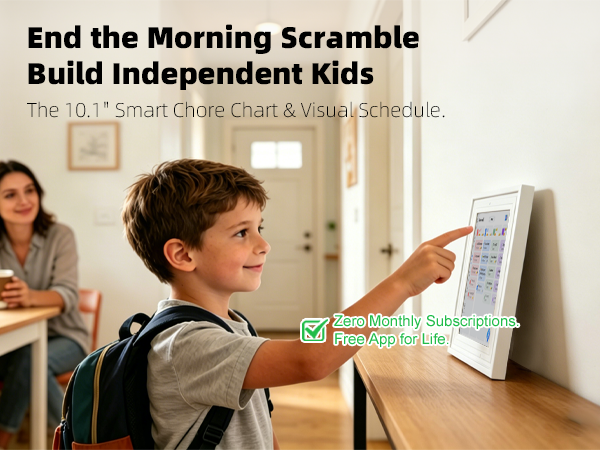
Yes! As long as the frame is connected to home WiFi, you can use the free companion App on your phone to add or change tasks from anywhere in the world. It syncs in seconds.
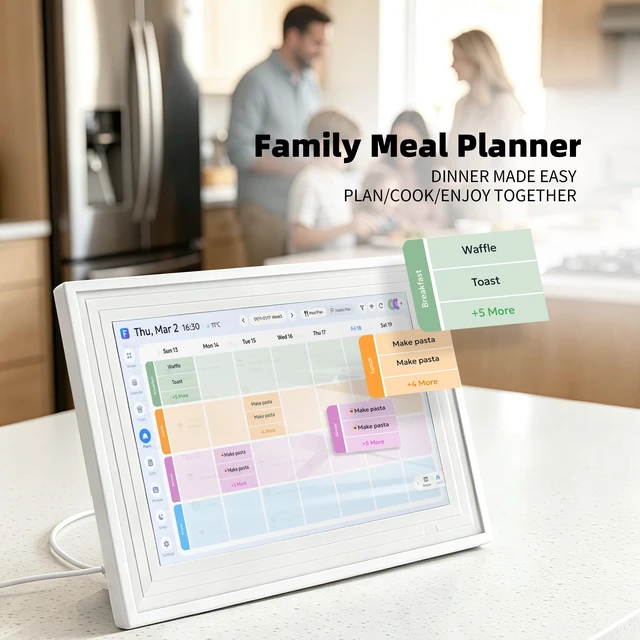
How does the "Meal Plan" feature work?
It acts as a digital "Weekly Menu Board." You can plan breakfast, lunch, and dinner for the week via the App. It’s display the Main Course (e.g., Steak Night) clearly, answer the "What's for dinner?" question for the whole family at a glance.

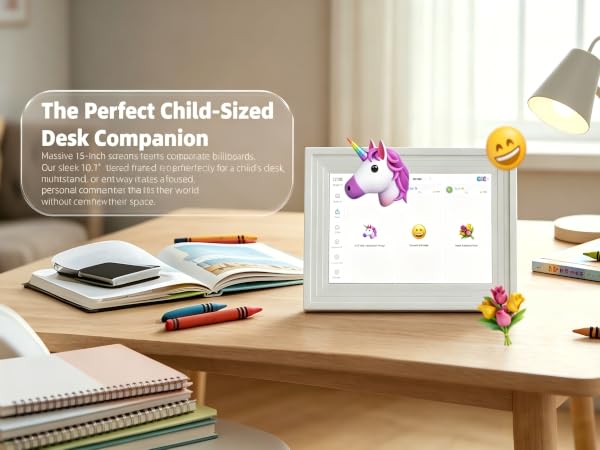
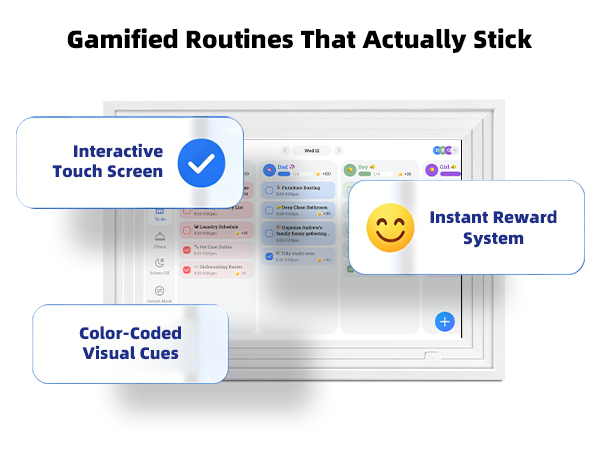

Navigate with a simple tap or swipe. The full HD touchscreen brings photos, schedules, and art to life with intuitive control.
Never manually switch again.it cycles between your family photos, shared calendar, andart always showing the right content at the right time.
No need to ask Mom what's for dinner every day; being able to see the weekly or even monthly menu at a glance is truly a blessing.

The perfect, thoughtful present for any occasion. Give the gift of shared memories, organized days, and beautiful moments—all in one elegant frame.

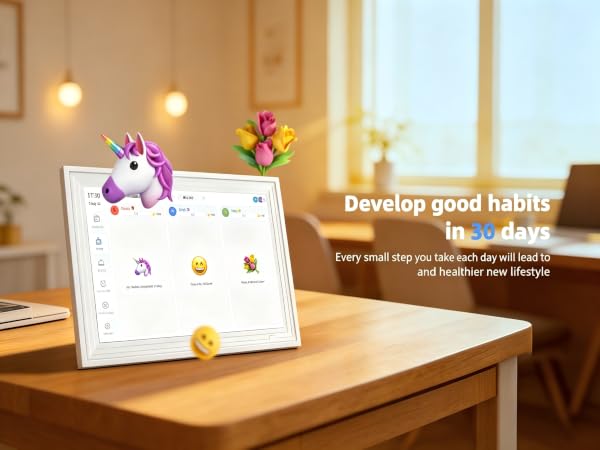


Does this calendar require a monthly subscription fee?
No Need! It offers Lifetime Free Service. All smart features—including calendar syncing (Google/Outlook/iCloud), weather forecasts, the gamified chore chart, meal planning, and unlimited cloud photo storage—are built-in and free forever.
Which calendars does it sync with? Is it real-time?
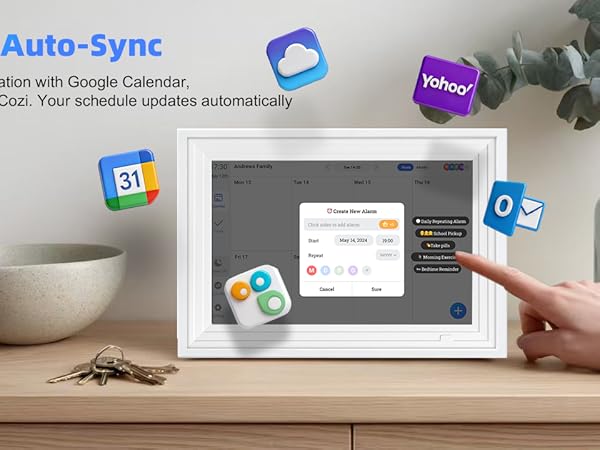
It supports syncing with Google Calendar, Outlook, iCloud, Yahoo, and Cozi.The first synchronization is instantaneous, while subsequent ones require one hour of synchronization time. If you use the Fotocube App to sync events, all sync are instantly.
Will the alarm ring continuously and annoy my child?
No. We designed it with sensory-sensitive and ADHD children in mind. It provides a gentle chime that stops automatically, focusing on visual color cues rather than stressful, continuous noises.
Can I update my child's chores while I am at work?
Yes! As long as the frame is connected to home WiFi, you can use the free companion App on your phone to add or change tasks from anywhere in the world. It syncs in seconds.
How does the "Meal Plan" feature work?
It acts as a digital "Weekly Menu Board." You can plan breakfast, lunch, and dinner for the week via the App. It’s display the Main Course (e.g., Steak Night) clearly, answer the "What's for dinner?" question for the whole family at a glance.