












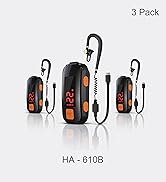



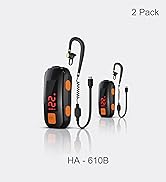
Mini Walkie Talkies for Adults
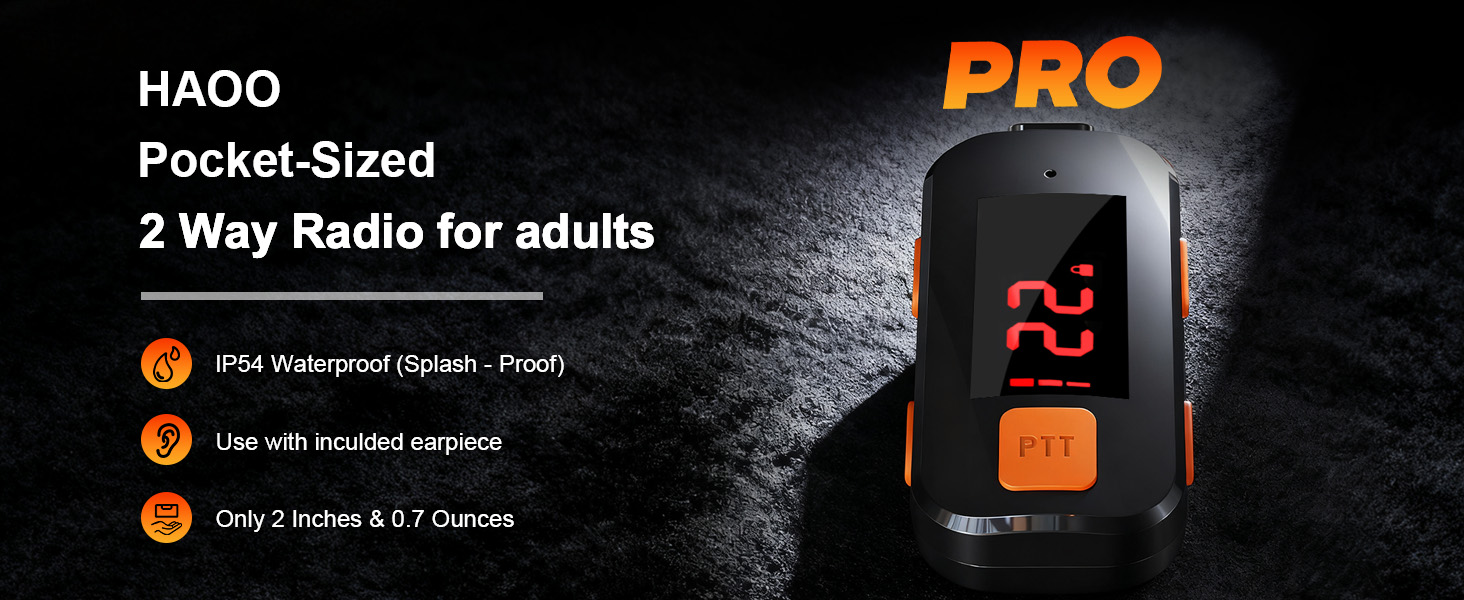
Designed for adult work teams use and not recommend for children
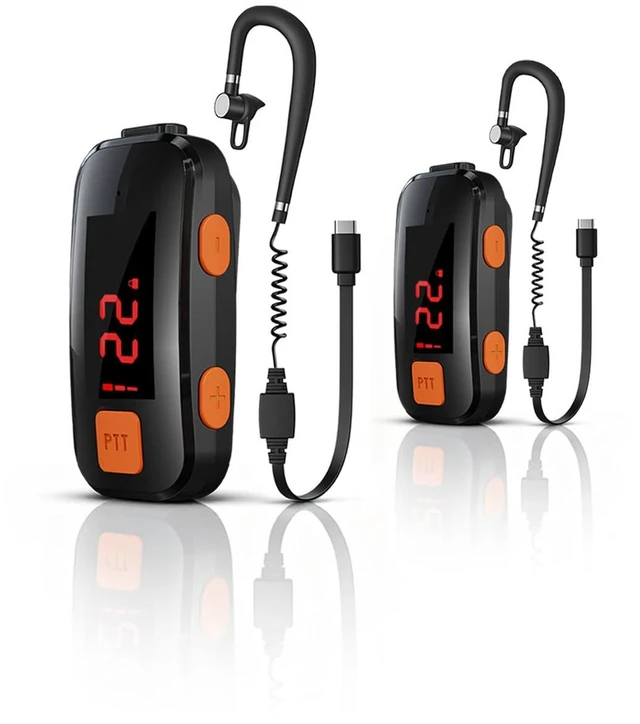
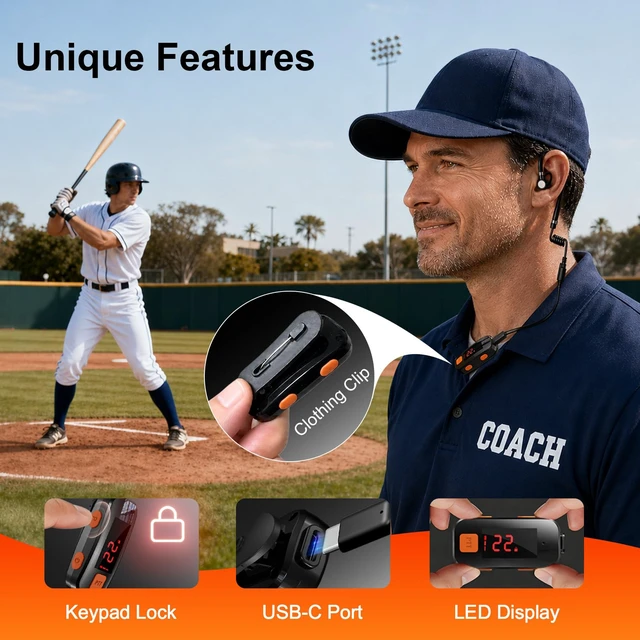
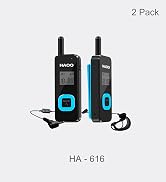
1-Inch Display – Clear at a Glance
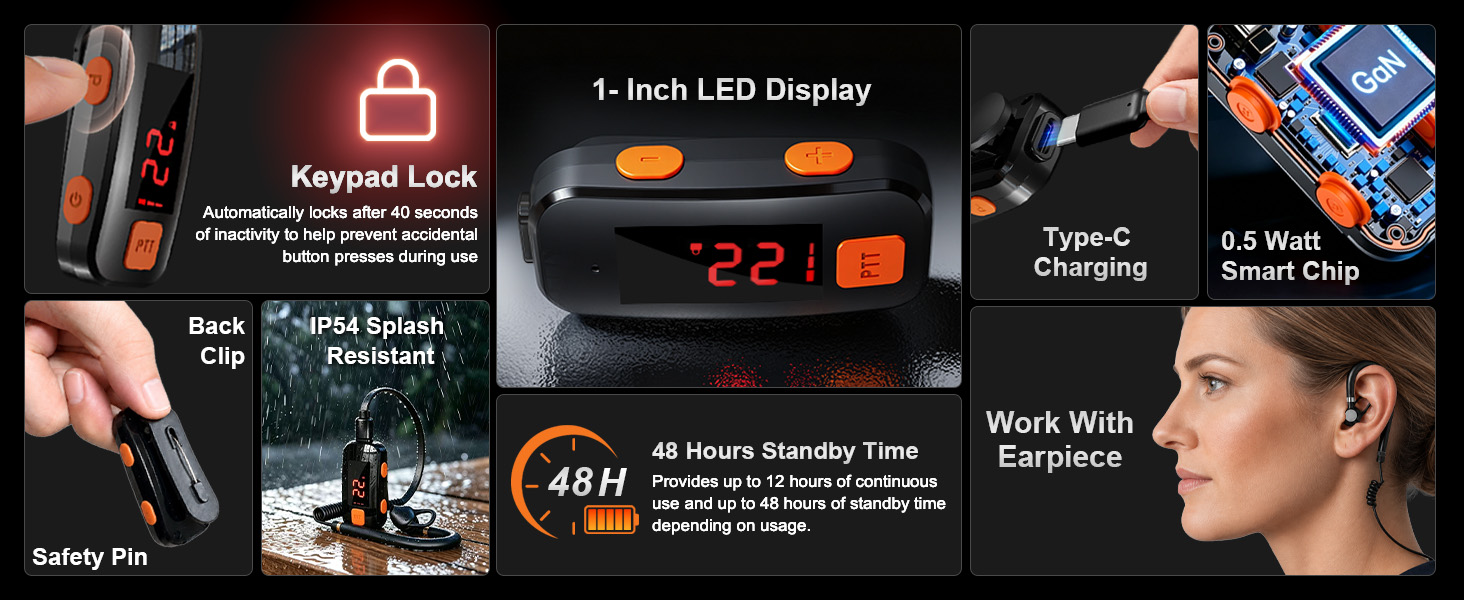
Review the “How-to-Use” video and “User Manual” PDF on the product page before first use
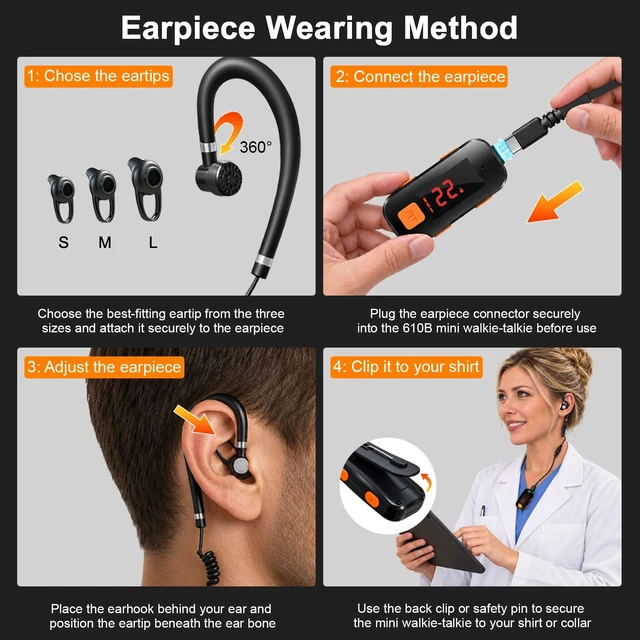
Earpiece Wearing Instructions
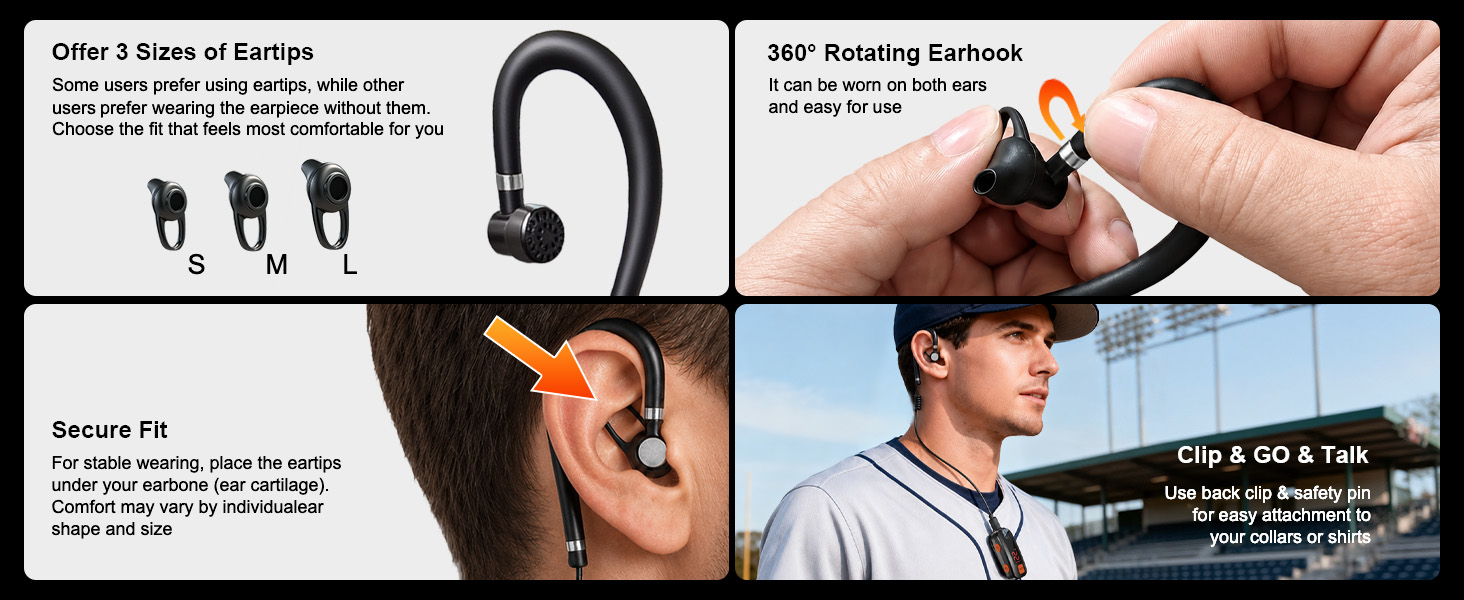
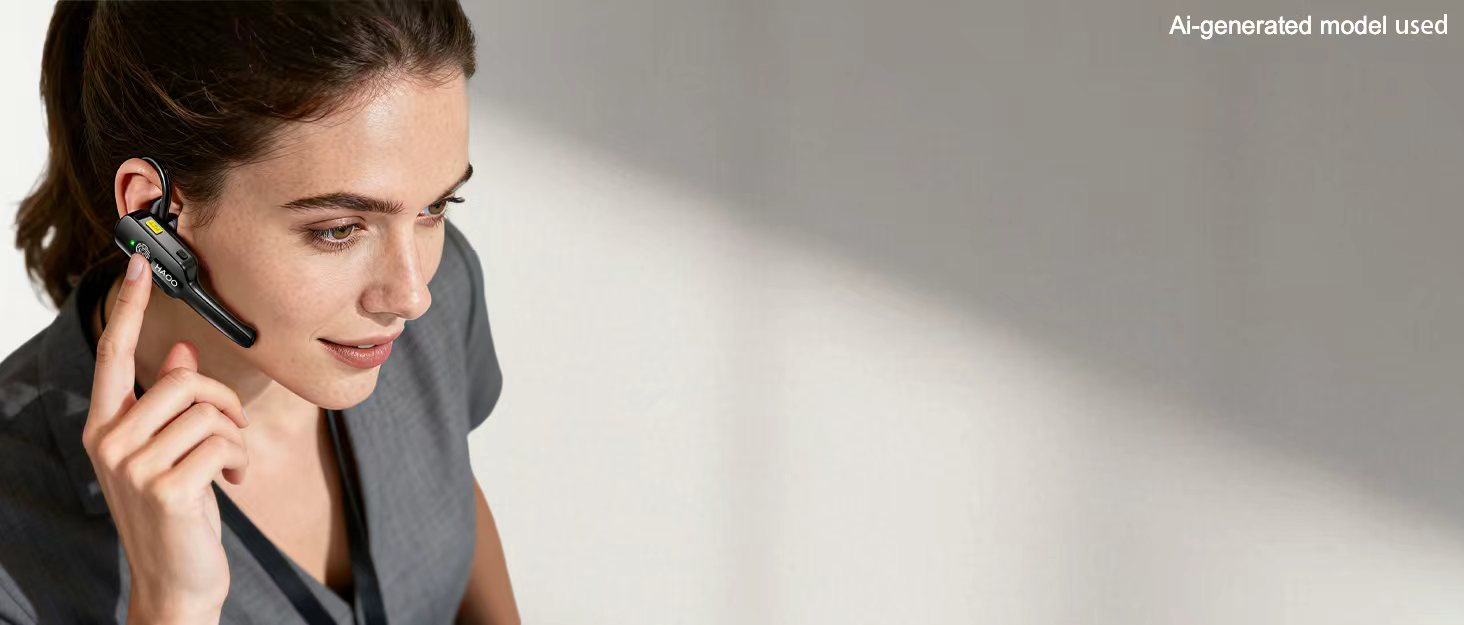
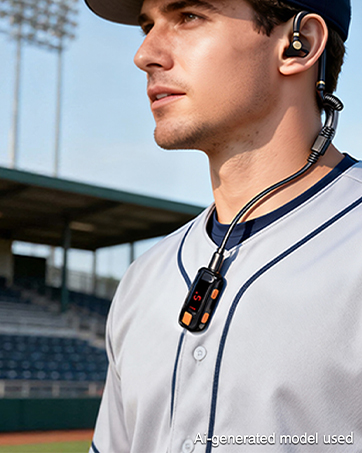
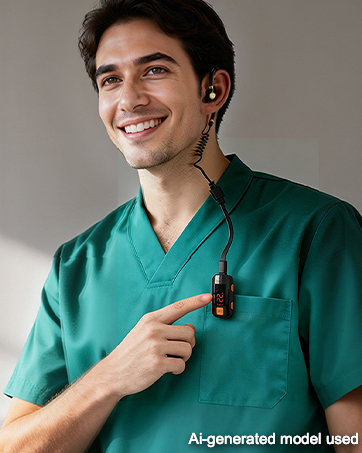
Position the eartip beneath the ear bone and adjust the earhook for a secure fit. Fit and comfort may vary by individual ear shape
Ideal for Short-Range Team Use

Please contact HAOO support team if you have any questions or issues during normal use
Watch the Instructional Videos
Why did we design these mini walkie talkies, and are they right for me?
We created compact, portable walkie talkies that are easier to carry than full-size models. They are designed for adult work teams needing short-range coordination, not casual personal use. Please consider whether they fit your needs before ordering
Is there an instruction video and what should I do if I experience an issue with the product?
We provide a detailed “How to Use” video and “User Manual” PDF on the product page to help you get the best experience. We recommend reviewing them before use. If you have any questions, our support team is here to help and is available 24/7 online
What range can I expect from this mini walkie talkie?
Designed for short-range communication. This mini walkie talkie can reach up to 1-2 miles in open areas with minimal obstacles. Walls, buildings, trees, terrain, weather, and interference can weaken signals and reduce the actual communication range
What is CTCSS and how does it work?
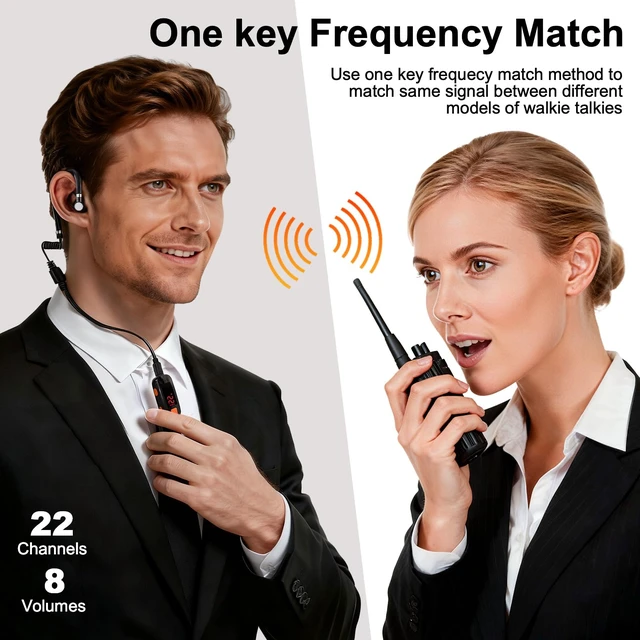
To achieve this compact design, the CTCSS tone is fixed at 67.1 Hz and cannot be modified. We recommend use one key frequency match method to enables seamless communication between different walkie-talkie models
Why is there interference or noise during use?
Like all two-way radios, this device may be affected by strong electromagnetic signals from nearby mobile devices, wireless devices, or motors, which can cause noise or reduced range. Try restarting the device and avoid strong interference sources.
Mini Walkie Talkies for Adults
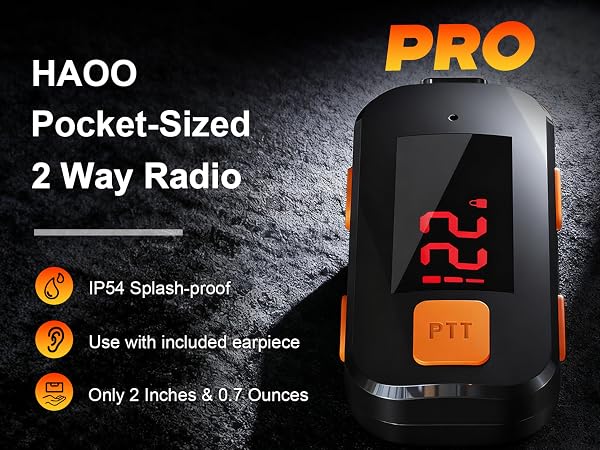
Designed for adult work teams use and not recommend for children
1-Inch Display – Clear at a Glance
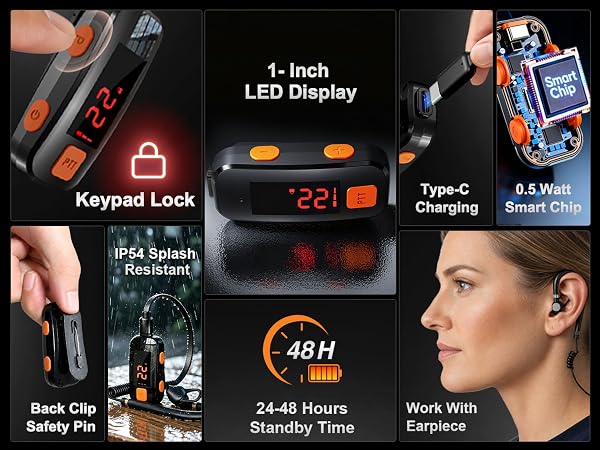
Review the “How-to-Use” video and “User Manual” PDF on the product page before first use
Earpiece Wearing Instructions
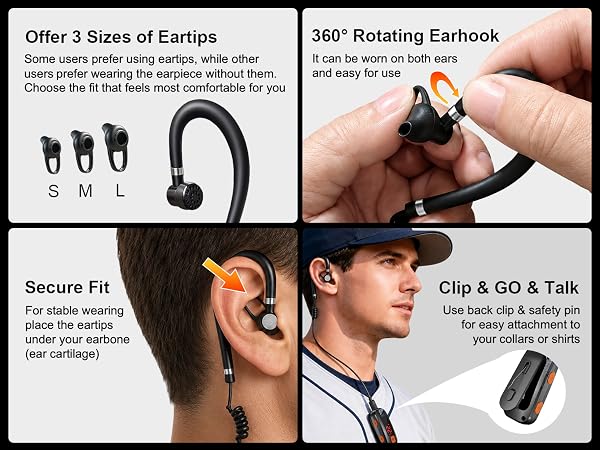
Position the eartip beneath the ear bone and adjust the earhook for a secure fit. Fit and comfort may vary by individual ear shape
Ideal for Short-Range Team Use

Please contact HAOO support team if you have any questions or issues during normal use
Watch the Instructional Videos
How to set up and use your mini walkie talkies
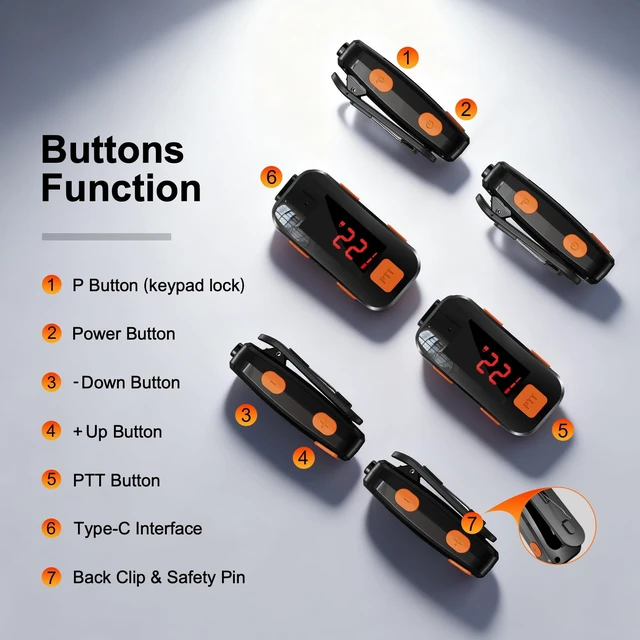
Button Functions Guide
- Power on / off : Hold the Power Button for 2s to turn the radio on or off
- Lock / Unlock : Hold the P Button for 2s to lock or unlock the keypad. The radio will automatically lock after 40s of inactivity
- Channel Adjustment : After unlocking, short press the +/- Button to enter CH mode, then short press +/- to select a channel. Press PTT to confirm
- Volume Adjustment : After unlocking, long press the +/- Button to enter VL mode, then short press +/- to adjust the volume. Press PTT to confirm
Match Different Models to the Same Channel
One-Key Frequency Match
- Unlock the Radio : Hold the P Button for 2 seconds to unlock the mini walkie talkie
- Enter Match Mode : Short press +/- until CH flashes on the led display, then hold the P Button to enter match mode. The letter F will flash on the led display
- Send the Signal : Talk out another models of walkie talkie, press the Call (PTT) Button to transmit the signal
- Match Completed : When letter F stops flashing and the little walkie talkie icon appears on the led display, the frequency match is successful
How to wear for a more secure & confortable fit
Earpiece Wearing Guide
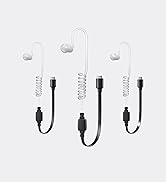
- Choose the Right Ear Tip : Offer 3 sizes of ear tips. Some users prefer using ear tips, while others prefer wearing the earpiece without them. Choose the fit that feels most comfortable for you
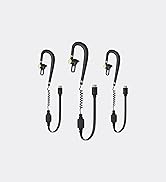
- Wear the Earpiece Correctly : Wrap the earpiece cable behind your ear, then place the ear tip under the ear cartilage for a more stable fit
- Notice : Fit stability & comfort may vary depending on individual ear shape. Some users may find the fit secure and comfortable, while others may experience discomfort
Important Product Notes & Friendly Assistance
Important Product Notes
- Adult Team Use : Designed for professional team communication—not for children or personal entertainment
- Short-Range Use : Range depends on the surroundings. Buildings, terrain, weather, obstacles, and interference may reduce it
- Earpiece Required : There is no external speaker. The included wired earpiece is required for two-way communication
- Support : Please ensure this product is suitable for your intended use before purchasing, Our support team is available 24/7 to provide fast, friendly support
Why did we design these mini walkie talkies, and are they right for me?
We created compact, portable walkie talkies that are easier to carry than full-size models. They are designed for adult work teams needing short-range coordination, not casual personal use. Please consider whether they fit your needs before ordering
Is there an instruction video and what should I do if I experience an issue with the product?
We provide a detailed “How to Use” video and “User Manual” PDF on the product page to help you get the best experience. We recommend reviewing them before use. If you have any questions, our support team is here to help and is available 24/7 online
What range can I expect from this mini walkie talkie?
Designed for short-range communication. This mini walkie talkie can reach up to 1-2 miles in open areas with minimal obstacles. Walls, buildings, trees, terrain, weather, and interference can weaken signals and reduce the actual communication range
What is CTCSS and how does it work?
To achieve this compact design, the CTCSS tone is fixed at 67.1 Hz and cannot be modified. We recommend use one key frequency match method to enables seamless communication between different walkie-talkie models
Why is there interference or noise during use?
Like all two-way radios, this device may be affected by strong electromagnetic signals from nearby mobile devices, wireless devices, or motors, which can cause noise or reduced range. Try restarting the device and avoid strong interference sources.
24 / 7 Email Support
Waterproof Mini Walkie Talkies
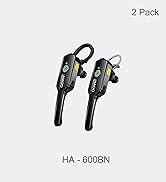
HAOO Mini Walkie Talkies
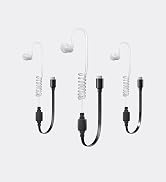
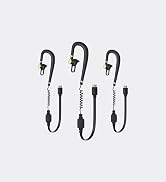
Accessories Earpieces
For Short Range Sports
For Indoor Work
For Services
For Pro
For Pro
