




Product Description

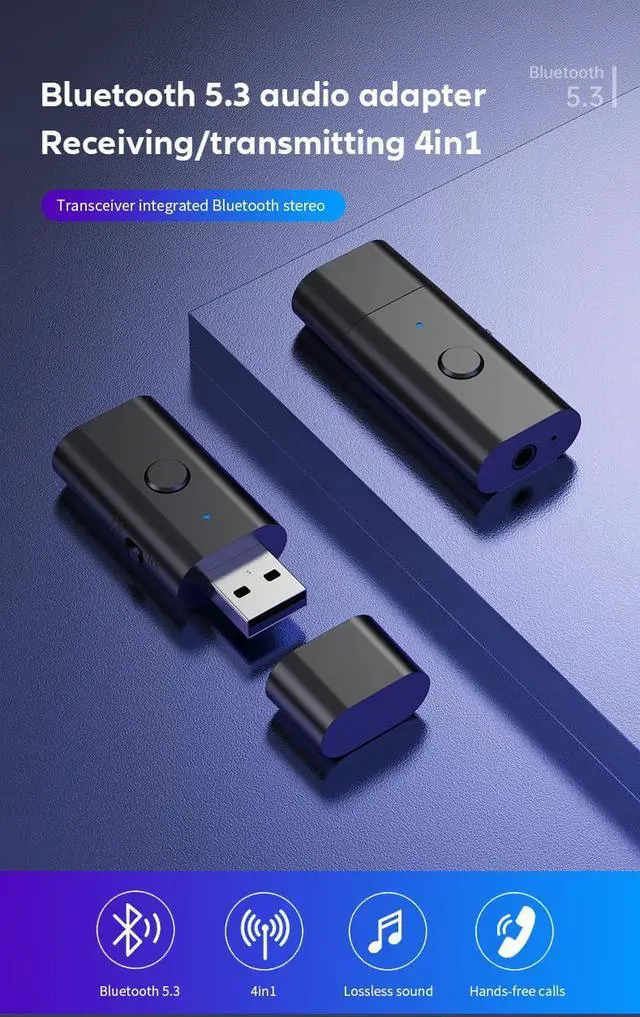
This wireless 5.3 USB Bluetooth adapter provides a stable connection of 10 meters , providing clear, practical,and enjoyable sound (Note: Phone calls are only supported in RX mode, not in TX mode).
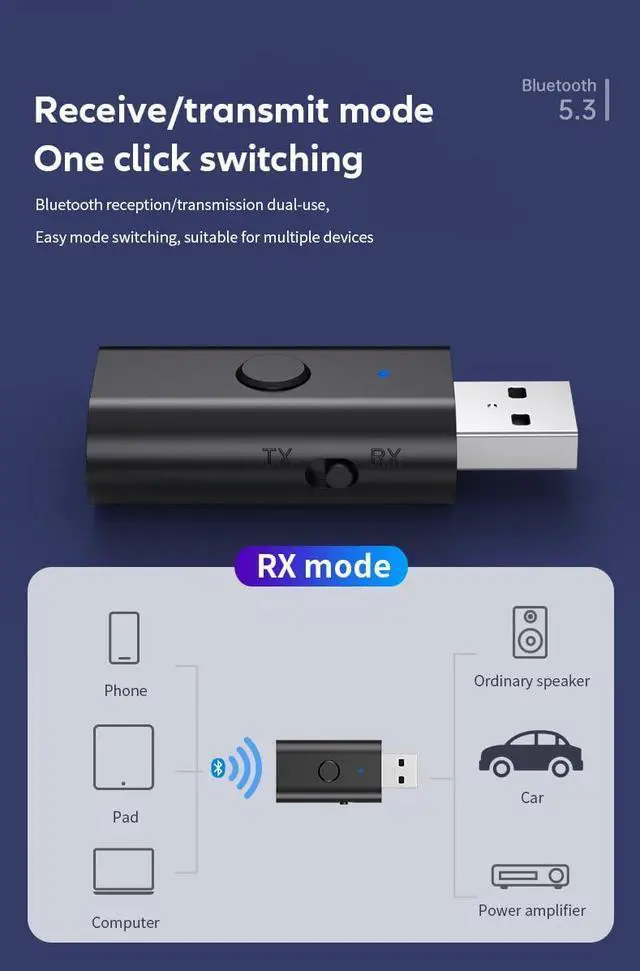
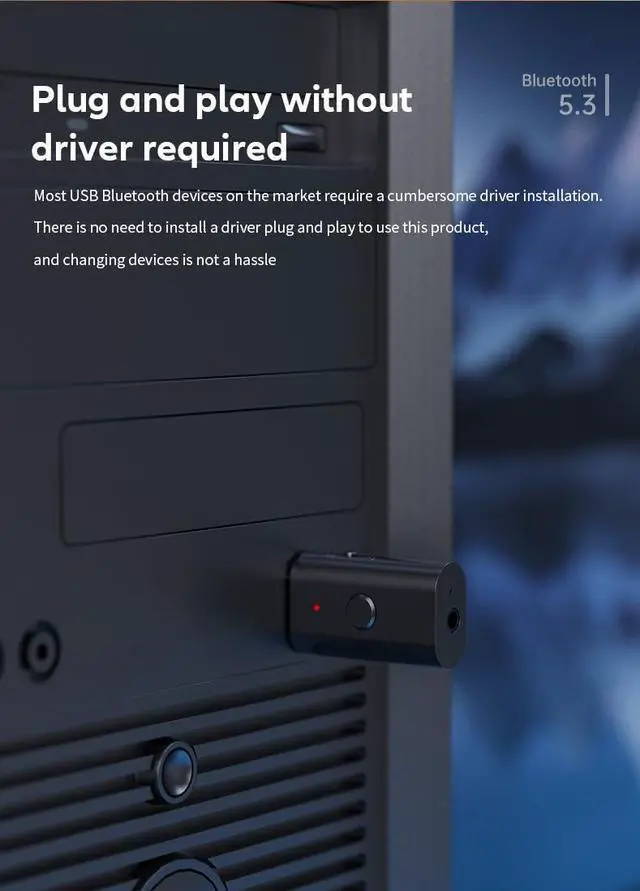
RX mode supports the simultaneous use of two devices, such as car stereo and home stereo, while TX mode supports the simultaneous operation of one device, such as a TV or PC.This 3.5mm car Bluetooth USB adapter is compatible with devices with 3.5mm and USB A interfaces.Does not require the installation of drivers for any compatible devices.
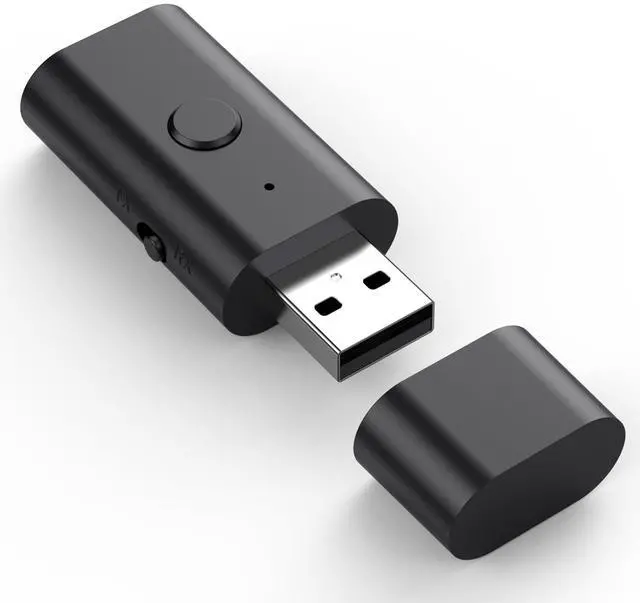
With ultra-compact and small lightweight design, put it in your pocket or bag can easily carry this bluetooth audio adapter .
(The TV can only be connected in TX mode, USB only provides power supply, 3.5mm audio cable is connected to the TV audio output port, the product's Bluetooth automatically searches and connects to Bluetooth headphones or Bluetooth speakers. Once the connection is successful, the TV audio signal can be transmitted)
Specifications:
Interface: 3.5mm Aux jack
Bluetooth: V5.3
Effective Range:10m/30ft
Installation: Plug & play
Package Contents:
1 x Bluetooth 2 in 1 USB Adapter
1 x 3.5mm Audio Cable
1 x Instrction manual
RX mode usage method:

RX mode:
1.USB input mode:
Plug the into the speaker USB interface (the speaker must support USB input),Turn the toggle switch to RX mode.Turn on your phone Bluetooth and search pairing:"B53",and click connect.After connecting the phone, the speaker will prompt that the phone can. Play music and transfer it to the speaker for playback.
2. AUX input mode:
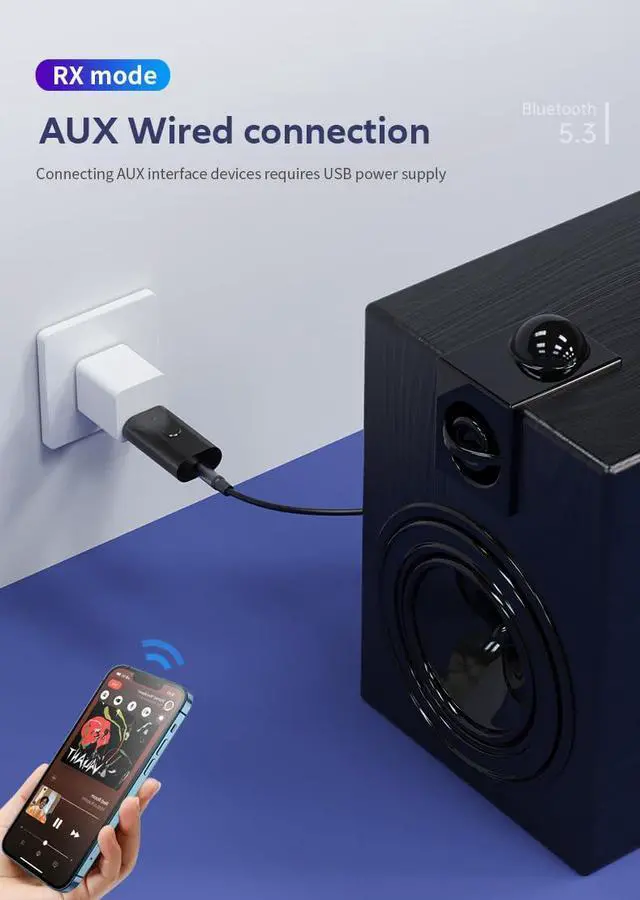
Plug the USB port of the product into the 5V power port, Turn the toggle switch to RX mode. Insert 3.5mm audio into the product audio port and connect the audio port of the speaker externally. The speaker must be in audio input mode. Turn on your phone's Bluetooth, click Bluetooth search, find "B53" in the Bluetooth device search, and then click connect.
You can try to refresh and scan Bluetooth, if you can not found it. After pairing the phone, the speaker will prompt that the phone can play music and transfer it to the speaker for playback.
TX mode usage method:

TX mode:
1.Use on a computer:Plug the B53 into the computer USB interface,turn the toggle switch to TX mode.Turn on the bluetooth headset to pairing state.Wait for the B53 to automatically pair and connect to the Bluetooth headset.Set the audio output of the computer as:USB2.0 Device.
2.Use on TVs:Connect B53 with TV via 3.5 audio cable.Turn the toggle switch to TX mode.Turn on the bluetooth headset to pairing state.Wait for the B53 to automatically pair and connect to the Bluetooth headset.
Set the audio output of the TV to:Headphones
Note:For TV use, please plug the B53 adapter into a 5V phone charger for power supply. It cannot be directly plugged into the TV for power supply. Insufficient power supply can cause equipment to malfunction.
Product Lntroduction

Dual-mode Bluetooth transmission and reception function:
The 3.5mm TV Bluetooth transmitter supports Bluetooth transmission (TX mode) and reception (RX mode) functions. RX mode supports simultaneous connection of two devices (such as car audio and home audio), while TX mode supports Bluetooth connection of one device (such as TV or computer).

Bluetooth 5.3, farther and faster:
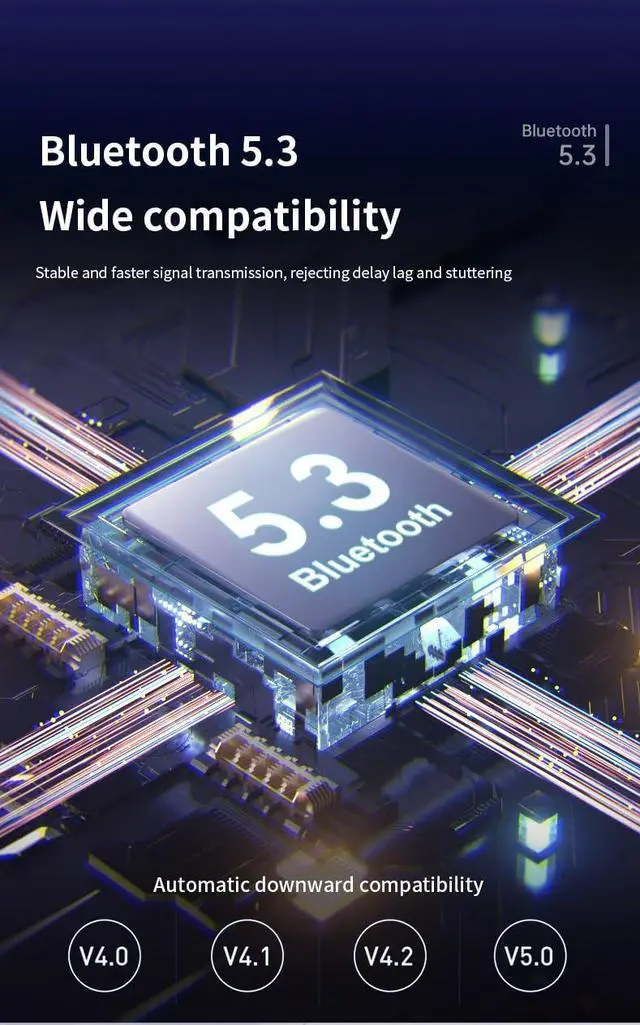
This wireless 5.3 USB Bluetooth adapter provides a stable 10-meter connection distance and provides clear, practical and pleasant sound quality (Note: RX mode supports phone calls, TX mode does not).

Wide Compatibility and Portability:
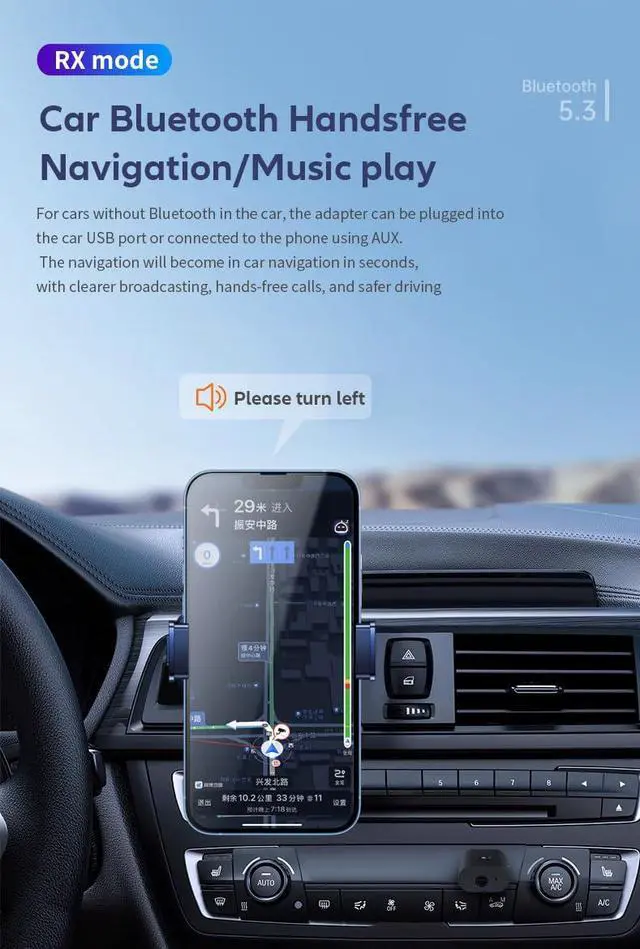
This 3.5mm Car Bluetooth USB Adapter is compatible with devices with 3.5mm and USB A interfaces. RX mode is suitable for car audio, home audio, audio music streaming audio system, amplifier, speaker, headset, etc., while TX mode is suitable for TV, computer, desktop, MP3, MP4, game console and many other devices. Small and lightweight design, easy to carry, can be put into pocket or bag.
Product Description
This wireless 5.3 USB Bluetooth adapter provides a stable connection of 10 meters , providing clear, practical,and enjoyable sound (Note: Phone calls are only supported in RX mode, not in TX mode).
RX mode supports the simultaneous use of two devices, such as car stereo and home stereo, while TX mode supports the simultaneous operation of one device, such as a TV or PC.This 3.5mm car Bluetooth USB adapter is compatible with devices with 3.5mm and USB A interfaces.Does not require the installation of drivers for any compatible devices.
With ultra-compact and small lightweight design, put it in your pocket or bag can easily carry this bluetooth audio adapter .
(The TV can only be connected in TX mode, USB only provides power supply, 3.5mm audio cable is connected to the TV audio output port, the product's Bluetooth automatically searches and connects to Bluetooth headphones or Bluetooth speakers. Once the connection is successful, the TV audio signal can be transmitted)
Specifications:
Interface: 3.5mm Aux jack
Bluetooth: V5.3
Effective Range:10m/30ft
Installation: Plug & play
Package Contents:
1 x Bluetooth 2 in 1 USB Adapter
1 x 3.5mm Audio Cable
1 x Instrction manual
RX mode usage method:
RX mode:
1.USB input mode:
Plug the into the speaker USB interface (the speaker must support USB input),Turn the toggle switch to RX mode.Turn on your phone Bluetooth and search pairing:"B53",and click connect.After connecting the phone, the speaker will prompt that the phone can. Play music and transfer it to the speaker for playback.
2. AUX input mode:
Plug the USB port of the product into the 5V power port, Turn the toggle switch to RX mode. Insert 3.5mm audio into the product audio port and connect the audio port of the speaker externally. The speaker must be in audio input mode. Turn on your phone's Bluetooth, click Bluetooth search, find "B53" in the Bluetooth device search, and then click connect.
You can try to refresh and scan Bluetooth, if you can not found it. After pairing the phone, the speaker will prompt that the phone can play music and transfer it to the speaker for playback.
TX mode usage method:
TX mode:
1.Use on a computer:Plug the B53 into the computer USB interface,turn the toggle switch to TX mode.Turn on the bluetooth headset to pairing state.Wait for the B53 to automatically pair and connect to the Bluetooth headset.Set the audio output of the computer as:USB2.0 Device.
2.Use on TVs:Connect B53 with TV via 3.5 audio cable.Turn the toggle switch to TX mode.Turn on the bluetooth headset to pairing state.Wait for the B53 to automatically pair and connect to the Bluetooth headset.
Set the audio output of the TV to:Headphones
Note:For TV use, please plug the B53 adapter into a 5V phone charger for power supply. It cannot be directly plugged into the TV for power supply. Insufficient power supply can cause equipment to malfunction.
Product Lntroduction
Dual-mode Bluetooth transmission and reception function:
The 3.5mm TV Bluetooth transmitter supports Bluetooth transmission (TX mode) and reception (RX mode) functions. RX mode supports simultaneous connection of two devices (such as car audio and home audio), while TX mode supports Bluetooth connection of one device (such as TV or computer).
Bluetooth 5.3, farther and faster:
This wireless 5.3 USB Bluetooth adapter provides a stable 10-meter connection distance and provides clear, practical and pleasant sound quality (Note: RX mode supports phone calls, TX mode does not).
Wide Compatibility and Portability:
This 3.5mm Car Bluetooth USB Adapter is compatible with devices with 3.5mm and USB A interfaces. RX mode is suitable for car audio, home audio, audio music streaming audio system, amplifier, speaker, headset, etc., while TX mode is suitable for TV, computer, desktop, MP3, MP4, game console and many other devices. Small and lightweight design, easy to carry, can be put into pocket or bag.