




 here!
here!
I’m your shopping assistant for PC builds, upgrades, and everything tech.
Got questions? Ask away!
Start a conversation
here!
I’m your shopping assistant for PC builds, upgrades, and everything tech.
Got questions? Ask away!
Start a conversation
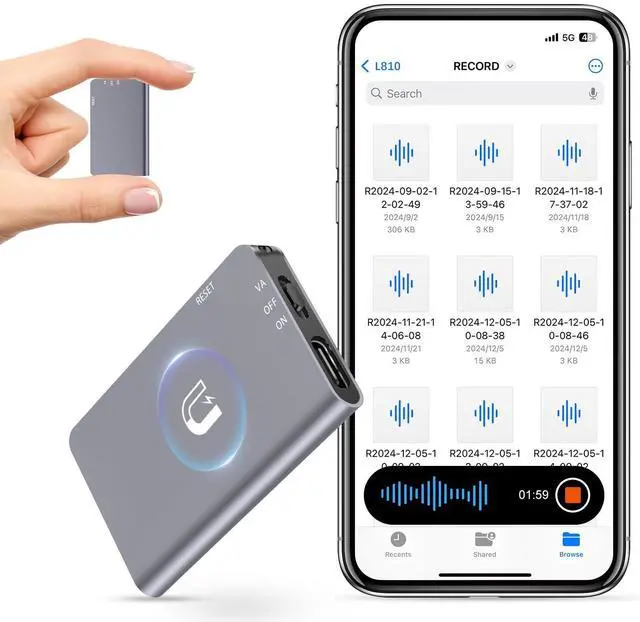
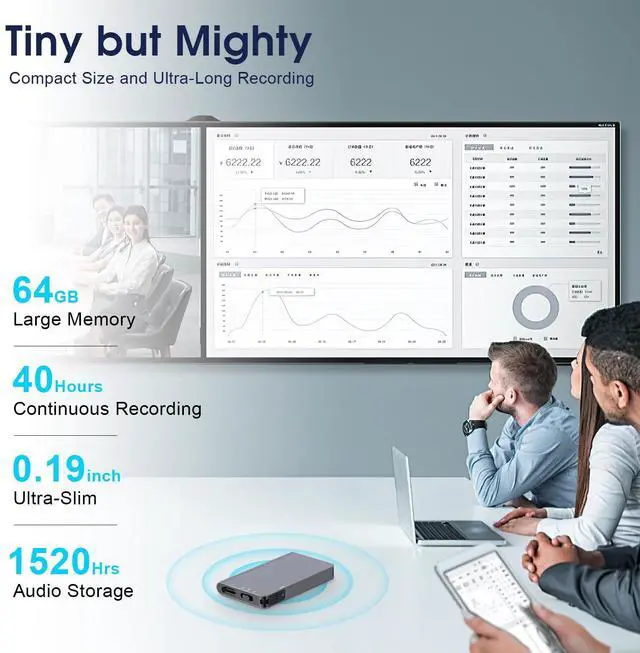
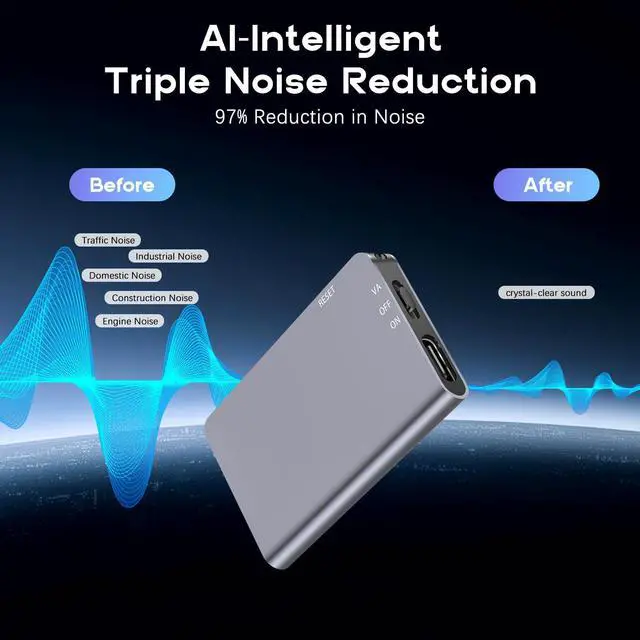





Any questions? Ask CelesteSM will help you find out quickly.


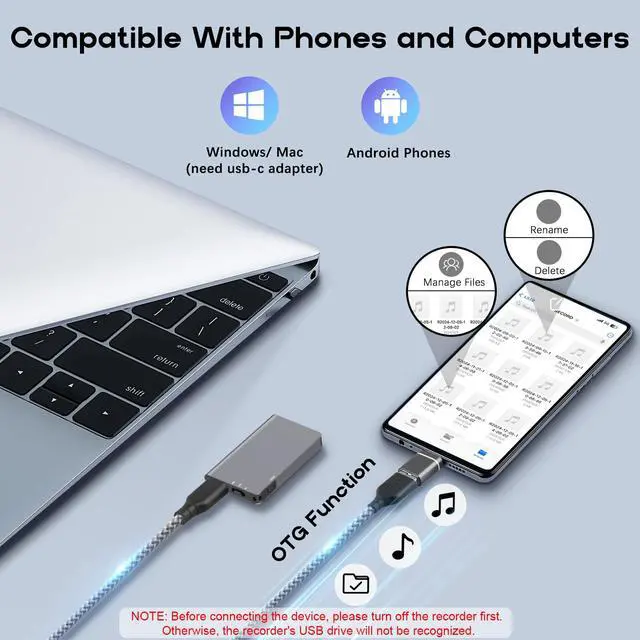
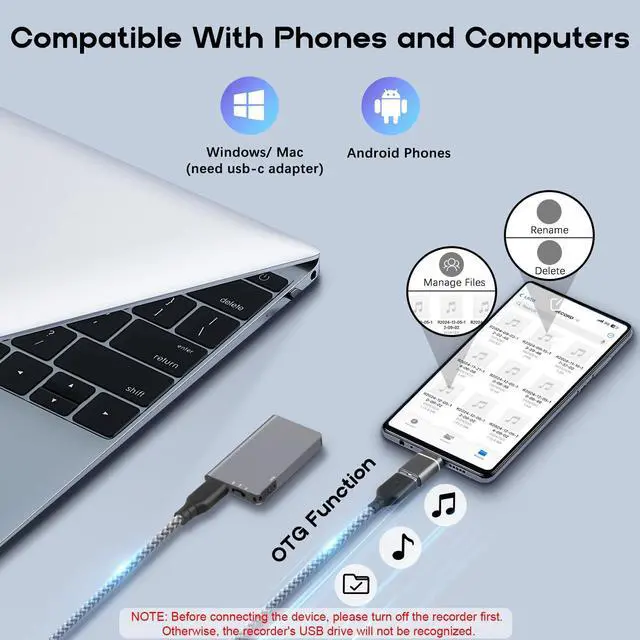
When connecting to a computer or mobile phone to access recordings, ensure the recorder is powered off first. Otherwise, the device's USB drive will not be recognized.

To customize your recorder's settings (e.g., date/time, recording bit rate, Recording File Segmented), you must use a computer to modify. Please locate the system configuration file named "MRECSET" and open it with Notepad, make the necessary changes, and save it.
The computer or smartphone can't recognize the recorder.
Ensure the device is powered off before connection. If the device is not recognized subsequently, attempt a reset procedure, as this usually fix the problem.
How to delete the recording files?
First, turn off the recorder and connect it to your computer or smartphone using the supplied USB cable. You will see the recorder's drive appear, just like a USB drive. Then, you can copy or delete files as needed.
Does the voice recorder make a sound when it is about to be powered off?
No, it doesn't emit any sound. Instead, the red light flashes 10 times and then turns off. The recorder will automatically save the recording file before the power is turned off, and the recording will not be lost
Why the recordings failed to playback on computer?
Some computer systems are not compatible, such as win11, do not use their own audio Player, change other music players, such as: SM Player


To customize your recorder's settings (e.g., date/time), you must use a computer

When connecting to a computer or mobile phone to access recordings, ensure the recorder is powered off first. Otherwise, the device's USB drive will not be recognized.


To customize your recorder's settings (e.g., date/time, recording bit rate, Recording File Segmented), you must use a computer to modify. Please locate the system configuration file named "MRECSET" and open it with Notepad, make the necessary changes, and save it.


The computer or smartphone can't recognize the recorder.
Ensure the device is powered off before connection. If the device is not recognized subsequently, attempt a reset procedure, as this usually fix the problem.
How to delete the recording files?
First, turn off the recorder and connect it to your computer or smartphone using the supplied USB cable. You will see the recorder's drive appear, just like a USB drive. Then, you can copy or delete files as needed.
Does the voice recorder make a sound when it is about to be powered off?
No, it doesn't emit any sound. Instead, the red light flashes 10 times and then turns off. The recorder will automatically save the recording file before the power is turned off, and the recording will not be lost
Why the recordings failed to playback on computer?
Some computer systems are not compatible, such as win11, do not use their own audio Player, change other music players, such as: SM Player


