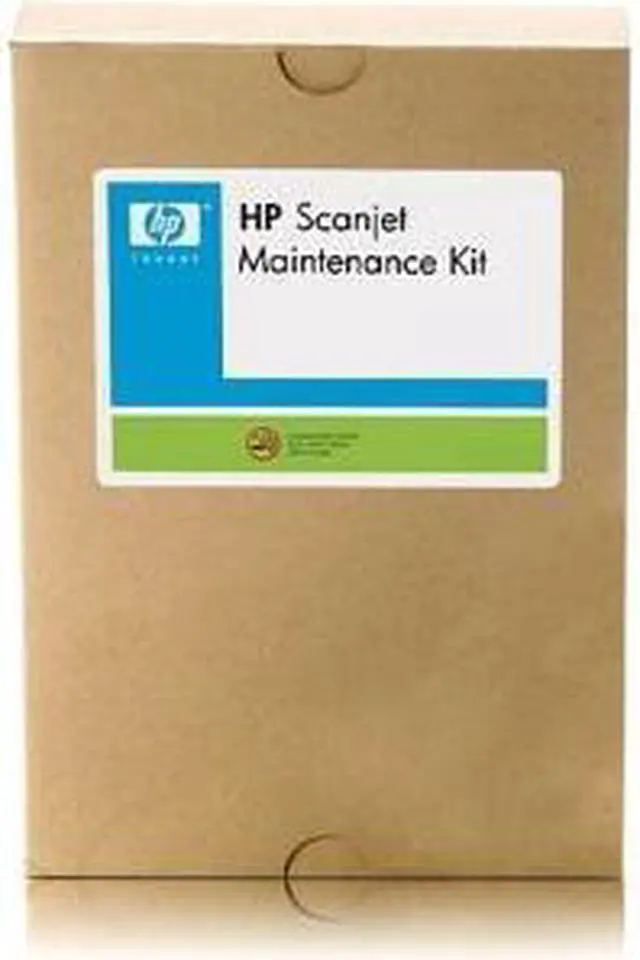
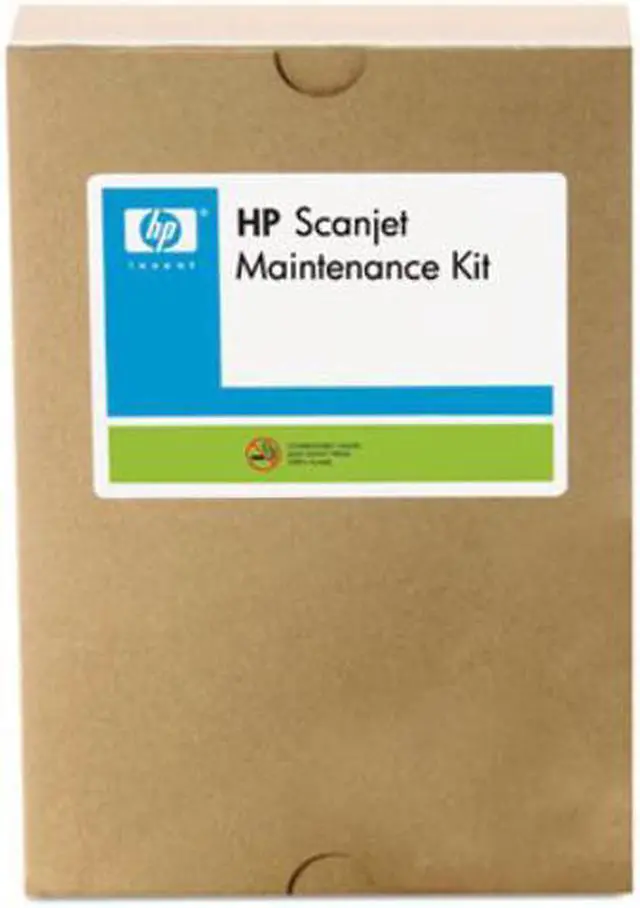
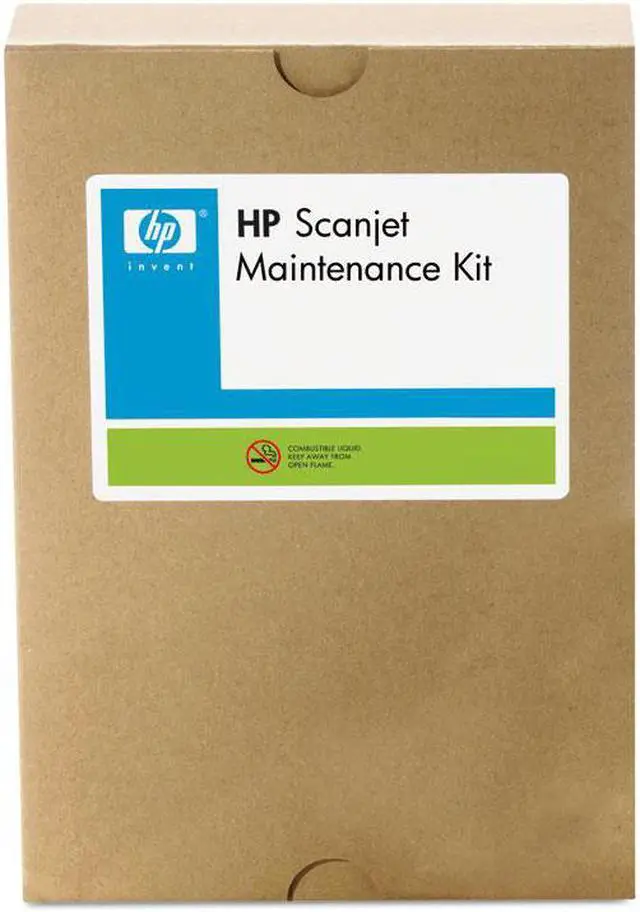
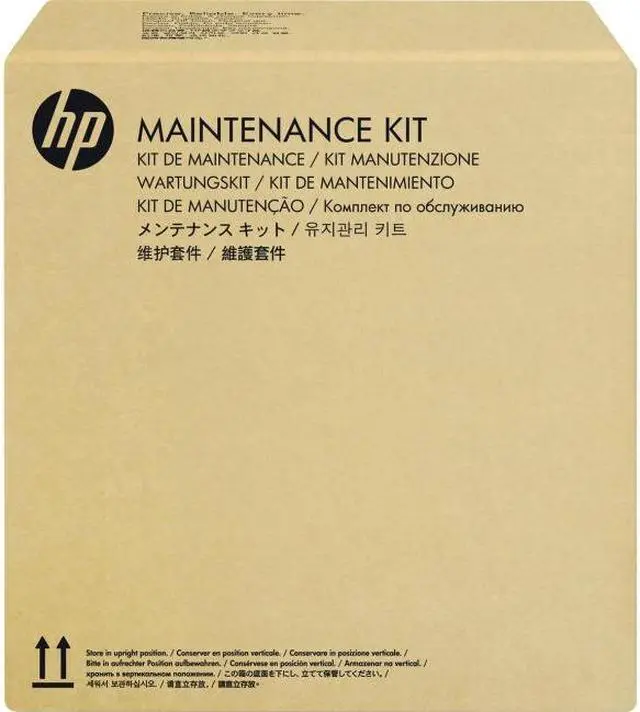
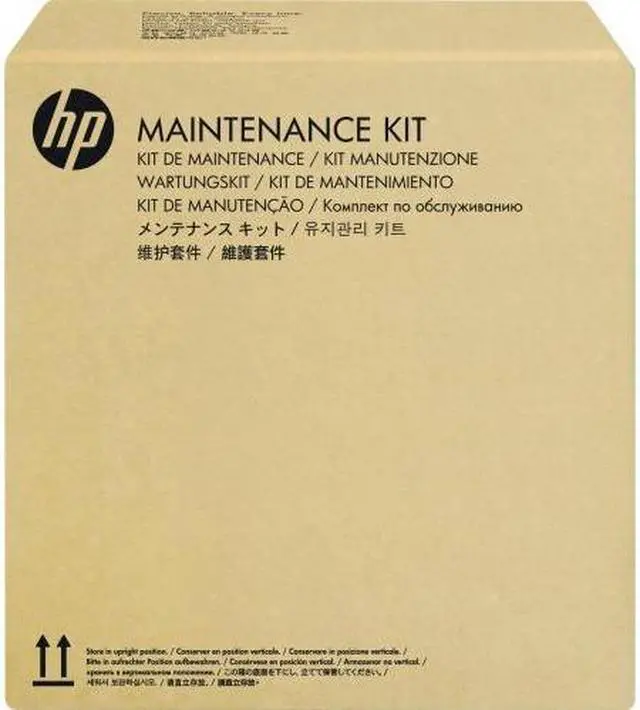
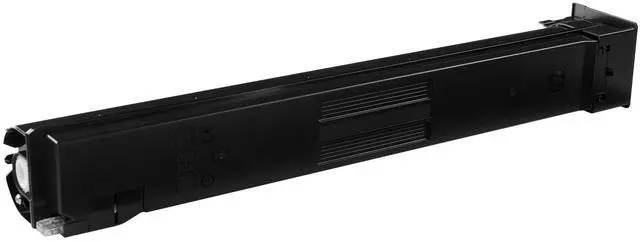
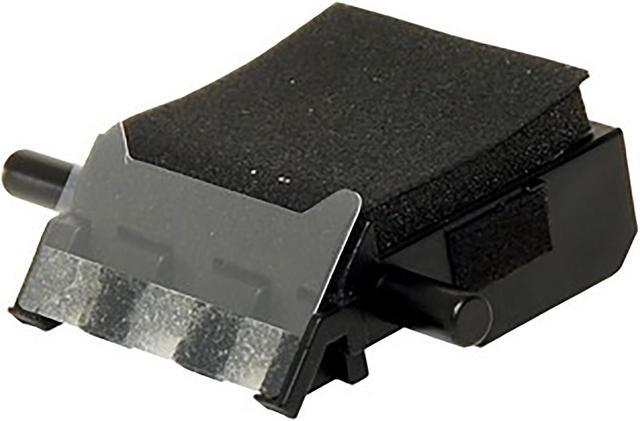
The HP ScanJet Enterprise Flow 5000 s2 ADF Roller Replacement Kit (L2740A#101) is a maintenance replacement for the automatic document feeder, suited to owners of that scanner who need to replace its rollers.
Recommended For
- HP ScanJet Enterprise Flow 5000 s2 owners whose scanner displays a roller-maintenance reminder and need to replace worn ADF feeding parts.
- Office or IT teams using the compatible 5000 s2 scanner regularly who need to address repeated document jams that continue after cleaning the rollers.
- People maintaining an HP ScanJet Enterprise Flow 5000 s2 who want the model-specific roller and separation-pad kit, with cleaning cloth and installation instructions included.
- Owners aiming to keep a compatible scanner in service by replacing worn ADF parts rather than addressing a different scanning or hardware problem.
Real-World Use Scenarios
- When the ScanJet 5000 s2 displays a Maintenance Recommended notice, replace its ADF rollers to complete the indicated maintenance and keep routine document scanning in service.
- If document jams keep interrupting ADF scans even after the rollers have been cleaned, use the kit to replace the rollers; HP lists persistent jams after cleaning as a reason to replace them.
- When the scanner inconsistently pulls documents through its feeder, replacing worn rollers may help restore dependable paper feeding and reduce the need to pause and handle sheets manually.
- For an office that regularly scans stacks of paperwork, keep the replacement kit available for scheduled or symptom-based feeder maintenance so roller wear is less likely to disrupt a scanning session.
- When servicing the feeder, follow the kit’s replacement instructions with the scanner powered off and disconnected; this is a maintenance part for the ScanJet 5000 s2, not a standalone scanner accessory for scanning by itself.




 here!