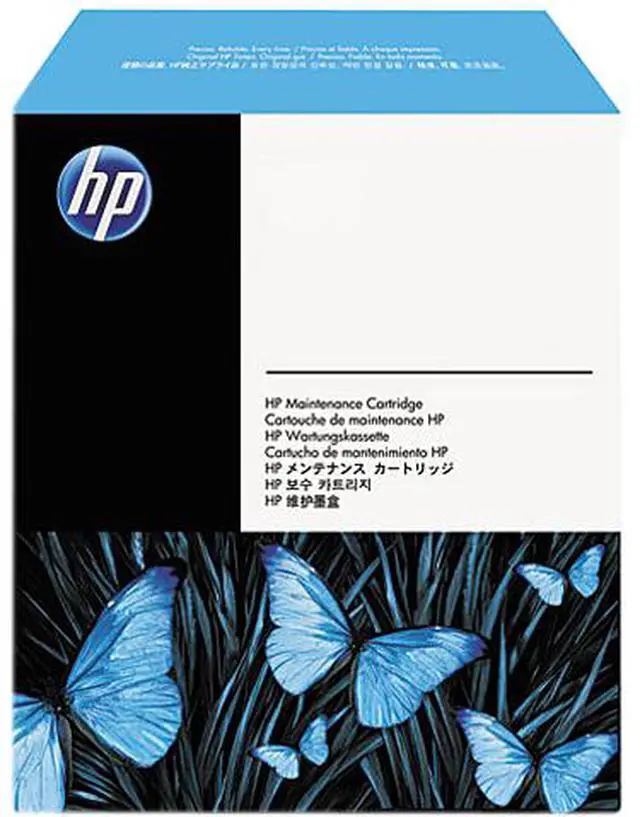
The HP Q7842A is an ADF maintenance kit for compatible HP LaserJet MFPs, rated for up to 60,000 pages; it suits offices maintaining document feeders on the HP M5025 or M5035.
Recommended For
- Owners of an HP LaserJet M5025 MFP or M5035 MFP who need the model-specific ADF maintenance kit for routine feeder upkeep.
- Offices that regularly scan or copy multi-page documents through a compatible M5025 or M5035’s ADF and need to maintain its document-feeding function.
- IT or printer-maintenance staff servicing compatible M5025/M5035 devices, especially when the ADF kit is due for replacement around its stated 60,000-page yield.
Real-World Use Scenarios
- In a busy office that scans or copies multi-page paperwork every day, the M5025 or M5035’s ADF maintenance alert is a cue to replace its feed parts before the feeder reaches its service interval; the kit is intended to help keep document feeding available.
- When a well-used ADF begins struggling to pull in pages or develops recurring feed jams, replacing the pickup roller and separation pad can address worn feed parts and help restore more dependable batch scanning and copying.
- For staff digitizing stacks of invoices, forms, or other office records, replacing worn ADF parts is a targeted maintenance option when the feeder—not the printer’s print engine—is causing feed problems.
- If ADF-fed scans or copies show marks after the ADF glass has been cleaned, worn rollers or the separation pad may be worth checking; HP notes that these parts can sometimes damage originals and leave visible defects.




 here!