





Product Description
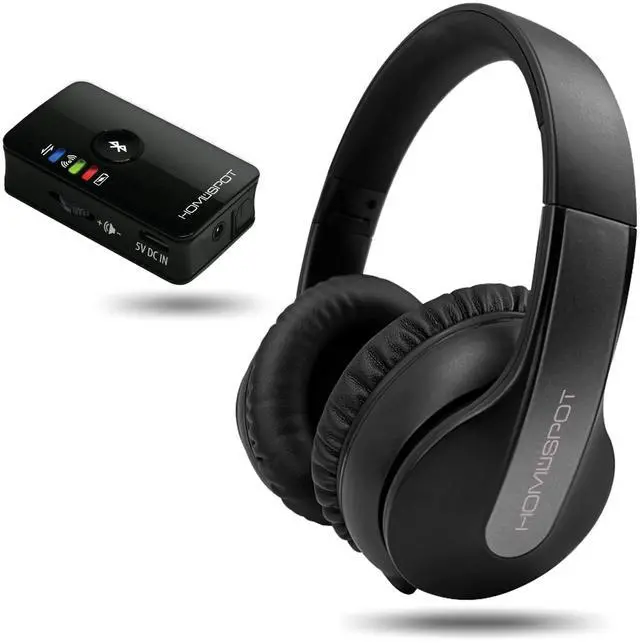
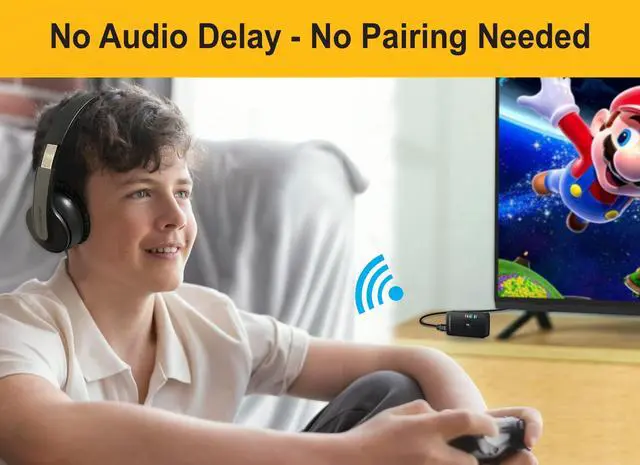
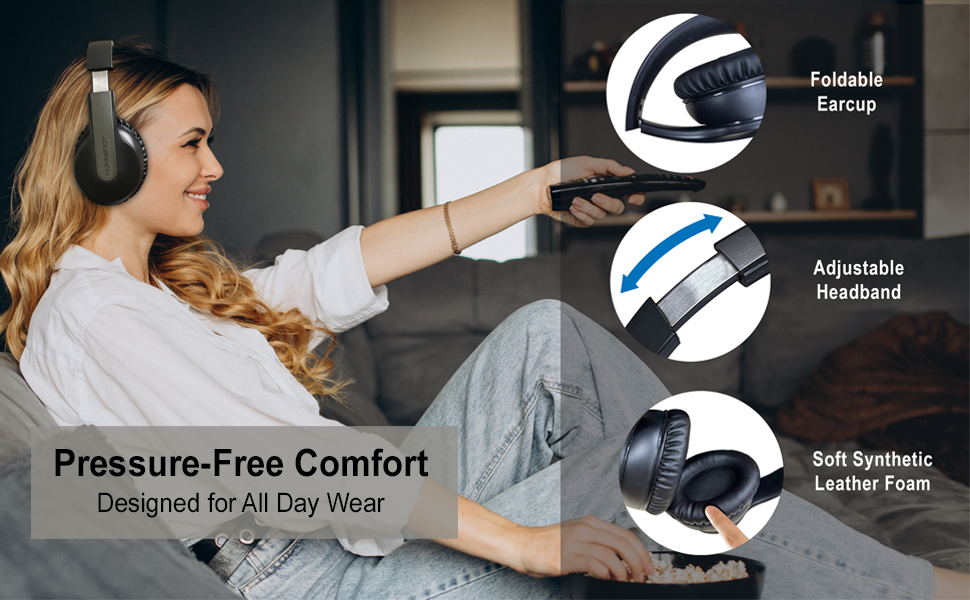
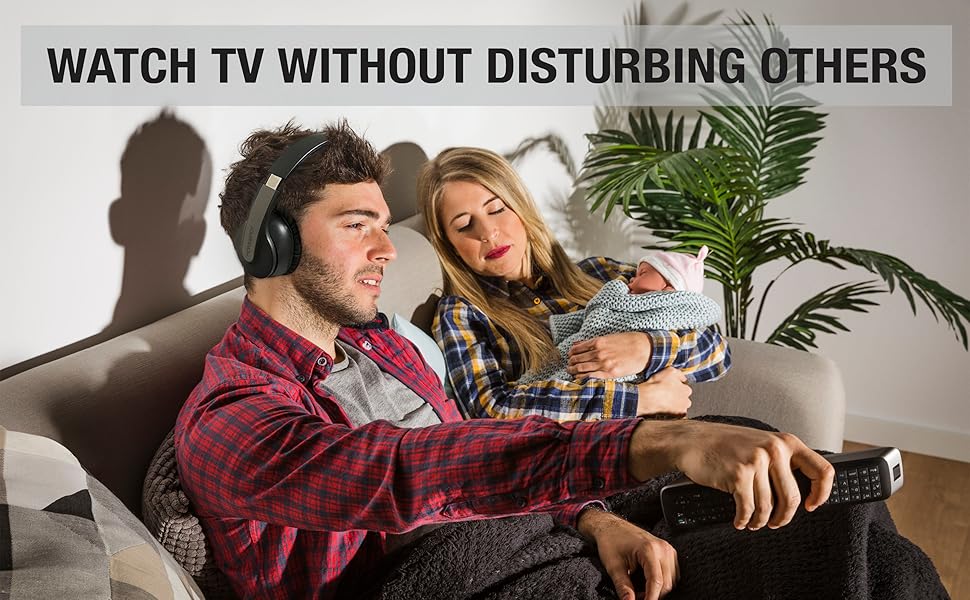
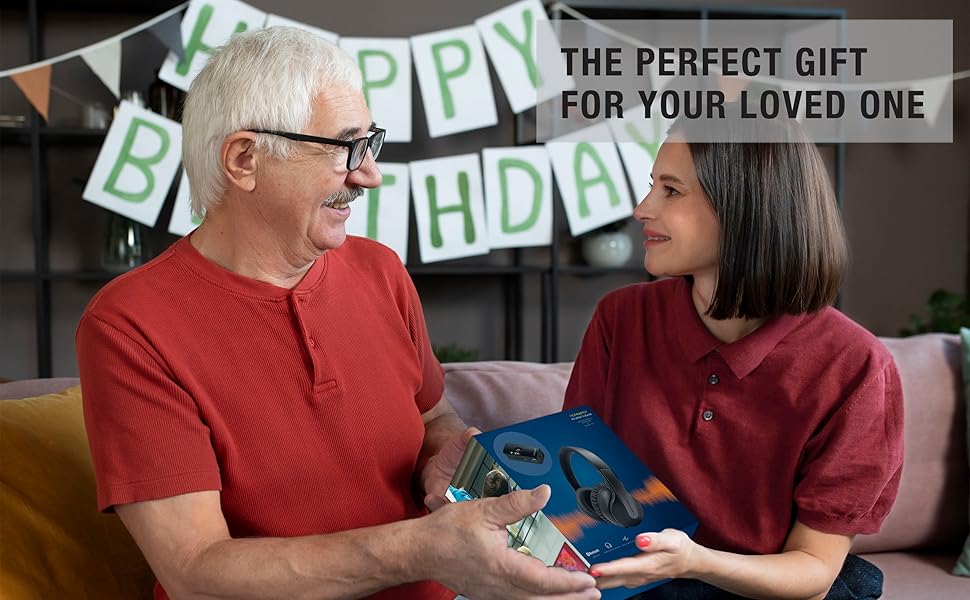
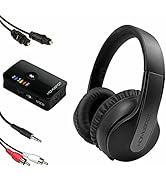
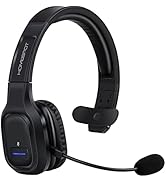
The HomeSpot HD Bluetooth Audio Transmitter and JM250 Wireless Over-Ear Headphones Bundle offers everything you need for a personal listening experience. Watch TV and movies, play video games, and listen to your favorite soundtracks at your own volume without disturbing others. The bundle is easy to set up and provides up to 66 feet of wireless range, allowing you to move freely while listening. It includes assistive listening features and comes with soft high garde earcups for a comfortable wearing. Upgrade your listening experience with this convenient bundle.
Product Specification
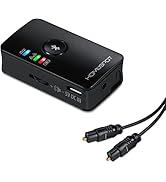
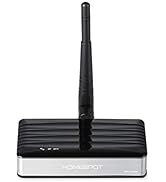
Homespot HD Bluetooth Audio Transmitter
- Bluetooth Version: Bluetooth 5.3
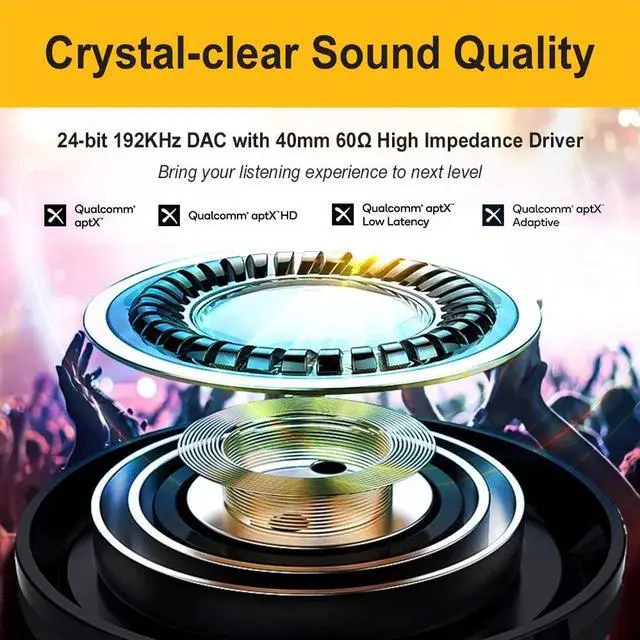
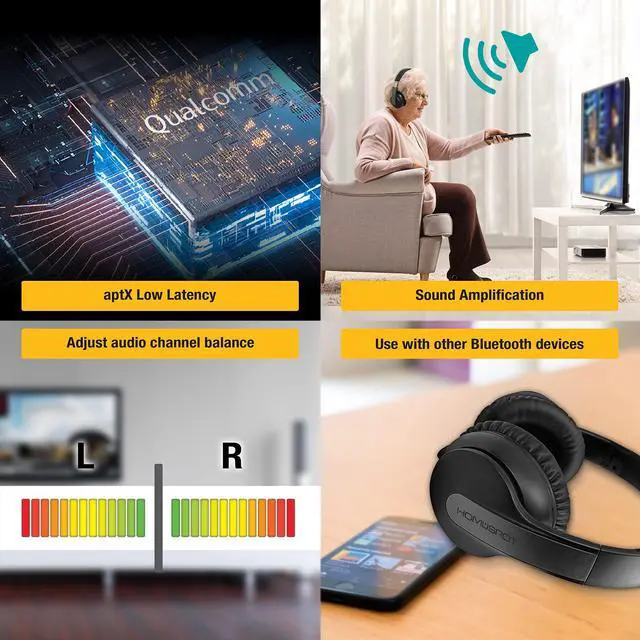
- Support Audio Codec: SBC, aptX, aptX Low Latency, aptX HD, aptX Adaptive
- Bluetooth Profile: AD2P, AVRCP
- Operation Distance: 20m/ 66ft
- Battery Life: Approx 5 hours (Digital)/ 15 hours (Analog)
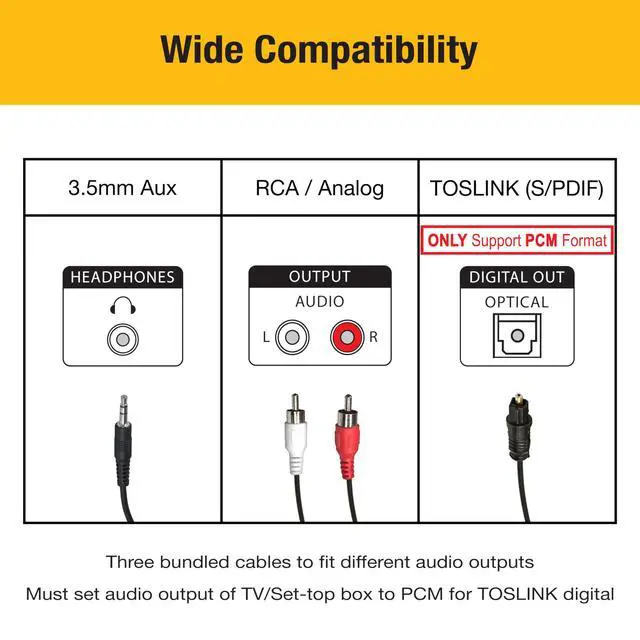
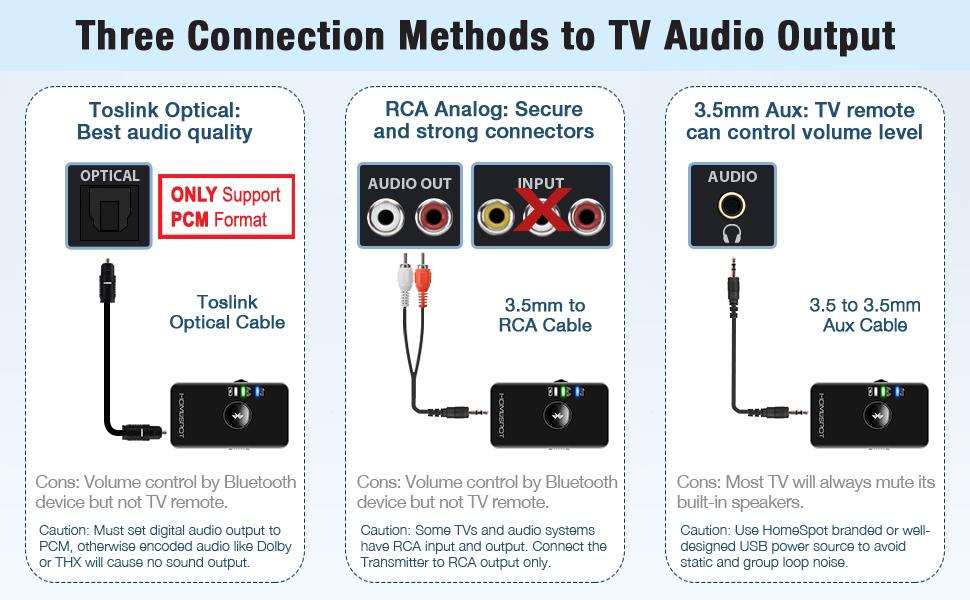
- The digital audio output signal from TV must be in PCM format.
Homespot JM250 Over-Ear Wireless Headphones
- Bluetooth Version: Bluetooth 5.1
- Support Audio Codec: SBC, aptX, aptX Low Latency
- Bluetooth Profile: AD2P, AVRCP
- Operation Distance: 20m/ 66ft
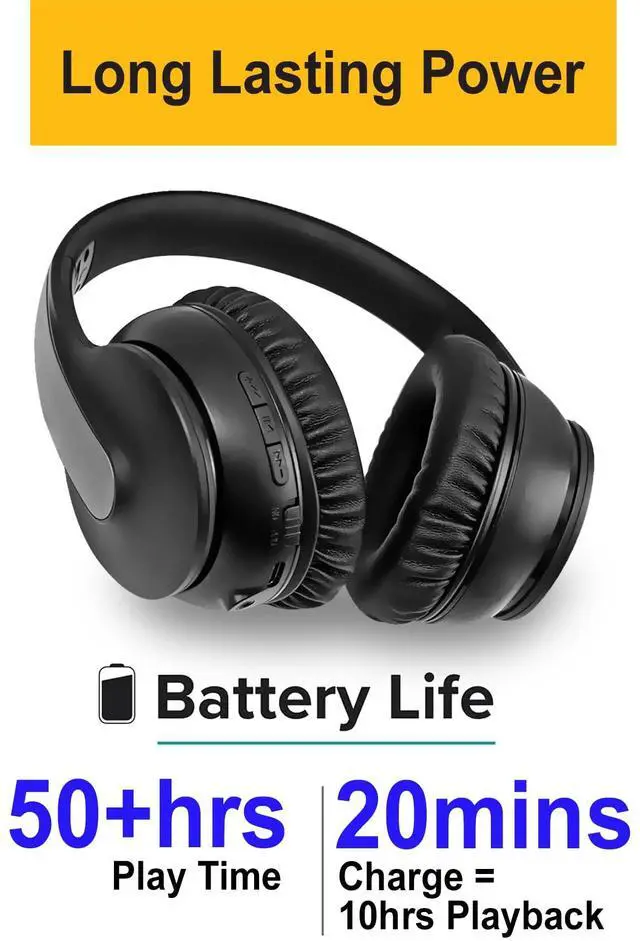
- Battery Life: Approx 50+ hours
FAQs
Q: Can these be used to watch Apple TV or a streaming device?
A: Yes. However, remember to set the audio output format of your TV to PCM, if you select optical Toslink as the connection method from the TV to the transmitter.
Q: Do I need to purchase cables separately to connect the transmitter to the TV?
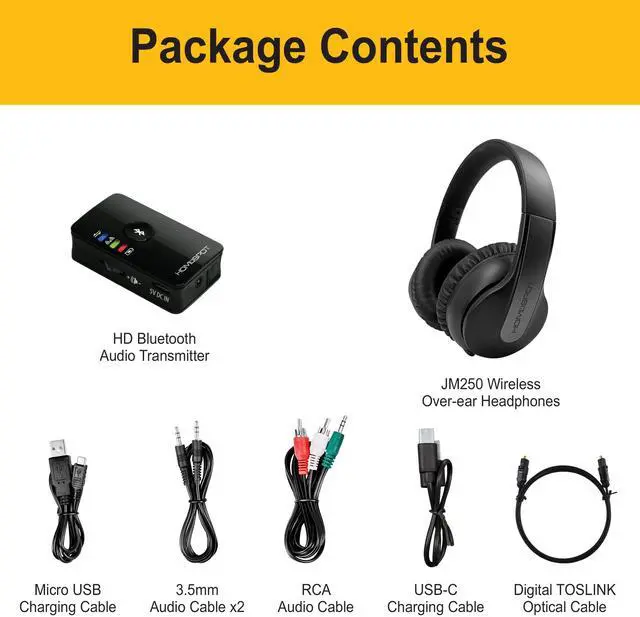
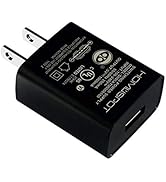
A: Enclosed in the packaging you will find all cables you need in most circumstances. However, if your TV does not provide a USB port to power the transmitter, you will need a 5V USB power adapter that provides 0.5A or more. Or purchase the HomeSpot 5V1A UL certified power adapter to ensure noise free audio.
Q: Can other people in the room hear the TV when this bundle is being used?
If you want other people to hear the TV when this bundle is being used, connect it to the Toslink or RCA audio port of your TV. Most TVs will output on its own speakers normally even when the transmitter is plugged into the Toslink or RCA audio port.
Q: How do I set the left-right audio channel balance?
A:Switch on the transmitter and connect it with the headphones first. Press and hold the volume dial on the transmitter for 5 seconds, till you see the red and green LED flashes. Now you can turn the volume dial to adjust the channel balance. You will hear a ding-ding-ding sound on the headphones that indicates the actual effect. Then press the volume dial again to confirm the setting.
Q: Can I use other headphones with this system?
A: Yes, you can pair your any Bluetooth headphones with the transmitter. So, you can use either your own headphones or the JM250 Over-Ear headphones, although not at the same time. However, we recommend those supporting low latency or game mode, in order to have lipsync audio.
Q. Can I use the Over-Ear headphones with my smartphone or iPad?
A: Yes, you can pair the JM250 Over-Ear headphones with your smartphone or iPad. But the Over-Ear headphones can only connect to either the HomeSpot HD Transmitter or your smartphone at a time.
Q: Can these be used with other things like a computer, radio or game console?
Yes. As long as those devices have audio output port in analog RCA, aux, headphones, 3.5mm or Toslink audio output port. For optical Toslink output, make sure the digital audio format of the device is set to PCM or stereo.

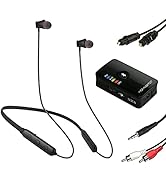
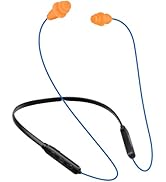
 Bluetooth Transmitter with Over-Ear Headphones Combo | 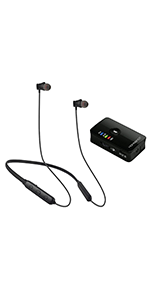 Bluetooth Transmitter with Neckband Headphones Combo | 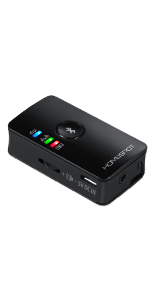 Bluetooth Transmitter Toslink Version | 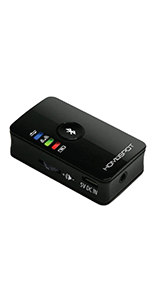 Bluetooth Transmitter Analog Version | 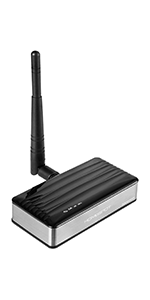 Long Range Bluetooth Transmitter | 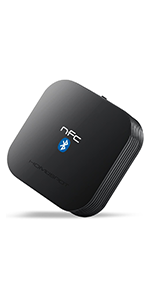 Bluetooth Receiver | |
|---|---|---|---|---|---|---|
| Customer Reviews | — | — | — | — | — | — |
| Price | — | — | — | — | — no data | — |
| Type | Over-Ear headphones + Transmitter | Neckband headphones + Transmitter | Transmitter | Transmitter | Transmitter | Receiver |
| Operating Range | 66FT/20M | 66FT/20M | 66FT/20M | 66FT/20M | 150FT/50M | 66FT/20M |
| Digital Toslink Input | ? | ? | ? | no data | ? | no data |
| 3.5mm/RCA Input | ? | ? | ? | ? | ? | no data |
| Coaxial Input | no data | no data | no data | no data | ? | no data |
| 3.5mm/RCA Output | no data | no data | no data | no data | no data | ? |
| Qualcomm Apt/Aptx LL | ? | ? | ? | ? | ? | no data |
| Built-in Battery | ? | ? | ? | ? | no data | no data |

About Us
HomeSpotis a leading consumer electronics brand with its own manufacturing facility and product development teams in Canada and Hong Kong, and China. We have been creating top-selling items for the Marketplace since 2012. Our philiosophy is to help people realize the power of technology and make their lives smarter, better and easier.
Watching TV with Premium Sound
![HomeSpot [2022 New Version] TV Dock with Ethernet for Nintendo Switch Multiport Docking Station w...](//c1.neweggimages.com/sellingpilot/modules/product/a-plus/246787f13e34d58b8faf71cda10adfe9e77a2bae529aa42db3e7530b017b17e9.jpg)
![HomeSpot Neckband Wireless Earbuds [2023 Version] aptX Low Latency Bluetooth 5.1 Headphones Qualc...](//c1.neweggimages.com/sellingpilot/modules/product/a-plus/e7d39fc4e156da6729866f79359eb4aa743c599e1102b10cb3cb31c3d65c388e.jpg)
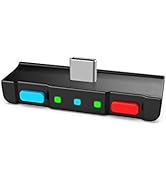
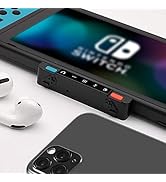
Enjoy NO LAG Gaming Experience
Work and Leisure in Balance
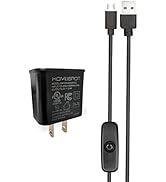
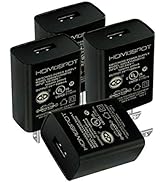
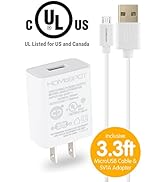
UL Certified Power Adapter
![HomeSpot [2022 New Version] TV Dock with Ethernet for Nintendo Switch Multiport Docking Station w...](http://c1.neweggimages.com/sellingpilot/modules/product/a-plus/246787f13e34d58b8faf71cda10adfe9e77a2bae529aa42db3e7530b017b17e9.jpg)
![HomeSpot Neckband Wireless Earbuds [2023 Version] aptX Low Latency Bluetooth 5.1 Headphones Qualc...](http://c1.neweggimages.com/sellingpilot/modules/product/a-plus/e7d39fc4e156da6729866f79359eb4aa743c599e1102b10cb3cb31c3d65c388e.jpg)
Product Description
The HomeSpot HD Bluetooth Audio Transmitter and JM250 Wireless Over-Ear Headphones Bundle offers everything you need for a personal listening experience. Watch TV and movies, play video games, and listen to your favorite soundtracks at your own volume without disturbing others. The bundle is easy to set up and provides up to 66 feet of wireless range, allowing you to move freely while listening. It includes assistive listening features and comes with soft high garde earcups for a comfortable wearing. Upgrade your listening experience with this convenient bundle.
Product Specification
Homespot HD Bluetooth Audio Transmitter
- Bluetooth Version: Bluetooth 5.3
- Support Audio Codec: SBC, aptX, aptX Low Latency, aptX HD, aptX Adaptive
- Bluetooth Profile: AD2P, AVRCP
- Operation Distance: 20m/ 66ft
- Battery Life: Approx 5 hours (Digital)/ 15 hours (Analog)
- The digital audio output signal from TV must be in PCM format.
Homespot JM250 Over-Ear Wireless Headphones
- Bluetooth Version: Bluetooth 5.1
- Support Audio Codec: SBC, aptX, aptX Low Latency
- Bluetooth Profile: AD2P, AVRCP
- Operation Distance: 20m/ 66ft
- Battery Life: Approx 50+ hours
FAQs
Q: Can these be used to watch Apple TV or a streaming device?
A: Yes. However, remember to set the audio output format of your TV to PCM, if you select optical Toslink as the connection method from the TV to the transmitter.
Q: Do I need to purchase cables separately to connect the transmitter to the TV?
A: Enclosed in the packaging you will find all cables you need in most circumstances. However, if your TV does not provide a USB port to power the transmitter, you will need a 5V USB power adapter that provides 0.5A or more. Or purchase the HomeSpot 5V1A UL certified power adapter to ensure noise free audio.
Q: Can other people in the room hear the TV when this bundle is being used?
If you want other people to hear the TV when this bundle is being used, connect it to the Toslink or RCA audio port of your TV. Most TVs will output on its own speakers normally even when the transmitter is plugged into the Toslink or RCA audio port.
Q: How do I set the left-right audio channel balance?
A:Switch on the transmitter and connect it with the headphones first. Press and hold the volume dial on the transmitter for 5 seconds, till you see the red and green LED flashes. Now you can turn the volume dial to adjust the channel balance. You will hear a ding-ding-ding sound on the headphones that indicates the actual effect. Then press the volume dial again to confirm the setting.
Q: Can I use other headphones with this system?
A: Yes, you can pair your any Bluetooth headphones with the transmitter. So, you can use either your own headphones or the JM250 Over-Ear headphones, although not at the same time. However, we recommend those supporting low latency or game mode, in order to have lipsync audio.
Q. Can I use the Over-Ear headphones with my smartphone or iPad?
A: Yes, you can pair the JM250 Over-Ear headphones with your smartphone or iPad. But the Over-Ear headphones can only connect to either the HomeSpot HD Transmitter or your smartphone at a time.
Q: Can these be used with other things like a computer, radio or game console?
Yes. As long as those devices have audio output port in analog RCA, aux, headphones, 3.5mm or Toslink audio output port. For optical Toslink output, make sure the digital audio format of the device is set to PCM or stereo.
Bluetooth Transmitter with Over-Ear Headphones Combo | Bluetooth Transmitter with Neckband Headphones Combo | Bluetooth Transmitter Toslink Version | Bluetooth Transmitter Analog Version | Long Range Bluetooth Transmitter | Bluetooth Receiver | |
|---|---|---|---|---|---|---|
| Customer Reviews | — | — | — | — | — | — |
| Price | — | — | — | — | — no data | — |
| Type | Over-Ear headphones + Transmitter | Neckband headphones + Transmitter | Transmitter | Transmitter | Transmitter | Receiver |
| Operating Range | 66FT/20M | 66FT/20M | 66FT/20M | 66FT/20M | 150FT/50M | 66FT/20M |
| Digital Toslink Input | ? | ? | ? | no data | ? | no data |
| 3.5mm/RCA Input | ? | ? | ? | ? | ? | no data |
| Coaxial Input | no data | no data | no data | no data | ? | no data |
| 3.5mm/RCA Output | no data | no data | no data | no data | no data | ? |
| Qualcomm Apt/Aptx LL | ? | ? | ? | ? | ? | no data |
| Built-in Battery | ? | ? | ? | ? | no data | no data |
About Us
HomeSpotis a leading consumer electronics brand with its own manufacturing facility and product development teams in Canada and Hong Kong, and China. We have been creating top-selling items for the Marketplace since 2012. Our philiosophy is to help people realize the power of technology and make their lives smarter, better and easier.
Watching TV with Premium Sound
Enjoy NO LAG Gaming Experience
Work and Leisure in Balance
UL Certified Power Adapter